Top 9 Browser Automation Tools for Web Testing and Scraping in 2026
 Bex Tuychiev
TL;DR
- Browser automation is one of the biggest technical trends of 2026 -AI agents need real browsers to navigate dynamic pages, fill forms, and handle auth flows that static scraping can't reach.
- This guide covers 9 of the best tools across testing, scraping, and workflow automation: Firecrawl, Selenium, Puppeteer, Cypress, Playwright, Testim, Browserflow, Axiom AI, and Bardeen AI.
- Firecrawl's new Browser Sandbox is the standout addition -a fully managed, secure browser environment that gives AI agents a live browser with zero local setup.
- Choose your tool based on use case: Playwright/Selenium/Cypress for testing, Firecrawl for AI data extraction, and no-code tools for business workflows.
Browser automation has gone from a developer niche to a core part of modern tech stacks. In 2026, it's one of the biggest hypes in tech - and for all the right reasons.
AI agents need more than search and static scraping. They need real browsers to navigate multi-step flows, handle authentication, and interact with dynamic content. And every industry is catching up.
This guide reviews the strongest browser automation tools on the market. Whether you're collecting web data, running test suites, or automating business workflows, you'll find the right tool here.
A good example of what's possible: Claude Code on desktop can now preview your running apps, review your code, and handle CI failures and PRs in the background.
Types of browser automation tools
Understanding the distinct categories of browser automation tools will save you hours of trial and error. Matching the right category to your needs is often more important than choosing between individual tools within the same category.
Headless browser solutions like Puppeteer and Playwright operate without a visible UI. They're ideal for server environments and CI/CD pipelines where resource efficiency is crucial - lower overhead, faster execution.
Full browser automation frameworks like Selenium WebDriver and Cypress provide comprehensive control over visible browsers. They support everything from simple click sequences to sophisticated multi-step workflows that mirror real user behavior.
Web scraping and data extraction tools like Firecrawl are optimized for gathering information at scale. They come with built-in handling for pagination, authentication, and JavaScript rendering.
No-code/low-code automation platforms like Browserflow and Bardeen AI have democratized browser automation. Business users can build custom workflows through drag-and-drop visual editors without writing code.
Top browser automation tools reviewed
Each tool below was evaluated on technical capability, learning curve, community support, and fit for specific use cases. Whether you need enterprise-scale testing or simple data extraction, this breakdown will help you find the right match.
Quick comparison
| Tool | Primary Use Case | Skill Level | Key Language(s) | Browser Engines | Licensing | Notable Strength |
|---|---|---|---|---|---|---|
| Firecrawl | AI Data Extraction & Agent | Code (SDKs) | Multi | Chromium (Managed) | Open Source (AGPL) | /agent endpoint, Browser Sandbox, LLM-ready output |
| Selenium | E2E Testing | Code | Multi | All (via Drivers) | Open Source (Apache) | Industry Standard, Ecosystem |
| Puppeteer | Headless Automation/Scraping | Code | JS/TS | Chromium, Firefox | Open Source (Apache) | Headless Efficiency, Chrome DevTools |
| Cypress | E2E & Component Testing | Code | JS/TS | Chromium, Firefox, etc. | Freemium/Open (MIT) | Developer Experience, All-in-One |
| Playwright | E2E Testing, Automation | Code | Multi | Chromium, Firefox, WebKit | Open Source (Apache) | Cross-Browser, Resilient Auto-Wait |
| Testim | E2E Testing (Web, Mobile) | Low-Code/Code | JS (Optional) | Chromium, Firefox, etc. | Freemium/Commercial | AI Stability, Salesforce/Mobile |
| Browserflow | Task Automation, Scraping | No-Code/Low-Code | JS (Optional) | Chrome | Freemium/Commercial | Simplicity, Extension-based |
| Axiom AI | Task Automation, Scraping | No-Code/Low-Code | JS (Optional) | Chrome | Freemium/Commercial | Visual Builder, Integrations |
| Bardeen AI | GTM Workflow Automation | No-Code/Low-Code | N/A | Chrome | Freemium/Commercial | AI GTM Focus, Integrations |
1. Firecrawl: Turn websites into LLM-ready data
Firecrawl is the web data API to search, scrape, and interact with the web at scale, turning websites into clean, structured data for AI applications. It handles JavaScript rendering and dynamic content - so you can focus on building.
Browser Sandbox: Secure, fully managed browser environments for agents
The Browser Sandbox is Firecrawl's most powerful feature for agents that need to go beyond static scraping. It gives agents a secure, fully managed browser environment - no local setup, no Chromium installs, no driver compatibility issues. The Browser Sandbox launch post covers the architecture decisions behind isolated, disposable containers and why that approach is the right fit for agentic browser workflows.
Each session runs in an isolated, disposable container with Playwright and Agent Browser pre-installed. Agents can navigate pagination, fill forms, handle auth flows, and work through multi-step interactions right out of the box.
Key capabilities:
- Zero config - No Chromium to install. Call it from the CLI or API and your agent has a browser ready in seconds:
npx -y firecrawl-cli@latest init --all --browser - Isolated sandbox - Every session runs in a fully contained environment. Agents and the sites they visit are isolated from your own infrastructure.
- Pre-loaded with tools - Playwright and Agent Browser come pre-installed. Use Playwright code or Agent Browser's 40+ bash commands - no complex scripting needed.
- Live view - Every session returns a
liveViewUrlyou can embed to watch the browser in real time. Supports interactive clicks and typing through the stream. - Chrome DevTools Protocol access - Connect your own Playwright instance over WebSocket for full local control.
- Persistent sessions - Save and reuse browser state (cookies, localStorage) across sessions for authenticated workflows.
- Parallel sessions - Scale to hundreds of browsers without managing infrastructure. All plans support up to 20 concurrent sessions.
- Works with major AI coding tools - Compatible with Claude Code, Codex, OpenCode, Cursor, and more.
When to use Browser Sandbox vs. other Firecrawl endpoints:
| Use Case | Right Tool |
|---|---|
| Extract content from a known URL | Scrape |
| Search the web and get results | Search |
| Navigate pagination, fill forms, click through flows | Browser Sandbox |
| Multi-step workflows with interaction | Browser Sandbox |
| Parallel browsing across many sites | Browser Sandbox (each session is isolated) |
Pricing: 2 credits per browser minute. Free users get 5 hours of free usage.
See it in action - Firecrawl Browser Sandbox fetching dozens of patents with a single prompt:
Read the full Browser Sandbox docs →
Core capabilities
Point Firecrawl at a URL and get back clean Markdown, JSON, or structured data ready for your LLM pipeline. No selectors. No edge case debugging.
Key highlights:
- The
/agentendpoint: The/agentendpoint uses AI to automate complex web data gathering. This is natural language browser automation — describe what you need, and the agent navigates pages, clicks buttons, fills forms, and extracts what you want. No browser automation code required. - Built for AI workflows: Every feature is designed with LLMs in mind. The
/llmstxtAPI generates LLM-ready text files. Scrape and crawl endpoints output clean Markdown for RAG pipelines. - Handles the hard stuff: Crawls entire websites, manages rotating proxies, renders JavaScript, and handles dynamic content loading.
- Open-source first: Fully open-source under AGPL-3.0. Self-host or use the managed cloud.
- Developer friendly: Official SDKs for Python, Node.js, Go, and Rust. Integrates with LangChain, LlamaIndex, and other AI frameworks.
- Generous free tier: 1,000 credits per month to get started. Paid plans start with Hobby at $19/month billed monthly, or $16/month billed annually, for 5,000 credits. View pricing.
- Public web focus: Best suited for publicly accessible web content.
Pro tip: Combine Firecrawl with Claude Code for a major superpower. Many users find Claude's built-in fetch features limited. Firecrawl makes AI workflows faster, more accurate, and more efficient.
Morgan Linton mentioned on X:
If you're coding with AI, and haven't discovered @firecrawl yet, prepare to have your mind blown
2. Selenium: The industry standard for browser automation
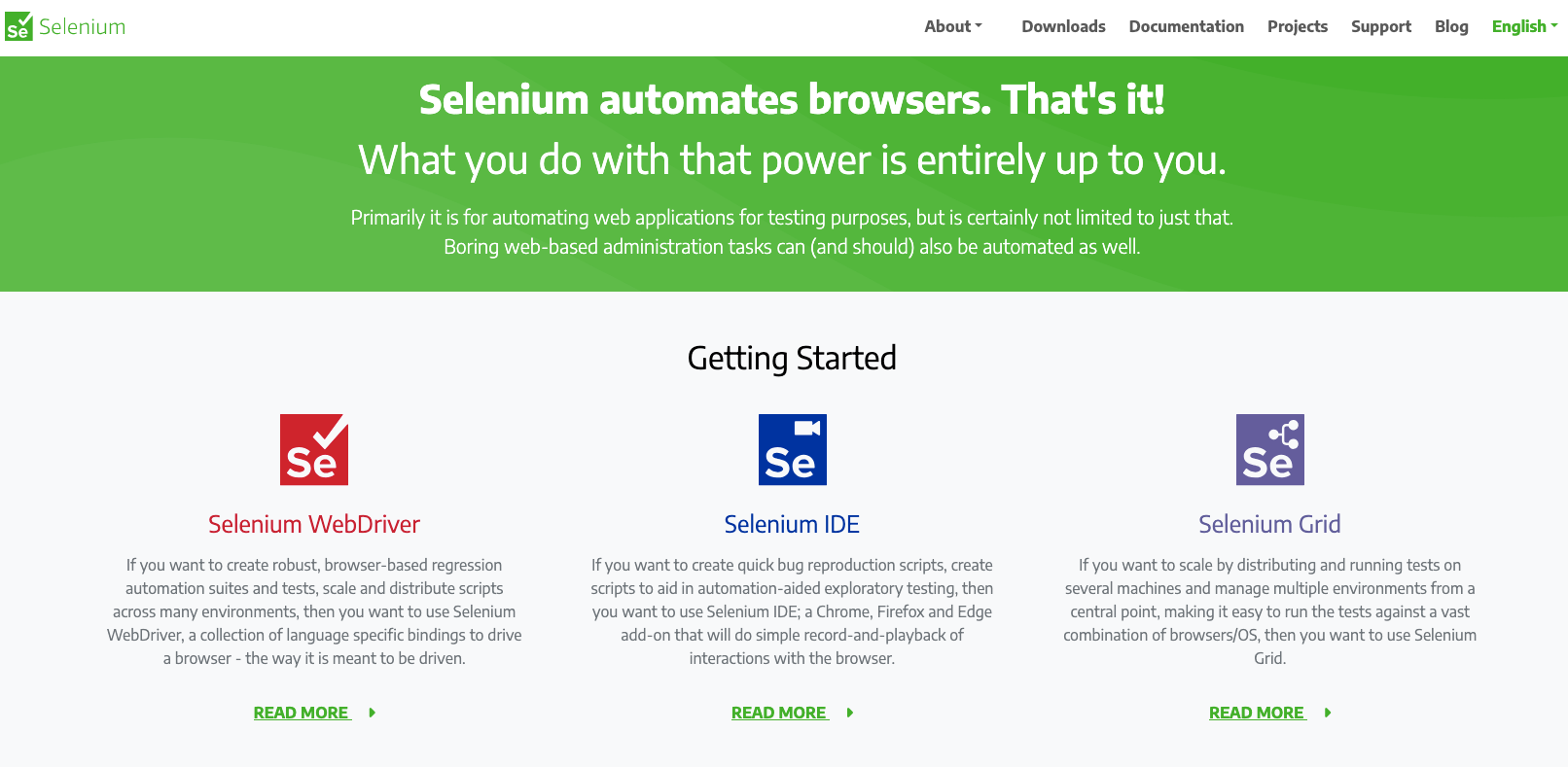
Selenium is the de facto standard for web testing and automation. It has one of the largest communities in the space, with extensive documentation and integrations built up over years.
Key Highlights:
- Industry Standard: Widely recognized and utilized for web browser automation, particularly for testing web applications. It has a large, established community and extensive documentation.
- Language & Browser Flexibility: Supports a wide range of programming languages including Java, Python, C#, Ruby, JavaScript, and more. Compatible with major browsers like Chrome, Firefox, Edge, Safari, and Internet Explorer.
- Component Suite: Offers different tools for various needs:
- Selenium WebDriver: Provides APIs for browser control and creating robust regression tests.
- Selenium IDE: A browser extension (Chrome, Firefox, Edge) for simple record-and-playback test script creation.
- Selenium Grid: Enables running tests in parallel across multiple machines, browsers, and operating systems for scaling test execution.
- Extensible Ecosystem: Easily integrates with popular testing frameworks (like JUnit, TestNG), reporting tools (like Allure, ExtentReports), and CI/CD pipelines (like Jenkins, GitLab).
Good to Know:
- Open Source & Free: Selenium is an open-source project available under the Apache 2.0 license, making it completely free to use.
- Web-Focused: Designed specifically for automating web browsers; requires integration with other tools like Appium for native mobile or desktop application testing.
- Requires Technical Skill: Setting up and writing effective Selenium tests requires programming knowledge and understanding of browser drivers and testing frameworks. The setup can be complex compared to some all-in-one solutions.
- Learning Curve: Can have a steeper learning curve for beginners compared to newer frameworks or record-and-playback tools.
- Relies on Integrations: Lacks built-in advanced reporting, debugging, or test management features, relying instead on integration with third-party tools.
- Performance: Running large test suites efficiently often requires using Selenium Grid for parallel execution, which adds setup and maintenance overhead.
Pricing: Free and open-source (Apache 2.0 License).
A Selenium user mentioned on G2:
I like the feture of executing the scripts in multiple machine using Selenium grid and also Selenium is platform independent.
3. Puppeteer: Headless Chrome & Firefox automation made simple
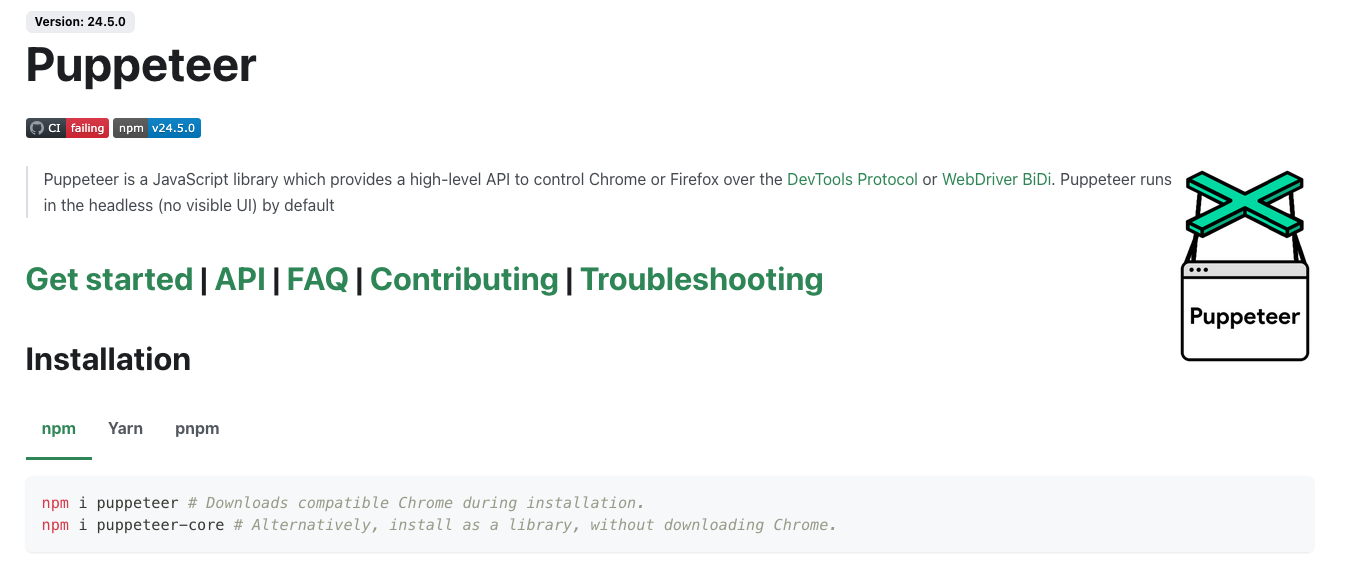
Developed by Google, Puppeteer is a Node.js library for controlling Chrome or Firefox over the DevTools Protocol. It's a go-to for headless automation tasks: web scraping, automated testing, and server-side rendering.
Key Highlights:
- Node.js Focused: Primarily designed as a JavaScript library for Node.js environments.
- Headless First: Runs headless by default for optimal performance in server environments, but can be configured to run "headful" (visible browser).
- Chrome & Firefox Control: Offers robust control over Chromium-based browsers and Firefox. (Source, Source)
- High-Level API: Provides a clean and intuitive API for common browser actions like navigation, form submission, UI interaction, taking screenshots, generating PDFs, and more. (Source)
- Versatile Use Cases: Ideal for automated testing (especially unit/integration tests), web scraping, generating pre-rendered content for SPAs (SSR), capturing performance timelines, and automating browser tasks. (Source)
- Browser Management: The standard
puppeteerpackage automatically downloads a compatible browser version, whilepuppeteer-coreallows using an existing browser installation. (Source)
Good to Know:
- JavaScript Prerequisite: Requires familiarity with JavaScript and Node.js.
- Primarily Chrome/Firefox: While Firefox support is available, it historically focused on Chrome/Chromium, which remains its most mature target.
- API-Driven: Focuses on providing a control library; test runner integration (like Jest, Mocha) is typically handled separately by the user.
- Performance: Headless operation generally offers better performance and lower resource usage compared to full browser automation.
Pricing: Free and open-source (Apache 2.0 License).
A Puppeteer user mentioned on G2:
Allows to writes test cases for each page. Handling of route redirects within browser is great. Great feature to take snapshots of test case executions.
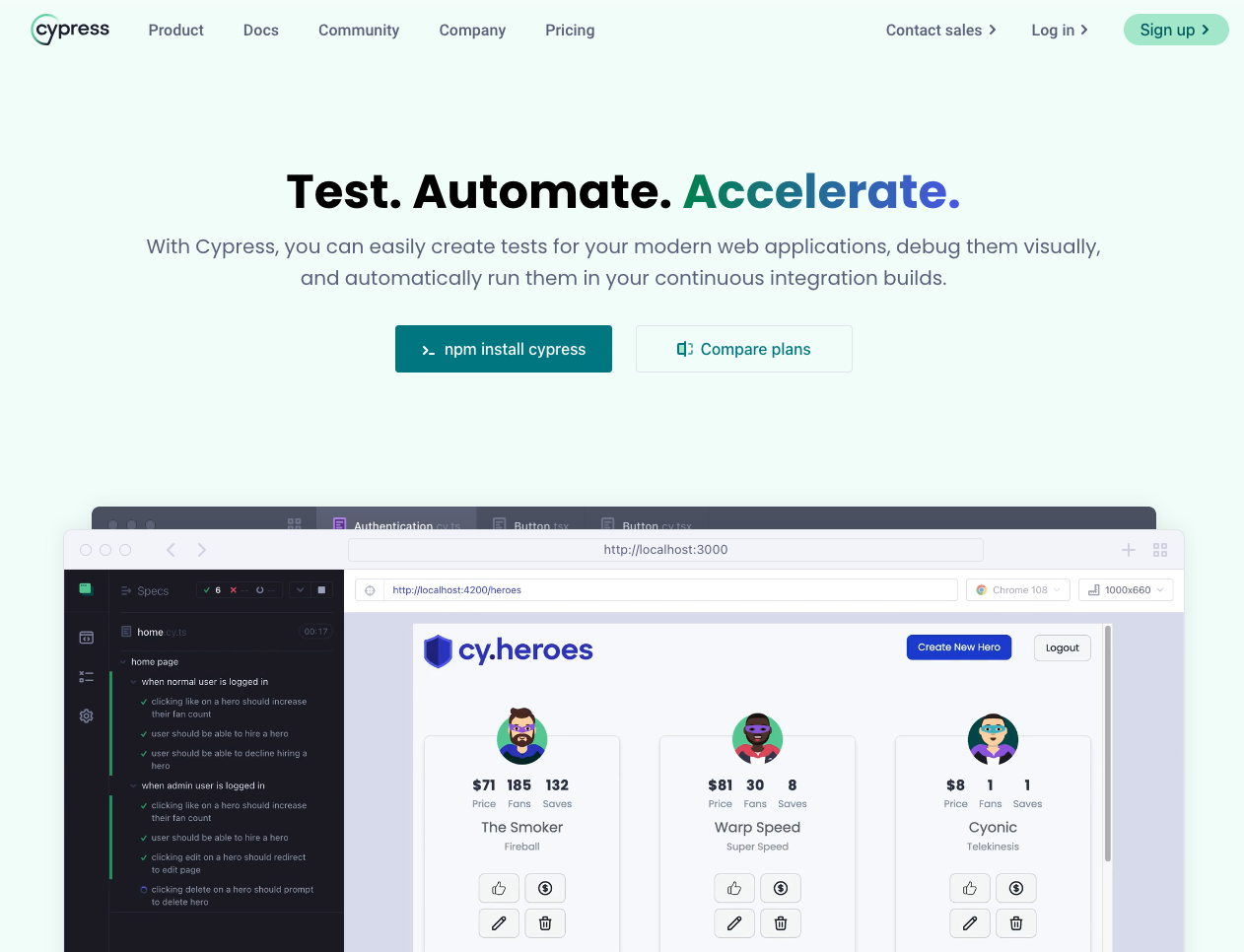
4. Cypress: End-to-end testing for modern web applications
Cypress is a JavaScript-based end-to-end testing framework built for modern web apps. It focuses on developer experience - fast setup, real-time reloads, and debugging directly in the browser's DevTools. (Source)
Key Highlights:
- Developer-Centric Experience: Focused on ease of use, fast setup (no drivers/servers needed), real-time reloads as you code, and interactive visual debugging directly within the browser's DevTools. (Source)
- All-in-One Testing Framework: Provides a complete testing solution including the test runner, assertion library, mocking/stubbing capabilities, and support for both end-to-end and component testing. (Source)
- Visual Debugging & Time Travel: Offers features like DOM snapshots for each step, allowing you to visually inspect the application's state, network requests, and console output as they happened during the test run.
- Flake Resistance: Designed with features like automatic waiting for commands and assertions to reduce test flakiness compared to traditional frameworks. (Source)
- Cypress Cloud: A companion paid service that enhances CI workflows with features like smart orchestration (parallelization, load balancing), visual test reviews, test analytics, and integrations with tools like Slack, GitHub, and Jira. (Source)
- New Features: Continuously evolving with features like UI Coverage tracking and integrated Accessibility checks. (Source)
Good to Know:
- JavaScript/TypeScript Based: Tests are written exclusively in JavaScript or TypeScript.
- Testing Focus: Primarily built for testing web applications (both E2E and component level), less suited for general web scraping or browser automation tasks compared to tools like Puppeteer or Playwright.
- Architecture: Runs in the same run loop as the application being tested, providing direct access and potentially faster execution but with some architectural differences from WebDriver-based tools.
- Cross-Browser Support: Supports Chrome, Firefox, Edge, and Electron, though historically Chrome support has been the most mature.
Pricing:
- Cypress App (Test Runner): Free and open-source (MIT License).
- Cypress Cloud: Offers various paid tiers (starting with a free plan) based on the number of test results, parallelization needs, and advanced features like visual reviews and analytics. (Source)
A Cypress user (QA Automation Engineer) mentioned on Capterra:
Cypress is an amazing piece of code, that helped me greatly through the years. When understood and used correctly it is extremally powerful and can be widely implemented to handle apps testing.
5. Playwright: Cross-browser automation for the modern web
Developed by Microsoft, Playwright is a framework for reliable end-to-end testing across all major rendering engines. One API covers Chromium, Firefox, and WebKit - making true cross-browser coverage a first-class feature. (Source)
Key Highlights:
- True Cross-Browser: Supports Chromium (Chrome, Edge), Firefox, and WebKit (Safari) with a single API across Windows, Linux, and macOS.
- Multi-Language Support: Provides official SDKs for TypeScript, JavaScript, Python, .NET, and Java.
- Resilient Automation: Features auto-waits, web-first assertions that automatically retry, and tracing capabilities (screenshots, video, DOM snapshots via Trace Viewer) to combat test flakiness.
- Test Isolation & Speed: Uses browser contexts (like incognito profiles) for full test isolation with minimal performance overhead. Supports saving authentication states to speed up tests.
- Handles Complex Scenarios: Built to manage tests involving multiple tabs, origins, frames, and user sessions. Uses a real browser input pipeline for trusted events and can pierce Shadow DOM.
- Mobile Web Emulation: Includes built-in emulation for Mobile Safari and Chrome for Android.
- Powerful Tooling: Comes with Codegen (record actions to generate tests), Playwright Inspector (step through tests, explore selectors), and Trace Viewer (detailed failure analysis).
Good to Know:
- Versatile: While excellent for E2E testing, its robust API also makes it suitable for web scraping and general browser automation.
- Architecture: Runs tests out-of-process, aligning with modern browser architecture and avoiding limitations of in-process runners.
- Growing Ecosystem: Rapidly gaining popularity and features, often seen as a strong alternative to Selenium and Cypress.
Pricing: Free and open-source (Apache 2.0 License).
For a dedicated comparison of Playwright and Puppeteer as browser automation tools, see our Playwright vs Puppeteer guide.
Testim: AI-Powered Test Automation for Resilient Testing
I really like how easy and fast it is to write tests with Playwright. Setting up cross-browser tests is simple.
6. Testim: AI-powered test automation for resilient testing
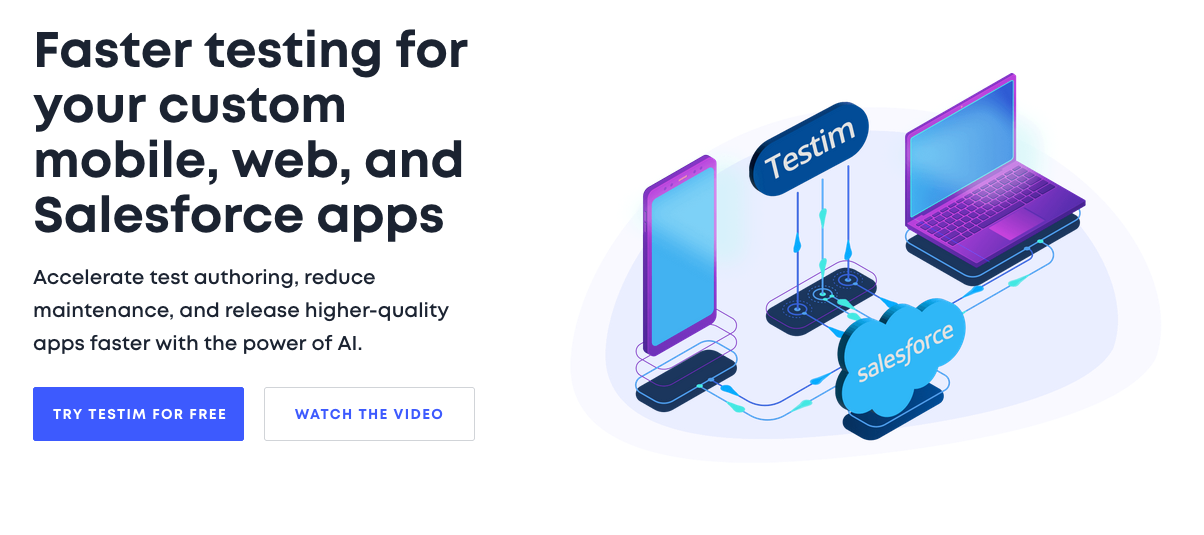
Testim is a commercial test automation platform that uses AI to speed up test authoring, execution, and maintenance. Its core focus is stability - reducing the maintenance burden through AI-powered locators that adapt when the UI changes. (Source)
Key Highlights:
- AI-Driven Stability: Uses "Smart Locators" powered by AI to identify elements reliably and automatically adapt to changes in the application UI, significantly reducing test maintenance. (Source)
- Low-Code Authoring: Features a recorder-based interface for quickly creating tests, while still allowing custom JavaScript code for complex logic or validations.
- Broad Application Support: Offers tailored solutions for testing custom web applications, native/hybrid mobile apps (iOS & Android, including Flutter/React Native support), and specialized testing for Salesforce environments. (Source)
- TestOps & Troubleshooting: Provides features for test management, scaling (TestOps), detailed root cause analysis with screenshots and logs, and integrations with CI/CD pipelines and test management tools like Jira. (Source)
- Cloud-Based Execution: Runs tests in parallel on their cloud grid, third-party grids (Selenium/Appium compatible), or locally. Mobile testing supports cloud devices (virtual and real) and local devices.
- Testim Copilot: An integrated generative AI assistant to help create, document, and debug tests using natural language prompts. (Source)
Good to Know:
- Commercial SaaS Platform: Testim is primarily a paid service with different plans for web, mobile, and Salesforce testing.
- Testing Focus: Designed as an end-to-end testing platform, not primarily for web scraping or general automation.
- AI Dependency: Core stability features rely heavily on their proprietary AI algorithms.
- Vendor Lock-in: While tests can potentially be exported to formats like Playwright/Selenium, this might require modifications and is typically available on higher plans. (Source)
Pricing:
- Commercial Plans: Requires contacting sales for customized pricing based on needs (parallel tests, specific features for Web, Mobile, Salesforce). (Source)
- Free Community Plan: A limited free plan is available after the trial expires, offering serialized web runs and self-service support. (Source)
7. Browserflow: No-code web automation for everyone
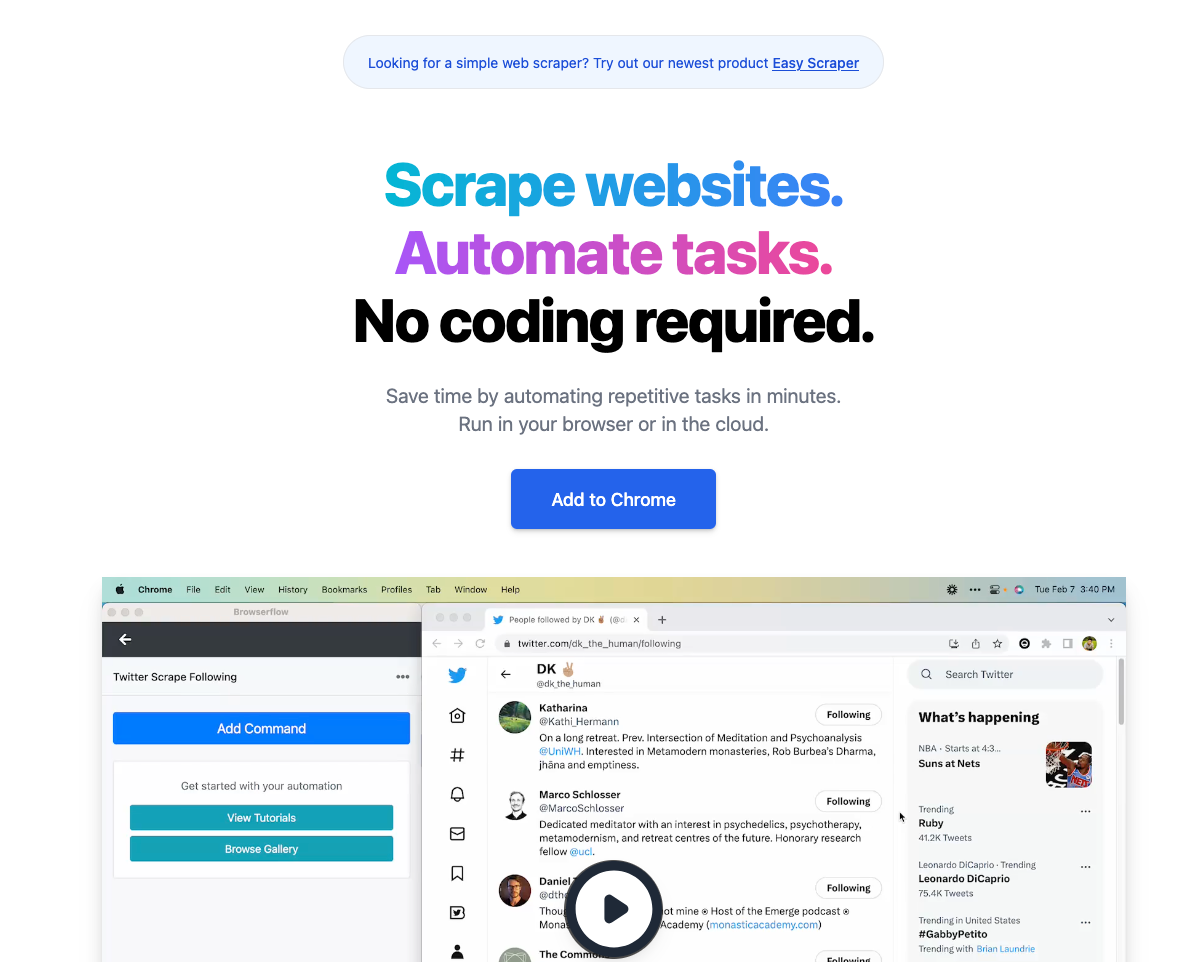
Browserflow is a Chrome extension for automating repetitive tasks and scraping websites - no coding needed. Users build "flows" through a visual interface with built-in commands for clicking, typing, looping, and extracting data. (Source)
Key Highlights:
- No-Code/Low-Code Focus: Build automations using a visual editor with built-in commands for clicking, typing, extracting data, looping, and more. Includes a recorder to automatically generate flows based on user actions. (Source)
- Chrome Extension: Operates primarily as a Chrome extension, running automations locally within the user's browser environment.
- Scraping & Task Automation: Excels at extracting data from websites (including handling pagination/infinite scroll) and automating multi-step tasks like form filling or data entry.
- Cloud Execution: Offers optional cloud infrastructure to run flows on a schedule (up to every minute on higher plans), even when the user's computer is off. Cloud plans include features like API/webhook access and proxy usage. (Source)
- Google Sheets Integration: Built-in capability to read data from and write data to Google Sheets.
- Customizable: Allows running custom JavaScript for more complex logic or interactions beyond the built-in commands.
- Community Gallery: Provides ready-made flows for common tasks that users can adapt or reuse.
Good to Know:
- Requires Chrome: As a Chrome extension, it necessitates using Google Chrome.
- Local vs. Cloud: Core automation runs locally via the extension; scheduled and advanced features (proxies, API) require cloud plans.
- Focus: Primarily aimed at personal productivity, data scraping, and automating workflows rather than complex software testing scenarios.
- Limits: Free and lower-tier plans have limitations on execution time per run, number of cloud flows, and run frequency. (Source)
Pricing:
- Freemium Model: Offers a free tier with limitations on local run time (1 min) and cloud features (30 mins/month, 1 flow, daily frequency).
- Paid Tiers: Starter, Professional, and Business plans offer increased execution time, more cloud flows, higher frequency scheduling, proxies, API/webhook access, and priority support. Plans start at $19/month (billed yearly). (Source)
8. Axiom AI: Business process automation at scale
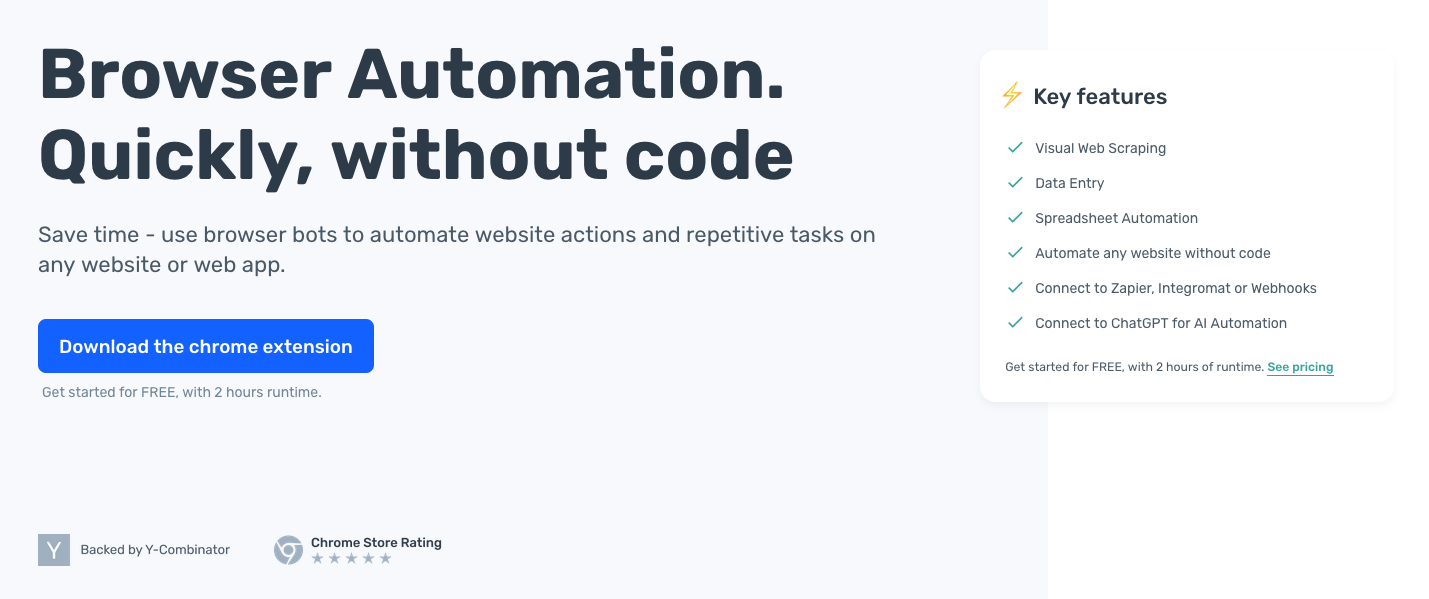
Axiom is a no-code Chrome extension for automating website actions, scraping data, and handling repetitive tasks. Users build custom browser bots through a visual interface - no code required. (Source)
Key Highlights:
- No-Code Focus: Build automations ("bots") using a visual interface with steps for clicking, typing, scraping, loops, conditional logic, etc. (Source)
- Chrome Extension: Installs and runs primarily within the Chrome browser, processing data locally.
- Web Scraping & Data Entry: Strong focus on extracting data from websites (including visually selecting elements) and automating data input into forms or spreadsheets. (Source)
- Integrations: Connects with Google Sheets, ChatGPT, Zapier, Make, webhooks, and provides an API for more complex integrations. (Source)
- Scheduling & Triggers: Bots can be run manually, on a schedule, or triggered via external systems like Zapier or webhooks.
- Advanced Features: Supports handling logins, running custom JavaScript, and using proxies for some operations.
- Templates: Offers pre-built templates for common automation tasks.
Good to Know:
- Requires Chrome: Operates as a Chrome extension.
- Local Processing: Bots generally run and process data within your local browser, though scheduling implies cloud components. Axiom states they don't store the results of your automations. (Source)
- Workflow Automation Focus: Primarily aimed at business process automation, data scraping, and task automation rather than formal software testing.
- Runtime Limits: Plans are often based on runtime (the amount of time bots spend executing).
Pricing:
- Free Tier: Offers a free starting plan with 2 hours of runtime. (Source)
- Paid Plans: Various paid tiers are available offering more runtime, advanced features, and support. Specific details require visiting their website or contacting sales.
9. Bardeen AI: AI automation for everyday workflows
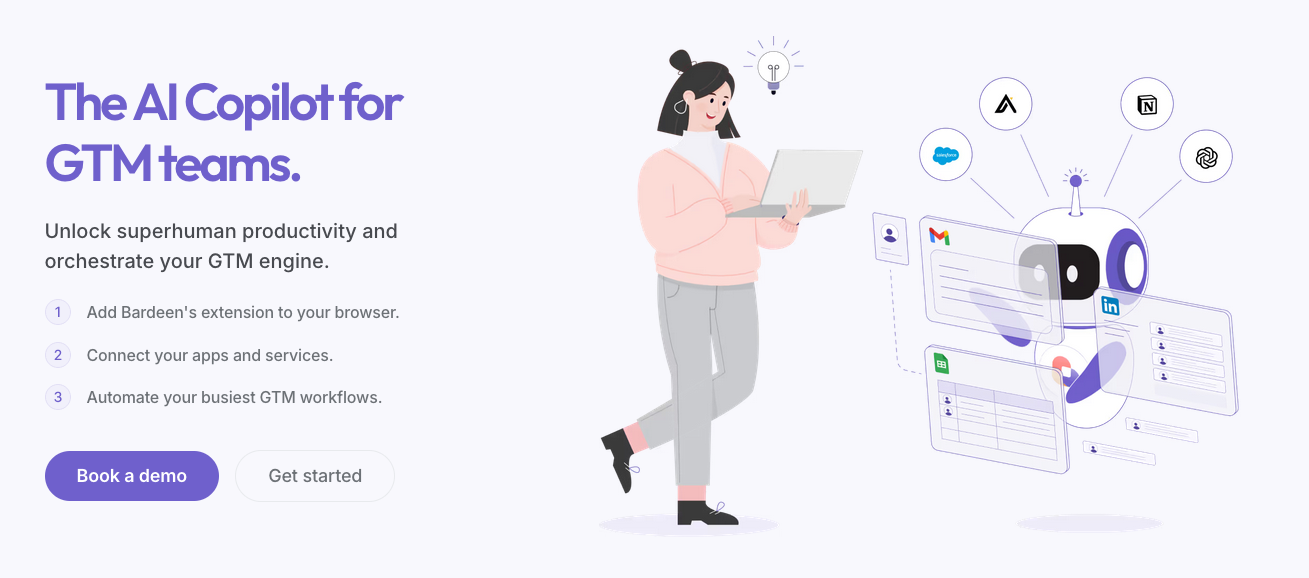
Bardeen is an AI-powered workflow automation Chrome extension aimed at Go-To-Market teams. It connects web applications and uses AI to automate repetitive tasks in Sales, Customer Success, and Revenue Operations. (Source)
Key Highlights:
- AI-Driven GTM Automation: Pitched as an "AI Copilot for GTM teams," it automates tasks like lead sourcing, CRM enrichment, account management updates, competitive intelligence gathering, and reporting. (Source)
- No-Code & Natural Language: Offers a visual no-code builder alongside "Magic Box" for creating automations using everyday language prompts.
- Chrome Extension: Runs within the Chrome browser, allowing interaction with websites and web apps.
- Extensive Integrations: Connects with a wide range of sales tools (HubSpot, Salesforce, Apollo, Salesloft), work apps (Google Sheets, Notion, Slack), and AI services (OpenAI). (Source)
- AI Features: Includes AI web scraping, AI message generation, and AI agents for more complex tasks.
- Playbook Templates: Provides ready-to-use automation templates for common GTM tasks.
- AIgency Support: Offers a blend of AI and human expertise to help build custom automations on higher tiers. (Source)
Good to Know:
- Requires Chrome: Operates as a Chrome extension.
- GTM Focus: Strongly oriented towards sales, marketing, and customer success workflows rather than general web testing or complex technical automation.
- Credit-Based Pricing: Usage is measured in credits consumed by automations, with different tiers offering varying credit amounts. (Source)
- Cloud Workflows: Scheduled automations running in the cloud are available on paid plans.
Pricing:
- Freemium Model: Offers a free plan with 100 credits/month.
- Paid Tiers (Starter, Teams, Enterprise): Provide significantly more credits, premium integrations (CRM, Outreach), cloud workflows, and access to AIgency support. Starter plan begins around $99/month (billed annually). (Source)
An automation expert mentioned on Product Hunt:
Bardeen is exactly that tool for the browser. It brilliantly handles tasks on sites that don't have a proper API. The built-in AI transforms simple automations into smart workflows. An indispensable tool for anyone who is serious about efficiency.
How to choose the right browser automation tool from the list
Start with your primary goal:
- End-to-end testing: Selenium, Cypress, Playwright, or Testim.
- Web scraping for AI/LLM pipelines: Firecrawl is purpose-built here. Puppeteer and Playwright also work well for headless scraping.
- Business workflow automation (RPA): Browserflow, Axiom AI, or Bardeen AI.
Then consider team expertise. If code isn't an option, the no-code tools (Browserflow, Axiom, Bardeen) and Testim's low-code mode are designed for accessibility. For JavaScript/TypeScript teams, Puppeteer or Cypress. For Python, Java, or C#, Selenium and Playwright offer multi-language SDKs.
Browser compatibility matters for testing teams. Playwright and Selenium cover Chromium, Firefox, and WebKit. Puppeteer targets Chromium and Firefox. Most no-code tools and Cypress focus primarily on Chrome.
Budget: Selenium, Puppeteer, Playwright, and the core Cypress app are free and open-source. Firecrawl, Testim, Browserflow, Axiom, Bardeen, and Cypress Cloud all offer freemium models. Testim leans commercial for advanced features.
Special requirements: Need AI-assisted stability? Testim. Natural language data extraction? Firecrawl's /agent endpoint. GTM or Salesforce workflows? Bardeen or Testim.
Read our guide on the best browser agents for AI automation.
Future trends
AI is reshaping browser automation fast. Systems can now develop tests, self-heal broken scripts, and analyze data autonomously. Managed browser environments like Firecrawl's Browser Sandbox are making it easier for agents to operate live browsers without any local setup.
Mobile coverage is becoming non-negotiable. Frameworks like Playwright and Appium are bridging web and mobile into unified testing strategies.
The no-code wave continues to grow, bringing more non-developers into automation. But with that growth comes responsibility - data privacy, site policy compliance, and GDPR implications are real considerations that teams can't ignore.
Conclusion
Choosing the right browser automation tool comes down to your use case. Each tool shines in different scenarios.
For testing
Selenium remains the industry standard with broad language support. Cypress offers a better developer experience for JavaScript teams. Playwright gives you true cross-browser coverage with modern tooling.
For web scraping and AI
If you're building AI applications, Firecrawl is purpose-built for this. It's open-source, handles JavaScript-heavy sites, and outputs clean data ready for LLMs.
The /agent endpoint changes the game. Describe what data you need in plain English. The agent navigates pages, clicks buttons, and extracts exactly what you want. No browser automation code required.
For agents that need full browser control -form fills, auth flows, multi-step navigation -the Browser Sandbox gives you a complete, managed environment with zero setup. For scraping pages that require interaction, the Firecrawl interact endpoint combines a scrape and browser session in one call, letting you click, type, and extract from dynamic content without managing a separate browser automation layer.
For no-code workflows
Browserflow, Axiom AI, and Bardeen AI let non-developers automate tasks through visual builders. Great for personal productivity and business process automation.
Getting started
Pick one tool and start small. Here are some next steps:
- Try Firecrawl's /agent endpoint for AI-powered data extraction
- Spin up a Browser Sandbox session for multi-step agent workflows
- Convert scraped data to llms.txt files for LLM training
- Use browser automation in agent frameworks for autonomous workflows
- Enhance data with RAG frameworks for AI applications
The best automation strategy starts with clear requirements. Test the tools that match your needs. Build incrementally. The payoff -better testing, cleaner data, faster workflows -is worth it.
Frequently Asked Questions
What are the main categories of browser automation tools?
Browser automation tools can be grouped into headless browser solutions for server/CI tasks; full-browser automation frameworks for visible user interaction; and no-code/low-code platforms for non-developers.
Why is browser automation such a big deal in 2026?
In 2026, AI agents need to do more than just search and scrape -they need to navigate multi-step flows, fill forms, handle auth, and interact with dynamic pages. Browser automation is the foundation that makes agentic workflows possible at scale. Tools like Claude Code's new preview feature and Firecrawl's Browser Sandbox reflect how rapidly the space is evolving.
What makes Firecrawl different from other browser automation tools?
Firecrawl is open-source and built specifically for AI workflows. Its /agent endpoint uses AI to automate complex web data gathering -describe what you need in natural language, and it handles the rest. The new Browser Sandbox adds a fully managed, isolated browser environment so agents can navigate, click, and interact with the web without any local setup.
What is Firecrawl Browser Sandbox?
Browser Sandbox is Firecrawl's secure, fully managed browser environment for AI agents. Each session runs in an isolated container with Playwright and Agent Browser pre-installed. There's zero configuration required -call it from the CLI or API and your agent has a live browser in seconds. Pricing is 2 credits per browser minute, with free users getting 5 hours of free usage.
Can Firecrawl be integrated into existing data pipelines or applications?
Yes. Firecrawl offers SDKs for Python, Node.js, Go, and Rust. It integrates with LangChain, LlamaIndex, and other AI frameworks. Use the API to plug into data pipelines, CRMs, or AI agents for automated data collection.
When should a team choose a headless browser solution like Puppeteer?
Headless tools suit server-side environments/CI pipelines where UI isn't needed, and you want resource-efficient automation for tasks such as scraping, screenshotting or large-scale workflows.
Why might a team pick a framework like Playwright over more established tools?
Playwright offers true cross-browser automation (Chromium, Firefox, WebKit), multi-language SDKs, and features like auto-waits and tracing to combat flakiness -ideal for modern, complex automation needs.
What are the advantages of no-code/low-code automation tools like Browserflow or Bardeen AI?
These tools empower non-technical users with drag-and-drop visual editors, pre-built templates, and integrations, enabling workflow automation and data extraction without deep programming knowledge.
How should you decide which browser automation tool is right for your project?
Align tool choice with your primary goal (testing vs. scraping vs. workflow automation), technical expertise, supported browsers/languages, and budget -then pick the tool whose strengths match your needs.
What future trends in browser automation are highlighted in the blog?
The blog emphasises AI-driven automation (self-healing scripts, autonomous workflows), increased focus on mobile and multi-device coverage, managed browser sandboxes for AI agents, Claude Code's preview capabilities, and the ethical/data-privacy implications of widespread automation.