Every AI team eventually hits the same wall: you need web data, but getting it out of websites and into a format your model can actually use is a mess.
I've spent the past few months testing web extraction tools for AI workflows - scraping JavaScript-heavy sites, dealing with dynamic rendering challenges, and writing CSS selectors that break two days later. If any of that sounds familiar, you're not alone. The demand for clean, structured web data has exploded, especially for RAG systems, fine-tuning pipelines, and AI agents that need real-time information.
Here's what makes it tricky: a recent benchmark study (NEXT-EVAL, 2025) found that LLMs can hit F1 scores above 0.95 on structured web extraction - but only when the input is properly formatted. The extraction layer is now the bottleneck, not the model.
This guide breaks down the 10 best web extraction tools for 2026 and how each one handles AI-native workflows (also check out our top 10 tools for web scraping for a broader look). I evaluated every tool for LLM readiness, output quality, scalability, and real-world extraction accuracy.
TLDR: Quick comparison table
| Tool | Best For | AI-Ready Output | Open Source | Starting Price |
|---|---|---|---|---|
| Firecrawl | AI/LLM workflows, RAG pipelines | Markdown, JSON, structured | Yes | Free / $19/mo |
| Apify | Custom scraping automation | Via Actors | Yes | $49/mo |
| Bright Data | Enterprise-scale data collection | JSON, Markdown | No | $1.50/1k results |
| ScraperAPI | Simple proxy-managed scraping | HTML, JSON | No | $49/mo |
| Crawl4AI | Open-source LLM extraction | Markdown, JSON | Yes | Free |
| ScrapeGraphAI | LLM-powered graph extraction | Structured JSON | Yes | Free |
| Diffbot | Knowledge graph extraction | JSON-LD, entities | No | $299/mo |
| Octoparse | No-code visual scraping | CSV, JSON, Excel | No | Free / $89/mo |
| Beautiful Soup | Lightweight HTML parsing | Raw text | Yes | Free |
| Playwright + LLM | Custom browser automation + AI | Custom | Yes | Free |
What is web extraction and why does it matter for AI?
Web extraction is the process of pulling structured data from websites. At its simplest, that's parsing HTML. At its most complex, it's a full pipeline handling JavaScript rendering, authentication, pagination, and content cleaning.
For AI teams in 2026, web extraction isn't optional. It powers:
- RAG system grounding: Feeding LLMs with up-to-date, domain-specific web content to reduce hallucinations
- Fine-tuning datasets: Collecting high-quality training data from niche domains
- AI agent tooling: Giving autonomous agents the ability to browse, search, and extract from the live web
- Market intelligence: Monitoring competitor pricing, product catalogs, and review sentiment in real time
- Research pipelines: Aggregating academic papers, news articles, and reports for analysis
The research community is paying attention too. A February 2026 paper from Cairo University introduced AXE (Adaptive X-Path Extractor), showing that even a tiny 0.6B parameter LLM can hit state-of-the-art extraction accuracy (F1 of 88.1%) when you pair it with intelligent DOM pruning - cutting input tokens by 97.9%. That's a big deal: it means efficient extraction doesn't require massive models anymore.
Another study, "Benchmarking LLM-Powered Web Scraping for Everyday Users" (January 2026), tested two approaches: having LLMs generate scraping code vs. having LLMs directly interpret page content. The takeaway? LLMs dramatically lower the barrier to web scraping, but accuracy swings wildly depending on input format and page complexity.
Key features to look for in a web extraction tool
Not all extraction tools are built the same. Here's what actually matters when you're picking one for AI workflows:
1. Output format and LLM readiness
The most important factor for AI workflows is whether the tool outputs data in formats that LLMs can consume directly. Raw HTML is noisy and token-expensive. Clean Markdown, structured JSON, or schema-defined outputs save significant preprocessing time and improve downstream model performance.
2. JavaScript rendering
Over 70% of modern websites use JavaScript frameworks (React, Next.js, Vue). If a tool can't render JavaScript, it will miss the majority of page content on dynamic sites.
3. Scalability and speed
For AI training pipelines, you may need to extract millions of pages. Rate limits, concurrent request caps, and throughput matter.
4. Structured extraction
The ability to define a schema and get back typed, structured data (rather than raw text) is critical for RAG systems, database ingestion, and agent workflows.
5. Cost efficiency
LLM-based extraction can be expensive at scale. Tools that minimize token usage while maximizing extraction quality provide the best value.
The 10 best web extraction tools for AI in 2026
1. Firecrawl
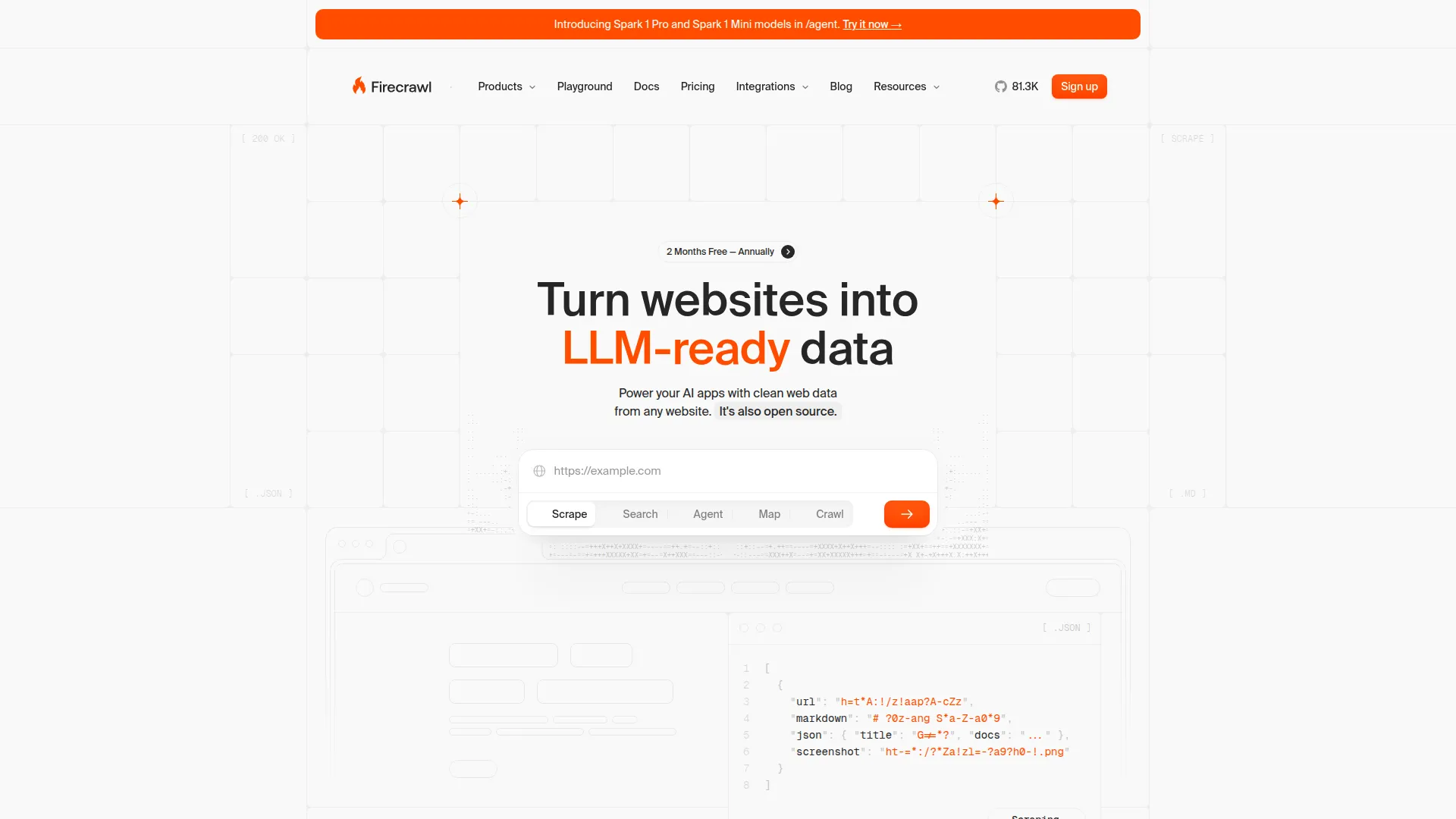
I know, I know - Firecrawl on top of our own list? But hear me out. I have been using Firecrawl extensively, and it's honestly one of the best in the market right now. The key difference from other tools on this list is clear: it's purpose-built for turning the web into LLM-ready data. Instead of handing you raw HTML and saying "good luck," Firecrawl returns clean Markdown, structured JSON, or schema-defined outputs that plug directly into your AI pipeline.
What makes Firecrawl stand out is its six specialized endpoints, each built for a different extraction pattern:
Scrape - Extract content from a single URL with advanced options. Handles JavaScript rendering and returns clean Markdown or structured JSON. You can define extraction schemas using Pydantic-style models to get exactly the data you need.
from firecrawl import Firecrawl

app = Firecrawl(api_key="your-api-key")

# Simple markdown extraction
result = app.scrape_url("https://example.com", params={
    "formats": ["markdown"]
})
print(result["markdown"])
Crawl - Recursively crawl entire websites and extract content from every page. Handles sitemap discovery, respects robots.txt, and processes all pages asynchronously. Ideal for building comprehensive knowledge bases.
crawl_result = app.crawl_url("https://docs.example.com", params={
    "limit": 100,
    "scrapeOptions": {
        "formats": ["markdown"]
    }
})
Search - Query the web and get back extracted content from the top results. Combines search engine results with Firecrawl's extraction pipeline - giving you clean, structured data from search results instead of just links (see our guide to web search APIs for more on this space).
search_result = app.search("latest AI research papers 2026", params={
    "limit": 5
})
Map - Discover all URLs on a website without extracting content. Returns a complete sitemap that you can then selectively scrape. Useful for large sites where you only need specific sections.
map_result = app.map_url("https://docs.example.com")
print(f"Found {len(map_result['links'])} URLs")
Interact - Scrape a page, then take actions directly in that session — click buttons, fill forms, navigate deeper — using natural language prompts or Playwright code. Sessions support persistent profiles so you can stay logged in across scrapes. Ideal for extracting data behind search forms, pagination, or login walls.
result = app.scrape("https://www.amazon.com", formats=["markdown"])
scrape_id = result.metadata["scrapeId"]
app.interact(scrape_id, prompt="Search for iPhone 16 Pro Max")
response = app.interact(scrape_id, prompt="Click on the first result and tell me the price")
print(response.output)
app.stop_interaction(scrape_id)
Firecrawl also supports JSON extraction with schema definitions, screenshot capture, and batch operations for scraping thousands of pages to clean markdown concurrently. It handles JavaScript-rendered pages automatically. Firecrawl is also the most affordable enterprise-ready solution on this list. Plans start at $19/mo, and even the Standard tier ($99/mo for 100,000 credits) includes the full feature set - no gated capabilities behind enterprise paywalls.
For AI teams specifically, Firecrawl integrates with LangChain, LlamaIndex, CrewAI, Dify, and other agent frameworks. It also provides an MCP server for seamless integration into AI agent workflows.
One developer shared their experience:
Moved our internal agent's web scraping tool from Apify to Firecrawl because it benchmarked 50x faster with AgentOps.
Want to see how Firecrawl stacks up against specific tools? Check out our detailed comparisons.
Pros
- Five specialized endpoints cover every extraction pattern (including /interact for browser automation)
- Clean Markdown and structured JSON output, purpose-built for LLMs
- Built-in JavaScript rendering
- Schema-based extraction for typed, structured data
- Active open-source community with Python and Node.js SDKs
- Integrates with major AI frameworks (LangChain, LlamaIndex, CrewAI)
Cons
- Credit-based pricing can be unpredictable for very high-volume crawls. The usage dashboard breaks spend down per API key and per endpoint, and a monthly pay-as-you-go limit caps automatic top-ups
- Self-hosting the open-source version requires DevOps expertise. The hosted API is the zero-ops path, so self-host only when data residency or cost at scale demands it
Pricing
- Free: 1,000 credits/month, 2 concurrent requests
- Hobby: $19/mo for 5,000 credits
- Standard: $99/mo for 100,000 credits
- Growth: $399/mo for 500,000 credits
- Scale: $749/mo for 1,000,000 credits
2. Apify
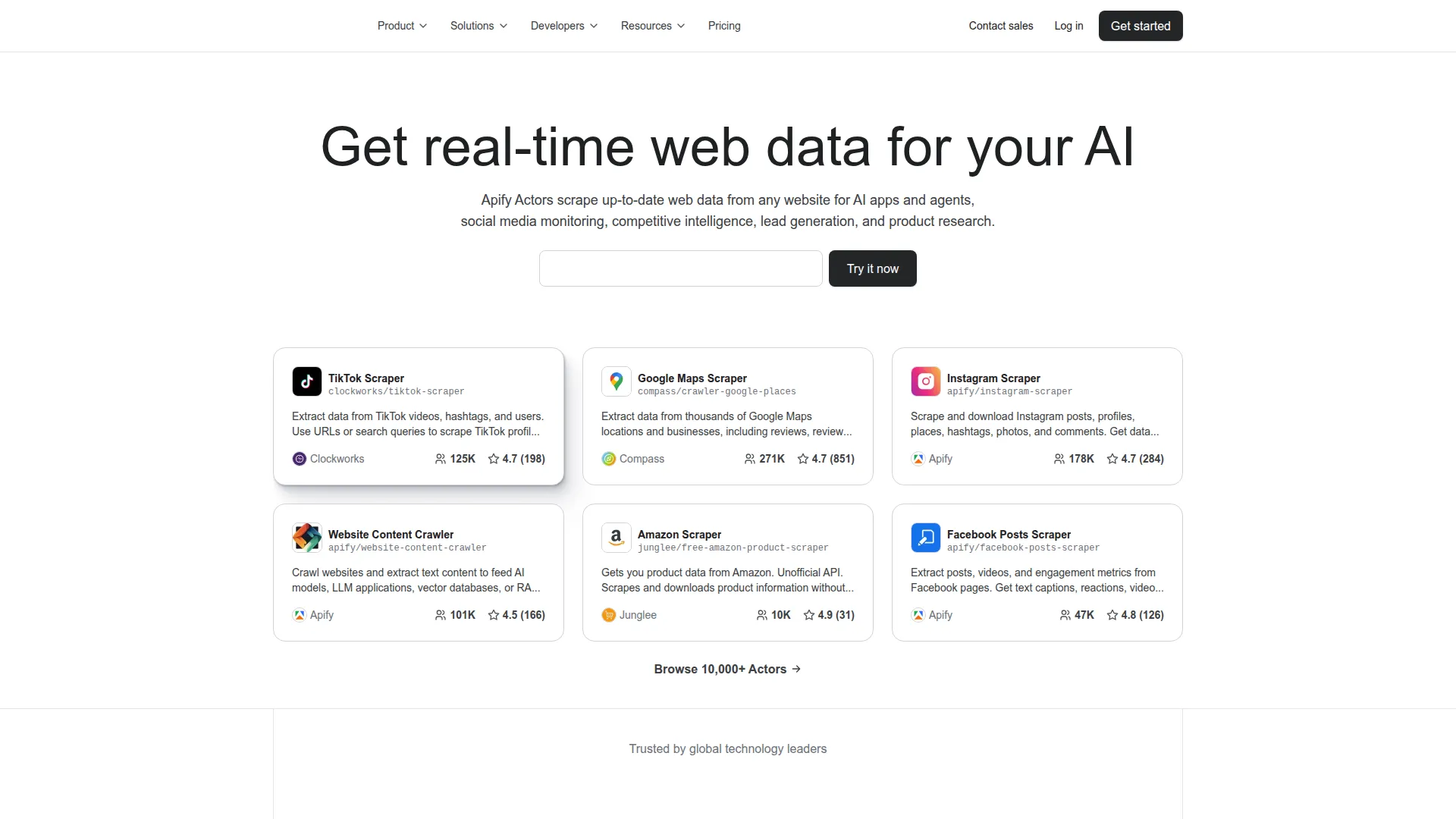
Apify (see how it compares to Firecrawl) is a cloud platform for web scraping and automation. It uses a concept called "Actors" - serverless programs that run scraping and extraction tasks. There's a marketplace of thousands of pre-built Actors for popular websites (Amazon, Google, Twitter, etc.), and you can build custom ones in JavaScript or Python.
Apify handles proxy rotation and browser session management automatically. For AI workflows, Apify offers integrations with LangChain and other AI frameworks, plus the ability to output in formats suitable for LLM consumption. If you need more AI-native output formats or simpler pricing, see the top Apify alternatives.
We selected the Apify SDK to build our new framework on top of because we liked the design decisions they had made and found it easy to work with. - u/corford on r/webscraping
Code example
from apify_client import ApifyClient

client = ApifyClient("your-api-token")
run = client.actor("apify/website-content-crawler").call(
    run_input={"startUrls": [{"url": "https://example.com"}]}
)
for item in client.dataset(run["defaultDatasetId"]).iterate_items():
    print(item)
Pros
- Massive marketplace of pre-built scrapers
- Scalable serverless infrastructure
- Handles JavaScript-heavy and dynamic sites reliably
- Flexible - build custom Actors for any use case
Cons
- Learning curve for building custom Actors
- Compute unit pricing can add up quickly
- Output not natively optimized for LLM consumption
Pricing
- Free: $5 in platform credits
- Starter: $49/mo + $0.30/compute unit
- Scale: $199/mo + $0.25/compute unit
- Business: $999/mo + $0.20/compute unit
3. Bright Data
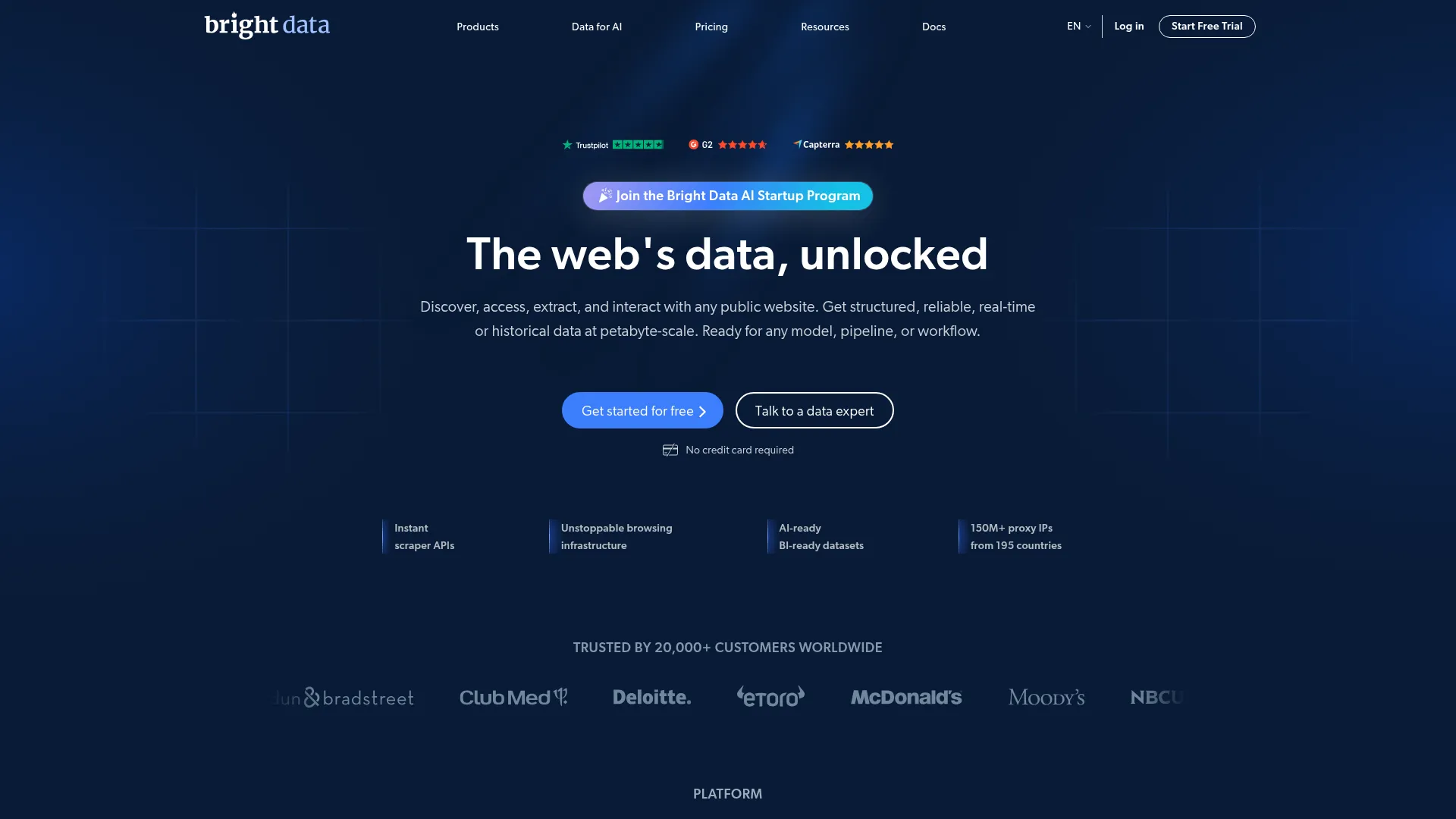
Bright Data is an enterprise-grade web data platform with the largest proxy network in the industry (150M+ IPs across 195 countries). It offers multiple products for different extraction needs: Scraper APIs for structured data from 120+ sites, Browser API for running Puppeteer/Selenium/Playwright on managed browsers, Unlocker API for complex sites, and SERP API for search engine results.
Bright Data's infrastructure is built for scale, with 99.99% uptime SLA and success rate guarantees. For AI use cases, it can return data in JSON, Markdown, and other LLM-friendly formats.
Try Brightdata. Just based on my experience, I had a high chance of scraping tons of websites using their datacenter and residential IPs. - u/Irreflex on r/webscraping
Pros
- Largest proxy network (150M+ IPs)
- Enterprise-grade reliability and SLAs
- Pre-built scraping APIs for 120+ popular sites
- Multiple output formats including LLM-ready Markdown
- GDPR and CCPA compliant
Cons
- Pricing complexity - multiple products with different billing models
- Can be expensive for smaller teams
- More suited for enterprise than individual developers
Pricing
- Pay-as-you-go starting at $1.50/1,000 results
- Custom enterprise plans available
4. ScraperAPI
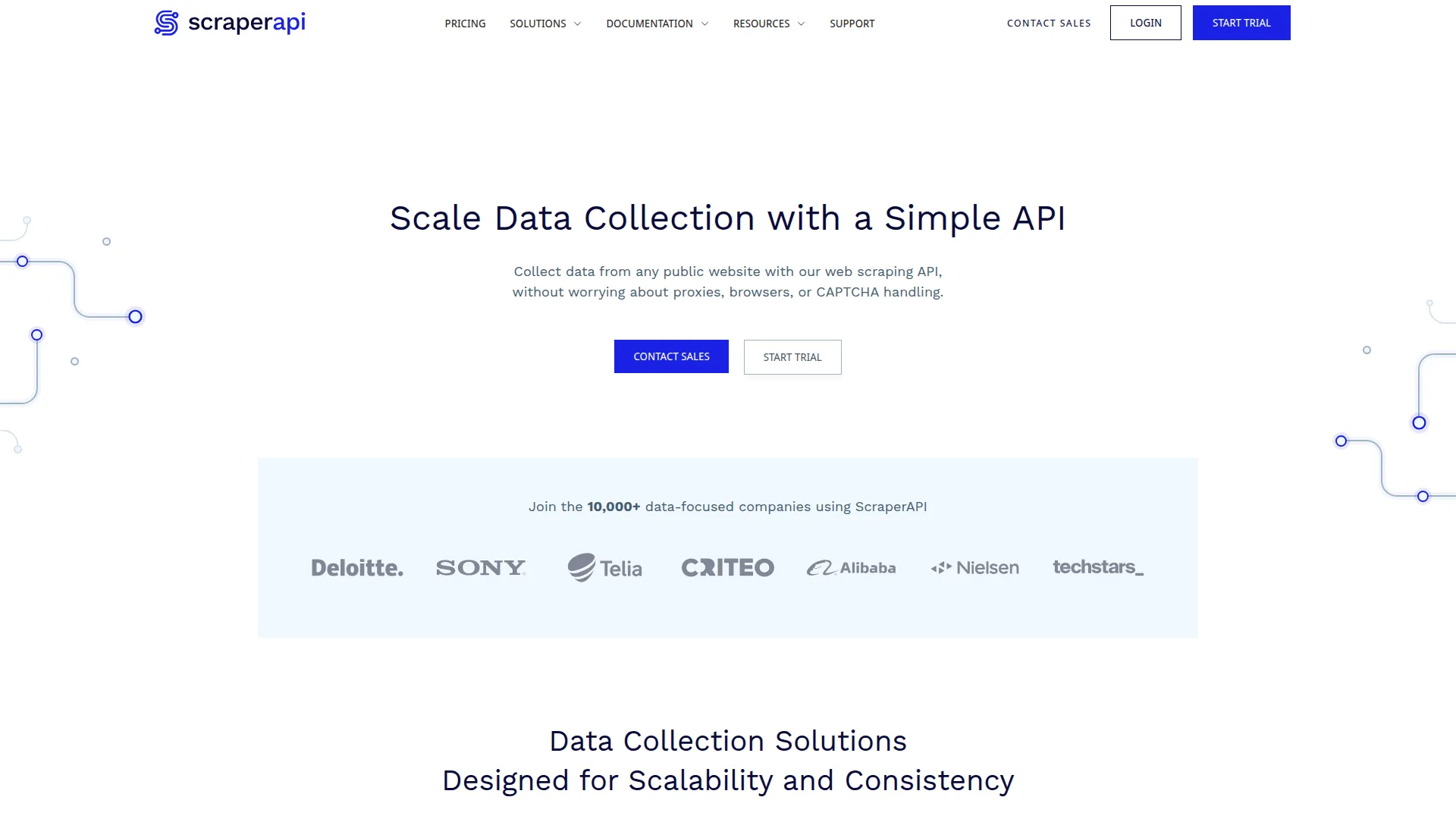
ScraperAPI handles the infrastructure side of web scraping - proxies, browsers, and rendering - with a single API call. You send a URL, and it returns the page content with all infrastructure management done for you.
ScraperAPI is developer-friendly and integrates easily into existing workflows. It supports JavaScript rendering and has specialized endpoints for Amazon, Google, and other common targets. For tools with similar proxy-managed scraping but stronger AI-readiness, see the best ScraperAPI alternatives.
I love ScraperAPI and it's my go-to for standard scraping. I trialed their business plan, which is the lowest tier that provides JS rendering, to see how it would perform. - u/Tom-Logan on r/webscraping
Code example
import requests

response = requests.get(
    "https://api.scraperapi.com",
    params={
        "api_key": "your-key",
        "url": "https://example.com",
        "render": "true"
    }
)
print(response.text)
Pros
- Dead-simple API - one call handles everything
- Reliable proxy rotation (40M+ proxies)
- Good JavaScript rendering support
- Specialized endpoints for e-commerce and search
Cons
- Returns raw HTML by default - you need additional parsing
- No built-in structured extraction or LLM-ready output
- Concurrency limited to 20-200 threads depending on plan
Pricing
- Hobby: $49/mo for 100,000 API credits
- Startup: $149/mo for 1,000,000 API credits
- Business: $299/mo for 3,000,000 API credits
5. Crawl4AI
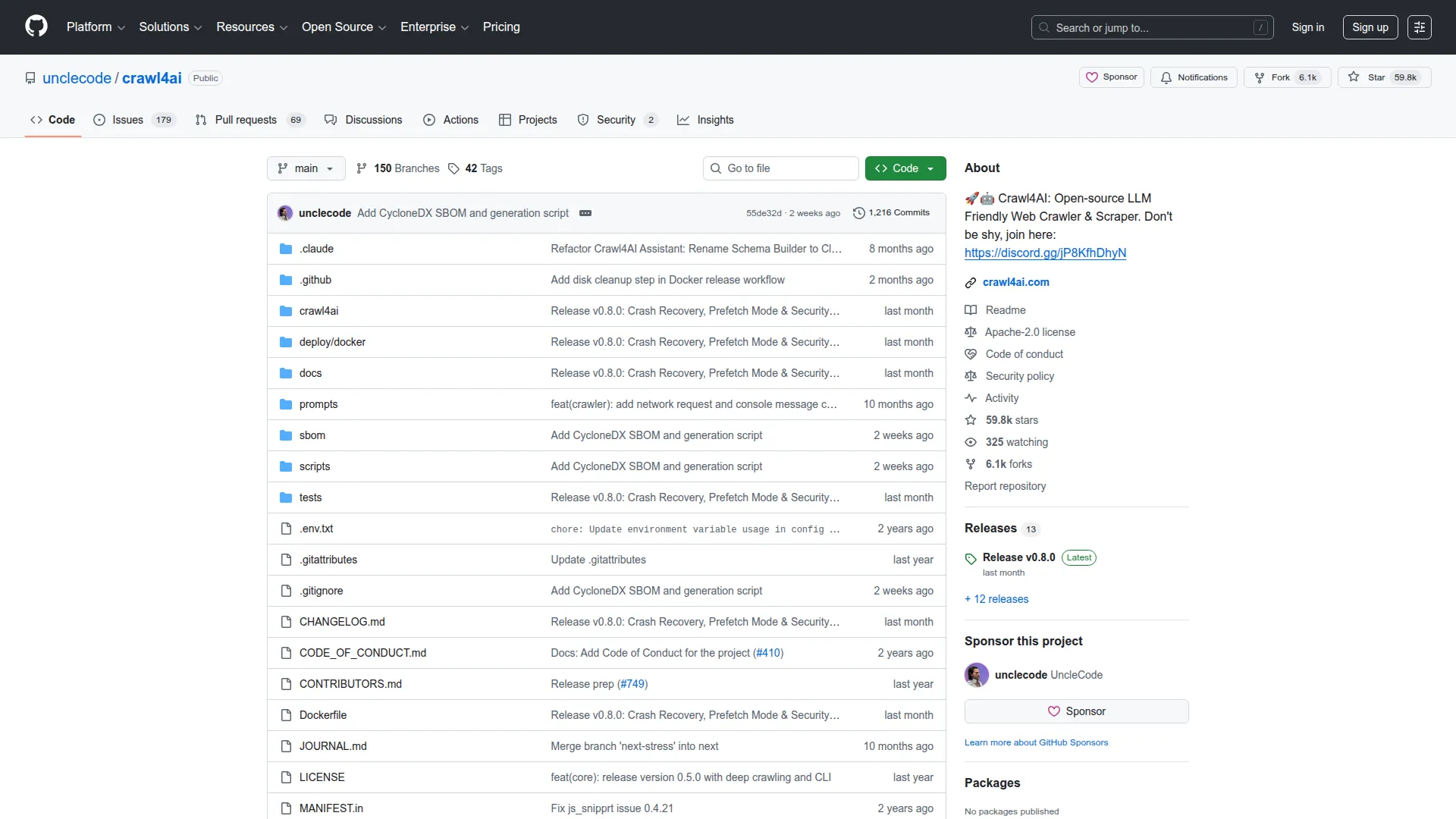
Crawl4AI is an open-source web crawler built specifically for AI applications. It's designed to produce LLM-optimized output from the start - outputting clean Markdown and supporting schema-based extraction with LLM providers.
Crawl4AI runs locally, giving you full control over your data pipeline. It handles JavaScript rendering through Playwright, supports multiple extraction strategies (CSS, XPath, LLM-based), and can process pages in parallel.
See Firecrawl vs Crawl4AI for a comparison of self-hosted versus managed approaches.
Code example
from crawl4ai import AsyncWebCrawler

async with AsyncWebCrawler() as crawler:
    result = await crawler.arun(url="https://example.com")
    print(result.markdown)
Pros
- Fully open-source and free
- Built specifically for AI/LLM workflows
- Clean Markdown output by default
- Local execution - no data leaves your infrastructure
- Active community and development
Cons
- Requires local infrastructure and Playwright setup
- No built-in proxy infrastructure or dynamic rendering
- Scaling requires your own infrastructure
Pricing
- Free and open-source
6. ScrapeGraphAI
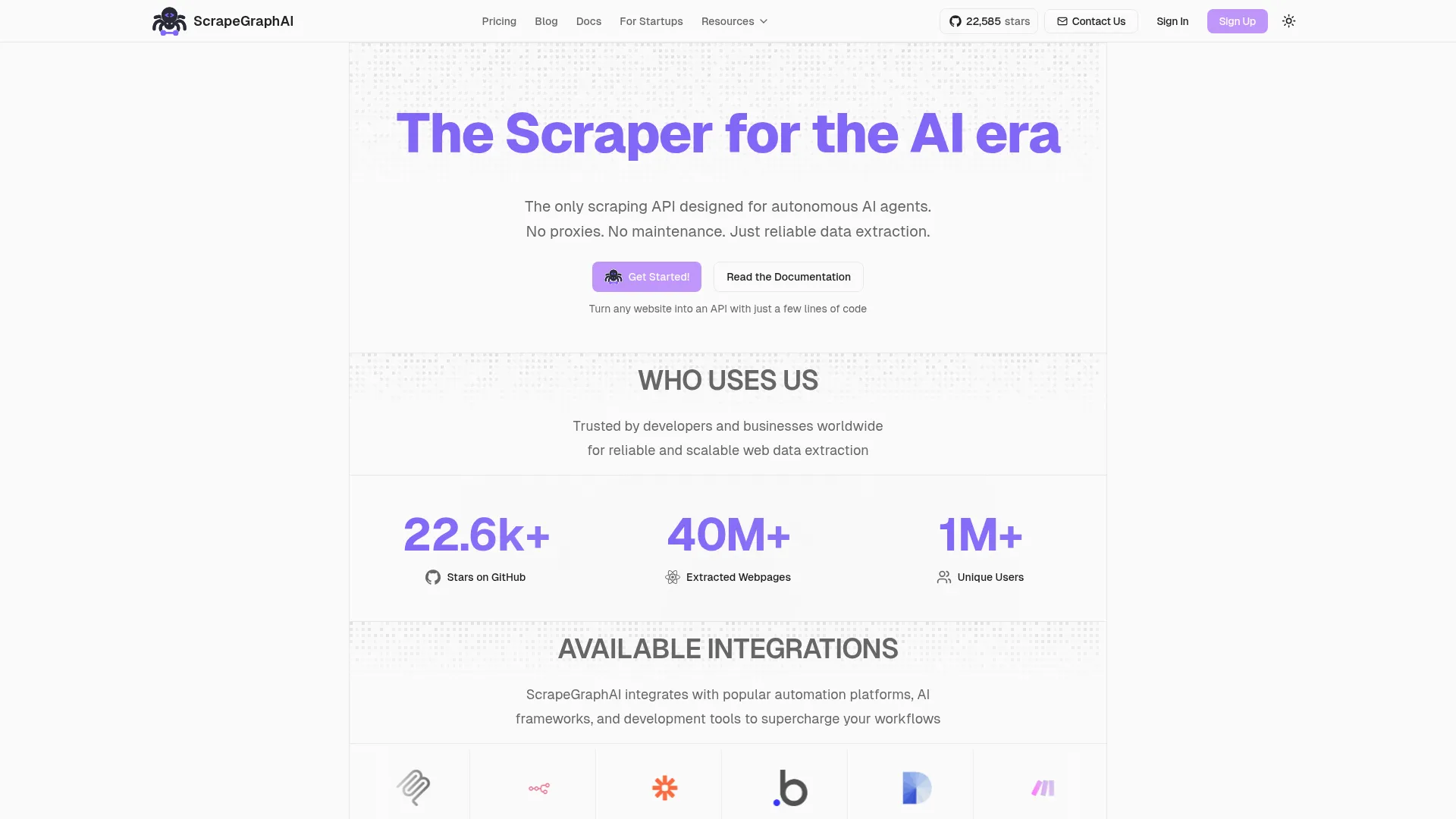
ScrapeGraphAI takes a completely different approach to extraction. Instead of writing selectors, you describe what you want in natural language, and it uses LLMs to figure out how to extract it through a graph-based pipeline.
ScrapeGraphAI supports multiple LLM providers (OpenAI, Anthropic, local models via Ollama) and can handle HTML, XML, and JSON sources. The graph-based architecture allows for complex multi-step extraction workflows. For a detailed head-to-head, see Firecrawl vs ScrapeGraphAI.
ScrapeGraphAI is in my opinion the best AI scraper on the web, it allows you to setup your pipeline in a second. - u/Electrical-Signal858 on r/LLMDevs
Code example
from scrapegraphai.graphs import SmartScraperGraph

graph = SmartScraperGraph(
    prompt="Extract all product names and prices",
    source="https://example.com/products",
    config={"llm": {"model": "openai/gpt-4o-mini"}}
)
result = graph.run()
Pros
- Natural language extraction - no selectors needed
- Supports multiple LLM providers including local models
- Graph-based pipeline for complex workflows
- Open-source with active development
Cons
- LLM costs can be high for large-scale extraction
- Extraction accuracy depends on the LLM used
- Slower than traditional scraping methods
- Not ideal for high-volume, repetitive extraction
Pricing
- Open-source library: Free
- Cloud API: Subscription-based plans available
7. Diffbot
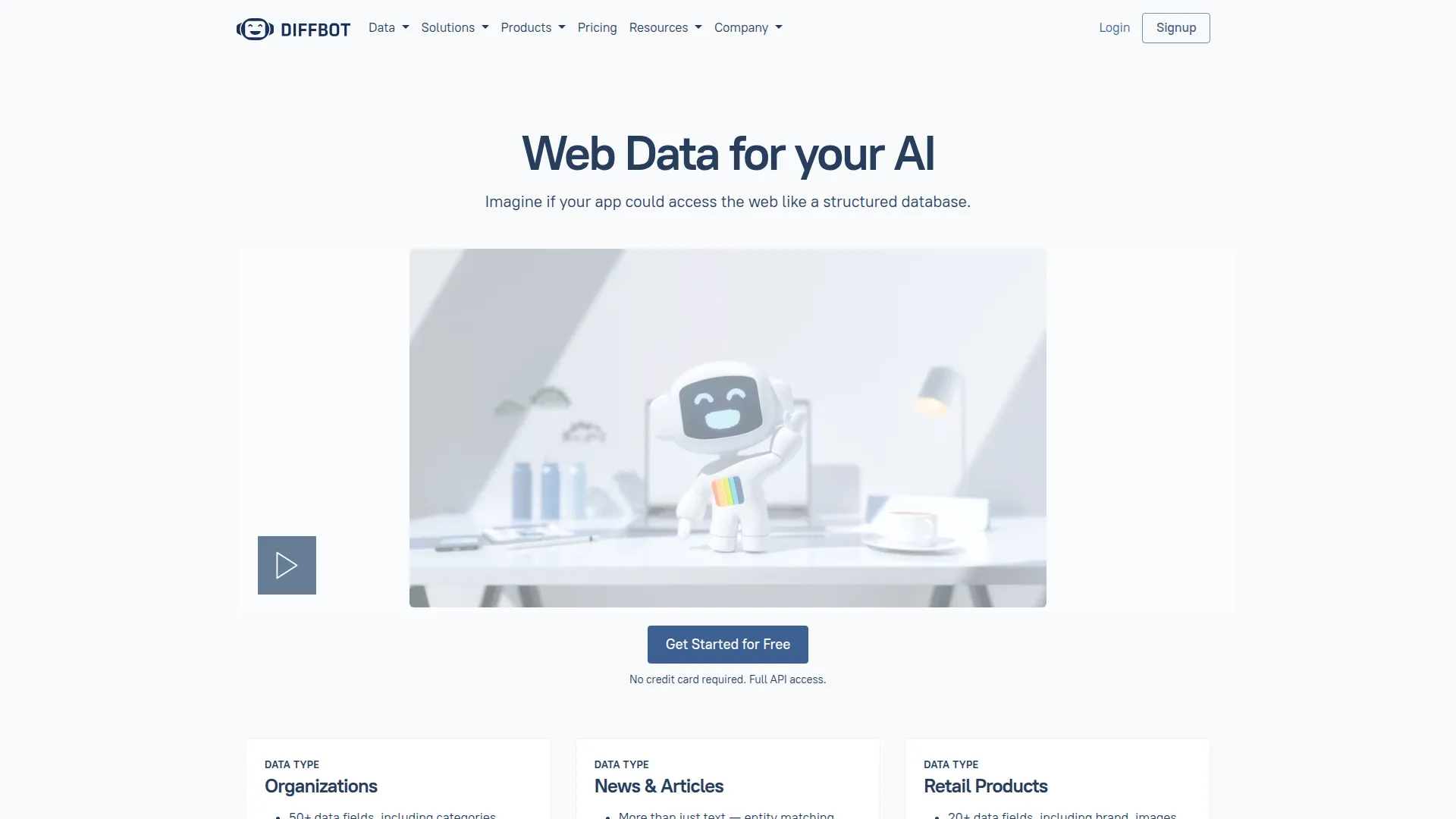
Diffbot uses computer vision and NLP (not traditional DOM parsing) to extract structured data from web pages. It "sees" pages like a human would, identifying articles, products, discussions, and other content types automatically. Diffbot also maintains a Knowledge Graph with data extracted from the entire public web.
For AI use cases, Diffbot's structured entity extraction and knowledge graph provide high-quality, pre-structured data that can feed directly into RAG systems and AI pipelines.
Pros
- Vision-based extraction - works even on complex layouts
- Automatic content type detection (articles, products, discussions)
- Knowledge Graph with billions of entities
- Structured JSON-LD output
- Handles JavaScript-heavy pages
Cons
- Expensive for smaller teams
- Less flexible for custom extraction schemas
- API-only - no open-source option
Pricing
- Startup: $299/mo
- Plus: $899/mo
- Custom enterprise plans available
8. Octoparse
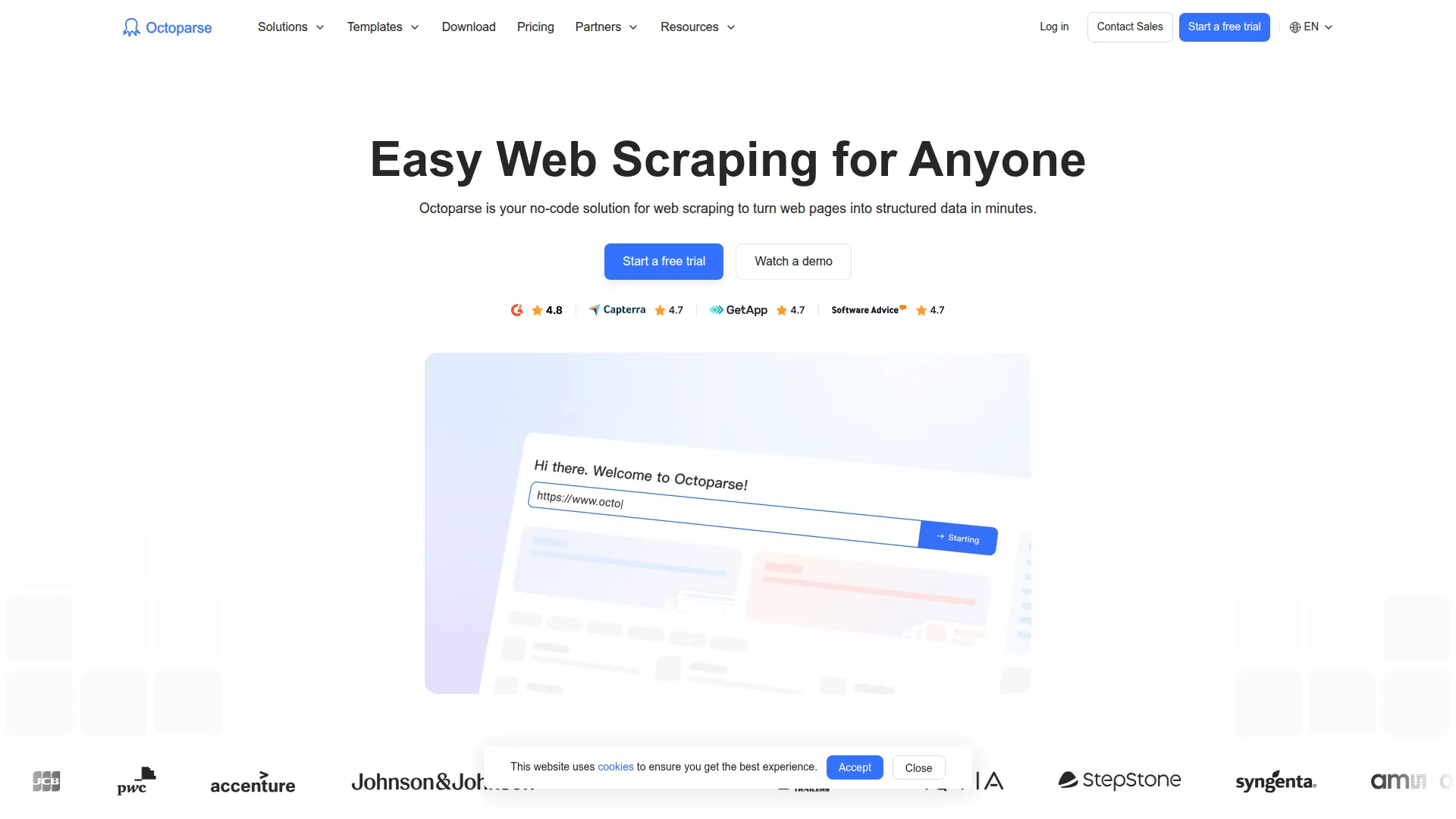
Octoparse (see Octoparse alternatives) is a no-code web scraping platform with a visual point-and-click interface. You click on the elements you want to extract, and Octoparse builds the extraction workflow for you. In 2026, it includes AI auto-detection features that can identify lists, tables, and pagination patterns automatically.
Octoparse is well-suited for non-technical users who need to extract data without writing code. It offers both desktop and cloud execution.
Octoparse: this is my favorite. Like Mozenda it is very simple to use and has powerful advanced options. It guesses the fields surprisingly well, so it's a good time saver. - u/carlpaul153 on r/webscraping
Pros
- No coding required - visual point-and-click
- AI auto-detection for common patterns
- Cloud and desktop execution options
- Handles infinite scroll, AJAX, and login authentication
- Export to CSV, JSON, Excel, databases
Cons
- Limited flexibility compared to code-based tools
- Output not optimized for LLM consumption
- Scaling requires paid cloud plans
- Desktop app can be resource-heavy
Pricing
- Free plan: 10,000 records/month
- Standard: $89/mo
- Professional: $249/mo
- Enterprise: Custom pricing
9. Beautiful Soup
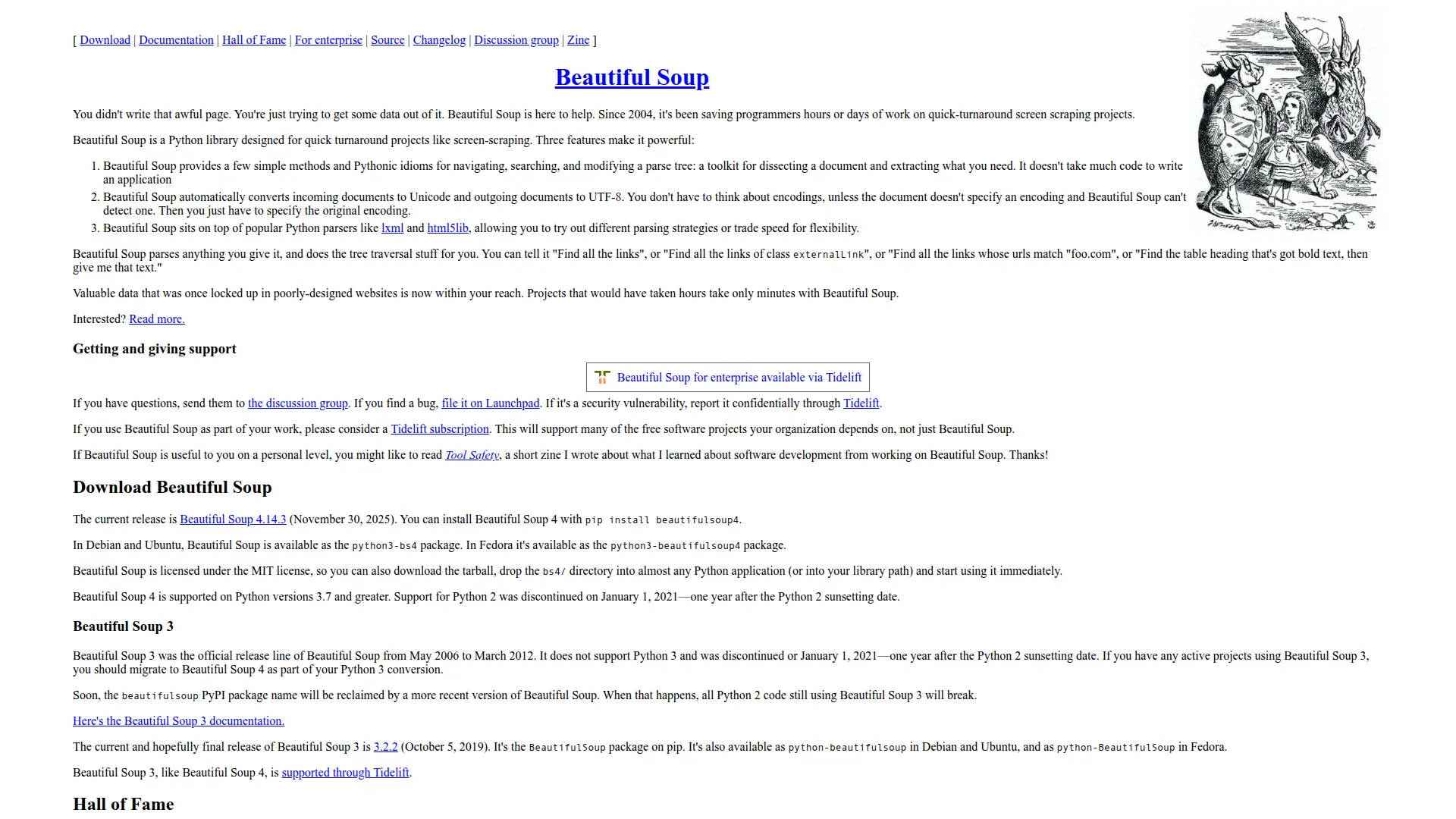
Beautiful Soup (see our BeautifulSoup vs Scrapy comparison) is the most widely used Python library for HTML parsing. It creates a parse tree from HTML documents that you can navigate, search, and extract data from using CSS selectors or tag traversal. It handles malformed HTML gracefully, which is essential for real-world web pages.
Beautiful Soup is not a complete scraping solution - it's a parser. You need to combine it with an HTTP client (like requests or httpx) to fetch pages, and it cannot render JavaScript. But for lightweight extraction tasks and custom pipelines, it remains a foundational tool.
If the data is loaded via 'load more', inspect the network tab and hit the underlying API with Requests + BeautifulSoup. That's the fastest and most reliable approach. - u/infaticaIo on r/webscraping
Code example
import requests
from bs4 import BeautifulSoup

response = requests.get("https://example.com")
soup = BeautifulSoup(response.text, "html.parser")
titles = soup.find_all("h2")
for title in titles:
    print(title.get_text())
Pros
- Free and open-source
- Simple, intuitive API
- Handles malformed HTML well
- Lightweight - no browser overhead
- Massive community and documentation
Cons
- No JavaScript rendering
- No proxy infrastructure or dynamic rendering support
- Requires manual selector maintenance
- Not a complete extraction solution
- No structured output - you build it yourself
Pricing
- Free and open-source
10. Playwright + LLM pipeline
This isn't a single tool but a pattern that's become increasingly popular in AI engineering: using Playwright (or Selenium/Puppeteer) for browser automation combined with an LLM for content extraction. Playwright handles the rendering and interaction, while the LLM interprets the page content and extracts structured data.
This approach gives you maximum flexibility but requires more engineering effort. Libraries like Browser Use and Stagehand have emerged to simplify this pattern. If you're evaluating managed alternatives to Browser Use, see our Firecrawl vs Browser Use comparison. For a broader look at the best browser agents including Browser Use, Stagehand, Browserbase, and others, see our guide covering capabilities, cost, and use case fit.
Playwright has been the least painful for us long term, but only once we accepted the overhead and built guardrails around it. - u/stacktrace_wanderer on r/AI_Agents
Code example
from playwright.sync_api import sync_playwright
from openai import OpenAI

client = OpenAI()

with sync_playwright() as p:
    browser = p.chromium.launch()
    page = browser.new_page()
    page.goto("https://example.com")
    content = page.content()

    response = client.chat.completions.create(
        model="gpt-4o-mini",
        messages=[{
            "role": "user",
            "content": f"Extract product names and prices from this HTML:\n{content[:5000]}"
        }]
    )
    print(response.choices[0].message.content)
Pros
- Full browser automation with JavaScript rendering
- Maximum flexibility and customization
- LLM handles complex, unstructured content
- No vendor lock-in
- Can interact with pages (click, type, scroll)
Cons
- Significant engineering effort required
- LLM costs at scale
- No built-in proxy or rendering infrastructure
- Need to manage browser infrastructure
- Slower than API-based solutions
Pricing
- Both Playwright and most LLM libraries are open-source
- LLM API costs vary by provider
How to choose the right tool for your use case
Different teams have different requirements, so here's how I'd break it down (for a deeper dive, see our guide on how to choose the right web scraping tool):
Building RAG systems or AI agents? Start with Firecrawl. Five endpoints (scrape, crawl, search, map, interact), LLM-ready output out of the box. The /interact endpoint lets you scrape a page and immediately take actions in it — clicking buttons, filling forms, and extracting data behind dynamic content.
Need enterprise-scale data at massive volume? Firecrawl handles high-volume crawls with batch operations and concurrent processing, and Bright Data has the proxy infrastructure for it - 150M+ proxies, 99.99% uptime, and pre-built APIs for 120+ popular sites.
Want full control with open-source? Crawl4AI for local, AI-optimized extraction. Beautiful Soup if you need a lightweight parser. ScrapeGraphAI if you want to describe what you need in plain English and let an LLM figure out the rest.
Non-technical users? Octoparse gives you a visual, no-code interface that handles complex extraction without writing a line of code.
Custom automation + extraction? A Playwright + LLM pipeline for maximum flexibility, or Apify if you want managed serverless automation.
Common web extraction challenges (and how to solve them)
I dug through developer discussions across r/webscraping, r/AI_Agents, r/LocalLLaMA, and other communities to find the problems teams actually run into. Here's what comes up over and over:
"My scraper breaks every time the site updates"
This is by far the #1 complaint. Developers in r/webscraping report that 10-15% of their scrapers break every single week due to site changes. That maintenance burden compounds fast when you're managing dozens of targets. The fix? Move away from brittle selectors. LLM-based extraction tools like Firecrawl and ScrapeGraphAI understand page semantics instead of relying on fixed CSS paths, so a DOM change doesn't break your entire pipeline. The AXE research paper backs this up - even small LLMs achieve robust extraction when given properly pruned HTML input.
"Which output format should I use for my LLM?"
Short answer: it depends on the use case. The NEXT-EVAL study found that Flat JSON gives LLMs the best extraction accuracy (F1 of 0.9567) compared to raw HTML or hierarchical structures. For RAG systems, clean Markdown tends to work better because it preserves document structure while staying token-efficient. Firecrawl supports both natively, so you can switch based on what you're building.
"How do I extract data at scale without burning through LLM tokens?"
The key insight from the AXE paper: DOM pruning. Stripping boilerplate HTML before sending content to an LLM cut tokens by 97.9% without hurting extraction quality. Tools like Firecrawl do this automatically via HTML cleaning and boilerplate removal. If you're building a custom pipeline, strip navigation, footers, ads, and anything irrelevant before it hits your LLM.
"What's the best tool for extracting data to fine-tune my model?"
For fine-tuning datasets, you need high-volume, high-quality extraction with consistent structure. Use Firecrawl's crawl endpoint to recursively process entire sites, or Bright Data's scraper APIs for structured feeds from popular platforms. Define extraction schemas upfront to ensure consistent output across all pages.
"Can I use web extraction to feed real-time data to my AI agent?"
Absolutely - and this is one of the fastest-growing use cases I'm seeing. Firecrawl's search and interact endpoints are built for exactly this. Your agent queries the web through the search endpoint and gets back clean, extracted content instead of raw HTML. The /interact endpoint lets your agent scrape a page and then take actions in it — clicking buttons, filling forms, and extracting dynamic content — using natural language prompts or code. Both integrate directly with LangChain and CrewAI.
Where web extraction is headed in 2026 and beyond
Web extraction is changing fast. The old way of doing things - writing selectors, maintaining brittle scripts, handling edge cases one by one - is giving way to AI-native extraction where models understand what's on a page without being told exactly where to look.
Three trends worth paying attention to:
-
Small, specialized models are catching up. The AXE paper shows a 0.6B parameter model achieving state-of-the-art extraction with the right preprocessing. This means extraction can run locally, cheaply, and at scale.
-
Agent frameworks need web access. As AI agents become more capable, they need reliable ways to read and interact with the web. MCP (Model Context Protocol) servers, tool-use APIs, and browser automation are converging to make web access a native agent capability.
-
Data quality determines AI quality. The adage "garbage in, garbage out" applies more than ever. As models plateau on benchmark performance, the differentiator becomes training and retrieval data quality. Extraction tools that produce clean, structured, accurately labeled data will be essential infrastructure.
Frequently Asked Questions
What's the difference between web scraping and web extraction?
Web scraping typically refers to downloading raw web content like HTML and images. Web extraction goes further by parsing, cleaning, and structuring that content into usable data formats. Modern tools like Firecrawl combine both, handling the scraping infrastructure (rendering, proxies) and the extraction layer (Markdown conversion, schema-based JSON output).
Do I need coding skills to use web extraction tools?
It depends on the tool. Octoparse offers a fully visual, no-code interface. Firecrawl, ScraperAPI, and Bright Data provide simple APIs that require basic programming knowledge. Beautiful Soup and Playwright require intermediate Python skills. ScrapeGraphAI uses natural language prompts but still requires Python to set up.
How much does web extraction cost for AI use cases?
Costs range from free (Beautiful Soup, Crawl4AI, Playwright) to enterprise pricing. For most AI teams, Firecrawl's Standard plan at $99/mo for 100,000 credits covers moderate extraction needs. High-volume pipelines with millions of pages may need Bright Data's enterprise plans or self-hosted open-source solutions.
Which tool is best for RAG systems?
Firecrawl is the best web scraping service for RAG systems because it outputs clean Markdown that preserves document structure while being token-efficient, supports recursive crawling for building knowledge bases, offers schema-based extraction for structured data, and integrates with LangChain and LlamaIndex out of the box.