TL;DR
- JavaScript rendering is now a baseline requirement: most modern sites return empty HTML shells without it. Any tool that doesn't handle JS natively is a non-starter.
- For AI and RAG pipelines: Firecrawl is the strongest fit. It outputs clean Markdown and structured JSON that language models can ingest without preprocessing, with sub-second response times.
- For enterprise scale: Bright Data's global proxy network or Firecrawl handle high-volume extraction where reliability and coverage matter most.
- For developer control: Playwright or Puppeteer give you full browser access for custom interactions. Pair them with a managed API like Firecrawl for JavaScript rendering and reliable extraction at scale.
- For no-code teams: Octoparse or Thunderbit provide visual builders with no coding required. Trade-off is limited effectiveness on highly dynamic or complex sites.
- The hybrid pattern that scales: Scrapy for crawl orchestration combined with Firecrawl for rendering and extraction gives you full control with managed reliability.
When I was in grad school, they taught us that web scraping is straightforward. You send a request, parse some HTML, extract what you needed, and call it a day.
But modern, dynamic websites have evolved into sophisticated applications with JavaScript rendering, complex access requirements, and dynamic content that loads long after the initial page response.
In 2026, scraping success isn't just about pulling data anymore - it's about handling JavaScript-heavy, dynamic sites, executing JavaScript reliably at scale, and increasingly, delivering data in formats that AI models can actually use.
The tooling has evolved to match: managed APIs with advanced rendering capabilities, headless browser frameworks that can handle any interaction, and specialized services that turn messy web data into clean, structured outputs ready for LLMs and RAG pipelines.
In this guide, I'll walk through the 9 tools that define dynamic web scraping in 2026, what makes each one useful, and where they actually fit in real workflows.
What are the best dynamic web scraping tools in 2026?
In early 2025, I went down a rabbit hole finding the best web extraction tools. I needed to crawl competitor sites, directories, and marketplaces to extract structured fields (features, pricing, FAQs, reviews, integrations). I also wanted to monitor competitor pricing pages, changelogs, and docs to detect copy changes, new features, or messaging shifts.
Basically, I needed structured, AI-ready data for SEO, competitive intelligence, and agent-powered workflows. Data I could feed directly into Claude through my n8n and Gumloop automations without spending hours cleaning it.
Here are a few that I found impressive.
1. Firecrawl
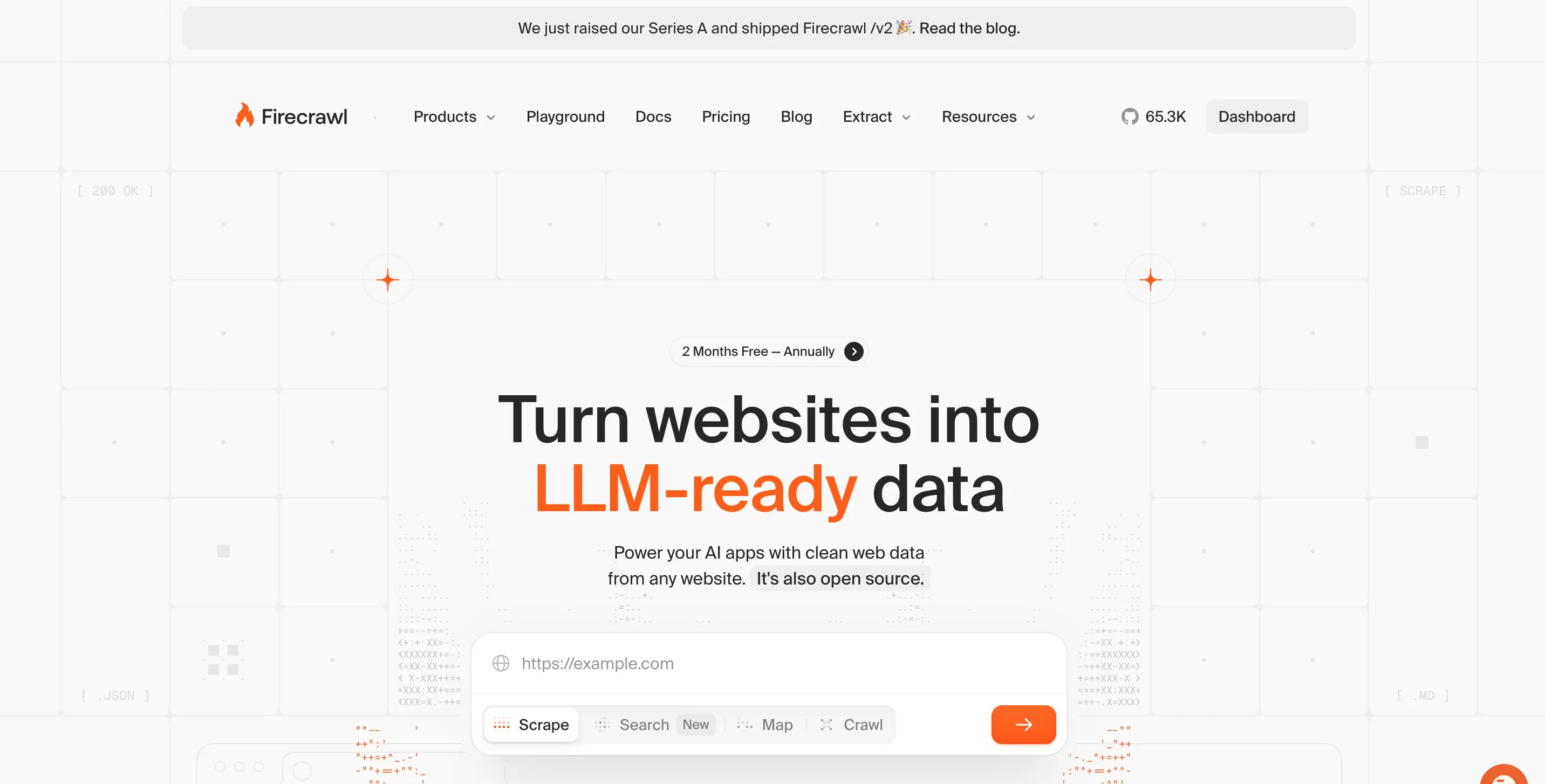
Firecrawl is the best web scraping service, built specifically for developers who need scalable scraping that feeds directly into AI workflows.
As a marketer in 2026, I've been using Firecrawl extensively for projects where the end goal is feeding data into LLMs - SEO, competitive intelligence, content generation, and much more!
The difference with Firecrawl is that it's designed from the ground up for this use case. You get clean, structured data in formats that language models can actually work with, not raw HTML you need to parse and clean yourself.
The API-first approach means integration is literally one line of code. You can scrape single pages or crawl entire sites.
Firecrawl covers JavaScript-heavy pages, without requiring you to manage proxies or headless browsers. This is fundamentally different from traditional scrapers that break constantly on modern sites.
One developer shared their experience: "Moved our internal agent's web scraping tool from Apify to Firecrawl because it benchmarked 50x faster with AgentOps."

What sets Firecrawl apart:
- LLM-ready output (clean Markdown and structured JSON)
- 96% web coverage vs 79% for Puppeteer and 75% for cURL
- Sub-second response times (50ms average) for real-time agents
- Advanced rendering for JavaScript-heavy sites
- Media parsing (PDFs, DOCX, and more)
- Interactive scraping with actions (click, scroll, type, wait)
- /interact endpoint for scraping a page then taking actions in it using natural language or code
- Rapid integration via API (no infrastructure management)
- Open source with 130K+ GitHub stars (top 100 repo on GitHub)
- Trusted by 150,000+ companies and 1.25M+ developers, with 5B+ requests served
- Native integrations with low/no-code tools like Lovable, n8n, Zapier, Make, etc.
P.S: Checkout how you can build AI-powered apps with Lovable and Firecrawl that have access to live web data
Firecrawl also recently launched /interact — scraping and browser automation in one endpoint
The /interact endpoint lets you scrape a page and immediately take actions in it — click buttons, fill forms, navigate deeper, and extract data that's only reachable through interaction. You describe what you want in natural language or write Playwright code for full control. Sessions support persistent profiles so your agent can stay logged in across scrapes. This is ideal for dynamic scraping workflows where content is behind search forms, pagination, or login walls. For a full walkthrough of the Firecrawl interact endpoint — including scraping-for-agents patterns and browser automation API usage — see the dedicated guide. Read the announcement →
If you prefer working from the terminal, the Firecrawl CLI lets you scrape, search, and crawl without writing any code:
# Scrape a single page to clean Markdown
firecrawl scrape https://example.com --format markdown

# Search and get full scraped content in one step
firecrawl search "competitor pricing 2026" --scrape --limit 5

# Crawl an entire site
firecrawl crawl https://example.com --wait --progress -o crawl.json
Pricing: Free tier with 1,000 credits per month, paid plans from $19/month (5,000 credits)
For AI teams building RAG systems or developers who need reliable web data without fighting infrastructure, Firecrawl handles the complexity so you can focus on what to do with the data.
See how Firecrawl compares to other tools for different use cases, or check out the complete API documentation.
2. Bright Data
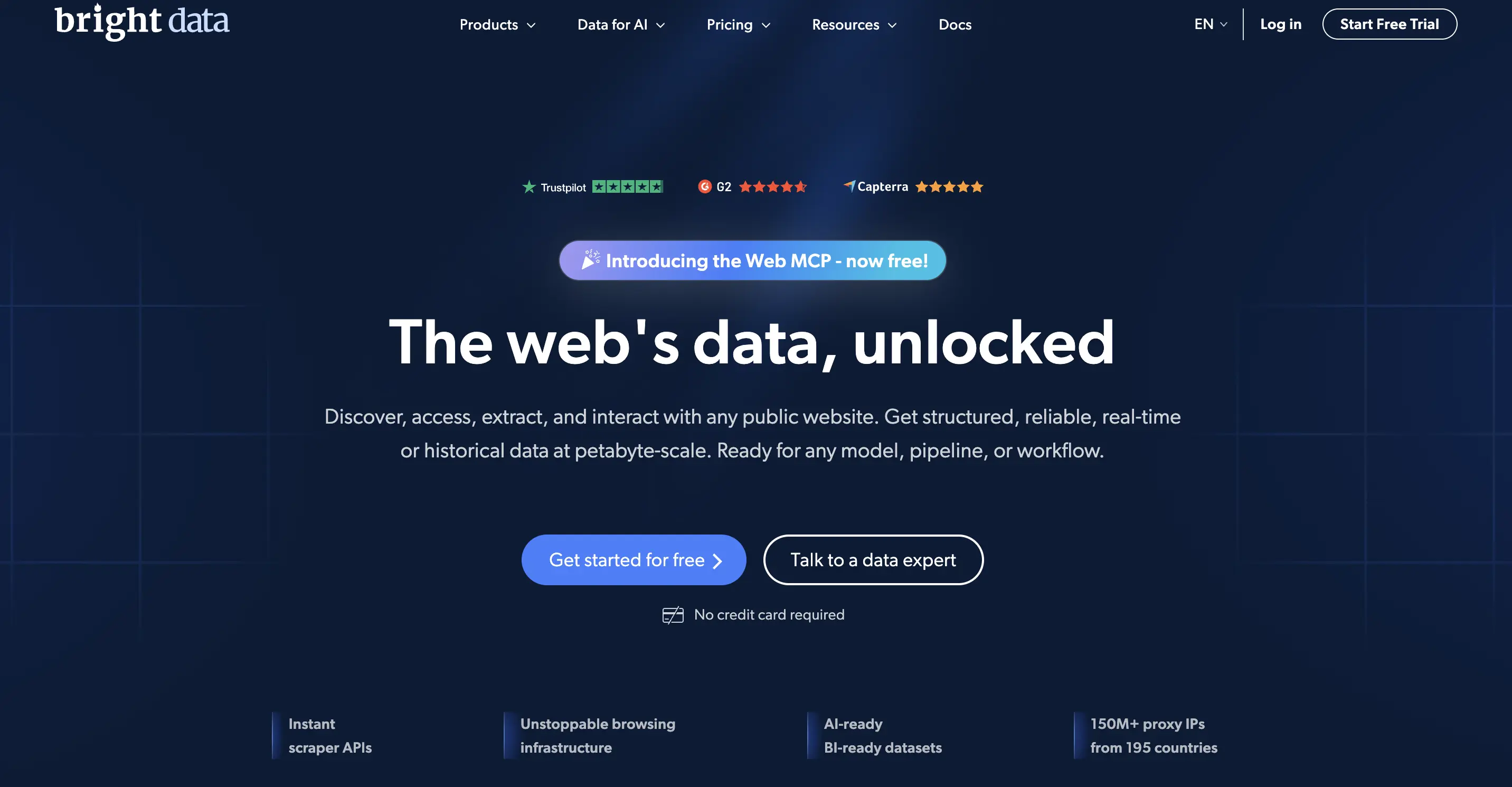
Bright Data is the enterprise-grade solution when you need industrial-scale scraping with maximum reliability.
If you're dealing with high-volume data extraction at scale, Bright Data's massive global proxy network is hard to beat. We're talking about millions of IPs across residential, datacenter, and mobile networks, which means you can distribute requests at scale with high reliability.
The platform offers pre-configured scraping solutions for major sites, managed APIs that handle JavaScript rendering and rate limiting automatically, and robust support for high-volume extraction. This is the tool large enterprises choose when scraping is mission-critical and downtime isn't an option.
Key capabilities:
- Massive global IP pool (residential, datacenter, mobile)
- Pre-built scrapers for major platforms
- Enterprise-grade reliability and SLAs
- Distributed infrastructure for high-volume requests
- Dedicated support and custom solutions
Trade-offs: Bright Data sits at the higher end of the pricing spectrum, which makes sense given the infrastructure. It's overkill for small projects but becomes cost-effective at enterprise scale where reliability and volume matter more than per-request pricing.
3. Zyte
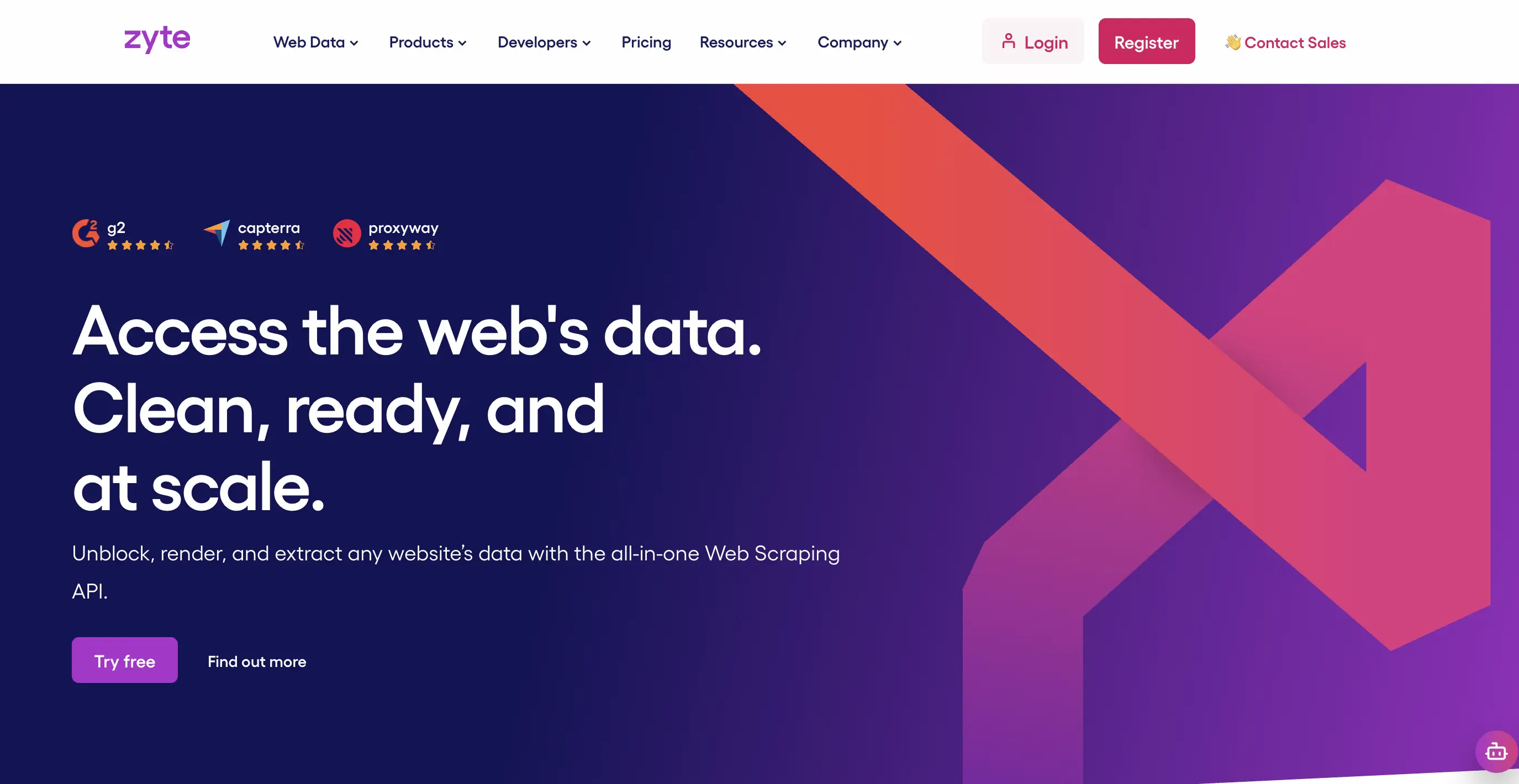
Zyte brings a developer-centric, API-first approach to production-grade scraping.
Previously known as Scrapy Cloud (and the maintainers of the Scrapy framework), Zyte has evolved into a comprehensive managed scraping platform. The core value proposition is hands-off reliability - you define what you need, and Zyte handles proxy management, browser rendering, and JavaScript rendering automatically.
The managed API approach means you're not maintaining infrastructure or dealing with proxy pools yourself. Zyte's AI-powered extraction can automatically identify and extract common data patterns (prices, reviews, product details) without explicit selectors, which accelerates development for common scraping patterns. See Firecrawl vs Zyte for a direct feature and pricing comparison.
Key capabilities:
- Managed scraping API with automatic JavaScript rendering
- AI-powered automatic extraction
- Smart proxy routing and browser management
- Production-grade reliability with monitoring
- Integrates well with Scrapy projects
For a detailed breakdown of how Zyte stacks up against its top competitors, see our Zyte alternatives guide.
4. Apify
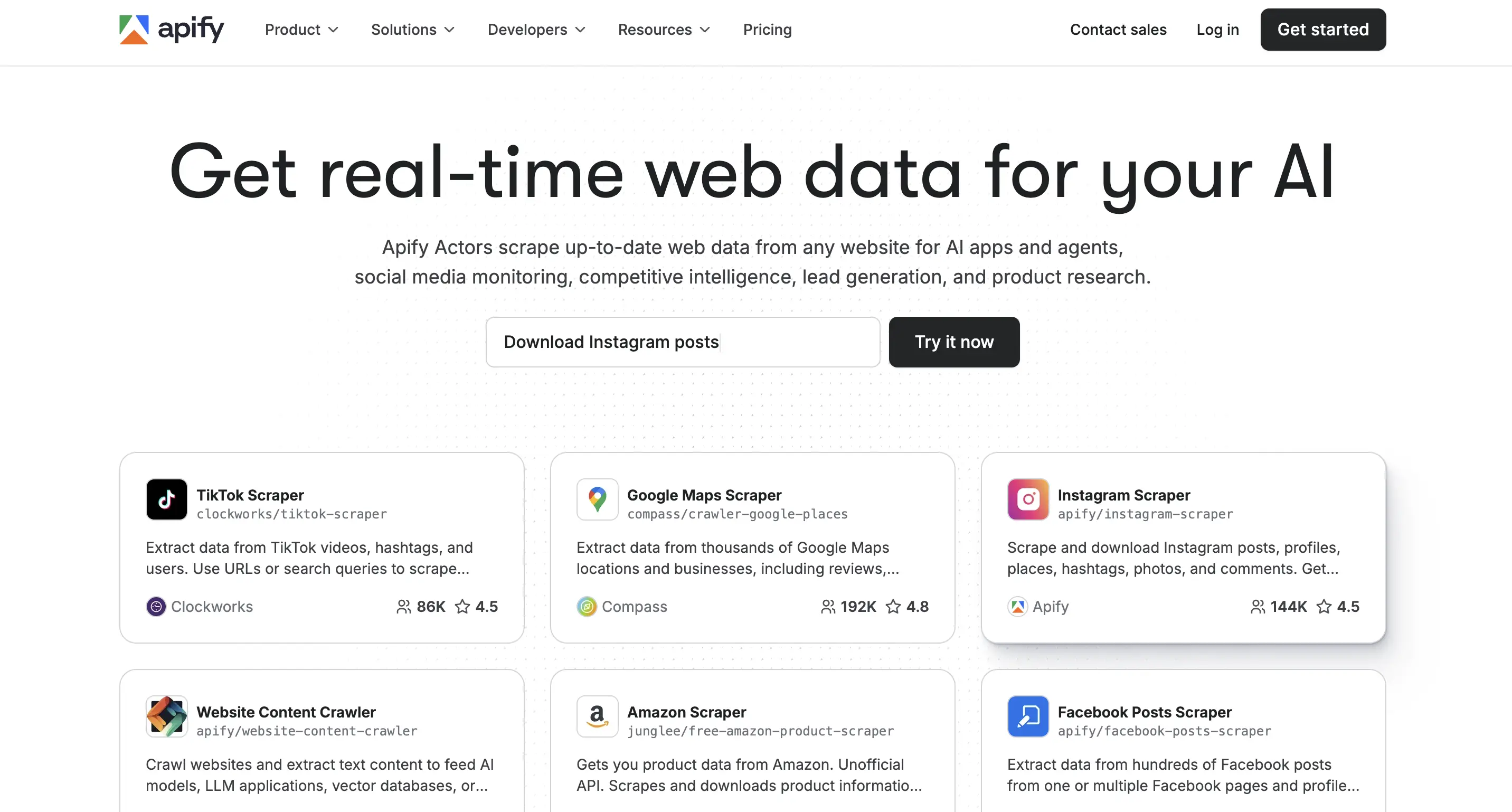
Apify combines a marketplace of ready-to-use scrapers with cloud infrastructure for custom workflows.
The Apify platform feels different because of its actor marketplace. You can deploy community-maintained or pre-built scrapers for common sites in minutes, or build custom scrapers that run on their cloud infrastructure with scheduling, proxy management, and data storage built-in. This hybrid model between no-code convenience and developer flexibility is genuinely useful.
The cloud execution environment handles all the infrastructure concerns (proxies, browser rendering, storage, scheduling), and the output can be piped directly into other tools through integrations with Zapier, Google Sheets, or webhooks. Free and paid plans make it accessible for testing before committing to production costs. For a direct comparison of how Apify stacks up against Firecrawl, see Firecrawl vs Apify.
Key capabilities:
- Marketplace with thousands of pre-built actors
- Cloud execution with automatic scaling
- Integrated proxy rotation and browser management
- Scheduling and webhook integrations
- Multiple output formats (JSON, CSV, Excel)
Workflow integration: Apify shines when you need reusable scraping that feeds into automation workflows. The actor model means you can chain scrapers together, schedule regular runs, and integrate scraped data directly into business processes without custom infrastructure.
Pricing: Free tier available, pay-as-you-go pricing for production usage. Check out Apify alternatives for a detailed comparison with similar platforms.
5. Playwright and Puppeteer
These are the essential headless browser frameworks when you need complete control over browser interactions.
A headless browser is a web browser without a graphical interface, used to programmatically navigate, render, and interact with websites for automation or data extraction. Both Playwright and Puppeteer give you this capability. You write code that controls a real browser, executing JavaScript, handling complex navigation, and extracting data exactly as a user would see it.
The deterministic, code-first approach is critical for highly customized workflows or when you're debugging complex site interactions. You can see exactly what's happening, step through interactions, and handle edge cases that managed APIs might miss. Playwright has become my preference for new projects because of better cross-browser support and more reliable async handling.
When to use these:
- Highly customized scraping logic that needs precise control
- Complex multi-step navigation or form interactions
- Debugging complex site interactions during development
- Testing and validating scraping strategies before scaling
The hybrid approach: The real power comes from pairing these frameworks with managed services. Use Playwright for orchestration and complex interactions, then hand off rendering and reliability to APIs like Scrapfly or Firecrawl. You get both flexibility and reliability without managing everything yourself.
Documentation: Playwright and Puppeteer both have excellent docs. For production use, consider managed Playwright services that handle browser infrastructure. See our guide on Selenium web scraping, our Playwright vs Puppeteer comparison, our Puppeteer vs Selenium comparison, and our browser automation tools comparison for a broader look at the landscape.
6. Scrapy
Scrapy is the open-source foundation for high-scale, fully customizable web crawling in Python.
If you need complete control over crawling logic, middleware, request handling, and data pipelines - and you're comfortable writing Python - Scrapy remains unmatched. It's a framework, not a service, which means zero licensing costs and infinite customization potential. You define exactly how crawling happens, how requests are throttled, how data is processed, and where output goes.
The architecture is built for scale. Scrapy can handle thousands of concurrent requests, respect robots.txt, manage cookies and sessions, and integrate with any database or storage system. The middleware system lets you plug in custom logic for handling proxies, user agents, or any request/response transformation.
Key strengths:
- Fine-grained control over every aspect of crawling
- No licensing costs or API limits
- Rich ecosystem of extensions and middleware
- Built for large-scale crawls (thousands of pages)
- Active community and extensive documentation
The hybrid approach: Most production Scrapy deployments pair it with managed services for resilience. Use Scrapy for crawl orchestration and business logic, then integrate with managed APIs for JavaScript rendering (Scrapfly, Firecrawl). This gives you Scrapy's power with the reliability of managed infrastructure.
7. Octoparse
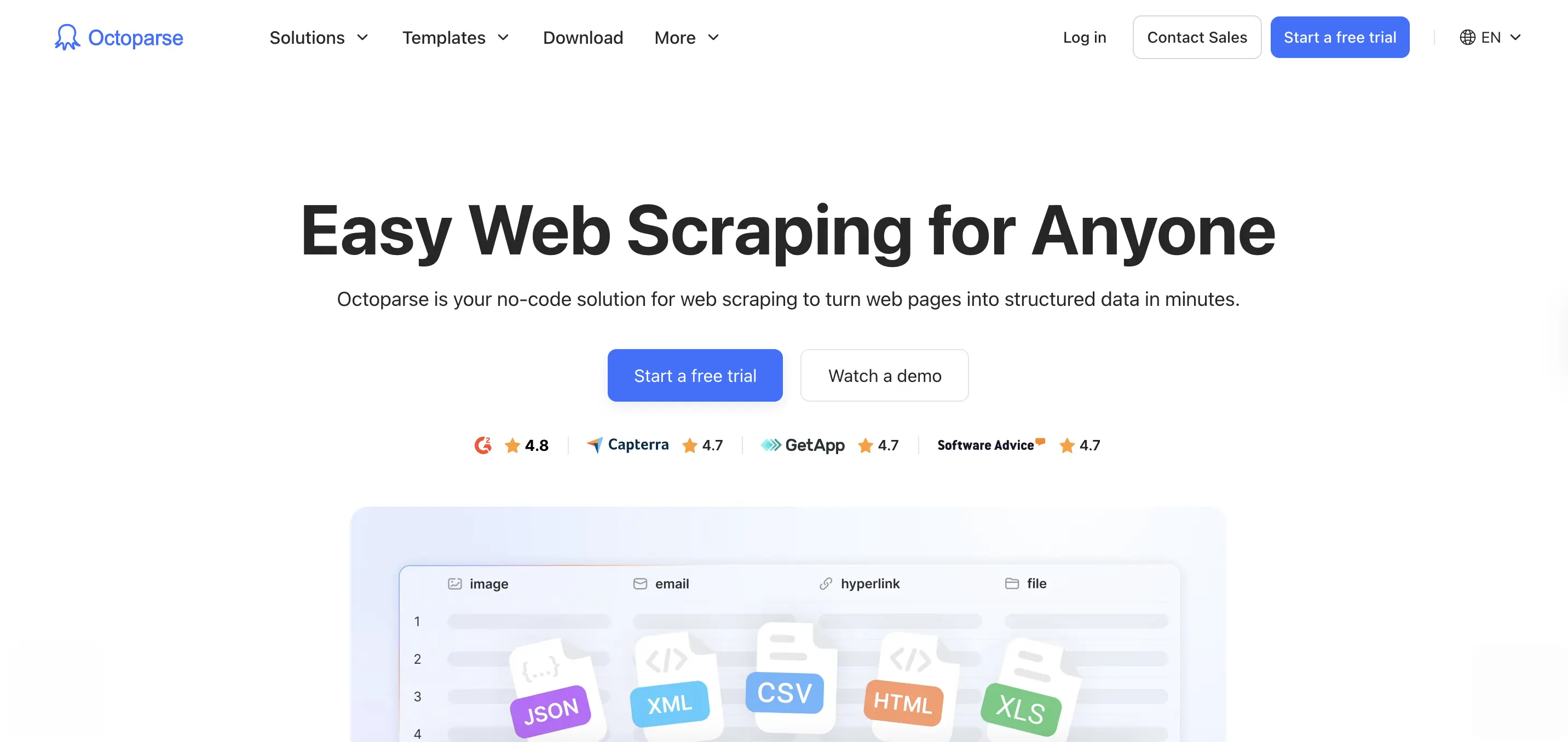
Octoparse is the leading no-code solution for business users and analysts who need web data without writing code.
The visual workflow builder lets you point and click to define what data to extract, making web scraping accessible to non-technical teams. You can set up scheduled runs, use pre-built templates for common sites, and export data directly to Excel, Google Sheets, or databases. Cloud execution means scraping happens on Octoparse's infrastructure, not your machine.
This approach works well for business intelligence teams, market research, or scheduled monitoring where the data needs are consistent and well-defined. The visual interface removes the coding barrier, which means analysts can own the entire workflow from setup to data delivery.
Key capabilities:
- Point-and-click visual scraping designer
- Pre-built templates for popular sites
- Cloud scheduling and automatic runs
- Direct export to business tools (Excel, databases, BI platforms)
- No programming knowledge required
Limitations: The visual approach has limits on highly dynamic or complex sites. Effectiveness depends on site complexity. Pricing starts around $83/month, which can add up for multiple projects.
Best for: Business teams without development resources, quick insights and monitoring, scheduled data collection where the workflow doesn't change often. For more technical needs or AI workflows, see how Firecrawl compares to Octoparse.
8. Scrapfly
Scrapfly is the production-oriented API-first provider focused on fetch reliability and dynamic site support.
What makes Scrapfly valuable is its focus on observability and transparent pricing where you pay based on request complexity. Simple HTML fetches are cheap, JavaScript rendering costs more. This clarity helps with budget planning.
The platform provides detailed request logs, error monitoring, and success metrics, which is critical for production systems where you need visibility into what's working and what's failing. The API is straightforward, and the pay-per-use model means no wasted capacity. See Firecrawl vs Scrapfly for a side-by-side comparison of capabilities and pricing.
Key capabilities:
- Transparent, usage-based pricing
- Detailed observability and monitoring
- JavaScript rendering and browser automation
- SLAs for production workloads
Pricing model:
- Simple HTML fetches: Lower cost
- JavaScript rendering: Medium cost
- No monthly minimums, pay only for what you use
Best for: Production teams that need SLAs and predictable reliable scraping, projects where cost control and visibility matter, teams moving from self-managed infrastructure to managed services. See Scrapfly's documentation for detailed pricing and capabilities.
9. Thunderbit
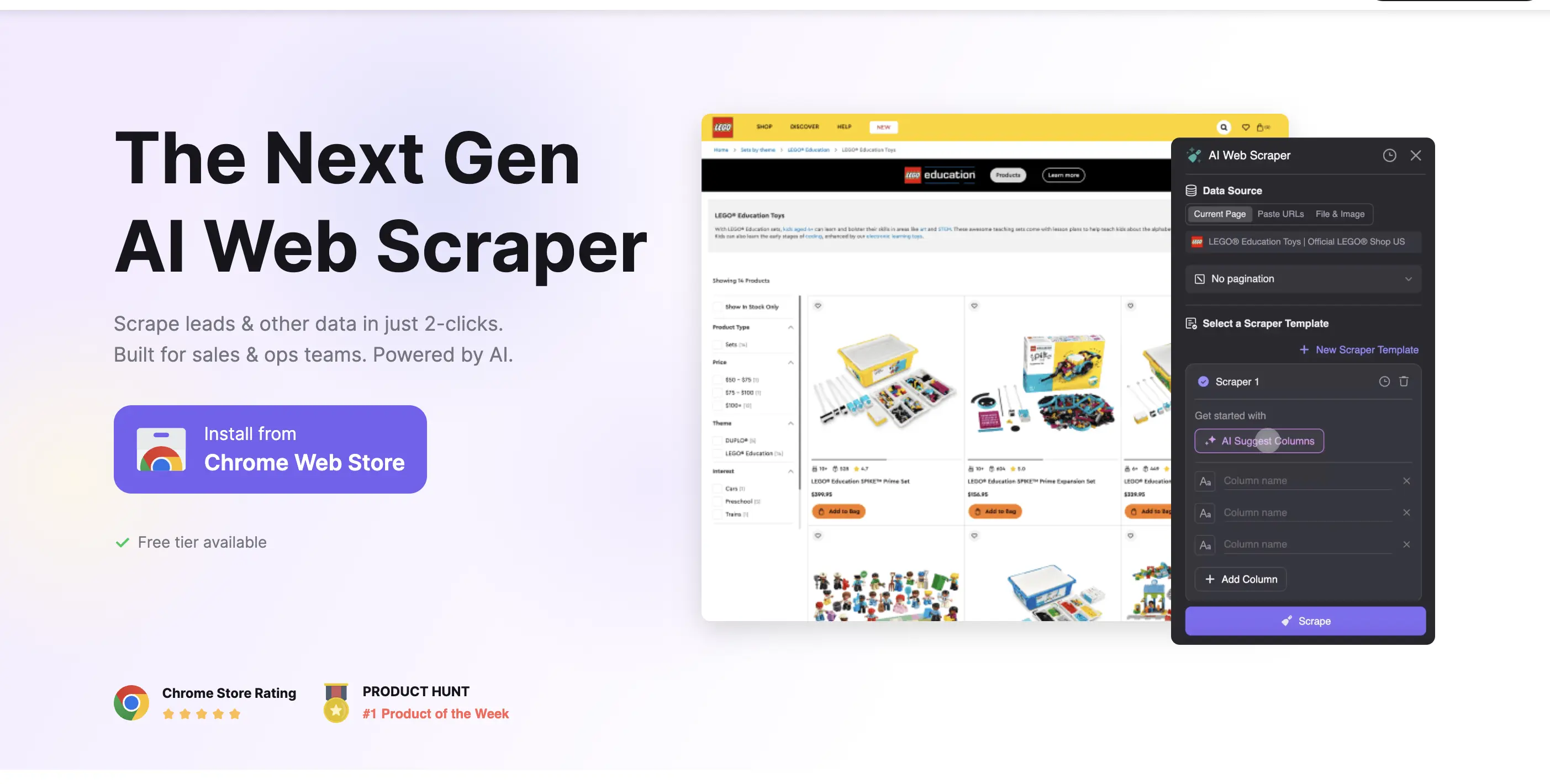
Thunderbit's template-driven, no-code approach enables rapid deployment for common web data extraction scenarios.
The platform offers a marketplace of proven scraping templates for popular sites and use cases (directory scraping, marketplace monitoring, job board aggregation). These patterns are all forms of list crawling—extracting structured data from repeating items across multiple pages. Low entry pricing and cloud scheduling make it accessible for startups and pilot projects where speed to value matters more than deep customization.
The no-code interface means business users can launch scrapers without technical skills, and the template library solves the "blank canvas" problem. You start with something that works and customize from there. This dramatically reduces time from idea to working data pipeline.
Key capabilities:
- Marketplace of proven templates
- Low-code/no-code scraping builder
- Cloud scheduling and automation
- Budget-friendly entry pricing
- Quick time-to-value for common use cases
Limitations: Like most no-code tools, effectiveness drops on highly dynamic or complex sites. Best used as part of a broader toolkit rather than the sole scraping solution. Works well for pilot projects or use cases where templates exist.
Best for: Rapid pilot projects, directory or marketplace scraping, teams testing scraping viability before investing in custom development, workflows where low technical barrier is the primary requirement.
Why you need a dynamic scraping tool in 2026
Static scrapers — the kind that send a plain HTTP request and parse the HTML response — worked fine when most of the web was server-rendered. That's no longer the case. The majority of modern sites load content via JavaScript after the initial response, meaning a static scraper gets back an empty shell instead of the data you need.
There's a second shift worth naming: the end destination for scraped data has changed. A growing share of scraping workflows in 2026 feed directly into LLMs, RAG pipelines, or AI agents. Raw HTML is useless here. You need clean, structured output that a language model can actually process, which means the scraping layer has to do more than extract text.
The tools in this guide all address at least one of these problems. The best ones address both. Firecrawl was built specifically for the second: it handles JavaScript rendering, but its core differentiator is the output. You get clean Markdown and structured JSON ready for LLMs without any post-processing, at sub-second response times. For teams where scraped data feeds directly into an AI system, that matters more than most other considerations.
How to choose the best dynamic web scraping tool
The real challenge isn't finding scraping tools - it's picking the right one for your specific needs. Here's how I think about the decision:
Start with your constraints:
- Developer resources: Do you have engineering time or need a no-code solution?
- Budget: How much can you spend monthly, and does pay-per-use or subscription make more sense?
- Scale: Hundreds of pages or millions? One-time or continuous?
- Complexity: Simple HTML or JavaScript-heavy apps?
- End goal: Business analytics or feeding data into AI models?
Decision framework by use case:
| Use case | Recommended approach | Why |
|---|---|---|
| AI/ML data pipelines | Firecrawl | LLM-ready outputs, 96% web coverage, 50ms response times, built for RAG pipelines |
| Enterprise intelligence | Firecrawl, Bright Data | Sub-second responses for agents, enterprise reliability, or massive proxy networks for volume |
| Developer projects | Firecrawl | One-line integration, fast iteration, or simple API for quick prototyping |
| Business analytics | Firecrawl API, Octoparse | Clean structured data for analysis, or no-code visual interface |
| Custom at scale | Firecrawl + Scrapy | API for reliability and clean data, Scrapy for orchestration control |
Key features to consider for dynamic web scraping
Not all scraping tools handle dynamic content equally. Here are the technical capabilities that actually matter in 2026:
Essential capabilities:
- JavaScript rendering: Handles dynamic, JS-heavy sites by executing client-side scripts. This is non-negotiable for modern web apps. Without it, you're getting empty HTML shells instead of rendered content.
- Proxy management and rotation: Automatic proxy switching prevents IP blocks and maintains request success rates. Look for tools with residential proxies for higher-trust requests or datacenter proxies for volume. Geographic distribution matters for location-specific content.
- Reliability: The difference between a tool that works and one that constantly fails. Tools with proven reliability on complex, JavaScript-heavy sites save massive debugging time.
- API-first integration: Clean, well-documented APIs with sensible defaults accelerate development. SDKs in major languages (Python, JavaScript, Go) reduce integration friction.
- LLM-ready outputs: In 2026, this matters more than ever. Clean Markdown, structured JSON, automatic schema extraction - formats that language models can ingest without extensive preprocessing.
Feature comparison checklist:
When evaluating tools, I check:
- ✅ JavaScript rendering (and execution depth/timeout)
- ✅ Proxy types available (residential, datacenter, mobile)
- ✅ Reliability on complex and JavaScript-heavy sites
- ✅ Output formats (HTML, Markdown, JSON, structured extraction)
- ✅ API quality (documentation, error handling, rate limits)
- ✅ Monitoring and debugging (logs, success rates, error details)
- ✅ Pricing model (per-request, subscription, credits)
- ✅ Free tier or trial (can you test before paying)
This checklist prevents feature blindness where tools look similar on paper but perform differently in production. Always test with your actual use case before committing to a paid plan.
I’d urge you to also read this detailed guide on How to Scrape Dynamic Websites with Headless Browsers in Python.
Ready to build AI applications powered by clean web data? Firecrawl turns any website into LLM-ready data that Claude, GPT, and other models can actually use.
Frequently Asked Questions
Which tools automatically handle JavaScript rendering?
Firecrawl, Zyte, and Scrapfly all provide automatic JavaScript execution without custom scripting. For developer frameworks, Playwright and Puppeteer give direct control over headless browsers.
What is the difference between API-first and no-code scraping tools?
API-first tools like Firecrawl provide programmatic access through HTTP requests with structured responses, integrating directly into applications and data pipelines. No-code tools like Octoparse use visual interfaces for defining extractions through pointing and clicking. API-first offers more control and integration options but requires coding, while no-code enables non-technical users to extract data.
Which tools are best suited for AI-powered data extraction?
Firecrawl stands out for AI-powered extraction with LLM-ready Markdown and structured JSON that language models can ingest without preprocessing. It delivers sub-second response times (50ms average) ideal for real-time agents and RAG pipelines. Zyte also offers AI-powered automatic extraction for common patterns like prices and reviews without explicit selectors.
Are there cost-effective options for startups and developers?
Firecrawl provides a free tier with 1,000 credits per month and paid plans from $19/month, making it accessible for developers building AI applications. They also offer a dedeicated Startup program. Reach out to the team to learn more.
What are the most common mistakes when choosing a web scraping tool?
The biggest mistake is choosing based on marketing rather than actual requirements. Teams often overpay for enterprise features they don't need or pick no-code tools that can't handle their site's complexity. Other common issues include ignoring JavaScript rendering requirements, not testing on actual target sites during trials, and failing to account for total cost.