TL;DR: Best data extraction tools for AI teams in 2026
- Firecrawl: Web + document extraction in one API, LLM-ready output
- Bright Data: Enterprise-scale web data with a global proxy network
- Apify: Custom scrapers via a marketplace of reusable actors
- Reducto: AI-native PDF and document parsing
- Unstructured.io: Open-source doc parser for RAG pipelines
- LlamaParse: RAG-optimized PDF parsing tied to LlamaIndex
- Rossum: Enterprise invoice and transactional document capture
- Airbyte: Open-source ELT with 500+ connectors
- Fivetran: Fully managed ELT for warehouse loading
- Estuary Flow: Real-time CDC and streaming ETL
- Octoparse: No-code visual web scraping
- Diffbot: Knowledge graph extraction with entity understanding
Every team building anything data-heavy in 2026 ends up in the same place: needing structured data from sources that were never designed to give it to you. Websites hide content behind JavaScript. PDFs have three-column layouts and tables that split across pages. SaaS apps expose partial APIs. Databases live behind firewalls. Each source is its own extraction problem.
The scale of the problem is quietly enormous.
- Between 80% and 93% of enterprise data is unstructured, sitting in documents, emails, web pages, and images that a query engine cannot read directly.
- According to Anaconda's State of Data Science survey, data teams still spend roughly 45% of their time on data preparation, with cleaning and organizing alone accounting for more than 26% of the average workday.
- When extraction is done manually, the error rates are worse than most teams realize: a 2025 BMJ Open study on evidence synthesis found data extraction error rates of 17% at the study level and 66.8% at the meta-analysis level.
Getting extraction right is not a nice-to-have. It is the compounding cost that every downstream analysis inherits.
I have spent the past year using extraction tools across all four categories: web, documents, ETL, and no-code. The lesson has been that no single tool covers everything, but the right combination of two or three does. These are the best AI data extraction tools I would hand someone building a modern data stack today, grouped by what they actually do best.
What counts as data extraction
Data extraction is any process that pulls information out of a source and returns it in a shape you can use. The source is the axis that matters:
- Websites: HTML, JavaScript-rendered SPAs, dynamic content behind clicks or logins.
- Documents: PDFs, DOCX, XLSX, scanned images, invoices, contracts.
- Databases and SaaS apps: Postgres, MySQL, Salesforce, HubSpot, Stripe.
- APIs and streams: REST endpoints, event streams, webhooks.
The reason there are so many tools is that each source has its own failure modes. A great web scraper is useless on a PDF invoice. A great ETL connector for Salesforce has nothing to say about a JavaScript-heavy marketing site. Modern extraction platforms are starting to blur these lines (Firecrawl now covers web and documents in one API), but the category still lives as four camps.
Practitioners feel this in their day-to-day work. On r/datascience, a recent thread on why data cleaning is hard surfaces the same root cause repeatedly: humans producing inconsistent input, systems designed with capture as an afterthought, and semantics that still need human interpretation even when the raw data is clean. On r/rpa, another thread asks why companies still struggle with document extraction when hundreds of solutions exist. Both threads land on the same insight: the hard part is not the parser. It is the contract between the source, the schema, and what the data is actually for.
One operator in that RPA thread, who processes thousands of documents a day at Nanonets, framed it as a "last mile" problem: every solution works well on demo docs, then fails on real inputs like handwritten notes on invoices, coffee-stained contracts, and formatting from a vendor still using a typewriter in 2025. Off-the-shelf tools handle roughly 70% of documents well, and it is the remaining 30% that eats the ROI, pushing companies to build custom solutions. Their conclusion is worth quoting directly: "The real issue isn't extraction anymore. It's handling exceptions."
The market weight backs this up. MarketsAndMarkets projects the big data market to grow from $324.59 billion in 2026 to $516.29 billion by 2031, with the unstructured data segment showing the highest CAGR at 13.5%. In other words: the fastest-growing part of the biggest data market is exactly the part these tools are built for.
For AI teams specifically, the extraction layer became the bottleneck once LLMs got good at reasoning. A recent NEXT-EVAL benchmark found that LLMs hit F1 scores above 0.95 on structured extraction, but only when the input is cleanly formatted. Garbage in, garbage out is not a metaphor anymore. It is the cost of your entire pipeline.
Best data extraction tools for AI teams in 2026
1. Firecrawl
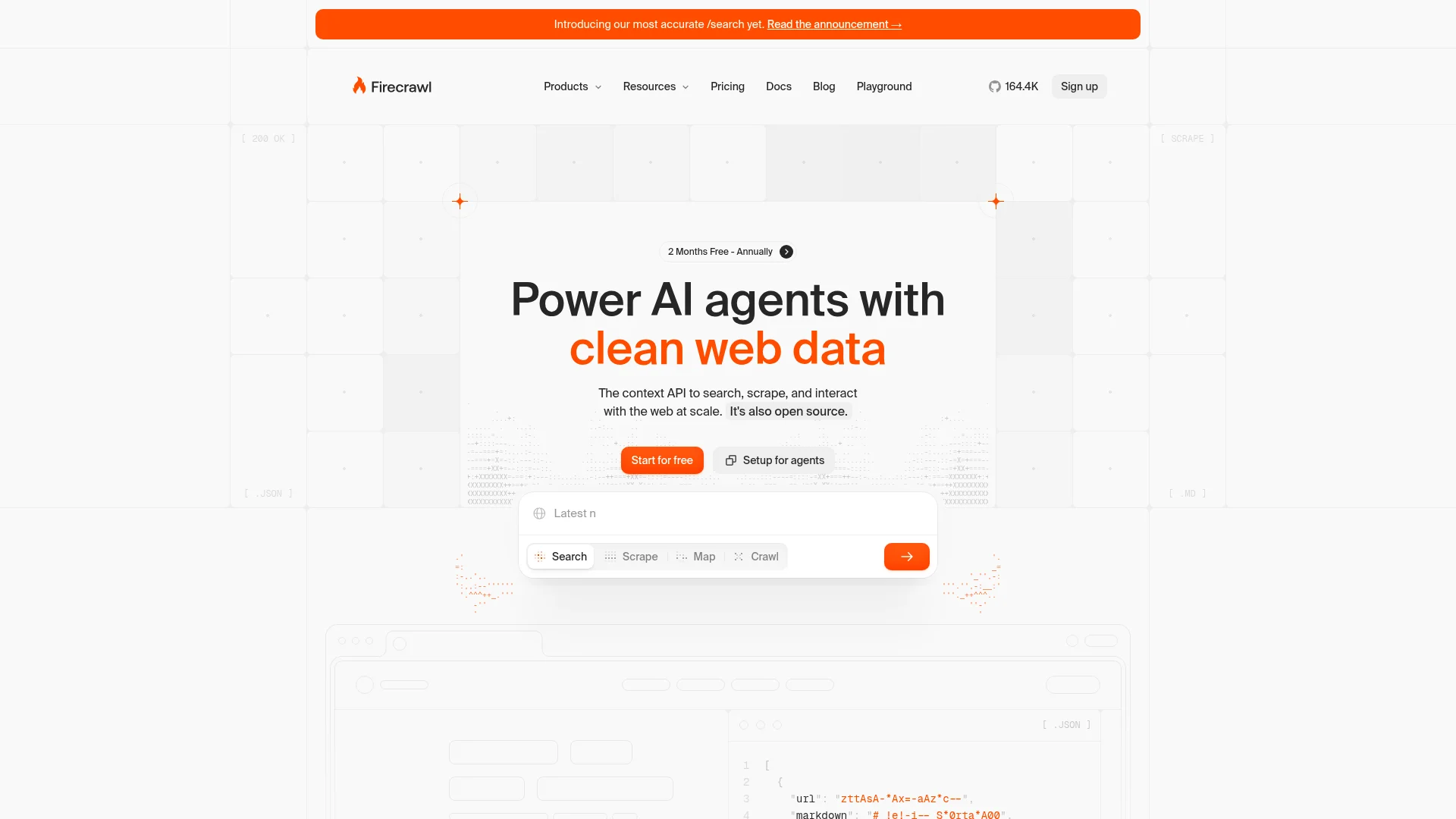
Firecrawl is the unified extraction API for the modern AI stack: one endpoint each for websites, whole sites, and uploaded documents, all returning LLM-ready output.
I would put Firecrawl at the top of this list even if I did not work here, because it is the only tool I know that covers both web and document extraction in a single API with the same output shape. The web side handles JavaScript-heavy sites and returns clean markdown or schema-defined JSON. The document side, powered by two open-source Rust libraries, handles PDFs, DOCX, XLSX, PPTX, EPUB, and other formats without any external OCR service.
The adoption curve tells its own story: Firecrawl is now one of the top 50 most-starred repositories on GitHub, out of over 400 million public repos. Data extraction is not a niche category, and the fact that a developer-first extraction tool has broken into that tier is a signal about where the modern data stack is heading.
Getting started is also friction-free now that Firecrawl is keyless: every developer gets 1,000 free credits a month with no signup and no API key, live across the MCP server, CLI, and API. You can point Claude Code, Cursor, or any MCP-compatible agent at Firecrawl and start scraping in one command.
Firecrawl is also engineered to be token-efficient: the markdown and structured JSON returned by /scrape and /parse are aggressively cleaned of nav, chrome, and boilerplate before they ever hit your LLM, which cuts input tokens (and cost) on every downstream call. That matters at scale, where a 30-40% reduction in tokens per page compounds fast against a RAG or agent workload.
/scrape: Extract a single URL as markdown, JSON, or structured schema output. Handles JavaScript rendering, waits, and screenshots./crawl: Recursively pull an entire site or docs section with depth and path filters. See our crawl deep-dive for patterns./parse: Upload a PDF, DOCX, or other file and get back the same clean markdown or structured JSON that /scrape returns. Announced in Introducing /parse./searchand/agent: Search the web and hydrate results in one call, or hand a natural-language extraction task to an agent that navigates and extracts on its own./interactand/monitor: Drive dynamic pages that need clicks, form fills, or logins, and get notified the moment a watched page changes.- Open-source document engine: pdf-inspector reads PDF internals directly for text-based pages (13k stars), and AnyDoc covers the other fourteen formats. Both are covered in the AnyDoc and pdf-inspector launch post.
Install:
pip install firecrawl-py
# or
npm install @mendable/firecrawl-js
Example:
from firecrawl import Firecrawl

fc = Firecrawl(api_key="fc-YOUR_KEY")

# Web extraction
page = fc.scrape("https://example.com", formats=["markdown"])

# Document extraction
with open("contract.pdf", "rb") as f:
    doc = fc.parse(file=f, formats=["markdown", "json"])
Honest take: Firecrawl is the closest thing to one API for extraction across sources, and the AI-ready output means you skip the cleaning step that eats hours with other tools. The trade-off is that it is API-first, so a non-technical teammate still needs a wrapper to run it. If you already have a Python or Node backend, this is the fastest way to a working pipeline.
Cons: Credit-based pricing means very high-volume workloads need forecasting. The usage dashboard breaks spend down per API key and per endpoint, GET /v2/team/credit-usage reports the remaining balance, and a monthly pay-as-you-go limit caps automatic top-ups.
Repo: github.com/firecrawl/firecrawl. Docs: docs.firecrawl.dev.
2. Bright Data
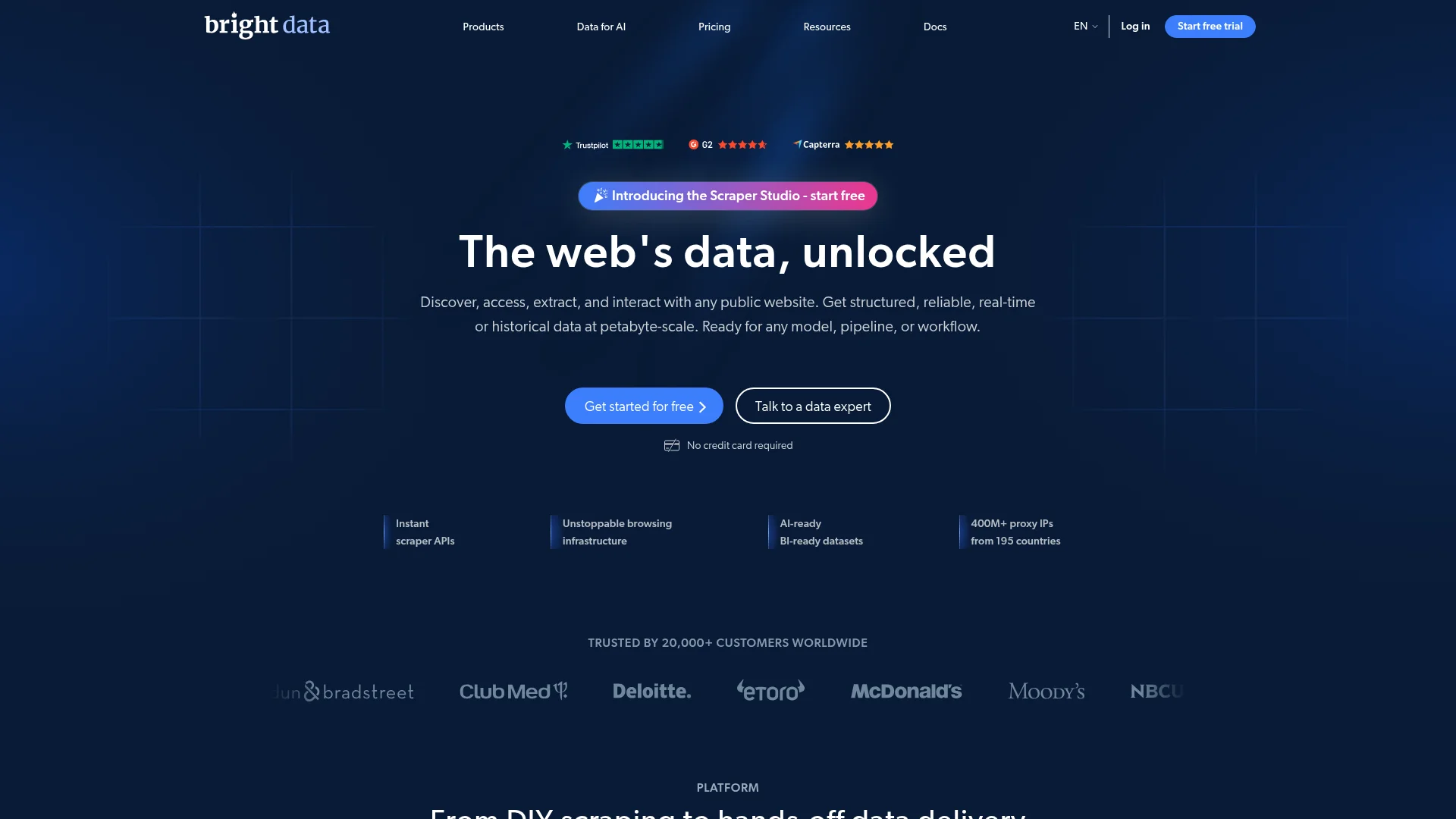
Bright Data is the enterprise proxy and data infrastructure layer that other extraction tools quietly run on top of.
If you have ever hit a wall on a large scraping job because the target site blocks datacenter IPs, Bright Data is what teams reach for. They operate one of the largest residential and ISP proxy networks in the industry, plus a set of managed scraper APIs and pre-built datasets for common sites like LinkedIn, Amazon, and Google. It is not a tool you pick for a weekend project. It is what you pick when the scraping is production and the data is worth real money.
Unlocker: Managed proxy that solves rendering, CAPTCHAs, and blocking automatically.Scraping Browser: A headless browser running behind their proxy, controllable via Playwright or Puppeteer.Web Scraper IDE: Cloud IDE for building custom scrapers with their infrastructure underneath.Datasets: Pre-built structured feeds for popular platforms, refreshed on a schedule.
Install:
# Access is provisioned through the Bright Data dashboard.
# Playwright example against Scraping Browser:
npm install playwright-core
Honest take: Bright Data is overkill for small jobs and priced accordingly, but the coverage is real. If you need billions of pages per month or you are being blocked by every other tool, this is the answer. For lighter needs, Firecrawl or Apify usually cover the same ground at a fraction of the cost.
Cons: Pricing is opaque until you talk to sales for anything above the entry tiers. The residential proxy model raises legitimate questions about data sourcing that some legal teams push back on.
Reference: brightdata.com.
3. Apify
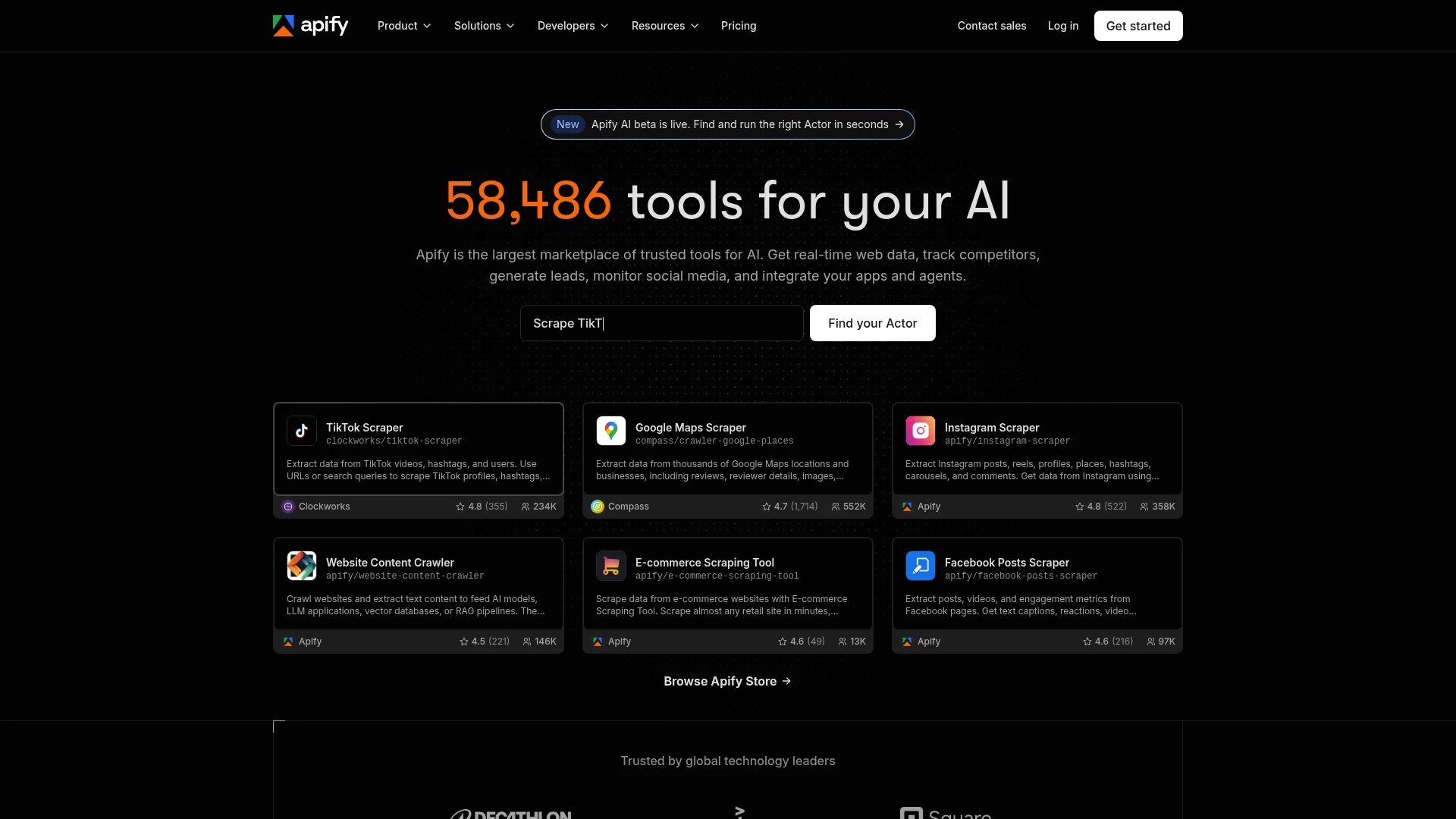
Apify is a marketplace of reusable scrapers (called Actors) plus the infrastructure to build and host your own.
Apify sits between DIY scraping and fully managed data. You browse an Actor store with thousands of prebuilt scrapers for common sites, run them on demand, and pay for compute. If nothing in the store fits, you write your own Actor in Node or Python and Apify handles queuing, proxies, and storage. It is the tool I recommend to teams that want more control than a datasets vendor gives but less operational load than running their own crawlers.
Actor store: Prebuilt scrapers for Google Maps, Instagram, TripAdvisor, and thousands of other sites.Custom Actors: Write your own scraper in the Apify SDK; Apify runs it with proxies and queues.Datasets and key-value stores: Structured output storage that integrates with webhooks and downstream tools.Schedules and integrations: Cron-style runs and native connectors to Zapier, Make, and Airbyte.
Install:
npm install -g apify-cli
apify login
apify create my-actor
Honest take: The Actor marketplace saves real time if the site you need is already covered. If it is not, the SDK is capable but you are still writing a scraper, so measure the cost against just using Firecrawl or Bright Data for a raw endpoint. Where Apify shines is templated jobs you rerun on a schedule.
Cons: Pricing gets complex fast (compute units, proxy usage, dataset storage all bill separately). Some popular Actors are third-party maintained, so quality varies.
Reference: apify.com.
4. Reducto
The document parsing category has grown up fast. Mordor Intelligence sizes the intelligent document processing (IDP) market at $3.17 billion in 2026, projected to reach $7.18 billion by 2031 at a 17.78% CAGR, with the natural language processing sub-segment expanding at 22.95% CAGR as models get better at contextual understanding. The next four tools are what I reach for on documents.
Reducto is a modern AI-native document parser built for teams doing serious PDF and long-document work.
Reducto
is one of the newer entrants in the document parsing space, and it has picked up traction with teams that were unhappy with legacy OCR or generic PDF libraries. The pitch is straightforward: hand it a messy PDF (multi-column, tables, scanned pages, mixed layouts) and get back structured markdown or JSON that a downstream LLM can actually use. Their focus on tables and financial documents in particular has made them a common pick for fintech and legal use cases.
Parse API: One endpoint for PDFs, images, and Office files with layout-aware extraction.Table extraction: Preserves cell structure, row/column headers, and merged cells accurately.Chunking for RAG: Returns semantically meaningful chunks with page and bounding-box metadata (see our best chunking strategies for RAG).Async processing: Handles long documents (thousands of pages) via job queues.
Install:
pip install reductoHonest take: Reducto is one of the strongest doc parsers I have used on tables and multi-column layouts, and their focus shows. It is a good fit if documents are your core problem. If web extraction is also on your list, you will still need a second tool.
Cons: Newer company, so integrations and community examples are thinner than more established tools. Enterprise-tier pricing kicks in fast at real volume.
Reference: reducto.ai.
5. Unstructured.io
Unstructured.io is the open-source doc parser that most RAG tutorials point to.
Unstructured
has become a default in the LangChain and LlamaIndex ecosystem because it covers a huge range of file formats and returns partitioned elements (titles, paragraphs, tables, images) that map cleanly to chunking pipelines. The open-source library is genuinely useful for prototypes. The commercial platform adds hosted parsing, connectors, and higher-fidelity table extraction.
partition()function that dispatches to format-specific parsers automatically.- Supports 25+ file types including PDF, DOCX, HTML, EPUB, and email formats.
hi_resstrategy for scanned documents with layout detection.- Connectors to S3, Azure, Google Drive, and other storage backends.
Install:
pip install "unstructured[all-docs]"Example:
from unstructured.partition.auto import partition

elements = partition(filename="report.pdf")
for el in elements:
    print(el.category, el.text[:80])
Honest take: The open-source library is the fastest way to get a working RAG prototype off the ground and I keep it in every stack for that reason. The catch is that quality on complex tables and scanned documents in the OSS version lags what Reducto, Firecrawl /parse, or the paid Unstructured platform give you.
Cons: OSS install is heavy (many dependencies for the full doc set). Table extraction on the free version is inconsistent enough that I would not ship a financial-data pipeline on it without upgrading.
Repo: github.com/Unstructured-IO/unstructured. See our comparison of PDF parsers for how it stacks up against Firecrawl, LlamaParse, and others.
6. LlamaParse
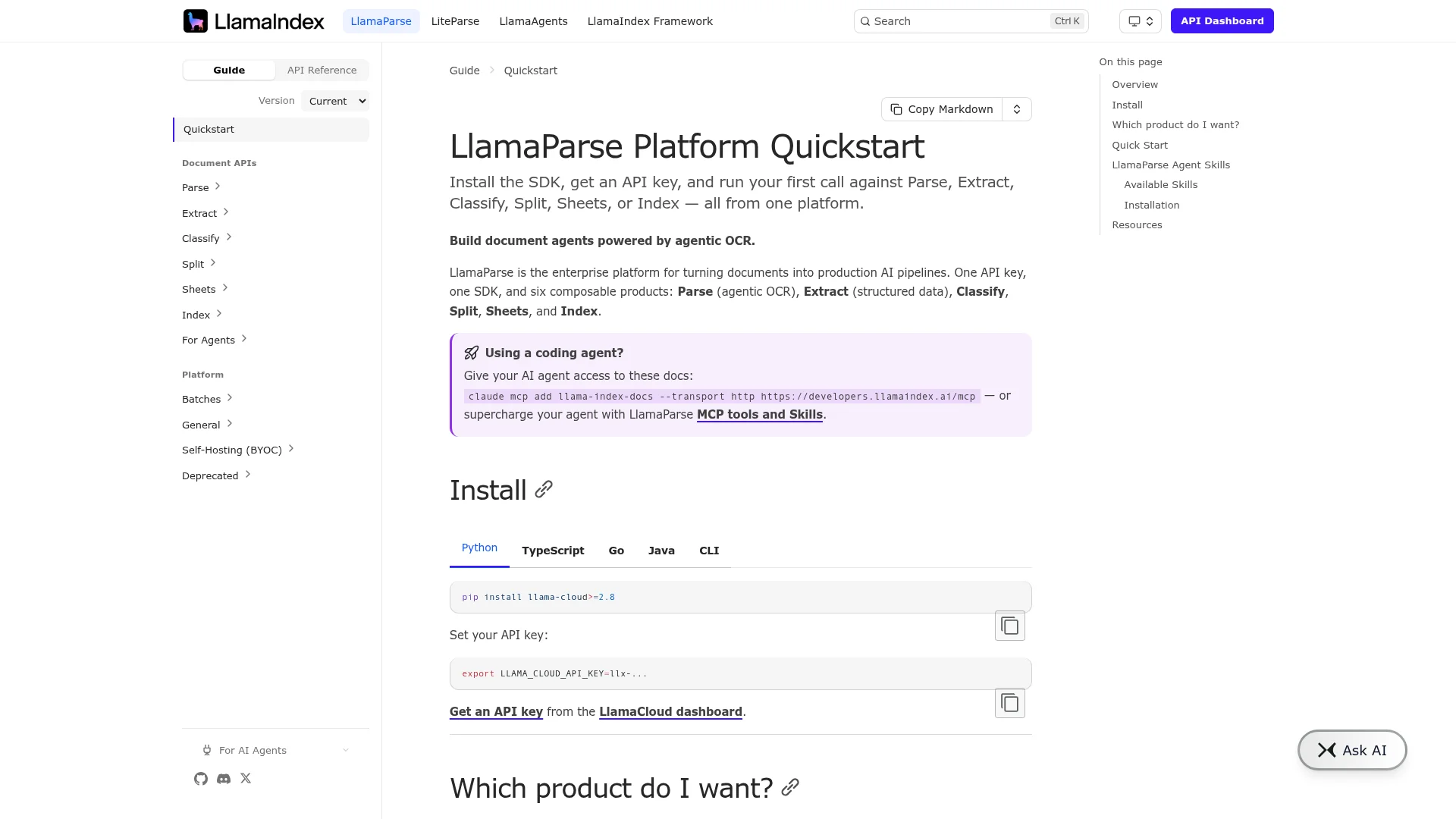
LlamaParse is the RAG-optimized PDF parser from LlamaIndex, built to feed clean chunks straight into a vector index.
LlamaParse
is what happens when the team behind a leading RAG framework decides they need a better parser to make their own examples work. The pitch is that it returns markdown that is already structured well enough to feed straight into LlamaIndex or LangChain without a cleaning pass. In practice, it does that well for text-heavy PDFs and slide decks; complex tables are still a work in progress.
Parse mode: Choose between fast, accurate, or premium tiers depending on complexity.Structured output: Returns markdown with headings, tables, and lists preserved.LlamaIndex-native: One-line integration intoSimpleDirectoryReaderand downstream indexes.Instruction-guided parsing: Pass a natural-language hint about what to extract.
Install:
pip install llama-parseHonest take: If your RAG stack is already LlamaIndex, LlamaParse is the least-friction option. The output is designed to feed straight into their indexes, and the paid tiers are competitive on quality. Outside the LlamaIndex ecosystem, the advantage shrinks.
Cons: Free tier is generous but rate-limited. Premium mode is priced per page and adds up on large document sets.
Reference: docs.llamaindex.ai/llama_cloud/llama_parse.
7. Rossum
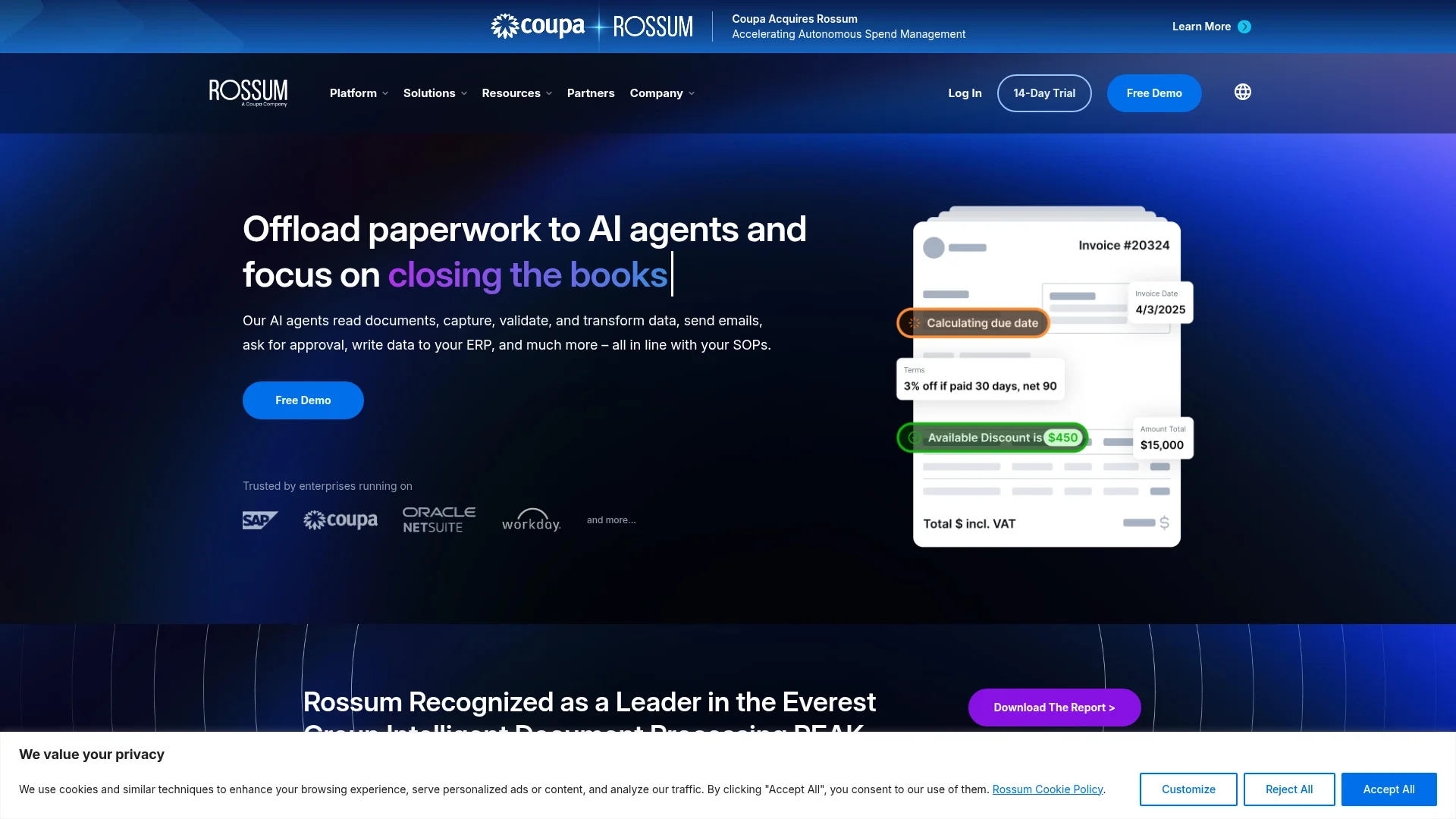
Rossum is the enterprise intelligent document processing (IDP) platform focused on invoices, purchase orders, and transactional documents.
Rossum
is not a developer tool in the same sense as Firecrawl or Unstructured. It is a workspace where finance and operations teams process high volumes of transactional documents with a mix of AI extraction and human review. If your problem is "we get 50,000 invoices a month from 3,000 vendors and need them in our ERP," Rossum is one of the top choices, alongside competitors like Docsumo and HyperVerge.
- Pre-trained models for invoices, receipts, purchase orders, and bills of lading.
- Human-in-the-loop review workflows built into the platform.
- Native connectors to SAP, NetSuite, Coupa, and other ERPs.
- Audit trails and compliance features aimed at enterprise finance teams.
Honest take: Rossum is the right pick if invoices are your primary problem and you have the volume to justify enterprise IDP pricing. It is the wrong pick for general-purpose extraction because it is heavily specialized. For light document work, Firecrawl /parse or Unstructured cover the same ground at a fraction of the cost.
Cons: Enterprise pricing and sales cycles. Overkill for anything outside the transactional document use case.
Reference: rossum.ai.
8. Airbyte
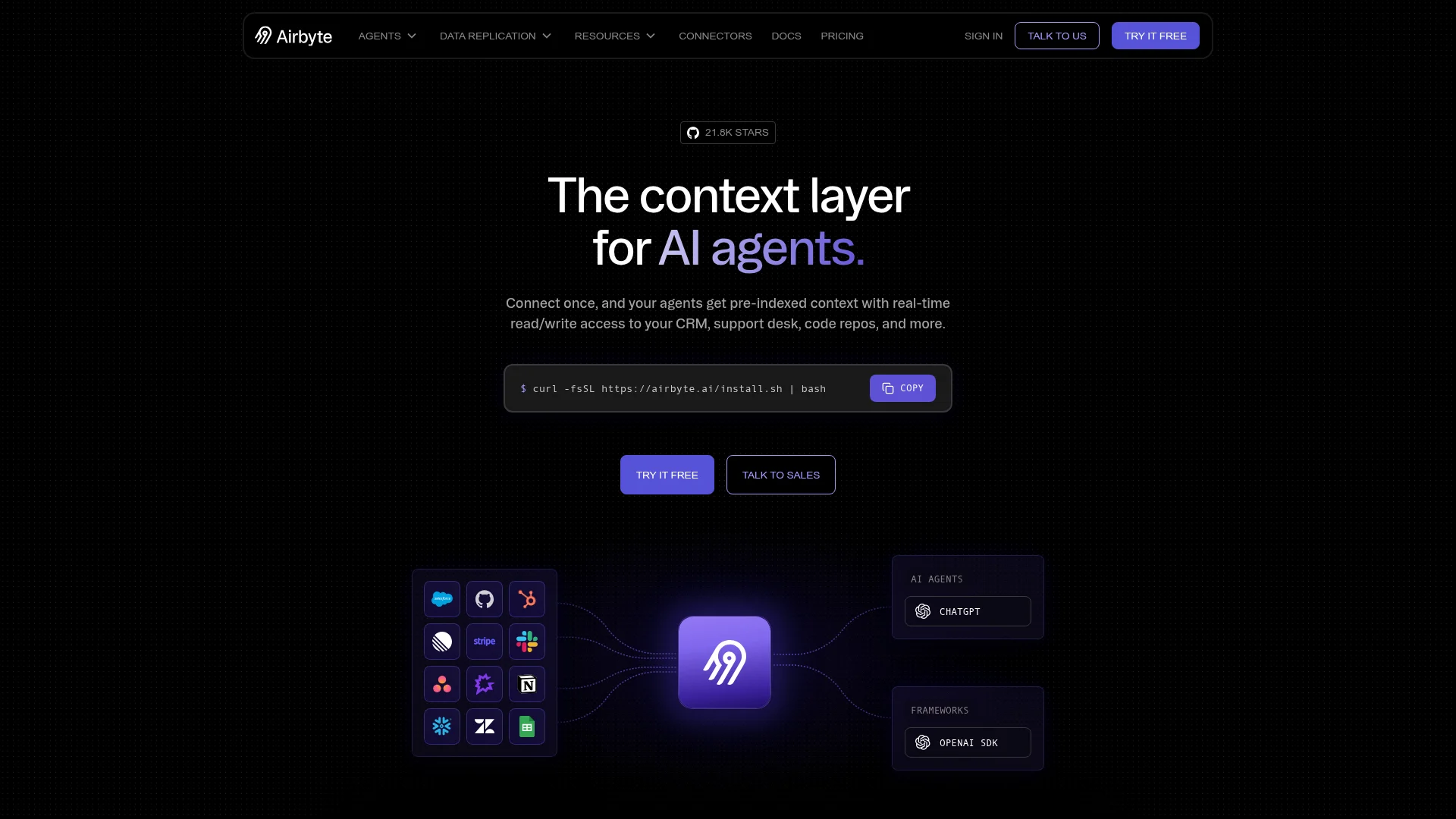
Airbyte is the open-source ELT platform with 500+ connectors that has become the de facto standard for warehouse loading.
Airbyte
fills the "extract from SaaS apps and databases" slot in a modern data stack. You connect a source (Salesforce, Postgres, Stripe, and hundreds more) to a destination (Snowflake, BigQuery, Redshift, S3), and Airbyte handles incremental syncs, schema evolution, and normalization. The open-source version is fully self-hostable; Airbyte Cloud is the managed offering.
- 500+ source connectors, including long-tail SaaS apps.
- Change Data Capture (CDC) for Postgres, MySQL, and MongoDB.
dbtintegration for post-load transformations.- Custom connector SDK for sources not yet in the catalog.
Install:
# Self-hosted
curl -LsfS https://get.airbyte.com | bash -
# Or use Airbyte Cloud at cloud.airbyte.com
Honest take: Airbyte is the tool I recommend when someone asks for a Fivetran alternative that they can self-host. Connector quality varies (the official ones are strong; community ones need testing), and the free open-source version is a genuinely usable product, not a crippled trial.
Cons: Self-hosting adds real ops load (Kubernetes, storage, monitoring). Some connectors lag Fivetran's on reliability and schema coverage.
Repo: github.com/airbytehq/airbyte.
9. Fivetran
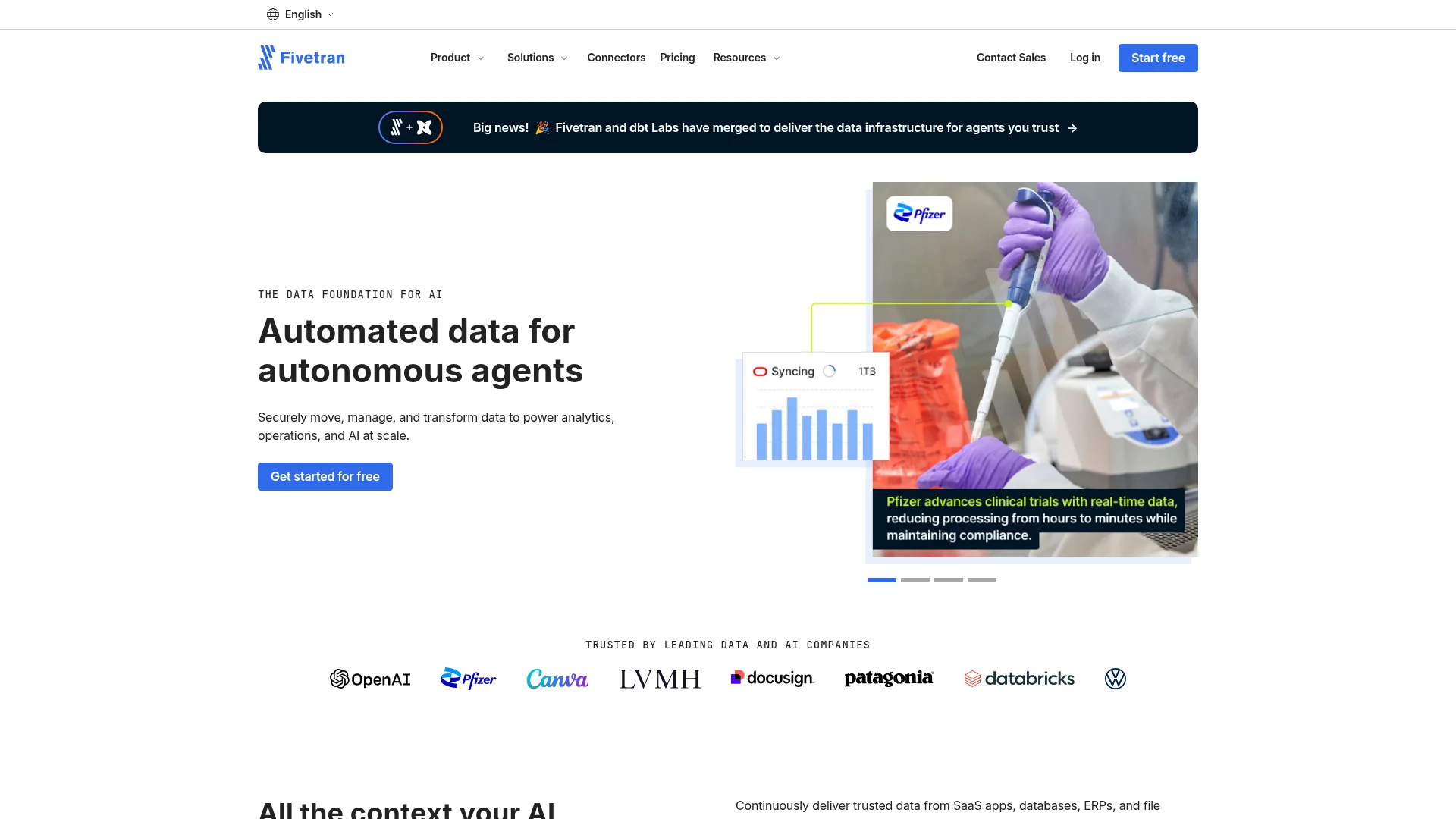
Fivetran is the fully managed ELT platform that most enterprise data teams pick when they do not want to run pipelines themselves.
Fivetran
is the "we will handle everything" option in the ELT category. You point it at a source, pick a destination, and Fivetran takes care of connector maintenance, schema changes, and incremental syncs. It is more expensive than Airbyte or Stitch, but the tradeoff is that pipelines just work, which matters when the business is depending on the data being fresh.
- 700+ pre-built connectors with SLAs on data freshness.
- Automatic schema migration when sources change.
- CDC support for major databases with sub-minute lag on premium tiers.
- Built-in
dbttransformations and lineage tracking.
Install:
# No install; provisioned entirely through the Fivetran dashboard.Honest take: If your data engineering team is small and the pipelines have to be reliable, Fivetran is worth the price. If you have engineers who want to own the stack, Airbyte or Estuary cost less and give more control.
Cons: Pricing based on Monthly Active Rows (MAR) can spike unpredictably with high-cardinality tables. Enterprise-only feel for smaller teams.
Reference: fivetran.com.
10. Estuary Flow
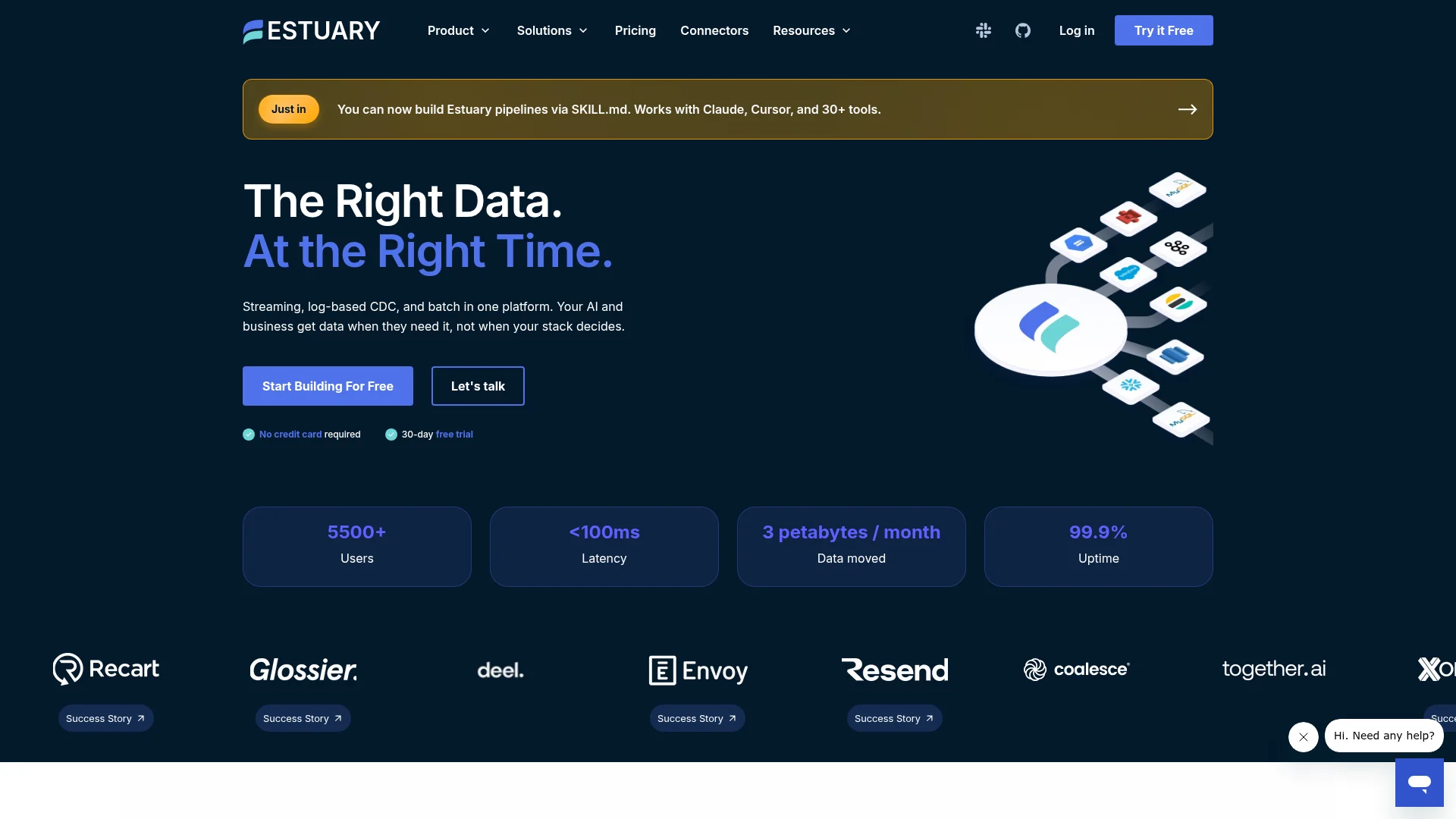
Estuary Flow is the real-time streaming ETL platform that treats CDC and event streams as first-class citizens.
Estuary
is the newer entrant in the ETL space and its differentiator is real-time. Where Fivetran and Airbyte typically sync in batches every 5 to 60 minutes, Estuary Flow captures changes and streams them to destinations in seconds. If you are building a system where data freshness matters (dashboards, ML feature stores, event-driven workflows), that gap is a big deal.
- Native CDC from Postgres, MySQL, SQL Server, and MongoDB.
- Kafka and Kinesis source and destination support.
- Materialized views into Snowflake, BigQuery, and other warehouses in real time.
- Reusable collections model that decouples sources from destinations.
Install:
# Provisioned via the Estuary dashboard, with a CLI for advanced workflows:
brew install estuary/tap/flowctl
Honest take: Real-time ETL used to mean building Kafka pipelines yourself. Estuary makes it a config file, and for teams that need sub-minute freshness the reduction in ops load is significant. For batch workloads it is still a solid pick but does not obviously beat Airbyte or Fivetran on price.
Cons: Smaller connector catalog than Airbyte or Fivetran. Real-time architecture has a steeper mental model than plain batch syncs.
Reference: estuary.dev.
11. Octoparse
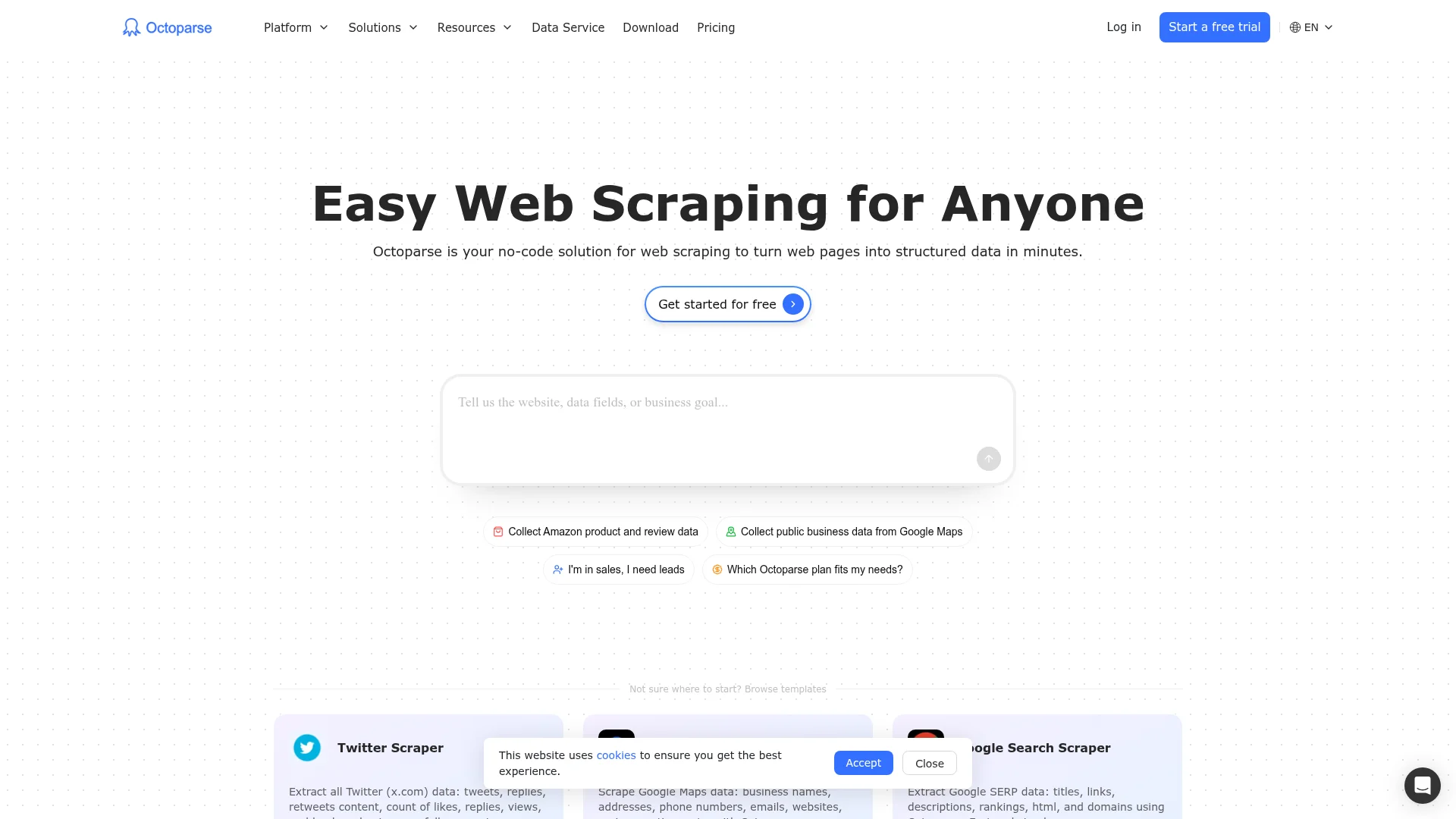
Octoparse is the no-code web scraper for teams without engineers who still need real data.
Octoparse is a visual scraper: you point and click at the elements you want on a page, define pagination, and export the result as CSV, Excel, or JSON. It has been around long enough to be reliable on common patterns, and the cloud runtime handles scheduling, IP rotation, and captcha-solving on higher plans. For an ops or marketing team that wants their own data without engineering support, it is a legitimate answer.
- Visual click-to-scrape interface with auto-detection for tables and lists.
- Cloud runtime with scheduled runs and API access on paid tiers.
- Templates for common sites (Amazon, LinkedIn, Google Maps).
- Export to CSV, Excel, JSON, or database.
Honest take: Octoparse is the tool I recommend to non-engineers who want to run their own scrapes. The visual interface is genuinely usable, and cloud runs remove most of the operational overhead. The wall you hit is when the site changes: your scraper breaks silently and you find out from empty rows. For anything mission-critical, prefer an API-first tool with better monitoring.
Cons: Desktop app is Windows-first with a lighter Mac experience. Learning curve for anything beyond simple list-of-items scraping.
Reference: octoparse.com.
12. Diffbot
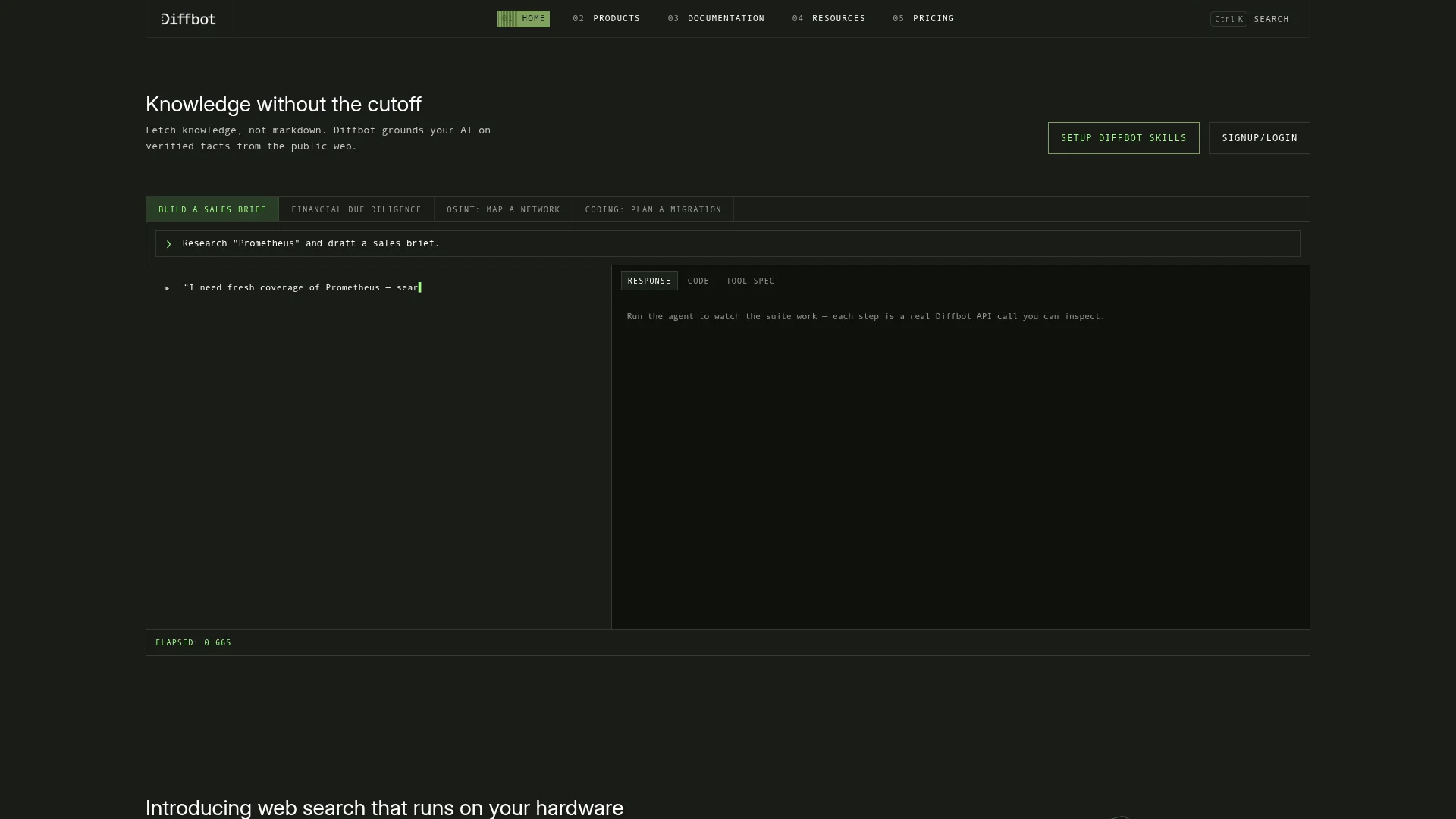
Diffbot extracts structured entities from web pages using a computer vision and NLP pipeline, producing knowledge-graph-ready output.
Diffbot
has been doing "understand the web as data" since before it was a common phrase. Instead of returning HTML or markdown, their Extract APIs return typed entities: articles, products, discussions, images, videos. There is also a full Knowledge Graph they have built from years of crawling. It is the right pick when your extraction problem is "give me all the products on this page as a normalized schema," not "give me the markdown."
- Extract APIs for articles, products, images, videos, and discussions.
- Knowledge Graph API for querying pre-extracted entity data across the web.
- Natural-language querying against the Knowledge Graph.
- Auto-schema detection means no CSS selectors to write.
Install:
# HTTP API, no SDK required:
curl "https://api.diffbot.com/v3/article?token=YOUR_TOKEN&url=https://example.com/article"
Honest take: Diffbot's entity extraction is genuinely good for the patterns it covers (articles and products especially), and the Knowledge Graph is a real asset if your problem is "find me all companies matching X." For general markdown extraction it is overkill; Firecrawl or Apify are simpler and cheaper.
Cons: Pricing is enterprise-tier from day one. Coverage of niche or long-tail sites is not always as clean as their marketing pages suggest.
Reference: diffbot.com.
Building the top data extraction tools into your stack
The mistake I see teams make is picking one tool and trying to bend it to every source. A web scraper does not parse tables in PDFs. An ELT platform does not scrape JavaScript sites. A doc parser does not sync Salesforce. Pick one from each layer you actually need.
For most AI teams starting today, that stack looks like:
- Firecrawl for web and document extraction (one API covers both, which is the reason it earns the top slot).
- Airbyte or Fivetran for SaaS and database sources into your warehouse, depending on whether you want to self-host.
- Reducto, Unstructured.io, or LlamaParse as a second doc parser if you have volume or specialized document types that benefit from a dedicated tool.
The rest of the list are specialists worth reaching for when the default stack does not fit: Bright Data when you are being blocked at scale, Apify when a specific site is already covered by an actor, Rossum when invoices are the entire problem, Estuary when you need real-time, Octoparse when a non-engineer owns the extraction, and Diffbot when you need typed entities rather than raw content.
Whatever combination you land on, treat the extraction layer as first-class infrastructure. It is the single largest determinant of downstream quality, whether you are building a RAG pipeline, a market intelligence dashboard, or an AI agent. For deeper reading on the web side of this stack, see our web scraping API roundup and document parsing comparison. For the LLM-specific view of extraction quality, see our best web extraction tools post.
Frequently Asked Questions
What is a data extraction tool?
A data extraction tool pulls data out of a source (website, document, database, API, or SaaS app) and returns it in a usable format like JSON, CSV, or markdown. Modern tools also handle the messy parts: JavaScript rendering, OCR, schema-based structuring, and connector maintenance so you do not have to write parsers for every source.
What are the main types of data extraction tools?
Four categories cover the modern stack. Web extraction tools like Firecrawl and Bright Data pull data from websites. Document parsers like Reducto, Unstructured.io, and LlamaParse turn PDFs and Office files into text or structured JSON. ETL and ELT platforms like Airbyte, Fivetran, and Estuary move data from SaaS apps and databases into a warehouse. No-code and visual tools like Octoparse let non-developers build extractions in a UI.
Which data extraction tool is best for AI and RAG pipelines?
For web content, Firecrawl returns clean markdown and schema-defined JSON out of the box, which is exactly the shape a RAG pipeline wants. For documents, Firecrawl /parse, Reducto, and LlamaParse are the strongest options because they preserve tables, reading order, and structure that generic PDF libraries lose.
Do I need to code to use a data extraction tool?
It depends. Firecrawl, Bright Data, Apify, Airbyte, and Fivetran require basic API or SQL familiarity. Octoparse and no-code Apify actors work fully in a UI. Rossum handles document capture through a workspace, not code. The trade-off is control: no-code tools ship faster; API tools scale further.
How much do data extraction tools cost?
Free open-source options exist for every category (Firecrawl self-host, Unstructured.io, Airbyte OSS). Managed tools range from Firecrawl's entry Hobby plan at $19/month billed monthly, or $16/month billed annually, for 5,000 credits, up to enterprise contracts with Bright Data, Fivetran, and Rossum. Usage-based pricing (per credit, per row, per document) is the norm for the modern tools.
Why is data extraction so hard?
Three reasons that compound. First, any source that depends on human input produces dirty data by default, because humans are not consistent. Second, most systems treat data capture as an afterthought, so format inconsistency and missing validation show up downstream. Third, even clean raw data requires interpretation: a data professional still has to decide what a signal means (for example, whether a spam-click counts toward a CTR metric). This is also why hundreds of extraction tools exist and companies still struggle: the hard part is not the parser, it is the messy contract between the source, the schema, and the downstream use.
Why do companies still struggle with document extraction when hundreds of tools exist?
Because the tool is the easy part. Most vendors solve a generic version of the problem (parse a PDF, crawl a page, sync a table), but every business has its own schema, its own edge cases, and its own downstream contract. A tool that hits 90% accuracy on a benchmark still misses the 10% that matters: the vendor-specific invoice layout, the table that spans two pages, the field that changed name last quarter. Layer on non-stationary sources (websites redesign, PDFs get regenerated, APIs deprecate fields) and integration cost (auth, retries, monitoring, schema drift), and the real work is not choosing a tool. It is owning the pipeline around it. That is why teams end up with three vendors, a custom wrapper, and still one engineer on-call for extraction bugs.
Can one tool cover web and document extraction?
Yes. Firecrawl is the closest to a unified extraction platform: /scrape and /crawl handle websites, /parse handles uploaded PDFs, DOCX, XLSX, and other formats, and both endpoints share the same output shape. That means one API key and one pipeline for both sources instead of stitching two vendors together.
What is the difference between data extraction and ETL?
Data extraction is the first step of ETL (extract, transform, load). Traditional ETL platforms like Fivetran and Airbyte focus on the whole pipeline, moving data from a source system into a warehouse. Modern extraction tools like Firecrawl and Reducto focus deeply on the extract step, especially for messy sources like websites and PDFs that ETL vendors do not handle well.