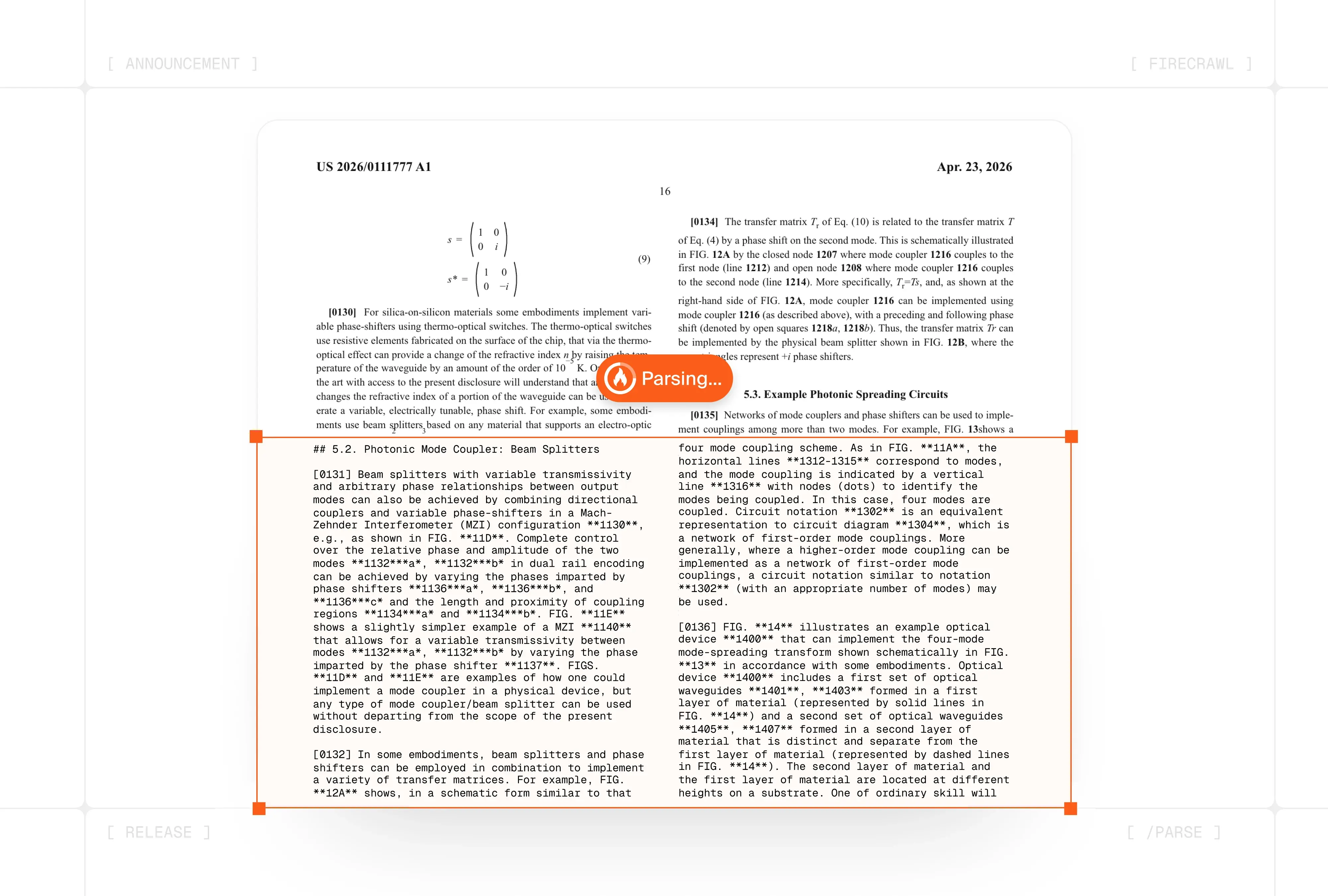
With Firecrawl, you can already pull clean markdown from any URL, including PDFs hosted on the web. But a lot of the documents you need to process (contracts, reports, invoices, uploaded files) live on disk, not on the web. Today we're launching /parse, so you can upload files directly and get back the same clean, structured output Firecrawl returns for web pages.
What is Firecrawl /parse?
/parse runs local files through the same parsing engine that powers /scrape. PDFs come back with reading order preserved and tables intact. Word docs shed their XML noise. Spreadsheets become clean tabular markdown. You can ask for a summary or structured JSON extraction in the same call. No post-processing needed.
Supported formats: PDF, DOCX, DOC, ODT, RTF, XLSX, XLS, and HTML. Files up to 50 MB.
A Rust-based engine that's up to 5x faster
Under the hood, /parse is powered by a Rust-based engine averaging under 400ms per page. Instead of routing every document through OCR, it classifies pages first and only sends what actually needs it to the GPU.
- Native extraction for text-based pages. Our open-source Rust library
pdf-inspectorreads PDF internals (fonts, text operators, image coverage) to pull text directly in milliseconds, without rendering. - GPU only where it matters. Scanned and image-heavy pages get routed through a GPU fleet with lane-based isolation, so a 200-page report never slows down a single-page invoice.
- Layout-aware accuracy. A neural layout model detects tables, formulas, text blocks, and headers individually, then tunes parameters per region. Tables get higher token budgets, formulas are preserved in LaTeX, and reading order is predicted neurally for multi-column documents.
How /parse makes document processing easier
One pipeline for web pages and files
If you're already using Firecrawl to research the web, your pipeline can now also read email attachments, downloaded reports, and user-uploaded files.
import requests
import json

with open("contract.pdf", "rb") as f:
    response = requests.post(
        "https://api.firecrawl.dev/v2/parse",
        headers={"Authorization": "Bearer fc-YOUR_API_KEY"},
        files={"file": f},
        data={
            "options": json.dumps({
                "formats": ["markdown", "json"],
                "json": {
                    "schema": {
                        "type": "object",
                        "properties": {
                            "parties": {"type": "array", "items": {"type": "string"}},
                            "effective_date": {"type": "string"},
                            "total_value": {"type": "string"}
                        }
                    }
                }
            })
        }
    )

data = response.json()["data"]
print(data["markdown"])
print(data["json"])
Structured extraction from internal documents
Pass a JSON schema alongside your file and /parse returns typed fields like line items, dates, parties, and totals in a single call. Enterprise plans with Zero Data Retention (ZDR) enabled ensure parsed output is never stored, so data from contracts, medical records, and internal reports stays secure.
RAG ingestion for user uploads
When users upload PDFs or DOCX files to your app, /parse turns them into embedding-ready markdown in one call. Structure is preserved, tables stay intact, and a summary comes back in the same response, ready to chunk and send to your vector store.
A few things to know
- 50 MB limit, fixed file types. HTML, PDF, DOCX, DOC, ODT, RTF, XLSX, and XLS are supported. Other formats return an
UNSUPPORTED_FILE_TYPEerror. - Every call re-parses. Results are never cached. Repeat uploads of the same file are billed each time. Same credit model as
/scrape: one call plus any LLM formats you request. - Scanned PDFs depend on scan quality. Image-only PDFs go through OCR. Clean scans parse cleanly; low-resolution or handwritten scans produce lower-quality output.
Try it today
/parse is available now for all Firecrawl API users. Send it a document, get back clean context your agents can use.