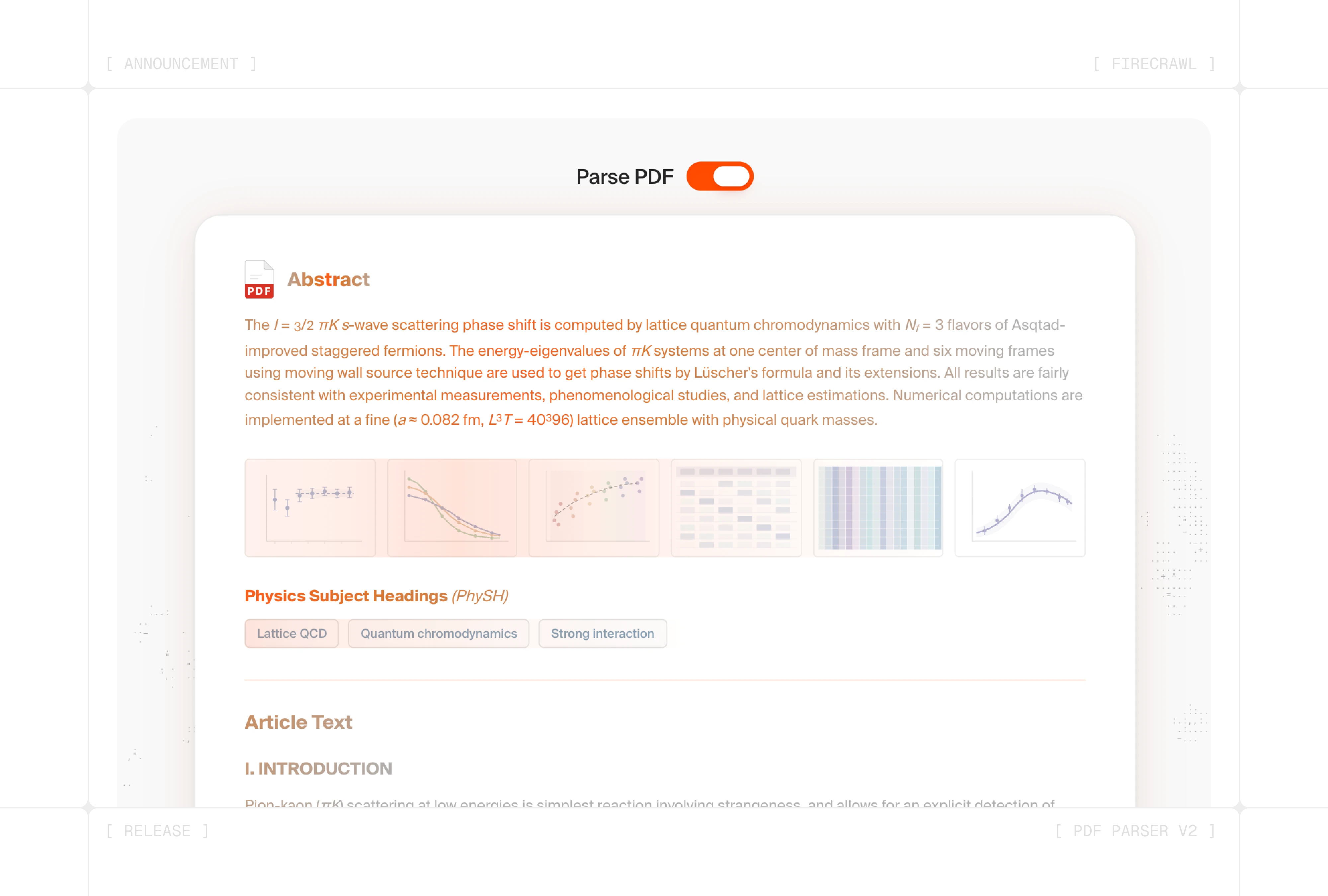
Turn complex PDFs from the web into structured data much more quickly.
We've rebuilt Firecrawl's PDF parsing engine from the ground up. The new Rust-based parser is up to 3x faster and more reliable across every document type.
What's new in PDF Parser v2
Rust-based parser for significantly faster extraction
The previous PDF extraction engine has been replaced with a new Rust-based system. Parsing is now up to 3x faster, which matters when you're ingesting large document sets, building knowledge bases, or parsing AI agents with fresh data in real time.
Three parsing modes, built for every document type
You can now choose how Firecrawl processes PDFs based on your workload:
- Fast: pure text extraction using the Rust parser. Best for clean, text-based PDFs where speed is the priority.
- Auto: the new default. Attempts fast extraction first, then automatically falls back to OCR if text extraction fails or returns incomplete results. Works across any PDF type without manual retries.
- OCR: forces full OCR parsing. Designed for scanned documents, image-only PDFs, and files with complex encodings or embedded graphics.
Reliable extraction across complex layouts
Auto mode handles the edge cases that break traditional parsers, including charts, tables, mixed encodings, and multi-column layouts, so you can trust results without inspecting every document manually.
How it works
By default, Firecrawl uses Auto mode when scraping PDFs, with no code changes required for existing users. You can also specify a mode explicitly using the parsePDF parameter:
from firecrawl import Firecrawl

firecrawl = Firecrawl(api_key='fc-YOUR_API_KEY')

# Auto mode (default): fast extraction with automatic OCR fallback
result = firecrawl.scrape(
    url='https://example.com/annual-report.pdf',
    formats=['markdown'],
    parsePDF='auto'
)

# Fast mode: Rust-based text extraction only
result = firecrawl.scrape(
    url='https://example.com/document.pdf',
    formats=['markdown'],
    parsePDF='fast'
)

# OCR mode: for scanned or image-only PDFs
result = firecrawl.scrape(
    url='https://example.com/scanned-filing.pdf',
    formats=['markdown'],
    parsePDF='ocr'
)
Use cases
AI agents and knowledge bases
AI agents can now ingest technical papers, product manuals, and scanned reports with greater completeness and speed. More accurate extraction means richer knowledge bases, with fewer gaps in embedded text, tables, or structured data, so agents reason over more complete information.
AI search and deep research
PDF-heavy sources like whitepapers, regulatory filings, and research datasets are indexed faster across complex layouts or OCR-dependent content. Better embeddings, higher retrieval accuracy, and faster time-to-insight at scale.
Data and market intelligence
Reports and filings locked inside PDFs are now extracted at production speed with higher accuracy. Teams running real-time competitive, financial, or industry monitoring get cleaner data, with fewer missed fields and fewer distorted results flowing into downstream analytics.
Start using PDF Parser v2
PDF Parser v2 is available now. Auto mode is already the default for all users, with no code changes required.
- Read the PDF parsing documentation
- Experiment in the Playground
- Share feedback in the Firecrawl Discord