TL;DR: Best AI agent authentication platforms
| Platform | Best for | Free tier |
|---|---|---|
| Composio | Fastest path to 1,500+ app integrations | 100,000 tool calls/mo |
| AgentMail | Giving agents their own email identity | 3 inboxes, 3,000 emails/mo |
| Auth0 for AI Agents | Teams already on Auth0 or Okta | 25,000 users, Token Vault limited |
| Arcade | Governed, per-user tool execution | 2,000 auth events + 2,000 tool calls/mo |
| Nango | Open-source, code-owned integrations | 10 connections |
| WorkOS | Adding OAuth to your own MCP server | Up to 1M users |
| AWS AgentCore Identity | Agents already running on AWS | Included with AgentCore Runtime/Gateway |
| Stytch Connected Apps | Turning your app into an OAuth provider for agents | Contact sales for agent features |
| Keycard | Runtime, just-in-time credentials for enterprise agents | 5,000 transactions/mo |
The first agent I wired up to Gmail used my personal OAuth token pasted into an environment variable. It worked fine until a second person wanted to use it. Then I had to figure out where each user's token lived, how to refresh it, how to stop the agent from reading mail it had no business reading, and how to show who sent what. All of that is identity plumbing, and it took me longer than the agent itself.
That plumbing is now its own product category. This list covers nine platforms across the four layers of agent auth: identity providers, tool-access runtimes, inbound MCP authorization, and agent-owned identity. These are the best AI agent authentication platforms I'd hand to a team shipping a multi-user agent today.
What is AI agent authentication?
AI agent authentication is the set of mechanisms that prove who an agent is, who it is acting for, and what it is allowed to touch. It splits into a few distinct problems, and most platforms solve one or two of them well:
- Inbound auth: Who is allowed to call your agent or your MCP server. This is usually OAuth 2.1 with PKCE and dynamic client registration, so a client like Claude or Cursor can connect without you hand-issuing credentials.
- Outbound, delegated auth: How the agent reaches a third-party API (Gmail, Slack, Salesforce) on behalf of a specific user. This needs a consent flow, a token vault, automatic refresh, and scopes narrow enough that the agent cannot do more than the task needs.
- Agent identity: Whether the agent has its own identity, separate from the human it works for. That can be a workload identity in your cloud, or something as practical as its own email address.
- Authorization and approval: Fine-grained rules about which documents or actions an agent can access, plus human approval for risky steps like sending money or deleting data.
The common failure is solving only one of these. A team adds OAuth to its MCP server and assumes the agent is secure, while the agent still calls downstream APIs with one shared admin key. Keeping credentials out of the model's context matters as much as getting them, since a prompt injection that can read a token can use it.
What are the best AI agent authentication platforms?
I'd start with Composio, which connects your agent to the apps your users already have, and AgentMail, which gives the agent an identity of its own. The rest cover identity providers, code-owned integrations, and inbound MCP auth.
1. Composio
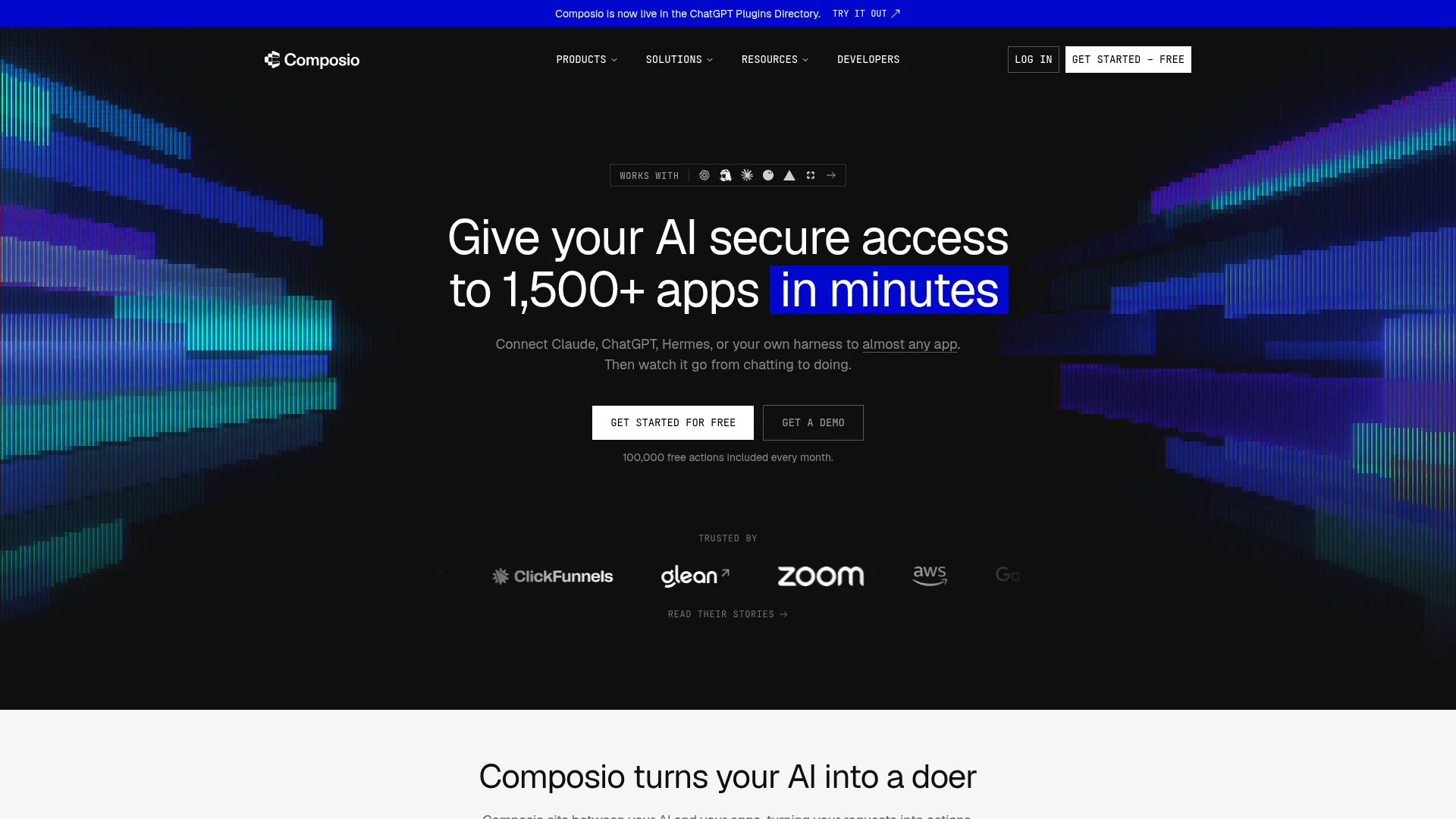
Composio gives agents managed, per-user access to more than 1,500 toolkits, with OAuth consent, token storage, and refresh handled for every connected account.
Composio is where I'd start if the goal is "my agent should work with Gmail, Notion, Linear, and HubSpot by Friday." Each end user connects their accounts once through a hosted page, and the agent calls tools through SDKs or an MCP endpoint. Its main repo has 30,379 GitHub stars, the most of any platform on this list.
OAuth management: Consent, token storage, refresh, and scopes for every connected accountSessions and tool search: Sessions are free to create, and meta tools like tool search are not billed as tool callsTriggers: Events from connected apps delivered to your webhookCustom tools and MCP: Bring your own tools or MCP servers next to the catalogSelf-managed credentials: Pass your own tokens at execution time, and Composio never stores themWhite-labeling: Your name and logo on the consent page, with full theming on paid plans
Install:
# Python SDK
pip install composio

# TypeScript SDK
npm install @composio/core
Honest take: The free tier is generous (100,000 tool calls and 50,000 triggers a month), and the catalog is the largest on this list. The shared Composio-managed OAuth apps are fine for testing, but Composio itself recommends bringing your own OAuth app before you scale.
Cons: Enterprise controls like SSO, SCIM, and customer-managed keys are Enterprise-only, and HIPAA and IP allowlisting are paid add-ons on Pro. With this many toolkits, tool quality varies, so test the specific actions you depend on.
Reference: composio.dev. Repo: github.com/ComposioHQ/composio.
2. AgentID by AgentMail
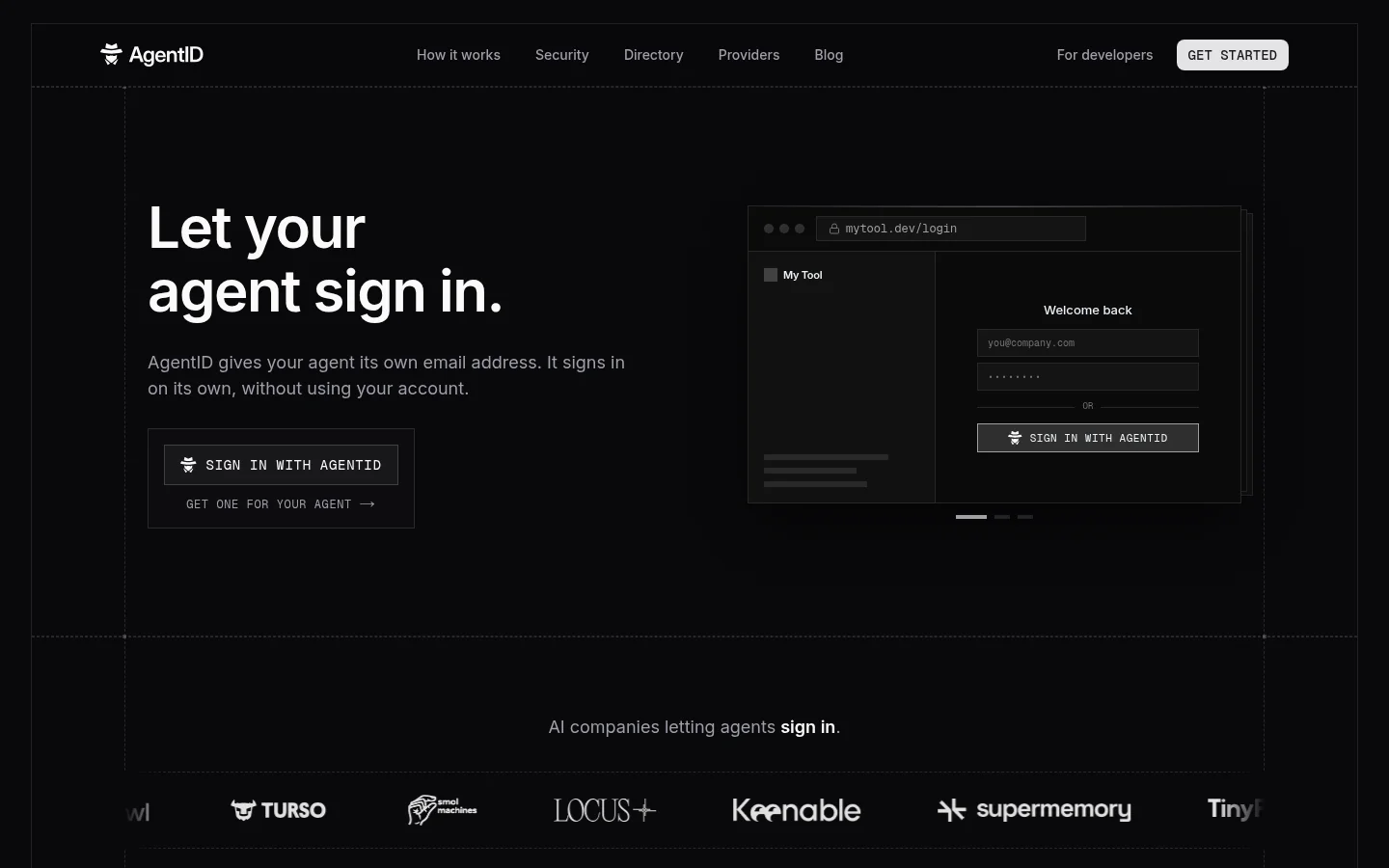
AgentMail is an identity and inbox layer that gives each AI agent its own real email address to send, receive, and act on mail.
Most platforms on this list manage access to accounts a user already owns. With AgentMail, the agent is the account holder, and its email address is its identity. Many services verify new accounts by email, so an agent with an inbox can register for a service, receive the verification email, read the one-time code, and finish the sign-up without a person forwarding messages. With Sign in with AgentID, AgentMail's OpenID Connect provider, that same address also works as a sign-in button: the agent signs in to apps as itself, and the app learns which human owns it. AgentMail is backed by Y Combinator and lists Replit and Browser Use among the teams building on it.
Inboxes API: Create and manage inboxes programmatically, one per agent or per userVerification and OTP codes: Browser agents read sign-up and 2FA codes straight from incoming mailSign in with AgentID: Any app that handles Sign in with Google can accept agent sign-ins, and registered apps learn the owner behind each agentRealtime events: Webhooks and WebSockets fire when new mail arrives, so the agent does not pollAgent Armor: Screens inbound mail before the agent reads itCustom domains: Send from your own domain with DKIM, SPF, and DMARC configuredSDKs, MCP, and skills: Python and TypeScript SDKs, a hosted MCP server, and an installable agent skill
Install:
# Python SDK
pip install agentmail

# TypeScript SDK
npm install agentmail

# Agent skill
npx skills add agentmail-to/agentmail-skills --skill agentmail
Example:
from agentmail import AgentMail

client = AgentMail()
inbox = client.inboxes.create(username="signup-bot", domain="agentmail.to")
Honest take: AgentMail does not manage OAuth tokens for third-party APIs, so it does not replace Composio's token vault model. Most of this list answers what an agent can access on a user's behalf. AgentMail answers who the agent is and which human is accountable for it. The agent gets an address services can verify, a mailbox apps can reach it on, and through AgentID a sign-in of its own. Paired with a browser agent, it handles the email verification step of a sign-up flow without a person in the loop.
Cons: The free tier caps sending at 100 emails a day across 3 inboxes, so test traffic hits limits fast. Custom domains start on the $20 Developer plan, and anything customer-facing should send from your own domain.
Reference: agentmail.to, agentid.com, and the AgentMail docs.
3. Auth0 for AI Agents
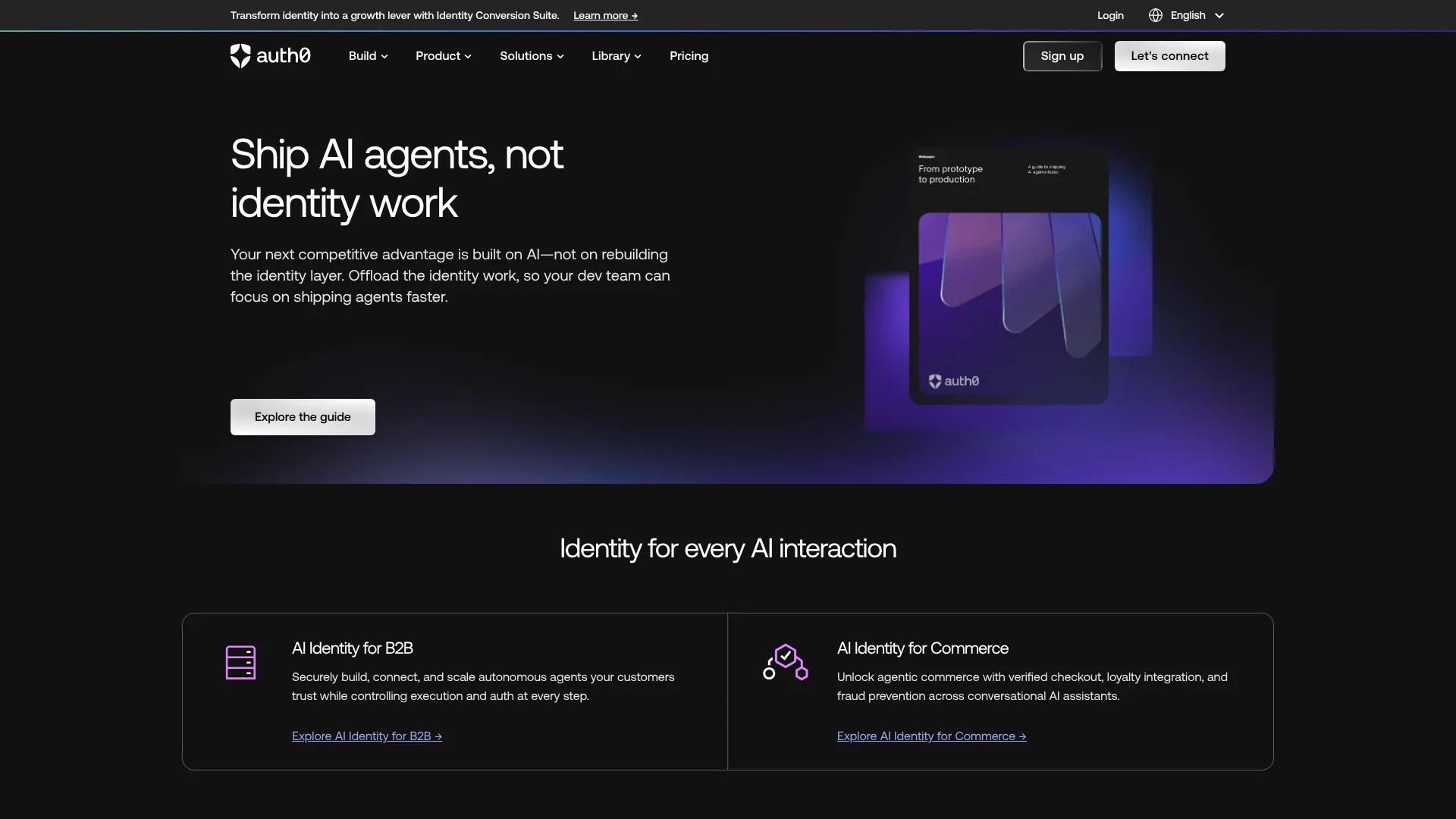
Auth0 for AI Agents extends Okta's customer identity platform with a token vault, asynchronous user approval, and fine-grained authorization for RAG.
If your app already logs users in with Auth0, this is the shortest path to letting an agent act for those users. The agent inherits the same user session, and Auth0 handles the third-party tokens and approval prompts around it. It covers both directions of the problem, which few platforms on this list do.
User Authentication: Log users into an agent with social, enterprise, or custom identity providers you already configuredToken Vault: Store and exchange third-party OAuth tokens (Google, Slack, GitHub) so the agent can call those APIs on a user's behalfAsynchronous Authorization: Request user consent for a sensitive action by push notification, SMS, or email using CIBA, without interrupting the sessionAuth0 FGA for RAG: Enforce document-level access so a retrieval step only returns what the current user can seeSDKs: First-party packages for the Vercel AI SDK, LangChain, LlamaIndex, and Genkit
Install:
# Core SDK
npm install @auth0/ai

# Vercel AI SDK integration
npm install @auth0/ai-vercel
Honest take: For an Auth0 shop, this is the obvious default, since identity, consent, and audit already live in one tenant. The agent features ship as SDKs for the Vercel AI SDK, LangChain, LlamaIndex, and Genkit, so check that your framework is covered before you start.
Cons: Token Vault connection counts are tiered by plan, with more connections sold as an add-on, so costs grow with every provider you add. Teams not already on Auth0 take on a full CIAM migration to get the agent features.
Reference: auth0.com/ai and the Auth0 for AI Agents docs.
4. Arcade
Arcade is an action runtime that resolves per-user credentials, checks permissions, and executes the tool call in one place.
Arcade enforces authorization at the point where the tool call runs. Each call carries both the agent's identity and the delegated user's identity, and the agent can only act within the overlap of the two. Credentials stay inside Arcade and never reach the model.
Token vault: Per-user, per-provider OAuth storage with automatic refresh and rotationJust-in-time consent: Asks for a new scope only when a task needs it, then resumes the runContextual Access: Pre- and post-call policy hooks, including out-of-band human approval for irreversible actionsAgent-optimized tools: Prebuilt MCP tools designed around agent intent instead of raw API wrappersDeployment: Arcade Cloud, your VPC, or fully air-gapped on the Enterprise planarcade-mcp: Open-source framework for building your own MCP servers, at 1,043 GitHub stars
Install:
# Python client
pip install arcadepy

# TypeScript client
npm install @arcadeai/arcadejs
Honest take: Arcade is the most opinionated product here about governance, and if a security team will review your agent, its audit logs and approval hooks shorten that conversation. The free tier is small (2,000 auth events and 2,000 tool calls a month), so a busy prototype will hit the Team plan quickly.
Cons: Team pricing is $25 a month plus $0.10 per auth event and $0.01 per tool call, which adds up for chatty agents. Check that the apps you need are in its catalog before committing, since coverage differs from Composio's.
Reference: arcade.dev. Repo: github.com/ArcadeAI/arcade-mcp.
5. Nango
Nango is an open-source integration platform that handles auth for more than 1,000 APIs and MCP servers, and runs the tool calls and syncs you write in code.
Nango suits teams that want to own their integration logic instead of depending on a vendor's prebuilt actions. You get prebuilt auth, credential storage, and token refresh, then write tools and syncs as functions that run on Nango. It has 12,456 GitHub stars and can be self-hosted.
Auth for 1,000+ APIs: Prebuilt OAuth and API-key flows with secure storage and refresh7,000 prebuilt templates: Tools, triggers, and syncs you can use as-is or extendCustom functions: Write your own tool calls and syncs as functions that run on NangoBring your own OAuth app: Use Nango's pre-approved apps or your own for a fully white-labeled flowOpenTelemetry export: Ship traces to your existing observability stack
Install:
# Node backend SDK
npm install @nangohq/node
Honest take: Nango is the right pick when integrations are a core part of your product and you want them in version control. The free tier's 10 connections and 10 compute hours a month are enough to build and test against before you pay.
Cons: Pay-as-you-go bills per connection ($0.29 a month each), plus compute time and data transfer, which makes costs harder to predict than a flat tool-call price. Self-hosting moves the security and compliance burden of the credential store onto your team.
Reference: nango.dev. Repo: github.com/NangoHQ/nango.
6. WorkOS
WorkOS AuthKit acts as an OAuth 2.1 authorization server for MCP servers, with fine-grained authorization and enterprise SSO from the same vendor.
WorkOS solves the inbound side. If you are publishing an MCP server and want Claude, ChatGPT, or Cursor users to connect with a proper OAuth flow, AuthKit handles the authorization server, PKCE, scopes, and client registration, and you just build the tools. If you already have your own login, WorkOS Connect can run as standalone OAuth middleware for MCP without a user migration.
AuthKit for MCP: OAuth 2.1 authorization server that follows the current MCP specStandalone OAuth for MCP: Add MCP auth in front of an existing user systemFine-Grained Authorization: Relationship-based permissions for agents and the resources they touchEnterprise SSO and Directory Sync: SAML, OIDC, and SCIM for B2B customersOpen-source examples: Starter MCP apps in workos/mcp.shop
Install:
# Node SDK
npm install @workos-inc/node
Honest take: For the "secure my MCP server" problem, WorkOS is one of the cleanest options, and AuthKit is free for the first million users. It does not vault third-party tokens or execute tool calls, so pair it with an outbound platform if your agent calls other APIs.
Cons: SSO and Directory Sync are priced per enterprise connection, starting at $125 a month each, which matters if you sell to many enterprise customers. Agent-specific features are spread across several WorkOS products rather than one agent package.
Reference: workos.com/mcp and the AuthKit MCP docs.
7. AWS AgentCore Identity
Amazon Bedrock AgentCore Identity manages workload identities and credentials for agents, so they can reach AWS resources and third-party tools on behalf of users or themselves.
AgentCore Identity is part of the wider AgentCore platform (Runtime, Gateway, Memory, and more). It issues identities to agents, stores OAuth tokens and API keys for third-party services, and works with existing identity providers like Amazon Cognito, Okta, and Microsoft Entra ID. If your agents already run on AgentCore, it is the default choice.
Workload identities: Each agent gets its own identity, managed with AWS IAMCredential providers: Store and exchange OAuth tokens and API keys for Slack, GitHub, Zoom, and other servicesOn-behalf-of access: Agents act for users with pre-authorized consentIdP compatibility: Works with Cognito, Okta, Entra ID, and other OIDC providersPricing: No extra charge through AgentCore Runtime or Gateway, otherwise $0.010 per 1,000 token or API key requests
Install:
# AgentCore Python SDK
pip install bedrock-agentcore
Honest take: The pricing is close to free, and for an AWS shop the IAM integration is a real advantage. Outside AWS, it brings a lot of platform for one feature, and you still need to build or buy the tools themselves.
Cons: It assumes you are comfortable with IAM, Cognito, and the AgentCore service model. Running agents on other clouds or on your own infrastructure works against the main reason to choose it.
Reference: aws.amazon.com/bedrock/agentcore and the AgentCore Identity docs.
8. Stytch Connected Apps
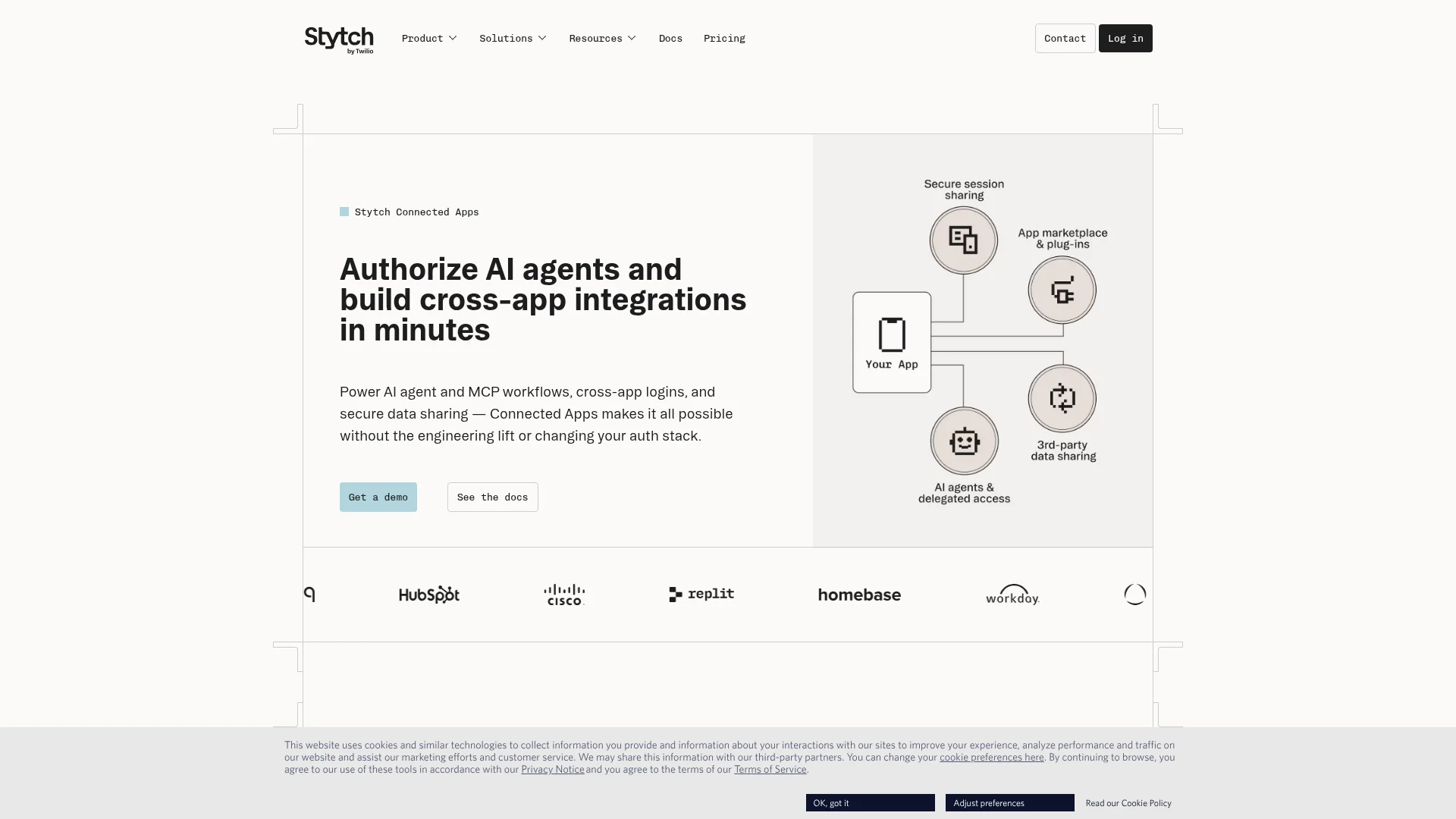
Stytch Connected Apps turns your application into an OAuth and OIDC provider, so AI agents and MCP clients can request scoped access to your users' data.
Stytch fits B2B SaaS teams who want outside agents to work with their product, with consent and admin controls their customers' IT teams will accept. Users can only grant an agent permissions they already hold, and admins can see and revoke every connected app from one dashboard.
OAuth 2.1 and OIDC provider: Token issuance, validation, and revocation for your appRemote MCP authorization: Dynamic client registration and CIMD support for MCP clientsImplied permissions: Agents inherit only the scopes the consenting user already hasOrg-level controls: Allowlists of approved agents and one-click access revocationHuman-in-the-loop: Device authorization flows that require approval for high-risk operations
Install:
# Node backend SDK
npm install stytch
Honest take: The implied-permissions model and admin revocation let your enterprise customers' IT teams approve and remove agents themselves. Like WorkOS, Stytch covers inbound access to your app and leaves outbound tool access to another platform.
Cons: Connected Apps is documented under Stytch's B2B product, and the main call to action is a sales demo. Teams not already on Stytch have to adopt it as their auth provider to get the full benefit.
Reference: stytch.com/connected-apps and the Connected Apps docs.
9. Keycard
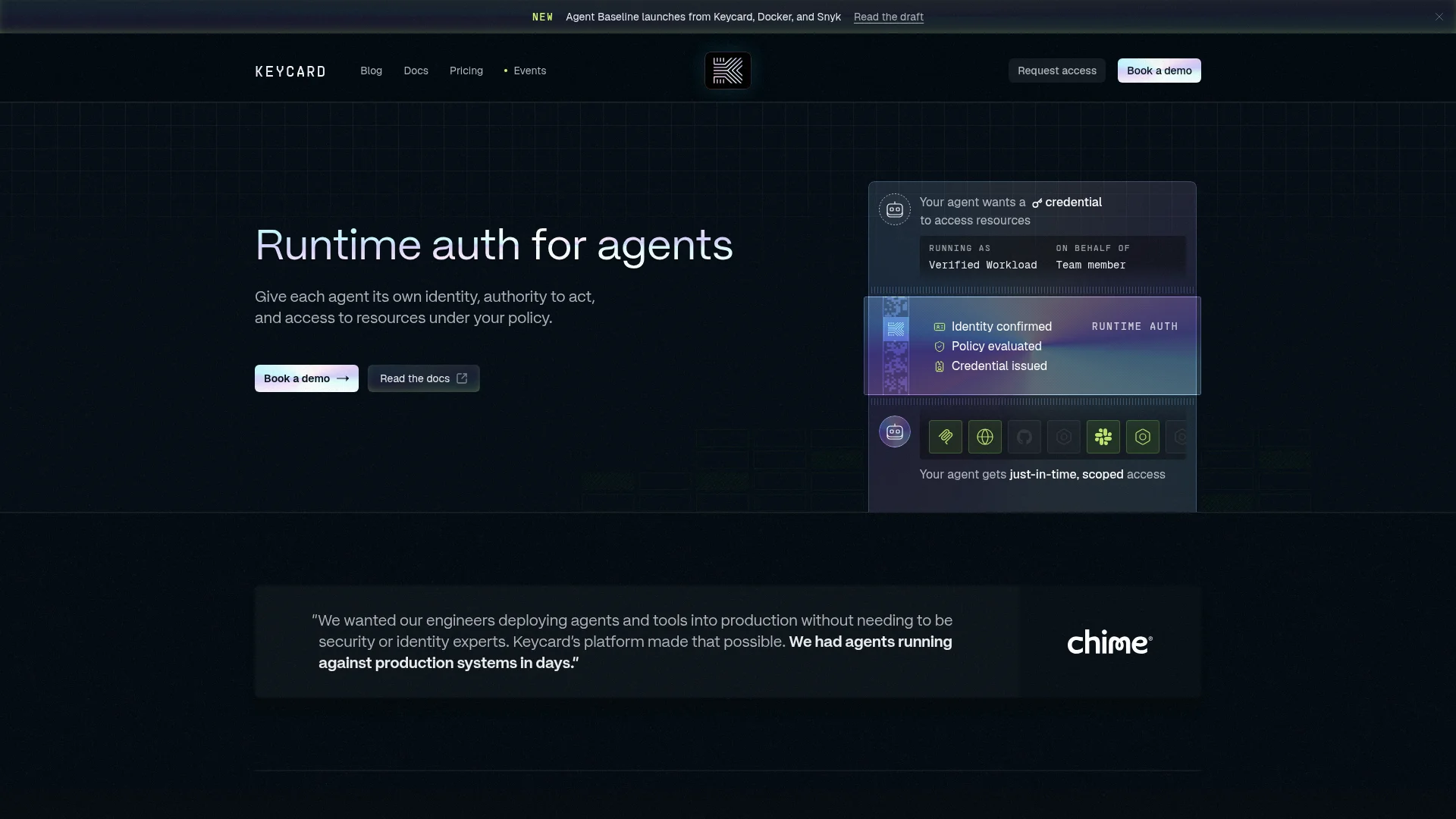
Keycard is a runtime auth platform that gives each agent its own identity and issues short-lived, scoped credentials when a policy check passes.
Keycard looks at the full context of a request (the verified agent, where it runs, which user it acts for, and the task) and only then issues a credential for the resource it needs. That avoids provisioning an agent for everything it might ever touch, and it avoids running the agent under a borrowed human identity. Chime is a named customer.
Workload verification: Confirms which agent is asking and where it is runningPolicy evaluation at runtime: Decides access per request using agent, user, and task contextJust-in-time credentials: Issues scoped tokens instead of standing secretsResource catalog: Connect MCP servers, APIs, and data stores once and reuse them across agentsMCP SDKs: Python (FastMCP) and TypeScript packages for adding Keycard auth to MCP serversPricing: One metric (transactions), with a free Starter tier and a $500 Team plan that includes 100,000 transactions
Install:
# Python (FastMCP servers)
pip install keycardai-fastmcp fastmcp

# TypeScript MCP servers
npm install @keycardai/mcp
Honest take: The model is the right one for agents running against production systems, and it removes the standing privilege that comes with long-lived agent credentials. The free Starter plan (5,000 transactions a month, hard-capped) is enough to try it, though the public SDK footprint is still small.
Cons: The jump from free to the Team plan is steep at $500 a month, and features like SCIM, on-prem deployment, and customer-managed keys are Enterprise-only. It is built for organizations with a platform or security team to set policy, so a solo developer will find it heavier than they need.
Reference: keycard.ai and the Keycard docs.
Use Firecrawl Alexandria to access 100+ data sources
Most of this post is about the SaaS apps an agent acts in. Agents also pull data from third-party providers. With Firecrawl Alexandria, the agent discovers a provider's tool, inspects its inputs, and runs it through the same Firecrawl search and scrape calls it already uses for the web. Discovery is free, and execution is billed in Firecrawl credits.
Firecrawl Alexandria also keeps a person in the approval path. When a provider has its own data terms, an org admin has to accept them before the agent can run that provider's tools, and the docs require agents to get explicit user authorization before accepting terms on anyone's behalf.
Our launch video walks through how Firecrawl Alexandria works:
Building the top AI agent authentication platforms into your workflow
No single platform covers every layer, so most production stacks combine two or three. The pairings I see work:
- Identity provider plus tool runtime: Auth0 (or WorkOS) logs users in and protects your MCP server, while Composio or Arcade holds per-user tokens for third-party apps and executes the calls.
- Open-source stack: Nango for credentials and code-owned tools, with your existing auth provider in front.
- AWS stack: AgentCore Identity with AgentCore Gateway, which keeps identity costs near zero.
- Agent identity on top: AgentMail alongside any of the above whenever the agent has to register for a service, receive codes, or hold conversations by email in its own name.
Whatever you choose, check three things before shipping. Tokens should never enter the model's context. Scopes should be narrower than the user's full access. Every tool call should log which agent ran it and which user it acted for.
The MCP authorization spec is the best place to understand the inbound side before you pick from the top AI agent authentication platforms above. Once your agent can reach the right tools, it still needs good inputs. Our list of the best MCP servers for developers covers tools worth connecting, and Firecrawl's scrape and search endpoints give the agent clean web data once it is connected. If you are still choosing how to build the agent, start with the best AI agent frameworks.
Frequently Asked Questions
What is an AI agent authentication platform?
An AI agent authentication platform handles identity and credentials for agents. It runs the OAuth consent flow when a user connects an account, stores and refreshes tokens, scopes what the agent is allowed to do, and logs each action. Some platforms also give the agent its own identity, such as a workload identity or an email inbox.
What is the difference between inbound and outbound agent auth?
Inbound auth controls who can call your agent or MCP server, usually with OAuth 2.1 and dynamic client registration. Outbound auth controls how your agent reaches third-party tools like Gmail, Slack, or Salesforce on a user's behalf. WorkOS and Stytch focus on inbound, while Arcade, Composio, and Nango focus on outbound. Auth0 and AWS AgentCore Identity cover both.
Can I just use API keys or a service account for my agent?
For a single-user internal script, a scoped API key is fine. Once an agent acts for many users, shared keys break down: every user gets the same access, you cannot tell who triggered an action, and one leaked key exposes everyone. Per-user OAuth tokens held in a vault outside the model's context are the safer default.
Are AI agent authentication platforms free?
Most have a free tier. Keycard includes 5,000 transactions a month, Composio includes 100,000 tool calls a month on its Hobby plan, Arcade includes 2,000 auth events and 2,000 tool calls, Nango includes 10 connections, AgentMail includes 3 inboxes, and WorkOS AuthKit is free up to 1 million users. AWS AgentCore Identity costs nothing extra when used through AgentCore Runtime or Gateway.
What is AgentMail used for in agent authentication?
AgentMail gives each agent its own real email inbox through an API. Agents use that address as their identity when they sign up for services, and they read verification and one-time codes from incoming mail without a human forwarding them. It pairs well with browser agents that need to complete email-based sign-in flows.
How does MCP authorization work?
The MCP specification uses OAuth 2.1 for remote servers. The MCP client discovers the server's authorization server, registers itself (often through dynamic client registration), sends the user through consent, and then calls tools with a scoped access token. Platforms like WorkOS AuthKit and Stytch Connected Apps act as that authorization server so you do not have to build it.
Do tokens ever reach the LLM?
They should not. Well-designed platforms keep tokens in a server-side vault and inject them only at the moment a tool call executes, so the model sees the tool result but never the credential. If your setup passes raw tokens into prompts or tool arguments, a prompt injection could leak them.
Which AI agent authentication platform should I pick?
For most teams, start with Composio for fast, per-user access to more than 1,500 apps, and add AgentMail when the agent needs its own email identity. If you already run Auth0 or Okta, use Auth0 for AI Agents for user login and approvals. If you want open source and code-owned integrations, use Nango. If you are on AWS, use AgentCore Identity.