Best AI Tools for Research in 2026: From Answer Engines to Research Agents
 Hiba Fathima
TL;DR: Best AI for Research
| Tool | What it does |
|---|---|
| Firecrawl | Retrieval infrastructure for research agents, with a specialized Research Index for arXiv + code, now one provider inside the Firecrawl Alexandria library |
| Perplexity | Fast answer engine with a Deep Research mode that runs in 2 to 4 minutes |
| ChatGPT | Long-form Deep Research reports powered by o3, running 5 to 30 minutes per query |
| Consensus | Peer-reviewed literature search over 250M+ papers with a yes-no-mixed evidence meter |
| Elicit | Systematic review tool that screens up to 40,000 papers and extracts structured evidence |
| Scite | Catches citation hallucinations by classifying 1.6B+ citations as support, contrast, or mention |
| Manus | Agentic tool that researches and then executes: slides, sites, docs, and more |
Most "best AI tools for research" roundups pick one lane and stay there. They cover academic search or general-purpose chatbots, but rarely both. And almost none of them cover the retrieval infrastructure that AI research agents are actually built on. That gap has grown to the point where the honest answer to "what should I use for research" depends more on who you are than on which tool is best.
Research in 2026 splits into four modes. There is the fast answer with citations, the multi-minute agentic report, the peer-reviewed literature scan, and the API layer that lets you build your own research agent. The tools below each own one of those modes cleanly. A researcher writing a lit review uses one, a strategist prepping a memo uses another, and a founder building an AI research agent uses a third.
These are the best AI for research I actually use in 2026, ranked by how well each tool holds up against the job it claims to do.
What counts as AI for research?
AI for research means a language model paired with a retrieval system so you can move from a question to a grounded, cited answer without doing all the reading yourself. The retrieval part matters as much as the model. A raw LLM without search is a memory test. A research tool with real citations lets you check the work.
There are four categories worth understanding before picking one:
Answer engines like Perplexity return cited answers in seconds. Good for narrow factual questions.
Deep research agents like Perplexity Deep Research and ChatGPT Deep Research run autonomously for minutes, execute dozens of searches, read hundreds of pages, and produce a structured report. Good for topics that would take you an afternoon to research yourself.
Academic search like Consensus is scoped to peer-reviewed literature with structured evidence extraction. Good for anything where the standard is "what does the literature actually say."
Retrieval infrastructure like Firecrawl is what you use when you are building your own research agent. Good for teams whose product needs live, comprehensive coverage of the web or a specific corpus like arXiv.
Manus is the odd one out. It researches, then executes: it can turn its findings into a slide deck, a website, or a document. That extra step is why it earns a spot alongside the retrieval and reasoning tools above.
The research workflow, mapped to tools
The four modes translate cleanly into stages of a research project. If you are staring at a blank page and not sure which tool to open, the table below is how I decide.
| Stage | What you are doing | Best tool(s) |
|---|---|---|
| Discovery | Finding what already exists on a topic | Perplexity, Consensus, Firecrawl Research Index |
| Mapping | Understanding the shape of the literature or landscape | Elicit, Consensus, ChatGPT Deep Research |
| Extraction | Pulling structured evidence and data points from papers | Elicit, Consensus |
| Drafting | Turning findings into a memo, report, or deliverable | ChatGPT Deep Research, Perplexity Pages, Manus |
| Verification | Checking citations and evidence integrity before publish | Scite, Consensus |
| Building | Wiring live research into your own product or agent | Firecrawl |
Most researchers spend 80% of their time in Discovery, Mapping, and Extraction. Verification is where AI-generated work quietly falls apart, and it is the stage most listicles skip.
1. Firecrawl
Firecrawl is the retrieval layer that lets you build your own research agent, with a specialized Research Index for arXiv papers and GitHub code, reachable alongside 90+ other data providers through Firecrawl Alexandria.
Firecrawl is different from the other tools on this list. It is not a UI you open in a browser. It is the API, CLI, MCP server, and SDK that developers use to give AI agents clean, structured web data. That distinction matters because the fastest-growing category of research tool is not consumer chatbots. It is the agents that teams are building on top of infrastructure like Firecrawl.
Firecrawl publishes some of the strongest numbers in the space. 150,000+ companies use it, 1.25M developers have built on it, and it has served 5B+ requests. On the benchmarks that matter for research, Firecrawl reports 96% reliability against tools like Puppeteer and cURL that come in around 20%, and 93% fewer input tokens versus raw HTML. P95 latency across millions of searches and scrapes is 3.4 seconds.
The Firecrawl Research Index, launched June 17, 2026, is the piece that matters most for AI research specifically. It covers all 3M+ arXiv papers plus GitHub artifacts (issues, merged PRs, READMEs) from top research repos, refreshed daily. On alphaXiv's ArXivQA benchmark, it scored 53.3% recall at $0.32 per task, 18 percentage points above the next best provider tested, with an MRR of 0.750 meaning the correct paper lands in the top two results.
Capabilities:
search: Web search with scraped, structured content in one call (2 credits per 10 results)scrape: Clean markdown from any page, including JavaScript-heavy sites (1 credit per page)crawl: Follow links recursively across a full site or docs sectionmap: Discover every URL on a domain/search/research: Specialized Research Index endpoint for arXiv + GitHub retrievalsources=["web", "alexandria"]: One search call that returns web pages plus ranked tools from Firecrawl Alexandria, where the Research Index sits next to the Developer and Government indexes and official sources such as FRED and the World Bank. Finding a tool costs nothing; running one is billed at its listed price
The catalogue is deep in exactly the areas research agents get stuck. For financial research it holds Fiscal.ai (standardized and as-reported statements, earnings transcripts, filings lists, and IR event calendars), Benzinga (financial news, analyst ratings, and market calendars), SEC EDGAR (filings and 13F holdings), FRED, the World Bank, IMF Data, US Treasury Fiscal Data, and the CFTC's Commitments of Traders.
Beyond finance, the Wayback Machine returns how a page looked on any past date, Shopify Catalog exposes storefront products and prices, Greenhouse job boards list every open role at a company, and GitHub, Hugging Face, PyPI, and Stack Exchange cover developer questions, with 80+ other providers behind them.
An agent built on Firecrawl reaches all of it through the same search call it uses for the web, and reads the primary record rather than a page that summarizes it.
Install:
# CLI, works across Claude Code, Codex, Cursor, and Gemini CLI
npx -y firecrawl-cli@latest init --all --browser

# Or install the MCP server
npx firecrawl-mcp
Example:
"Search for the latest arXiv papers on retrieval-augmented generation and summarize the top 5"
"Scrape the OpenAI, Anthropic, and Google research blogs from the last 30 days"
"Find the top 10 GitHub repos implementing agentic RAG and pull the READMEs"
Honest take: If you are a researcher who wants a UI to ask questions in, Firecrawl is not the tool you reach for. It is a builder-facing product. But if your team is building anything with AI that needs live, high-recall access to papers or the open web, the Research Index is the strongest number in the category right now. And the pricing is credit-based rather than seat-based, which matters at agent-level query volumes.
Cons: Firecrawl is primarily developer-facing. Non-developers can start in the Firecrawl playground to try search and scrape without writing code, but a real research workflow means calling the API, CLI, or MCP server. You pay in credits per request, which is efficient but harder to predict than a flat monthly subscription until you have a sense of your traffic. The usage dashboard breaks the burn down per API key and per endpoint, and GET /v2/team/credit-usage reports what is left mid-period, so a week of real traffic settles the number. The Research Index is scoped to AI/ML literature and code rather than general academic disciplines. For other fields, route the query through the general search endpoint or a domain-specific database.
Stanford's AI Playground is a good real-world signal of what this looks like in production. Their team built the Playground on Firecrawl and now serves roughly 800 search-and-scrape jobs daily across 10,000+ unique domains. Traffic grew from 293 URLs in September 2025 to 13,469 in February 2026, a 46x increase, with sub-2-second latency across the whole stack. Sourabha Mohapatra, Senior Director of Enterprise AI at Stanford, put it this way: "Firecrawl lets us turn the entire live web, from arxiv papers to breaking news to government data, into real-time context for our LLMs with no scraping infrastructure to manage."
Aemon (YC W26), which is building an autonomous AI research engineer, uses Firecrawl Research inside its retrieval stack:
Aemon is building autonomous AI research engineers that solve hard scientific and technical problems. To do that, our systems must continuously learn from the frontier of research: papers, implementations, benchmarks, and technical discussions across the web.
We use Firecrawl Research as part of the retrieval stack behind Aemon. In our internal benchmark of scientific and technical retrieval systems, it delivered the strongest recall of any provider we tested, particularly at deeper search depths where comprehensive coverage is critical. Firecrawl consistently surfaced relevant scientific and technical sources that would otherwise have been missed.
Ray Xu, Co-Founder, Aemon (YC W26)
Docs at docs.firecrawl.dev. Free tier includes 1,000 credits per month. For more on how the Research Index compares to other retrieval APIs, see Best Deep Research APIs for Agentic Workflows.
2. Perplexity
Perplexity is the fastest way to get a cited answer, and its Deep Research mode returns a full report in 2 to 4 minutes.
If I could only keep one consumer research tool, this would be it. The regular Perplexity search returns a synthesized answer with numbered citations in a few seconds, which is faster than any traditional search engine plus reading a page. But the mode that changed how I do research is Deep Research, launched February 14, 2025.
Deep Research runs an agent that performs dozens of searches, reads hundreds of sources, and reasons through the material before returning a structured report. Perplexity reports it scored 21.1% on Humanity's Last Exam, higher than Gemini Thinking, o3-mini, o1, and DeepSeek-R1 at the time of launch, and 93.9% on SimpleQA. Most queries finish in under 3 minutes.
Capabilities:
Search: Cited answers in seconds, with source cardsDeep Research: Multi-minute agentic report generationAcademic mode: Search scoped to scholarly sourcesFinance, Health, Patents: Vertical modes with domain-specific sourcesPages: Convert any research session into a shareable, editable page
Access:
- Free tier includes a limited number of Deep Research queries per day
- Pro plan (roughly $20/month at time of writing) unlocks higher volume and model selection
- Available on web at launch, with iOS, Android, and Mac apps
Example:
"Deep research: compare the top open-source vector databases for RAG at scale in 2026"
"Deep research: what does the peer-reviewed literature say about GLP-1 side effects"
"Academic mode: find recent survey papers on chain-of-thought prompting"
Honest take: Perplexity's speed is what makes it feel different. A regular Perplexity search finishes before I would have finished typing the URL for a Google search. Deep Research is my default when I need something more substantial than a paragraph but do not want to wait 30 minutes. The main tradeoff versus ChatGPT Deep Research is length and depth. Perplexity's reports are shorter and faster; ChatGPT's are longer and more thorough.
Cons: The Deep Research report quality can vary. On narrow technical topics it is excellent. On broad or contested topics I sometimes get shallow synthesis that misses the strongest sources. Free tier daily limits are not published clearly, so heavy users hit throttles without warning.
Full reference at perplexity.ai.
3. ChatGPT
ChatGPT is the versatile default, and its Deep Research mode is the strongest long-form report generator available today.
ChatGPT is on this list less for the chat interface and more for Deep Research, which OpenAI launched February 2, 2025. Deep Research runs on a version of o3 optimized for web browsing and data analysis, and it is the closest thing to hiring a research assistant that a consumer AI product has produced.
The numbers back it up. On Humanity's Last Exam, the model powering Deep Research scored 26.6%, versus 9.1% for o1, 13.0% for o3-mini (high), and 3.3% for GPT-4o. On GAIA, a benchmark for AI agents, it set a new state of the art. A single query analyzes hundreds of online sources over 5 to 30 minutes and returns a report with citations for every claim.
Capabilities:
Deep Research: 5 to 30-minute agentic reports on o3Lightweight Deep Research: Faster variant on o4-mini for shorter tasks (added April 24, 2025)Agent mode: Visual browser access added July 17, 2025MCP integration: Feb 10, 2026 update lets you connect to any MCP or app, and restrict searches to trusted sitesFile analysis: Upload PDFs, spreadsheets, and images alongside the research query
Access (as of April 24, 2025):
- Free: 5 Deep Research queries per month
- Plus, Team, Enterprise, Edu: 25 per month
- Pro: 250 per month
- Once the o3 limit is hit, queries switch to the lightweight o4-mini version
Example:
"Deep research: build a comprehensive competitive landscape for [product category] in 2026"
"Deep research: what were the most impactful papers in mechanistic interpretability last year"
"Deep research: synthesize the last 12 months of coverage on [topic] into a memo"
Honest take: ChatGPT Deep Research is what I reach for when I need a report I would actually hand to someone. The 5 to 30-minute runtime is a real commitment, but the output is closer to a research analyst's memo than to a search summary. The Feb 2026 MCP update in particular changed how I use it: I now scope research queries to trusted sites (specific journals, competitor blogs, government data) and get much cleaner outputs.
Cons: The full-model limit of 25 queries per month on Plus is easy to hit in a single week of active research. After that, the lightweight o4-mini version is noticeably shallower. Cost scales fast if you upgrade to Pro. Also, ChatGPT still occasionally hallucinates citations that look plausible until you click them, so you have to verify.
One fix for the sourcing gap is the official Firecrawl plugin. It includes Firecrawl Alexandria, so ChatGPT can pull primary data instead of a page that summarizes it. Ask for "recent papers on mechanistic interpretability" and it searches Firecrawl's Research Index; ask for "the latest financial news on Nvidia" and it calls an official news provider. Every record comes from a named source, which makes verification much faster.
Full reference at openai.com/index/introducing-deep-research.
4. Consensus
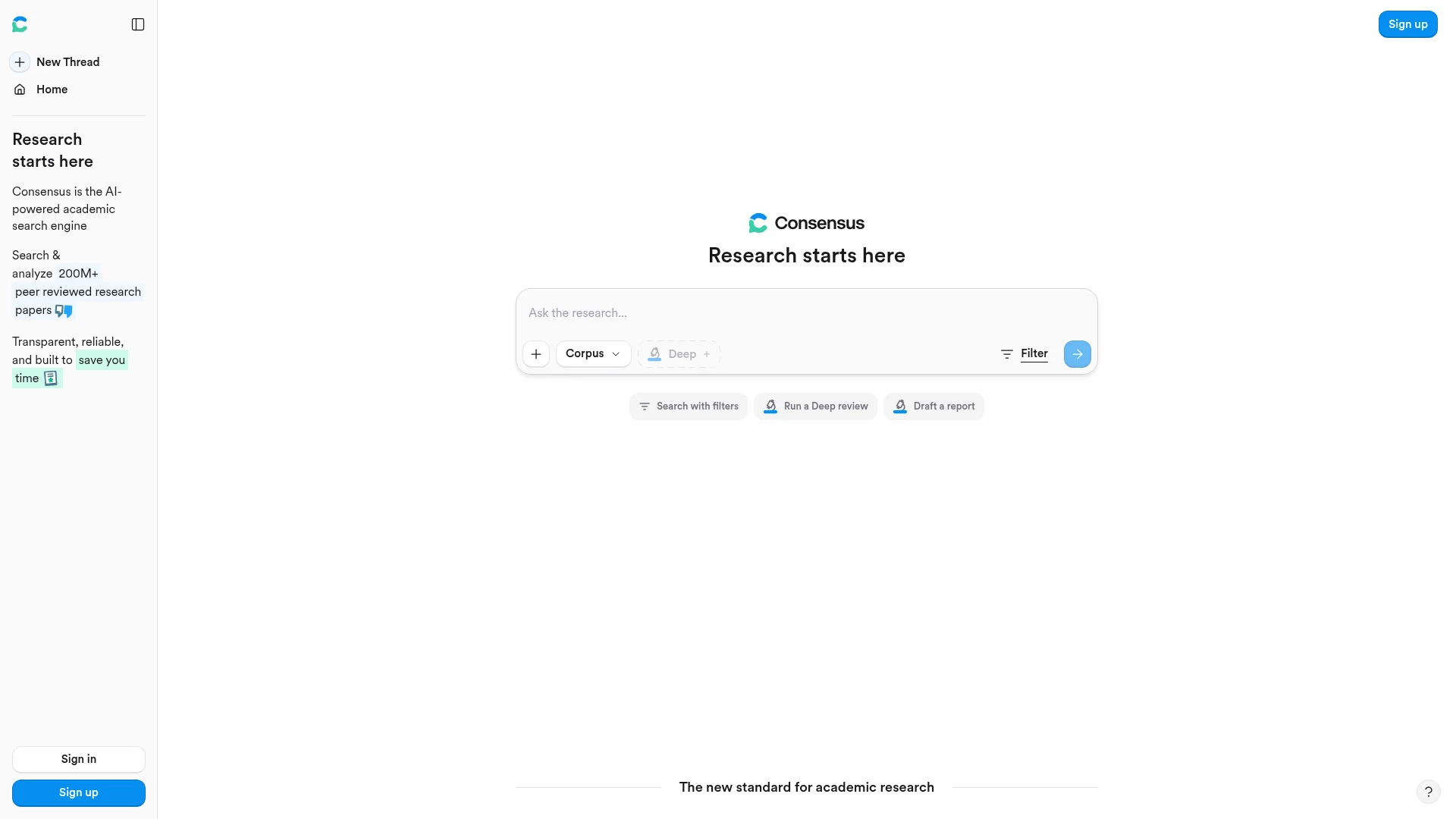
Consensus is a peer-reviewed literature search over 250M+ papers, with a visual evidence meter that shows what the science actually says.
Consensus is the tool I use whenever the question is scientific and the standard of evidence has to be peer-reviewed literature. It searches over 250M research papers, including licensed full-text content from leading publishers, and it partners with 170+ university libraries. Around 10 million researchers, students, and clinicians use it as their entry point into the literature.
The feature that sets it apart is the Consensus Meter. Ask a yes-or-no scientific question and it shows you the distribution of what papers actually conclude: how many say yes, how many say no, how many say mixed. It is the fastest way I have found to check whether a claim is supported by consensus or is a fringe position.
Capabilities:
Search: Natural-language queries over 250M+ research papersConsensus Meter: Visual yes-no-mixed evidence read on yes-or-no questionsDeep Search: Multi-step search that expands terms and explores the citation graphMedical mode: Access to ~50,000 clinical guidelines and 8M articles from top 1,000 medical journalsAsk Paper: Chat directly with a specific paper
Access:
- Free tier with limited Deep Searches, Pro Analyses, Study Snapshots, and Ask Paper messages per month
- Pro plan (paid) unlocks higher volume
- Deep plan for heavier research workflows
Example:
"Does intermittent fasting improve insulin sensitivity"
"What is the evidence on cognitive behavioral therapy for chronic pain"
"How effective are GLP-1 receptor agonists for weight loss in non-diabetic patients"
Honest take: For scientific questions where evidence quality matters, nothing else on this list comes close. The Consensus Meter turns a literature review that would take a whole afternoon into a 30-second read. I use it before I write anything that makes a scientific claim, and I use it before I trust a claim in someone else's writing.
Cons: The free tier caps hit fast if you are doing sustained lit review work. Coverage is strongest in life sciences and medicine and thinner in fields like CS or humanities. The Consensus Meter works best on well-defined yes-or-no questions, not on open-ended "why" or "how" questions where the shape of the evidence matters more than the direction.
Full reference at consensus.app.
5. Elicit
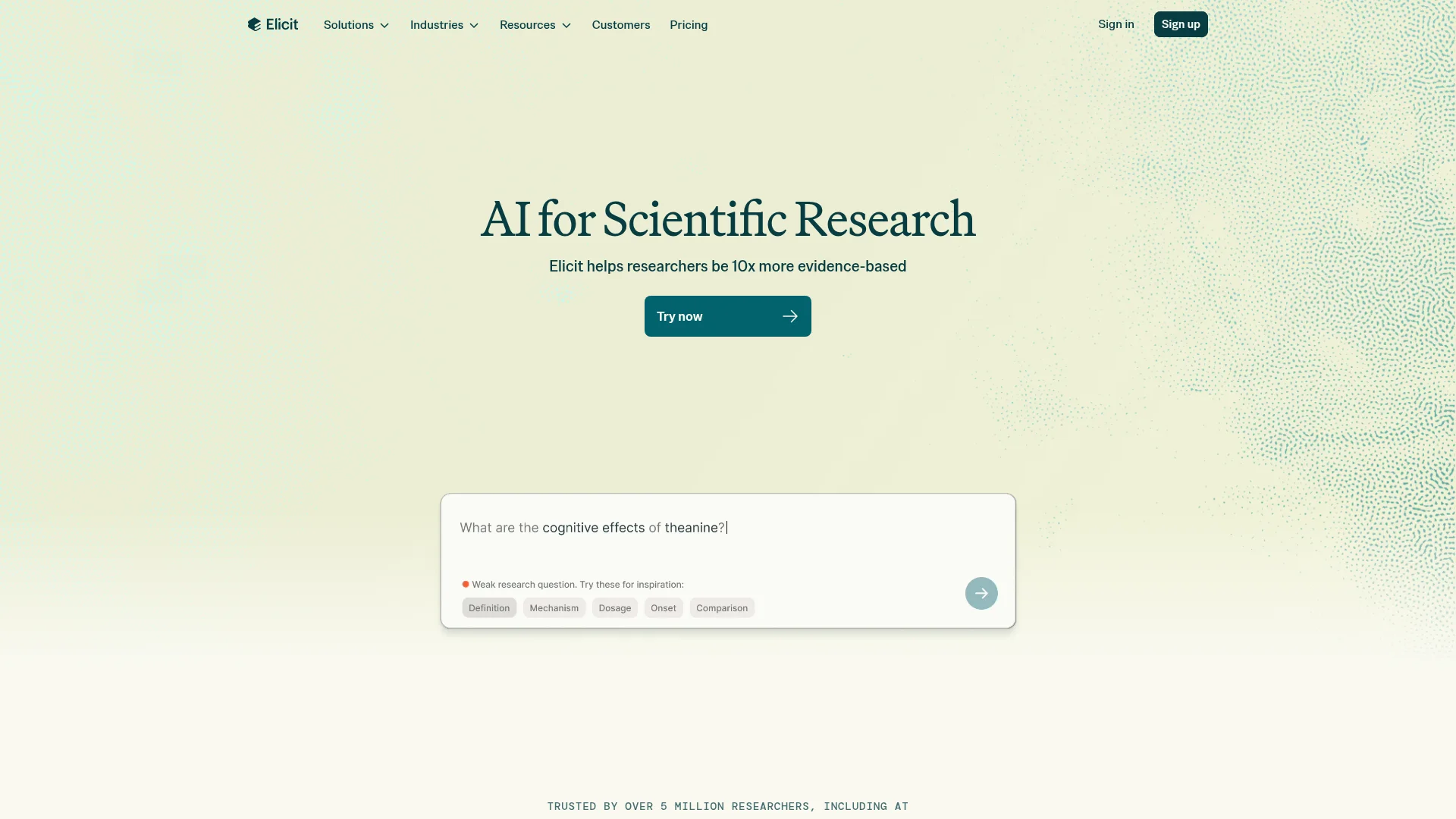
Elicit is a systematic literature review tool that screens up to 40,000 papers per project and extracts structured evidence into tables.
If Consensus is where I go for a fast yes-no-mixed read on a scientific question, Elicit is where I go when the standard is a full systematic review. It searches over 138M academic papers and 545,000 clinical trials, and its differentiator is scale: on Enterprise, a single review can screen 40,000 papers and extract 40 structured columns of data at PRISMA-grade accuracy. Over 5M researchers use it, and a VDI/VDE case study reported 99.4% data extraction accuracy across 1,511 data points.
The workflow is what makes it feel unlike a chatbot. You describe what you are researching, Elicit finds relevant papers, and then it extracts structured data (columns you define) from each one into a table you can sort, filter, and export. That turns hours of manual reading into minutes of review.
Capabilities:
Search: Natural-language search over 138M papers and 545K clinical trialsSystematic Review: Screens 5,000 papers per review on Pro, 40,000 on EnterpriseData Extraction: Custom columns per project (study design, sample, outcome, whatever you need)Reports: Long-form syntheses across up to 200 data sources on ScaleZotero import: Bring your existing reference library in
Access:
- Basic: Free, with limited Research Agent and Reports usage, unlimited search
- Pro: $49/user/month billed annually ($588/year), 5,000-paper reviews, 20 columns/table, API access
- Scale: $169/user/month billed annually ($2,028/year), 30 columns, real-time collaboration, extraction from figures
- Enterprise: Custom, screens 40,000 papers, 40 columns, PRISMA-grade accuracy, SSO/SAML/2FA
Example:
"Systematic review: RCTs on GLP-1 receptor agonists in non-diabetic populations, extract sample size, dose, follow-up duration, and primary outcome"
"Find every paper published in the last 3 years on RAG evaluation methods and extract the benchmark used"
"Screen these 500 papers for ones that use a randomized design"
Honest take: Elicit is the tool I recommend to anyone doing a lit review that will end up in a thesis, a peer-reviewed paper, or a regulatory submission. The structured extraction step is genuinely irreplaceable. But it is priced for institutions, not for one-off users. Pro at $588/year is a real commitment, and Scale is $2,000+ per user. If you just want to answer a research question, Consensus is more cost-effective; if you need reproducible data extraction, Elicit is worth it.
Cons: Free tier is limited to basic search and short reports; systematic review workflows are gated behind Pro. Non-STEM coverage is thinner than Consensus. The interface has a learning curve compared to a Perplexity-style chat.
Full reference at elicit.com.
6. Scite
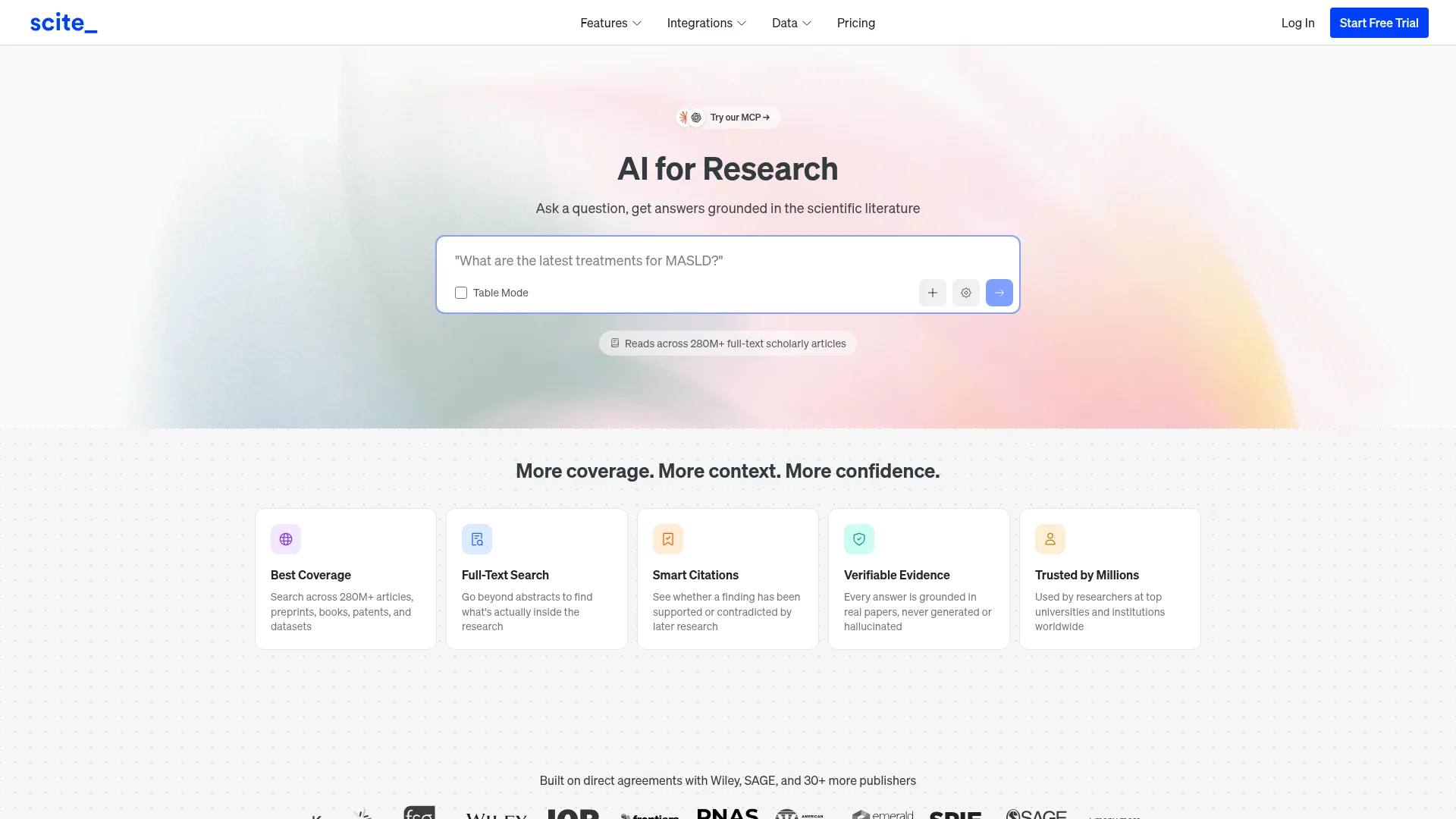
Scite catches citation hallucinations by classifying 1.6B+ citations as supporting, contrasting, or mentioning the paper they point to.
Scite solves a problem the other tools on this list create. Every AI research tool that generates citations occasionally hallucinates them, or cites a paper that actually says the opposite of what the summary claims. Scite is what you use to catch that. It has classified over 1.6 billion citation statements from a corpus of 280M+ scholarly articles, preprints, books, patents, and datasets, and its Smart Citations feature shows you the surrounding sentence and whether the citing paper supports, contrasts, or merely mentions the work.
The output is a citation-integrity check you can run before hitting publish. Over 2M users trust it, and institutions using it include Stanford, Harvard, Oxford, Johns Hopkins, Mayo Clinic, ETH Zurich, and NYU Langone. Scite is now part of Research Solutions.
Capabilities:
Smart Citations: Every citation classified support / contrast / mention with in-context sentenceAssistant: Search 280M+ scholarly sources from inside Claude, ChatGPT, or MCP clientsFull-Text Search: Runs over the full text, not just abstractsCitation Reports: Aggregated evidence view per paperZotero integration: Verify citations inside your existing reference manager
Access:
- Basic: $20/mo, unlimited Assistant queries, 1,000-paper Collections, 250 MCP credits/month
- Pro: $50/mo, 10,000-paper Collections, 2,500 MCP credits/month, patents and clinical trials
- Team: $100/mo, 2 users included with shared Collections, additional seats at $50 each
- Enterprise: Custom, includes API access, SAML/SSO, and regulatory datasets (FAERS, MAUDE, 510(k), MHRA)
Example:
"Check every citation in my draft against Scite and flag any that don't support the claim being made"
"Show me the support-vs-contrast distribution for [paper] before I cite it"
"Search for papers that contrast [claim] with real evidence"
Honest take: For anyone whose work gets peer-reviewed, published, or handed to a regulator, Scite is the tool that removes a class of errors nothing else catches. I use it as the last step before I finalize a citation list. The MCP integration means Claude or ChatGPT can call Scite directly, which is the future of citation verification.
Cons: Scite is scoped to peer-reviewed literature and formal scholarly sources. It does not verify citations to blog posts, web pages, or grey literature. Basic at $20/mo caps you at 1,000-paper Collections which is tight for heavy reviewers. The interface is more academic than consumer.
Full reference at scite.ai.
7. Manus
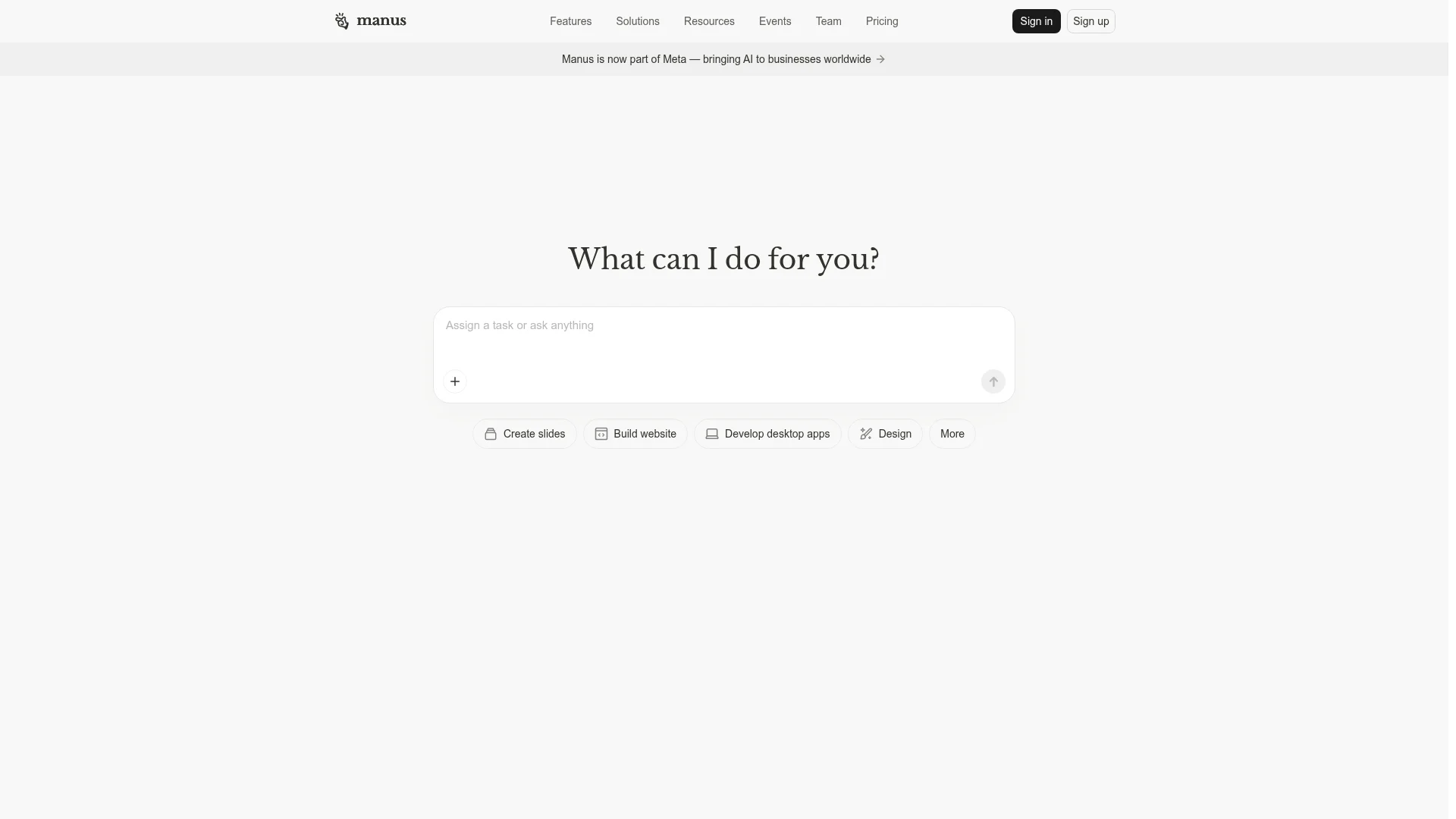
Manus is an agentic tool that researches and then acts, turning findings into slide decks, websites, apps, and documents autonomously.
Manus sits at a different point in the research workflow. Where Perplexity and ChatGPT hand you a report and stop, Manus keeps going and does the next thing. Ask it to research a market and produce a pitch deck, and it will do both. Its positioning is "the action engine that goes beyond answers to execute tasks."
The tool that matters most for research use is Wide Research, one of Manus's named features. It runs broader, deeper searches than a chat query and then feeds those findings into the execution step. In practice, that means you can go from "research my competitors" to "build a competitive landscape slide deck" without leaving the tool.
Capabilities:
Wide Research: Broader, deeper agentic searchCreate slides: Autonomous slide deck generationBuild website: Ship a static site from a research briefDevelop desktop apps: Prototype small applicationsBrowser operator: Automates web tasks after researchMail Manus: Trigger research and execution over emailSlack integration: Same, from Slack
Access:
Three tiers with a 50% off promo running at the time of writing:
- Starter: 4,000 credits/month, 300 refresh credits daily, 20 concurrent tasks
- Middle: 8,000 credits/month, 300 refresh daily, 20 concurrent tasks
- Top: 40,000 credits/month, free Cloud Computer, 300 refresh daily
Example:
"Wide research: analyze the top 20 AI observability tools and build me a competitive slide deck"
"Research the founding team, funding history, and product roadmap of [company] and draft an outreach email"
"Compile a research memo on [industry trend] and publish it as a shareable microsite"
Honest take: Manus is the tool I reach for when research is not the endpoint. The value is in the "and then" step. If I need to ship a deliverable, not just get an answer, Manus removes the copy-paste-format cycle that follows every other research tool on this list. Now that it is part of Meta, expect the ecosystem integrations to expand.
Cons: It is broader than it is deep. For pure research quality, ChatGPT Deep Research and Perplexity Deep Research produce better reports. Concurrent-task limits matter if you run several research jobs in parallel. And the credit economy is opaque, so predicting monthly usage takes a few weeks of feel.
Full reference at manus.im.
Building the top AI tools for research into your workflow
The combination that works for me covers all four modes: retrieval, quick answers, long-form reports, and peer-reviewed evidence. In practice that looks like Perplexity for the first-pass answer, Consensus when the question is scientific, ChatGPT Deep Research for the long memo, and Firecrawl when I am building or extending an agent that needs to keep doing this on its own.
For anything that ends up published, the stack extends. Elicit handles the systematic review; Scite runs the citation-integrity check before the draft goes out. That pair alone catches a class of errors nothing else on this list flags. Manus fits alongside these tools rather than replacing them: when the goal is a shipped deliverable, not a research memo, it is worth the extra credits.
The bigger split is between consumer and developer tools. If you are a researcher, strategist, or writer, Perplexity, ChatGPT, Consensus, Elicit, and Scite are the everyday stack. For academic work specifically, the best AI for academic research depends on the stage: Consensus for a fast read, Elicit for a full review, Scite for citation integrity. If you are a builder, Firecrawl is what lets you take the same retrieval quality that consumer tools rely on and put it inside your own product. Stanford AI Playground is one example of that in production; Aemon is another.
For a broader map of the API-first side of the space, we cover it in Best Investment Research APIs and Anthropic Web Search Alternatives. And for a look at how the top AI tools for research work when you plug them into an autonomous agent, see Deep Research for AI Agents.
Whichever tool you start with, the shift worth internalizing is that "best AI tool for research" is no longer a single answer. It is at least four. Pick the one that matches the mode of research you are doing today, and know when to switch modes tomorrow.
Frequently Asked Questions
What is the best AI for research in 2026?
There is no single best AI for research because research now splits into four modes. For quick cited answers you want Perplexity. For long agentic reports you want ChatGPT Deep Research. For peer-reviewed evidence you want Consensus or Elicit. For checking citation integrity before publish you want Scite. For building your own research agent you want Firecrawl. Manus fills the gap when you need research plus execution (slides, sites, docs) in the same tool.
What are AI tools for research?
AI tools for research combine large language models with retrieval systems so you can move from a question to a grounded, cited answer without doing all the reading yourself. Some are answer engines that respond in seconds, some are agents that run for minutes and return long reports, some are peer-reviewed literature searches, and some are the retrieval infrastructure that developers use to build research agents of their own.
What is the best AI for academic research?
It depends on the stage. Consensus is the best AI for academic research when you need a fast read on what the peer-reviewed literature says (250M+ papers, Consensus Meter for yes-no-mixed evidence). Elicit is stronger for systematic reviews (138M papers, screens up to 40,000 per project, structured extraction). Scite is the tool for citation integrity, classifying 1.6B+ citations as support, contrast, or mention. Perplexity Academic mode and ChatGPT Deep Research handle synthesis across academic sources plus the open web.
Which AI tool has the best deep research mode?
ChatGPT Deep Research and Perplexity Deep Research are the two main options. ChatGPT Deep Research runs for 5 to 30 minutes on o3, scored 26.6% on Humanity's Last Exam, and returns long structured reports. Perplexity Deep Research runs in 2 to 4 minutes, scored 21.1% on Humanity's Last Exam, and is available on the free tier with a limited number of queries per day.
Are AI tools for research free?
Most have a free tier. Perplexity Deep Research is free with limited daily queries. ChatGPT Deep Research gives free users 5 queries per month. Consensus has a free tier capped at a few Deep Searches per month. Firecrawl gives 1,000 free credits per month. Paid plans unlock higher query limits, longer research runs, and priority access.
How does Firecrawl fit into an AI research workflow?
Firecrawl is the retrieval layer for teams building their own research agents. Instead of using a consumer product like Perplexity, you plug Firecrawl into your own agent to give it clean web data. The Firecrawl Research Index specifically covers arXiv papers and GitHub code and scored 53.3% recall on arXivQA at $0.32 per task, 18% above the next-best provider tested.
Can AI tools for research search academic papers?
Some can, some can't. Consensus is built on a 250M+ paper corpus with licensed full-text content. Firecrawl Research Index covers all 3M+ arXiv papers and GitHub repositories. Perplexity and ChatGPT Deep Research pull from the open web, which includes many academic sources but is not scoped to peer-reviewed literature. Manus is a general agentic tool, not an academic search product.
What is the difference between an answer engine and a research agent?
An answer engine like Perplexity returns cited answers in seconds. A research agent like ChatGPT Deep Research or Perplexity Deep Research runs autonomously for minutes, executes dozens of searches, reads hundreds of pages, and produces a structured report. Manus goes one step further and can actually execute tasks after research, like building a slide deck or drafting a document.
Which AI research tool is best for developers?
Firecrawl is the developer-facing option in this list. It exposes search, scrape, crawl, and a dedicated Research Index endpoint through an API, CLI, MCP server, and SDKs in Python, Node, Go, Rust, Java, and Elixir. Stanford's AI Playground uses it to serve roughly 800 daily search-and-scrape jobs across 10,000+ unique domains.
Do AI research tools hallucinate?
Any tool built on an LLM can hallucinate. The tools in this list mitigate it by grounding answers in retrieved sources with visible citations. Consensus goes furthest by scoping its search to peer-reviewed papers with linked full text. When accuracy matters, always click through and read the cited sources rather than trusting the summary alone.
What is Firecrawl Alexandria, and how does it relate to the Research Index?
Firecrawl Alexandria is Firecrawl's library of data providers, and the Research Index is one provider inside it, alongside the Developer Index, the Government Index, and official sources such as FRED and the World Bank. A search call with web and alexandria in sources returns the matching tools next to the web results, each with its inputs and price in credits. Finding a tool costs nothing and running one is billed at its listed price.
Does Firecrawl Alexandria improve research answer quality?
In Firecrawl's own evaluation across 845 tasks, using the same model and prompts with blind AI judging, agents using Firecrawl Alexandria scored 21% higher on answer quality than agents using built-in web tools. The gain comes from reaching sources that never appear as web pages, such as paper abstracts with citation graphs, filings, and economic series.