

Anthropic web search alternatives at a glance
| Firecrawl | Brave | Exa | Parallel | |
|---|---|---|---|---|
| Returns full content | Markdown | Snippets | Highlights or full | Excerpts |
| Search method | Curated keyword | Independent keyword | Neural embeddings | NL objective |
| Data providers | 90+ via Firecrawl Alexandria (official APIs, publishers, indexes) in the search response | No | No | No |
| Free tier | 1K credits/mo | $5/mo credit | 1K req/mo | Free MCP, no key |
| Paid pricing | $99/mo billed monthly, $83/mo billed annually (Standard, 100K credits) | $5/1K req | $7-15/1K | $5/1K Search |
232,015 input tokens. One turn. Sixteen words. I called Anthropic's web search tool with claude-sonnet-4-6 and asked it to find recent AI infrastructure funding rounds. Three searches fired before Claude returned a single answer.
The reason the count gets that high is straightforward once you see it: Anthropic dumps the search results straight into context as input tokens. That's fine for a one-shot query. The problem is that in a multi-turn agent loop, those same tokens get billed again on every subsequent turn. There's no default caching. So the more your agent iterates, the more you're paying — not for new information, but for the same search results sitting in context. The same token bloat problem exists inside Claude Code's own web research loop — see Claude Code Uses Too Many Tokens on Web Search for four Firecrawl techniques that fix it.
What is Anthropic's web search tool and how does it work?
Anthropic shipped its web search tool as a server-side tool on the Messages API. Its logic is simple. Claude reads your prompt, decides whether to search, generates queries, retrieves results, optionally re-searches based on what it finds, and returns a cited response.
Pricing is $10 per 1,000 searches plus standard token costs.
Only Claude can see what results contain; they come back encrypted to the API caller. For chat use, this is fine. You ask Claude something current and it goes off and finds out. The agentic decision-making is the whole pitch.
For agents in production, the same design becomes the problem.
Why are developers looking for Anthropic web search alternatives?
Four things broke for me, in rough order of severity.
The tool only works with Claude
If you tried to run the same agent using GPT-5 or Kimi K2, you would have to rewrite the search layer for the new model first. You're locked into Claude.
You don't decide when it runs
Claude reasons about whether to search, then searches if it thinks it should. That's fine in a chat. In production, where you want the agent to do exactly what you told it to, it's frustrating. For example, you ask Claude to summarize text you already pasted in, and it searches anyway. Or you ask it to verify something current, and it answers from training data instead.
Results are returned encrypted
In my test, these fields ran roughly 5,000-15,000 characters each, formatted as a base64 encoded blob. Claude can decode it. The API caller cannot. There's no decode endpoint exposed publicly. So you can't log the actual content, can't cache it, can't compare what the model said in its response against what the source actually said. Want to verify a citation? You'll have to refetch the URL yourself and hope the page hasn't changed.
You pay twice
The cost doesn't scale up with how many questions you ask. It scales with how long the conversation gets. Each search has a base price of $0.01. Then the content gets added to your context as input tokens. Then on the next turn, those same tokens are still there, billed again. And again on the turn after that and the turn after that. Run a second turn, and those 232k tokens bill again as fresh input.
On the Hacker News thread for the launch, a developer raised the obvious concern:
"If you use your own search tool, you would have to pay for input tokens again every time the model decides to search. This would be a big discount if they only charging once for all output as output tokens but seems unclear from the blog post"
The reply came from a staff member identifying as "stephanie from Anthropic":
"Thanks for the feedback, just updated our docs to hopefully make this a little clearer. Search results count towards input tokens on every subsequent iteration"
Anthropic updated the docs the same day. The cost compounds harder than developers expected.
Anthropic has since shipped a newer tool version (web_search_20260209) with dynamic filtering. Instead of pulling full HTML into context, Claude runs code to filter results before they land in the context window, keeping only relevant content. It requires the code execution tool to be enabled and reduces token consumption — but it doesn't change the fundamental billing model. Results still count as input tokens on every subsequent turn.
If any one of those is a dealbreaker, here are the four tools I tested, ordered by relevance to most agent builds. Firecrawl is first because it's where most teams should start.
1. Firecrawl: search full-page content in one call
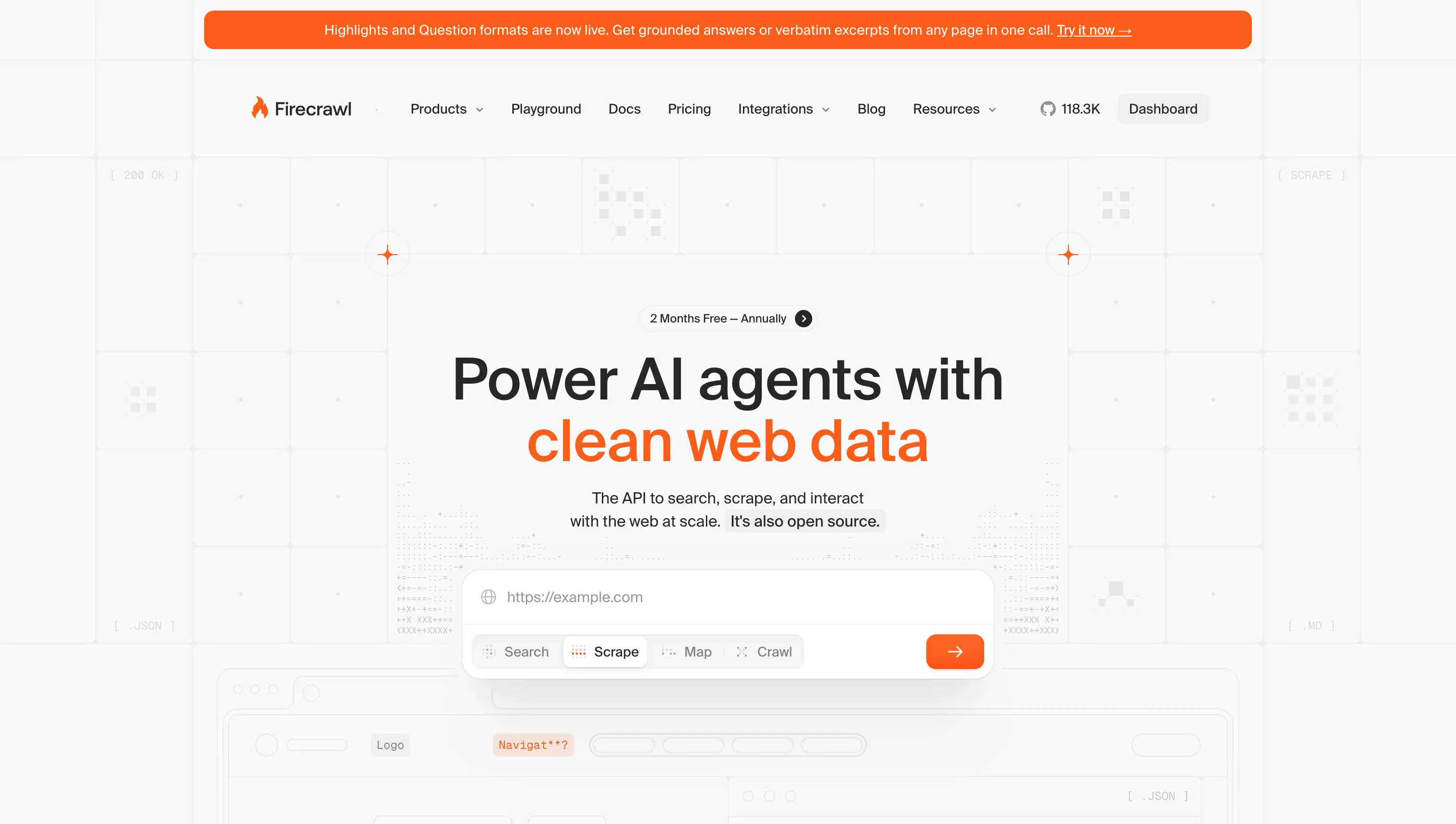
Firecrawl is optimized to return ranked search results with full markdown content in the same workflow. Some alternatives expose raw content options through search parameters or separate extraction endpoints. Firecrawl's distinction is that full-page markdown is the default design center for search-to-read agent workflows — one call comes back with ranked URLs and the full markdown of each page, ready to hand to a model without a follow-up extraction step.
The index is also more curated than most. Rather than crawling everything, Firecrawl focuses on the sources that tend to matter for agent tasks: news, financial reporting, academic papers, government data, GitHub. If your agent needs to read what it finds, that selectivity saves you from wading through low-signal results.
For research-heavy queries, Firecrawl's research index sits alongside /search and preps sources with citations and structured summaries agents can quote directly.
That index is now one provider inside Firecrawl Alexandria, and a search with sources: ["web", "alexandria"] returns the matching data tools (official APIs such as SEC EDGAR and FRED, licensed publishers such as Fiscal.ai) next to the web results, each with its inputs and price in credits.
The catalogue itself is the argument for choosing Firecrawl here. It includes the Wayback Machine for how a page looked on any past date, Greenhouse job boards for every open role at a company, GitHub, Hugging Face, PyPI, and Stack Exchange for developer questions, Companies House and SEC EDGAR for registries and filings, and 80+ other providers, all reachable from the one search call an agent already makes.
Onboarding also just got shorter: Firecrawl now supports keyless access, joining Parallel in letting you try search from Claude Code without provisioning an API key first.
In 2026, Openclaw made Firecrawl its default search provider — the kind of adoption signal that means more than benchmarks.
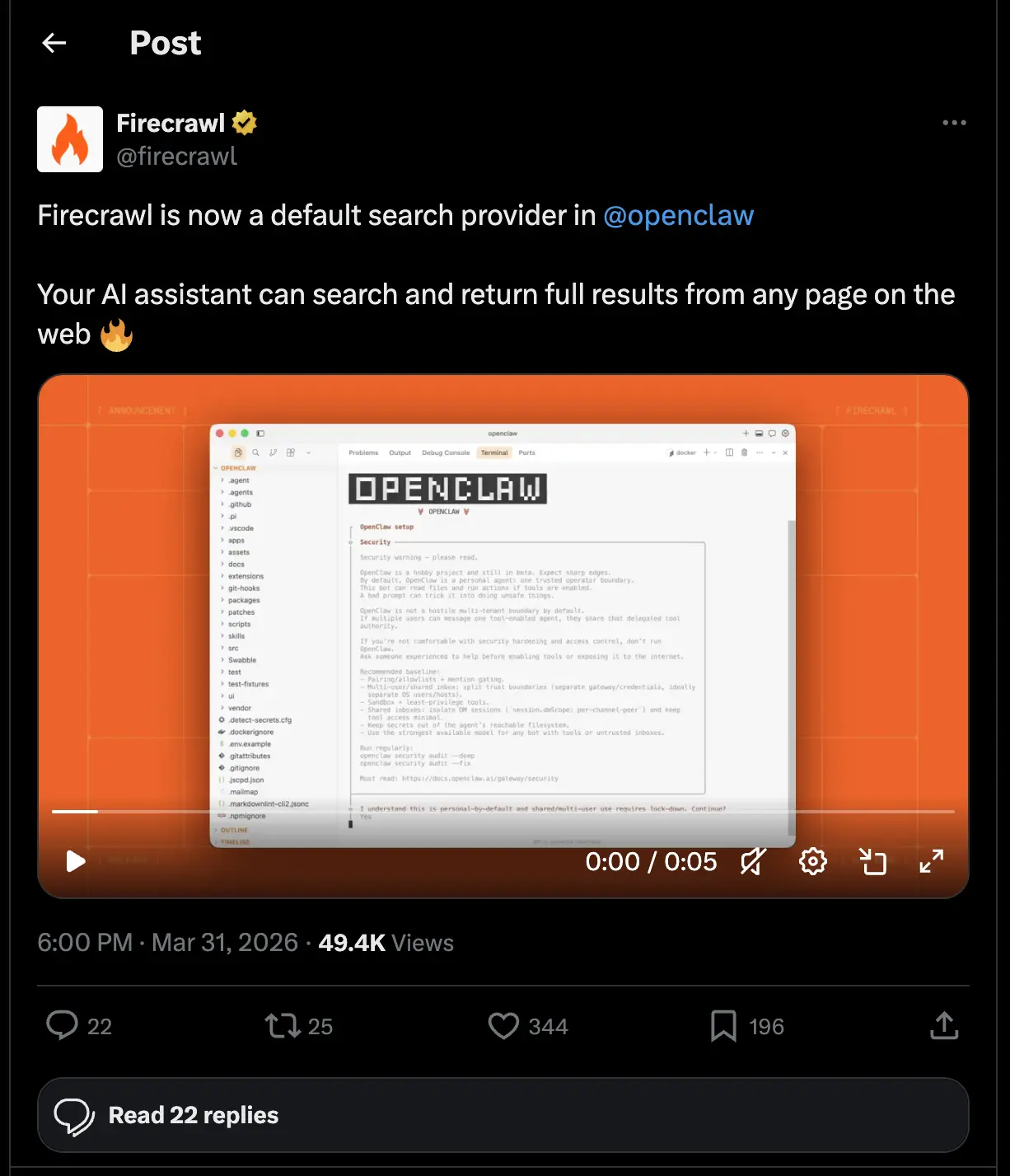
Firecrawl is used by 1.25M+ developers and non-developers across 150,000+ companies, and has served 5B+ requests to date. It has reached that scale because it handles the full workflow — search, scrape, crawl, interact — in a single install, on the real web. Builders who need reliable web context for agentic workflows keep coming back to it — and recommend it to others. Peter Steinberger, founder of OpenClaw, put it plainly:
Read more about how the team integrated Firecrawl in the OpenClaw Firecrawl guide.
| Feature | Firecrawl | Anthropic web_search |
|---|---|---|
| Returns full page content | Yes (markdown, one call) | No (encrypted snippets) |
| Auditable results | Yes | No (encrypted) |
| Works outside Claude | Yes | No |
| Source filtering | Web, news, research, github, pdf | Domain allow/block only |
| Data providers in search | Yes (Firecrawl Alexandria: 90+ official APIs, publishers, and indexes via sources) | No |
| Pricing | 2 credits per 10 results, $19 to $399/mo billed monthly ($16 to $333/mo billed annually) | $10/1K + token re-bill |
Install Firecrawl's MCP in Claude Code
One-time setup:
claude mcp add firecrawl --transport http https://mcp.firecrawl.dev/YOUR_API_KEY/v2/mcpAfter that, ask Claude in plain language:
Use Firecrawl search to find recent funding rounds for AI infrastructure
companies in 2026, with full markdown content. Show me the sources and
the dates.
Use Firecrawl from the CLI
If you don't need agent reasoning and just want results in your terminal:
npx -y firecrawl-cli@latest init --all --browserfirecrawl search "AI infrastructure funding rounds 2026" \
--scrape \
--sources news \
--tbs qdr:m \
--limit 5Beyond /search, Firecrawl ships /scrape, /interact, and a CLI plus Skill that drops into Claude Code, Cursor, and Codex. The --tbs qdr:m flag is worth knowing: agents care about what's true this week, not what ranked two years ago.
What Firecrawl returned in my test
One call, full markdown for every result. The top hit was a Crunchbase News piece on April 2026 venture funding — the entire article body, clean and ready to feed straight into the agent. CLI latency was under a second.
When Firecrawl is the right pick
If your agent reads pages after searching, Firecrawl is almost always cheaper end to end. One call instead of two, and the curated index means fewer junk results to reason over. Firecrawl is also engineered for token efficiency — clean markdown that strips boilerplate before it hits your context, instead of the encrypted blobs Anthropic's tool re-bills every turn.
One thing most search tools don't support: content that only appears after user interaction — a scroll, a button click, a dropdown. Firecrawl's /interact endpoint handles that, letting your agent extract content from pages that gate it behind UI interactions. That's not something you get from Brave, Exa, or Parallel.
Full reference at docs.firecrawl.dev.
2. Brave Search
Brave runs its own independent web index of 30B+ pages. Calling it directly gives you full visibility into the results — no encryption layer, auditable output, and it works with any model, not just Claude. It's reportedly the same index Anthropic's web search uses under the hood.
Install Brave MCP in Claude Code
Node.js required before running the following installation:
claude mcp add-json brave-search '{
  "command": "npx",
  "args": ["-y", "@brave/brave-search-mcp-server", "--transport", "stdio"],
  "env": {"BRAVE_API_KEY": "YOUR_API_KEY"}
}'
Then run the below conversation on Claude Code:
Search Brave for "best practices for agent retry loops" and show me
the top 5 results with their snippets and URLs.
Use Brave from the CLI
Install from github.com/brave/brave-search-cli, set your key with bx config set-key YOUR_API_KEY, then run the below command:
bx context "AI infrastructure funding rounds 2026" --max-tokens 4096Pricing is flat at $5 per 1K requests. No token re-billing. The default /search endpoint only returns short descriptions (150-200 characters). That's enough to pick which links to follow, but not enough to read the pages.
Brave also killed the free tier in February 2026, so signup now requires a credit card.
What Brave Search returned in my test
Brave has two modes. The default returns short link previews, which is fine for picking what to follow, but you can't read the actual content. The longer form mode returns multi-paragraph extracts from primary sources at roughly the same speed (1.3 seconds in my test). If your agent needs to actually read pages, use the longer-form mode.
When Brave Search is the right pick
Use Brave when you want the same index Anthropic's tool reportedly uses, without the encryption black box. Pair with Firecrawl's /scrape if your agent needs to read the pages.
See Brave Search API alternatives for a deeper comparison.
3. Exa
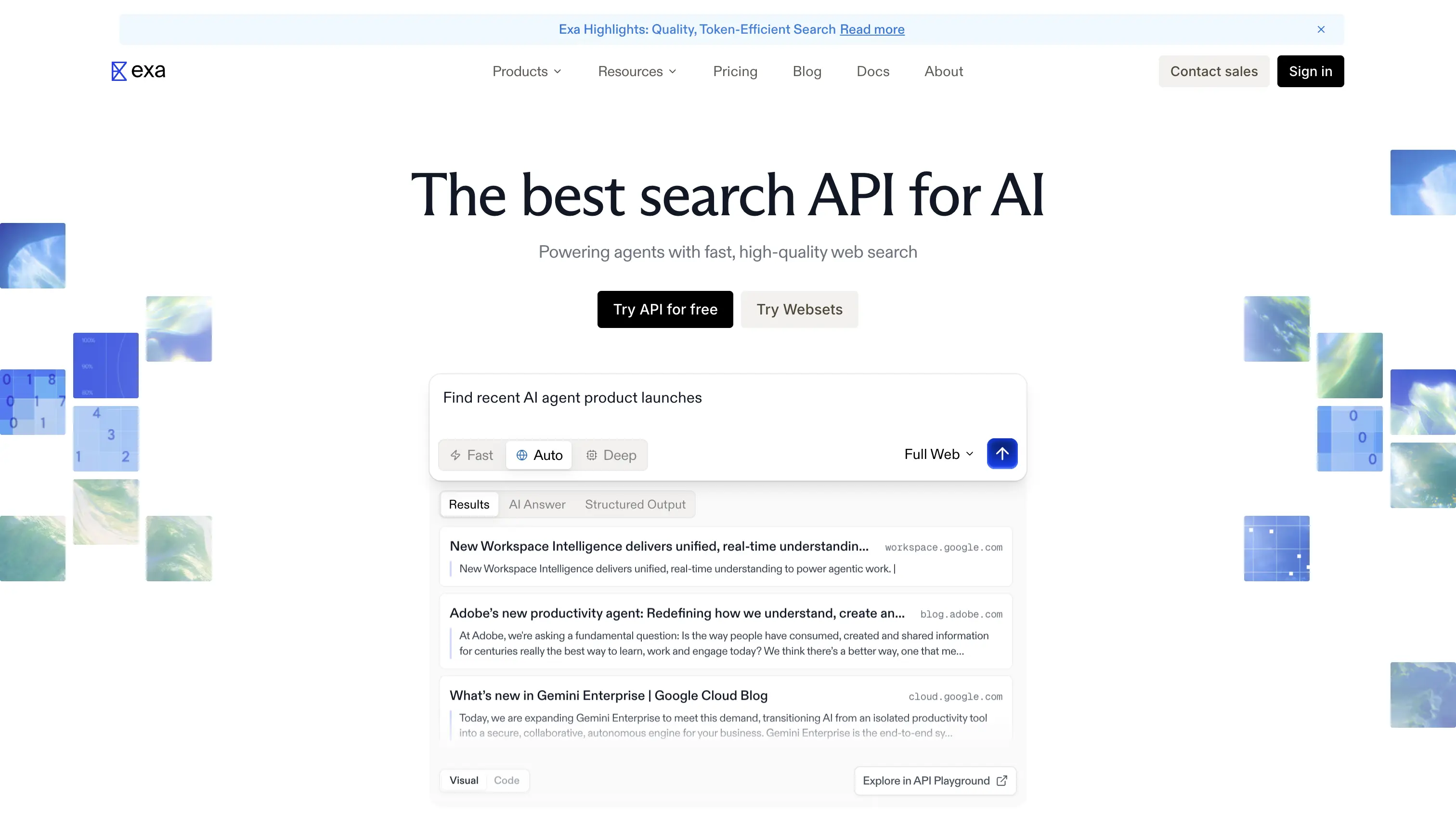
Exa embeds your query into a vector and retrieves pages that match the meaning, not the words. The practical difference shows up fast: search for "articles explaining transformers without using math" and a keyword API returns electrical transformer repair guides and math tutoring sites. Exa returns the deep learning explainer written for non-technical readers.
That cuts the other way too. Specific entity queries — a person's name, a company, a product — are where keyword precision beats semantic recall every time.
Install Exa's MCP on Claude Code:
claude mcp add --transport http exa "https://mcp.exa.ai/mcp?exaApiKey=YOUR_EXA_API_KEY"You describe the page you want, not the keywords:
Use Exa to find articles that explain transformers (the deep learning kind)
without using mathematical equations, aimed at non-technical readers.
Use Exa from the REST API
No CLI — use the REST API directly. Exa returns highlights rather than full pages, which keeps your token count lower than alternatives that dump full content into context:
curl https://api.exa.ai/search \
  --header "x-api-key: YOUR_EXA_API_KEY" \
  --header "Content-Type: application/json" \
  --data '{
    "query": "research papers on neural retrieval over web-scale indexes",
    "type": "neural",
    "numResults": 5,
    "contents": {
      "highlights": {"numSentences": 3, "highlightsPerUrl": 2}
    }
  }'
Deep search runs $15 per 1K, which compounds fast on multi-step research agents.
What Exa returned in my test
Tested with the "transformers without math" query. Every result matched what I actually meant — blog posts for non-technical readers, no equations. Latency inside the agent loop was around 30 seconds, slower than I expected.
When Exa is the right pick
When semantic recall matters more than keyword precision. If your agent needs full content from what Exa surfaces, pair it with Firecrawl's /scrape — Exa finds the right pages, Firecrawl reads them.
See Exa alternatives for a side-by-side.
For multi-step research workflows, see deep research for AI agents.
4. Parallel
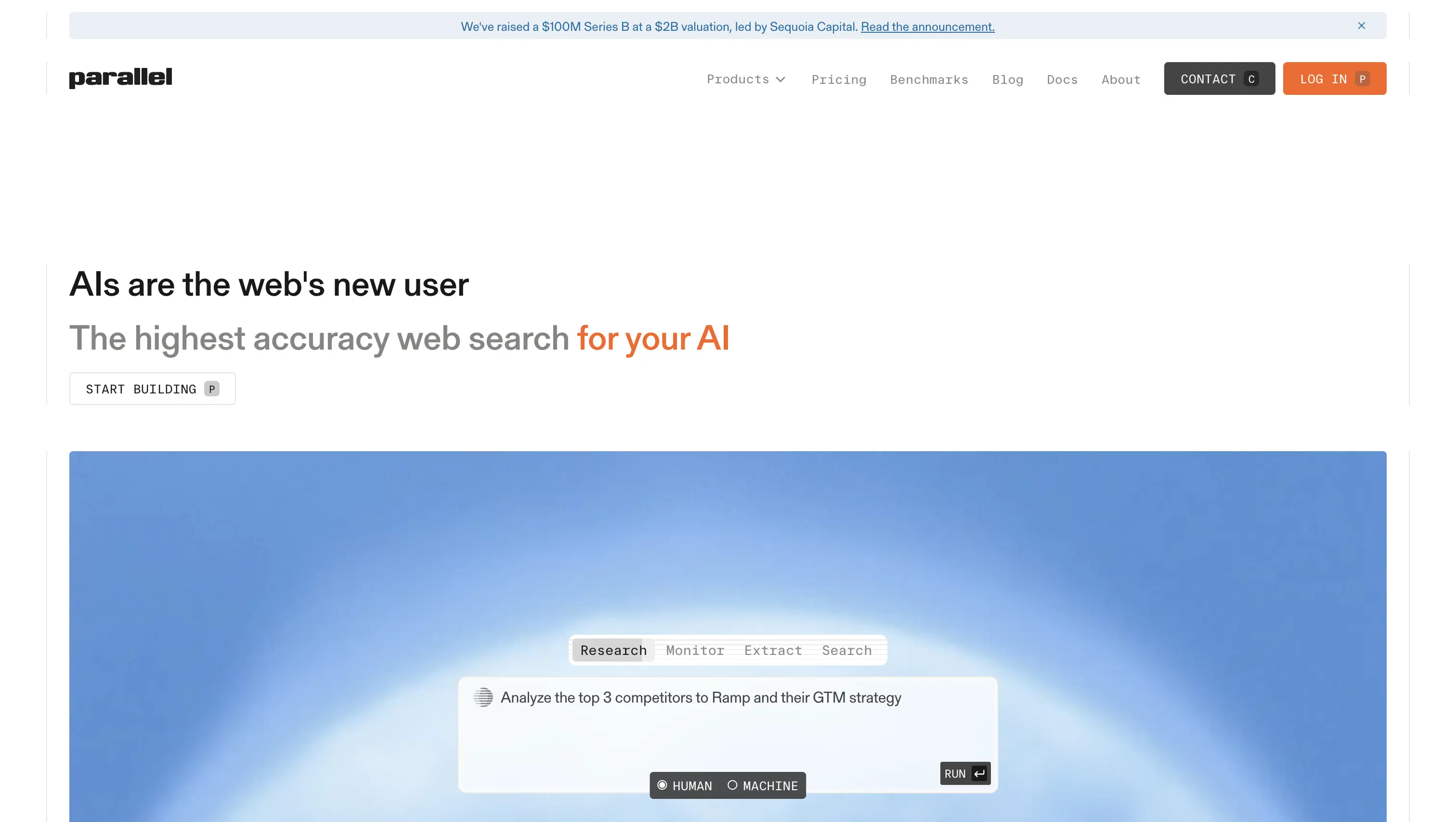
The three APIs above take a query and return ranked results. Parallel takes an objective and returns compressed results. You describe what you're trying to find out, and the API runs whatever sub-searches it thinks are needed.
Parallel raised a Series B at a $2B valuation in 2026. The Search MCP is free without an API key, which is the easiest way to drop a search tool into Claude Code.
Install Parallel's MCP in Claude Code
claude mcp add --transport http "Parallel-Search-MCP" https://search.parallel.ai/mcpThen run the following in Claude Code's conversation:
Use Parallel search to find recent Series B announcements in the AI
infrastructure space. I want funding amounts and lead investors for each one.
Use Parallel from the CLI
Parallel installs via pipx:
brew install pipxpipx install parallel-web-tools
export PARALLEL_API_KEY=YOUR_PARALLEL_API_KEYparallel-cli search "Find recent Series B announcements in the AI infrastructure space, with funding amounts and lead investors" \
--jsonPast the free tier, the paid Search API at $5 per 1K is comparable to Brave. The Ultra processor tiers get expensive fast.
What Parallel returned in my test
I tested the Parallel MCP in Claude Code. The install worked on the first try, and the objective-based query returned 10 sourced results with structured data. End-to-end latency was around 30 seconds, not the sub-5s the marketing suggests. And several results were aggregator pages, with one figure (a $122B funding number) coming from a single blog post rather than verified reporting. That's the trade-off for a fast-moving index that hasn't been curated as tightly as Firecrawl's.
When Parallel is the right pick
Use Parallel for deep multi-hop research with compressed results, or when you want zero billing setup. For the more common "find pages, then read them" case, Firecrawl's full-content design covers the same ground with a more curated index.
How to choose the right Anthropic web search tool alternative
Each tool fills a specific gap:
- Firecrawl: most agent workflows where search plus full-page content in one call removes a round trip; the curated index keeps slop out of context, and /agent and /interact handle edge cases without leaving the platform. Predictable per-result pricing that doesn't compound across turns.
- Brave: predictable per-request pricing on a general-purpose independent index; also the right call when you want the same data Anthropic's tool reportedly uses, with full visibility.
- Exa: queries conceptual enough that keyword search misses relevant pages, or when you need findSimilar on a known URL.
- Parallel: zero-billing deep research, or when token-dense compressed results beat full pages for your use case.
For a broader view of the landscape, see best web search APIs for AI agents and the search tools for AI agents comparison that benchmarks Firecrawl, Exa, Brave, Serper, and Perplexity Sonar on latency, content quality, and pricing.
Where to go from here
MCP has flattened the cost of switching. Adding Firecrawl, Brave, Exa, or Parallel to Claude Code or OpenCode is a config change, not an architecture decision. There's no reason to stay locked in if the math no longer works for you.
Start with Firecrawl, run your real agent traffic against it for a week, then decide.
Try Firecrawl free with 1,000 free credits per month, no card required.
Frequently Asked Questions
Which is best for RAG?
Firecrawl. It returns full markdown clean enough to drop directly into a vector store, with boilerplate stripped before it hits your context — so you skip the extra extract-and-clean step most search APIs force on you.
Can I use multiple search APIs in the same agent?
Yes. MCP makes it a config change. Many production agents combine providers: Firecrawl for full-content retrieval, Exa for semantic queries, Brave for a large independent keyword index. There's no architectural cost to running two or three search providers in parallel.
What's the difference between MCP and a regular API call?
An MCP server wraps an API in a protocol Claude Code (and other agent harnesses) understand natively. You write a config once, then your agent can call the tool with natural language. A regular API call requires you to write the function, register it as a tool, and handle the tool calling loop yourself.
Which has the best free tier?
Firecrawl and Exa both give you around 1,000 free requests or credits per month, which is the most generous recurring allocation across the group. Parallel's MCP is free with no account or API key required, which is the lowest possible friction to try.
Can I use these inside Claude Code?
Yes. Firecrawl has an official Claude Code plugin, which is the tightest integration of the four. Exa has a one-click Claude Connector. Parallel needs no API key. All four ship MCP servers compatible with Claude Code, and three (Firecrawl, Brave, Parallel) also ship official CLIs for terminal-only workflows. Setup for any of them is under five minutes.
Does Anthropic's web search work outside Claude?
No. It's a server-side tool on the Messages API and only runs with Claude models. If you want to evaluate Claude against GPT-5, Kimi K2, or any other model on the same agent loop, you'll need an external search API. All four alternatives in this article work with any model.
Is Firecrawl more token-efficient than Anthropic's web search?
Yes. Firecrawl returns clean markdown once per search, with boilerplate stripped before it hits your context. Anthropic's web_search dumps encrypted content into input tokens and re-bills those same tokens on every subsequent turn of the conversation, so the cost compounds with conversation length rather than search count.
Can Firecrawl reach data sources that Anthropic's web_search cannot?
Yes. Anthropic's web_search returns encrypted snippets from web pages. Firecrawl's search accepts alexandria as a source and returns a tools array from Firecrawl Alexandria alongside the web results, drawn from official APIs such as SEC EDGAR and FRED, licensed publishers such as Fiscal.ai and Particle, and Firecrawl's Research, Developer, and Government indexes. Each tool lists its inputs and price in credits, and finding one costs nothing.
How does an agent use Firecrawl Alexandria from Claude Code?
Through the Firecrawl MCP server. The firecrawl_search tool returns matching data tools when the call includes alexandria in sources, firecrawl_find_tools reads a tool's contract, and firecrawl_scrape runs it when given an alexandria block instead of a URL. Execution is billed at the tool's listed price. Firecrawl Alexandria needs an API key on a team where it is enabled, so it is not available on the keyless MCP endpoint.
