TL;DR
| Tool | Language | Best For | GitHub Stars | LLM-Ready |
|---|---|---|---|---|
| Firecrawl | Python, Node.js, Go, Rust | All-in-one LLM workflows: markdown, JS rendering, structured extraction, fast CLI crawling | 70k+ | Yes |
| Crawl4AI | Python | Local LLM integration, RAG pipelines | 58k+ | Yes |
| Scrapy | Python | Large-scale structured extraction | 59k+ | No |
| Crawlee | Node.js, Python | Production crawlers, modern JS sites | 20k+ | No |
| Colly | Go | Fast concurrent crawling | 25k+ | No |
| Playwright | Python, Node.js, Java, .NET | JavaScript-heavy sites, testing | 72k+ | No |
| Puppeteer | Node.js | Chrome automation, screenshots | 90k+ | No |
| ScrapeGraphAI | Python | Schema-based AI extraction | 20k+ | Yes |
| Katana | Go | Security research, fast CLI crawling | 14k+ | No |
| StormCrawler | Java | Enterprise real-time crawling | Apache Project | No |
Open source web crawlers were already plentiful before the LLM boom. Python developers had Scrapy. Go projects used Colly. Browser automation meant Puppeteer or Playwright. The ecosystem was mature, well-documented, and worked reliably at scale.
Then LLMs changed what people needed from crawlers. Suddenly markdown output mattered more than JSON. Token efficiency became a feature worth optimizing for. New tools launched to handle these requirements, while the old ones stayed focused on what they'd always done well.
Now you're choosing between frameworks built for different eras of web scraping. The classics offer stability but require extra work to feed content into AI pipelines. The newer options output LLM-ready formats but haven't been stress-tested across millions of production crawls. Below is what each one actually does well, and where each breaks down.
What is an open-source web crawler?
An open-source web crawler is software that navigates websites automatically, following links from page to page to discover and download content. The source code is publicly available under licenses like MIT, Apache, or BSD. You can read it, modify it, and run it on your own servers without paying per request or dealing with vendor restrictions. For a ground-up explanation of how web crawlers work — the crawl loop, URL frontier, selection policy, and types of crawlers — see the complete guide.
The trade-off isn't complicated. Open-source means you control everything:
- Open-source: You're running the infrastructure. Scaling, bug fixes, updates - all yours. No monthly bills for crawl API calls, but you're paying for servers and spending time on maintenance.
- Managed services: The vendor handles servers, updates, and support. Faster to deploy, easier to scale. You pay per request or a flat subscription, which gets expensive at volume but saves engineering time upfront.
Teams pick open-source when they need specific customizations that APIs don't offer, or when per-request pricing doesn't make sense at their scale. Managed services win when you'd rather ship fast than manage crawling infrastructure.
1. Firecrawl
Language: Python, Node.js, Go, Rust
Best for: LLM pipelines that need entire sites converted to clean markdown
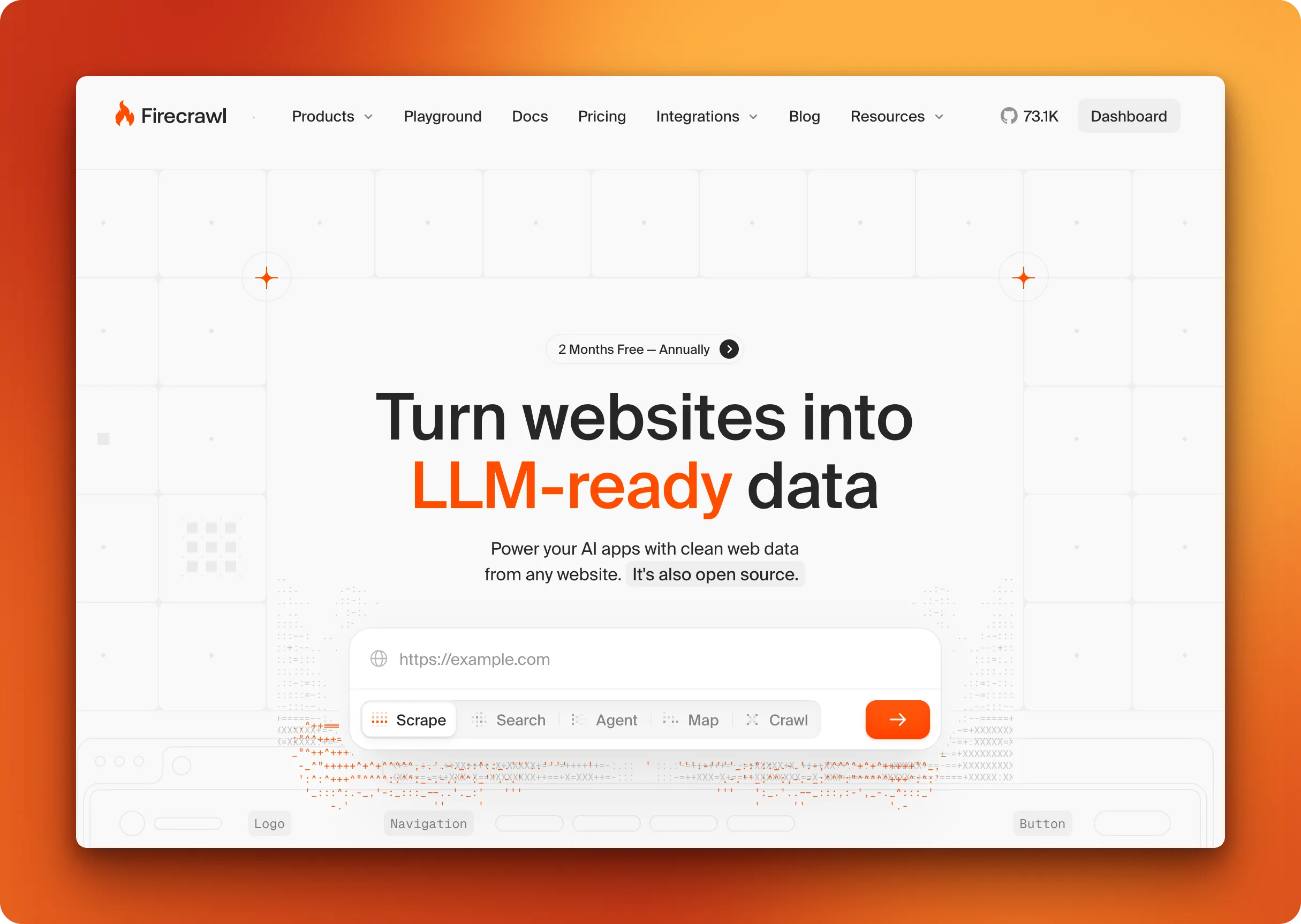
Firecrawl's crawl endpoint starts at a URL and recursively discovers pages by following links.
You control how deep it goes with max_discovery_depth, which sections to crawl using include_paths and exclude_paths, and whether to stay within the same domain. Point it at documentation, a blog, or any site structure, and it handles JavaScript rendering, follows pagination automatically, and converts everything to markdown while stripping navigation and ads.
from firecrawl import Firecrawl
from firecrawl.v2.types import ScrapeOptions

app = Firecrawl()  # Loads API key from FIRECRAWL_API_KEY env var

# Crawl Stripe API docs: only /api and /docs paths, skip blog
result = app.crawl(
    url="https://docs.stripe.com/api",
    limit=50,
    max_discovery_depth=3,
    include_paths=["/api/*", "/docs/*"],
    exclude_paths=["/blog/*"],
    scrape_options=ScrapeOptions(
        formats=["markdown", "links"],
        only_main_content=True
    )
)

# Each discovered page returns content and all links found
for page in result.data:
    print(f"Page: {page.metadata.url}")
    print(f"Links found: {len(page.links)}")
    print(f"Content: {page.markdown[:200]}...")
You can request multiple formats per page: markdown, HTML, raw HTML, links, or screenshots. The links format returns every URL discovered on each page, which is useful when you want to feed link lists into other tools or let users choose what to crawl next.
Scrape options like only_main_content, include_tags, and exclude_tags apply to every page the crawler hits, so you get clean extraction across the entire site.
The markdown output uses significantly fewer tokens than raw HTML, which matters when processing thousands of pages through an LLM.
Version 2 introduced natural language prompts. Instead of manually configuring path patterns, describe what you want: "Extract API documentation and reference guides." Firecrawl translates this into include paths, depth settings, and other parameters automatically.
For rapid URL discovery without full content extraction, the map endpoint returns every link on a site in seconds.
The open-source version runs via Docker and covers core crawling features. The hosted API adds higher concurrency, managed infrastructure, and an extract endpoint that applies LLM-based structured extraction during the crawl.
Pros:
- Discovers and follows links with configurable depth and URL pattern matching
- Handles JavaScript rendering and pagination automatically
- Multiple output formats per page (markdown, HTML, links, screenshots)
- Natural language crawl prompts replace manual parameter configuration (v2)
- Map endpoint for rapid site structure analysis without full scraping
- LLM-powered structured extraction during crawl
- SDKs for Python, Node.js, Go, Rust with LangChain/LlamaIndex integrations
- Respects robots.txt and handles rate limiting
Cons:
- Self-hosted version lacks features available in the paid API. The self-host guide is explicit about which capabilities need cloud, so run hosted for the full surface and self-host when data residency or cost at scale matters more than parity
- Pricing scales with crawl volume. The free tier is 1,000 credits a month and the usage dashboard breaks spend down per API key and per endpoint, so the volume is metered in the open
- Requires Docker for local deployment. That applies to the self-hosted stack only; the hosted API needs nothing installed beyond an SDK or the CLI
Pricing: Completely free and open source under AGPL license. Hosted plans start with Hobby at $19/month billed monthly, or $16/month billed annually, for 5,000 credits, and scale to Growth at $399/month billed monthly, or $333/month billed annually, for 500,000 credits. The free tier gives 1,000 credits every month. One credit is one page on a basic scrape or crawl. A scrape that returns no result is not charged. A page that responds with an error status such as 403 or 404 is still returned to you and costs 1 credit. See the pricing page for the current table.
2. Crawl4AI
Language: Python
Best for: RAG pipelines and AI agents that need local LLM support without API costs
Crawl4AI is a local-first Python crawler that outputs clean markdown without requiring external API calls, making it popular for teams building RAG pipelines or autonomous agents on their own servers. You get full control over infrastructure with no per-request costs.
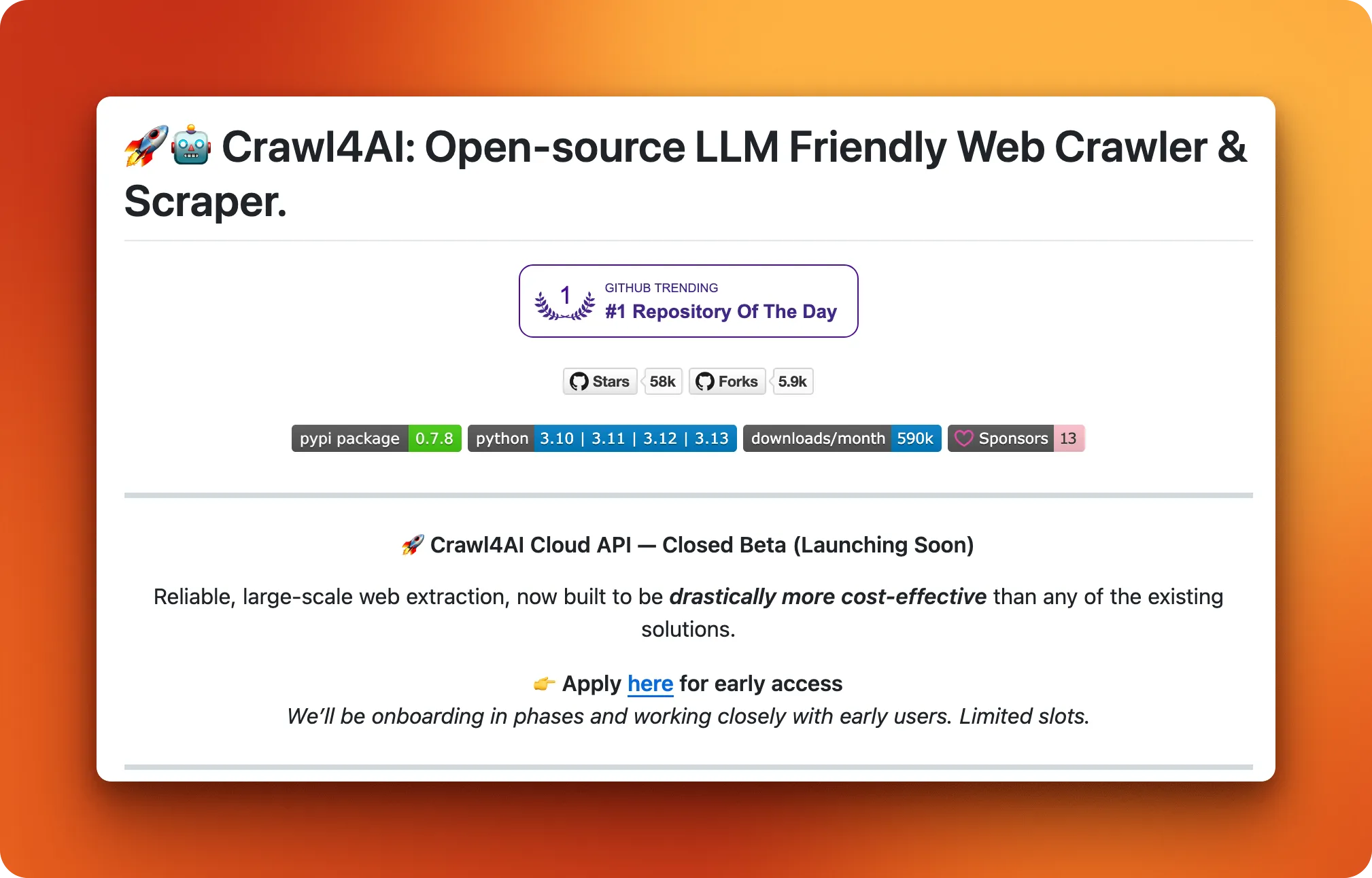
The project launched in mid-2024 and took off fast, hitting #1 on GitHub's trending page and amassing over 68,000 stars in under a year.
The library converts web pages into markdown optimized for LLMs. For query-specific extraction, you can apply a BM25 content filter that ranks and keeps only sections relevant to your search terms. You can plug in local models through Ollama or connect to external APIs like OpenAI or Deepseek. This flexibility appeals to teams that care about data sovereignty or want predictable costs at scale.
Recent versions added "Adaptive Web Crawling" where the crawler learns reliable selectors over time, plus webhook infrastructure for job queues in Docker deployments. Playwright handles JavaScript rendering under the hood by default. For a comparison of self-hosted versus managed approaches, see Firecrawl vs Crawl4AI.
Pros:
- Fully offline operation with local LLMs (no API costs)
- Optional BM25 filtering for query-focused extraction
- Apache License allows commercial use and modifications
- Learns and adapts selectors across crawling sessions
- Active community with frequent releases
Cons:
- Extraction quality depends on your choice of LLM
- Steeper learning curve than API-based tools
- "Free" still means paying for LLM inference or self-hosting infrastructure
Pricing: Free and open source under Apache License 2.0. Infrastructure and LLM costs are yours to manage.
3. Scrapy
Language: Python
Best for: Large-scale structured data extraction from static websites
Scrapy has been the default choice for serious Python web scraping since 2008. Built on Twisted, an event-driven networking engine, it handles thousands of concurrent requests without breaking a sweat. The framework processes HTTP responses at the raw level, skipping browser overhead entirely. For static HTML sites, this makes it significantly faster than browser-based tools like Playwright or Puppeteer.
The architecture splits crawling into distinct components: spiders define what to scrape, middleware handles request/response processing, and item pipelines clean and store your data. This modularity pays off at scale but comes with a learning curve. Expect to spend time understanding how these pieces fit together before you're productive.
Where Scrapy falls short is JavaScript. It was built for an era of server-rendered HTML, and dynamic content requires bolting on Splash or scrapy-playwright. If your target sites rely heavily on client-side rendering, other tools in this list will save you headaches.
Pros:
- Battle-tested performance at scale (handles millions of pages)
- Extensive middleware ecosystem for proxies, retries, throttling
- Built-in support for exporting to JSON, CSV, XML
- Massive community with years of Stack Overflow answers and tutorials
Cons:
- No native JavaScript rendering
- Steep learning curve for the component architecture
- Overkill for simple scraping tasks
Pricing: Free and open source under BSD 3-Clause license.
4. Playwright
Language: Python, Node.js, Java, .NET
Best for: JavaScript-heavy sites that need real browser rendering and interaction
Playwright wasn't built for web scraping. Microsoft designed it as a testing framework, and that DNA shows in everything from its API design to its documentation. But testers and scrapers face the same problem: modern websites render content client-side, hide data behind user interactions, and fight automation at every turn.
The same features that make Playwright good at testing (auto-waiting, network interception, multi-browser support) make it excellent at scraping sites that break simpler tools.
The library controls Chromium, Firefox, and WebKit through a single API. Puppeteer now supports Firefox via WebDriver BiDi, but Playwright was built from day one for cross-browser work, and that maturity shows. Auto-wait handles timing issues that plague other browser automation tools. Instead of sprinkling sleep statements everywhere, Playwright waits for elements to become actionable before proceeding.
Where Playwright struggles is scale. Each browser context consumes memory, and running hundreds of concurrent sessions requires serious infrastructure. There's also no built-in crawling logic. You handle pagination, link following, and request queuing yourself, or wrap Playwright in something like Crawlee that handles this for you.
For single-page extraction or moderate concurrency, these limitations rarely matter. For crawling millions of URLs, you'll want additional tooling.
Pros:
- Supports Chromium, Firefox, and WebKit from one codebase
- Auto-wait eliminates most timing-related flakiness
- Handles login flows, infinite scroll, and lazy loading natively
- Network interception lets you block ads, images, or tracking scripts
- Strong documentation and Microsoft backing
Cons:
- No built-in crawling (pagination and queuing are manual)
- Memory-intensive at scale
- May require additional plugins for complex sites
- No built-in request distribution
Pricing: Free and open source under Apache License 2.0.
5. Puppeteer
Language: Node.js
Best for: Chrome automation, screenshots, and teams already working in JavaScript
Puppeteer came first.
Google released it in 2017 to give developers a proper way to control Chrome programmatically, and for years it was the default choice for headless browser work. Then two of its lead developers left for Microsoft and built Playwright. The libraries share DNA, similar APIs, overlapping features, but Puppeteer stayed focused on Chrome while Playwright expanded to Firefox and WebKit.
That Chrome-first focus isn't necessarily a weakness. Tighter integration means Puppeteer often handles edge cases in Chrome better than cross-browser tools can. Firefox support landed in v23 via WebDriver BiDi, though Chrome remains the primary target.
The puppeteer-extra ecosystem extends Puppeteer's capabilities through a rich plugin architecture, which matters when your workflows require additional customization. If you need extended browser control, puppeteer-extra and its plugin ecosystem offer a straightforward path to additional functionality.
The tradeoffs hit at scale. Each Chrome instance eats memory, and running dozens of concurrent sessions means watching RAM usage climb fast. There's no built-in crawling logic either. You handle pagination, retries, and request queuing yourself or wrap Puppeteer in a framework like Crawlee.
For smaller jobs or when you need precise control over a single browser session, these limitations don't matter much. For crawling at volume, you'll spend time on infrastructure that other tools handle out of the box.
Pros:
- Tighter Chrome integration than cross-browser alternatives
- Rich plugin ecosystem via puppeteer-extra
- Automatically installs compatible Chromium, no version management headaches
- 94k GitHub stars and active Google backing
- Extensive Stack Overflow coverage (7,000+ questions)
Cons:
- Firefox supported but Chrome remains the focus (fewer Firefox-specific features)
- JavaScript-only, no Python or other language bindings
- Memory-hungry at scale
- No built-in crawling, queuing, or retry logic
Pricing: Free and open source under Apache License 2.0.
6. ScrapeGraphAI
Language: Python
Best for: Prototyping scrapers without writing selectors
ScrapeGraphAI uses LLM-powered extraction with a pipeline architecture built on directed graphs. The SmartCrawler starts from a URL, follows internal links using breadth-first traversal, and extracts data from each page based on a natural language prompt. You set parameters like depth=2, max_pages=100, and same_domain_only=True, and the crawler handles discovery while the LLM handles parsing.
Instead of writing CSS selectors or XPath, you describe what you want and provide a Pydantic schema. The LLM interprets page structure based on context rather than fixed element paths. When it works, you skip the selector maintenance that breaks traditional scrapers. When it doesn't, debugging gets harder because the LLM's decisions aren't always transparent.
The tradeoff is cost, speed, and consistency. Every page extraction burns tokens, and LLM inference adds latency. Extraction quality varies depending on page complexity and how well the LLM understands the structure. For large crawls, API costs stack up. You can run local models through Ollama, but that shifts the expense to your own infrastructure. See Firecrawl vs ScrapeGraphAI for a detailed feature comparison.
Pros:
- Crawls n-levels deep with configurable page limits and domain restrictions
- No selectors to write or maintain
- Pydantic schemas enforce consistent output structure
- Works with cloud LLMs (OpenAI, Groq, Azure, Gemini) or local models via Ollama
Cons:
- Extraction quality varies by page complexity
- Token costs add up on large crawls
- Slower than HTTP-only crawlers
- No native infinite scroll or JavaScript interaction handling
- Harder to debug when extraction fails (LLM reasoning isn't always clear)
Pricing: Free and open source under MIT license. LLM costs depend on your provider.
7. StormCrawler
Language: Java
Best for: Enterprise teams running continuous crawls on existing Storm infrastructure
StormCrawler takes a different approach than everything else on this list. Where most crawlers work in batches (fetch URLs, process, repeat), StormCrawler treats crawling as a stream. URLs flow through a directed acyclic graph of processing components, getting fetched, parsed, and stored continuously rather than in discrete jobs. This architecture makes sense if you're already running Apache Storm for other workloads or if your use case involves URLs arriving over time rather than from a static list.
The project graduated from Apache Incubator to Top-Level Project status in June 2025, a milestone that signals mature governance and production readiness. Organizations use it for search engine indexing, web archiving, and scenarios where low latency matters more than simplicity. You can run it on a single machine for development or scale across a Storm cluster with the same codebase.
The SDK approach means StormCrawler gives you components rather than a turnkey solution. Spouts pull URLs from your storage layer (OpenSearch, Solr, or custom). Bolts handle fetching, parsing via Apache Tika, and writing results back. You wire these together into topologies that match your requirements. This flexibility comes at the cost of setup time; expect to spend hours configuring before your first crawl runs.
Pros:
- Stream processing handles continuous URL feeds without batch overhead
- Scales horizontally across Storm clusters
- Apache Tika integration parses PDFs, Office docs, and other formats
- OpenSearch and Solr modules included
- Apache TLP status means long-term project stability
- Runs identically on single nodes or distributed clusters
Cons:
- Requires Apache Storm knowledge (steep learning curve if you're new to it)
- SDK approach means more assembly than other tools
- Overkill for simple scraping tasks
- Smaller community than Python alternatives
- No built-in JavaScript rendering
Pricing: Free and open source under Apache License 2.0.
8. Katana
Language: Go
Best for: Security researchers and pentesters who need fast URL discovery
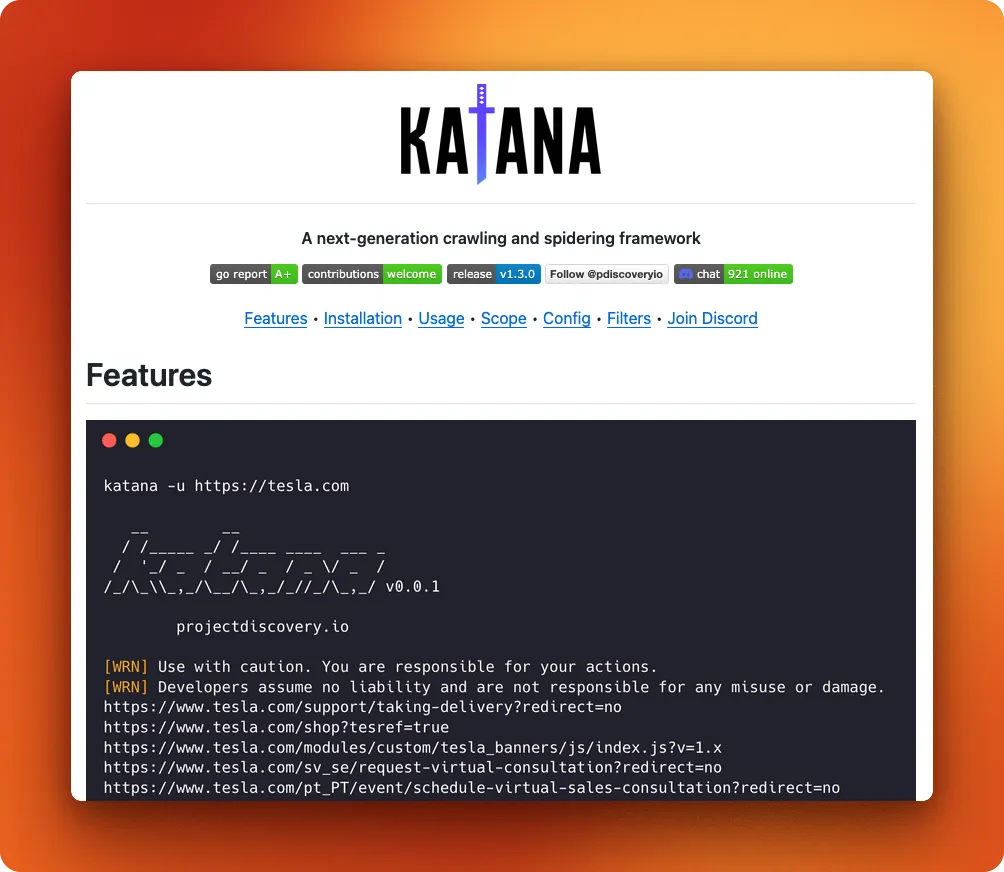
Katana is built for one job: crawl a target quickly, extract every URL, endpoint, and JavaScript file, then feed that list into other tools for vulnerability scanning. Where general-purpose crawlers optimize for data extraction, Katana optimizes for reconnaissance. It comes from ProjectDiscovery, the team behind nuclei and other security-focused tools.
The default mode parses raw HTTP responses without rendering JavaScript. Add the -headless flag and it spins up a browser that captures XHR requests, dynamically loaded scripts, and other endpoints that static analysis misses. Recent versions improved network request capturing to include XHR, Fetch, and Script resource types, making headless mode more thorough for modern SPAs.
Installation requires Go 1.24+ or you can pull the official Docker image which bundles Chromium. The CLI interface fits into shell pipelines naturally. Point it at a domain, pipe the output to nuclei or httpx, and you've got a basic recon workflow in one line. For complex setups, YAML config files handle form auto-filling and custom field extraction.
Katana won't replace Scrapy for data extraction or Firecrawl for LLM pipelines. It's a specialist tool for security work, and it does that job well.
Pros:
- Extracts endpoints that static crawlers miss (headless mode captures XHR/Fetch)
- Single binary with no runtime dependencies
- Plays nicely with other ProjectDiscovery tools (nuclei, httpx, subfinder)
- Active development with frequent releases throughout 2025
- Respects scope restrictions to avoid crawling outside target domains
Cons:
- No structured data extraction (outputs URLs, not parsed content)
- Security-focused feature set limits general scraping use cases
- Headless mode requires Chromium installation
Pricing: Free and open source under MIT license.
9. Colly
Language: Go
Best for: Go developers who want speed without browser overhead
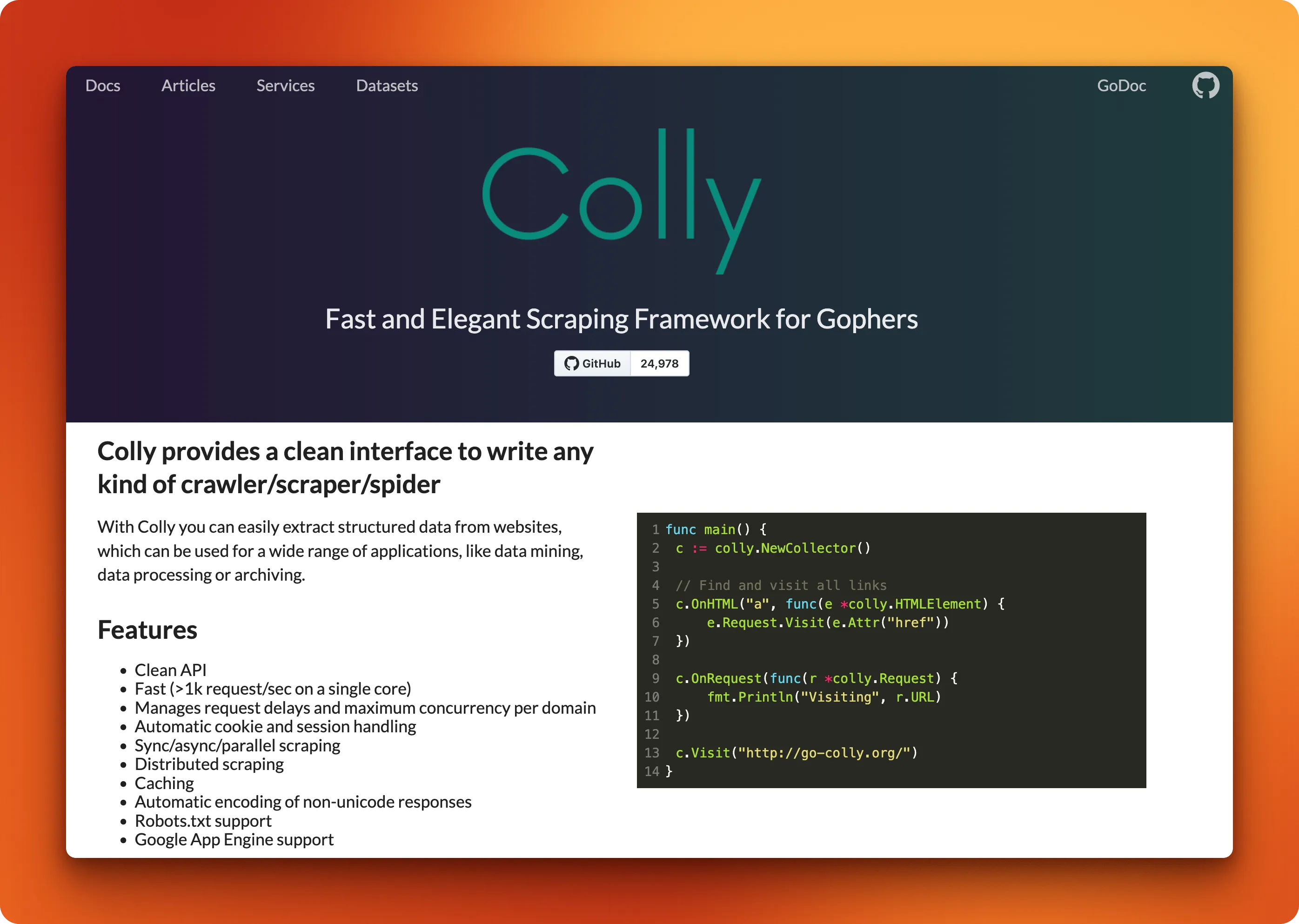
Go scrapers run fast. Compiled binaries with no interpreter overhead mean Colly can process thousands of requests per second on modest hardware, consistently outpacing Python HTTP libraries on identical workloads. No browser, no JavaScript engine, just HTTP requests and HTML parsing.
The API centers on collectors and callbacks. You create a collector, attach handlers for different events (HTML elements, requests, responses, errors), and call Visit(). Colly handles cookies, redirects, rate limiting, and parallel requests behind the scenes. The same patterns that work for scraping a single page work for crawling thousands. Per-domain rate limiting prevents you from hammering servers. Built-in caching avoids redundant requests. Distributed mode spreads work across machines when a single process isn't enough.
The tradeoff is JavaScript. Colly doesn't render it. If your target site loads content dynamically, you need chromedp or a headless browser. For server-rendered HTML, which still covers most of the web, Colly handles the job faster than anything else on this list.
Pros:
- Compiles to a single binary with no runtime dependencies
- Handles 1k+ requests/second on modest hardware
- Built-in rate limiting, caching, and robots.txt compliance
- Clean callback API that scales from scripts to production crawlers
- 25k GitHub stars and actively maintained
Cons:
- No JavaScript rendering (need chromedp for dynamic sites)
- Go-only (no Python or Node bindings)
- Smaller ecosystem than Scrapy
Pricing: Free and open source under Apache License 2.0.
10. Crawlee
Language: Node.js, Python
Best for: Production crawlers that need anti-blocking without rolling your own infrastructure
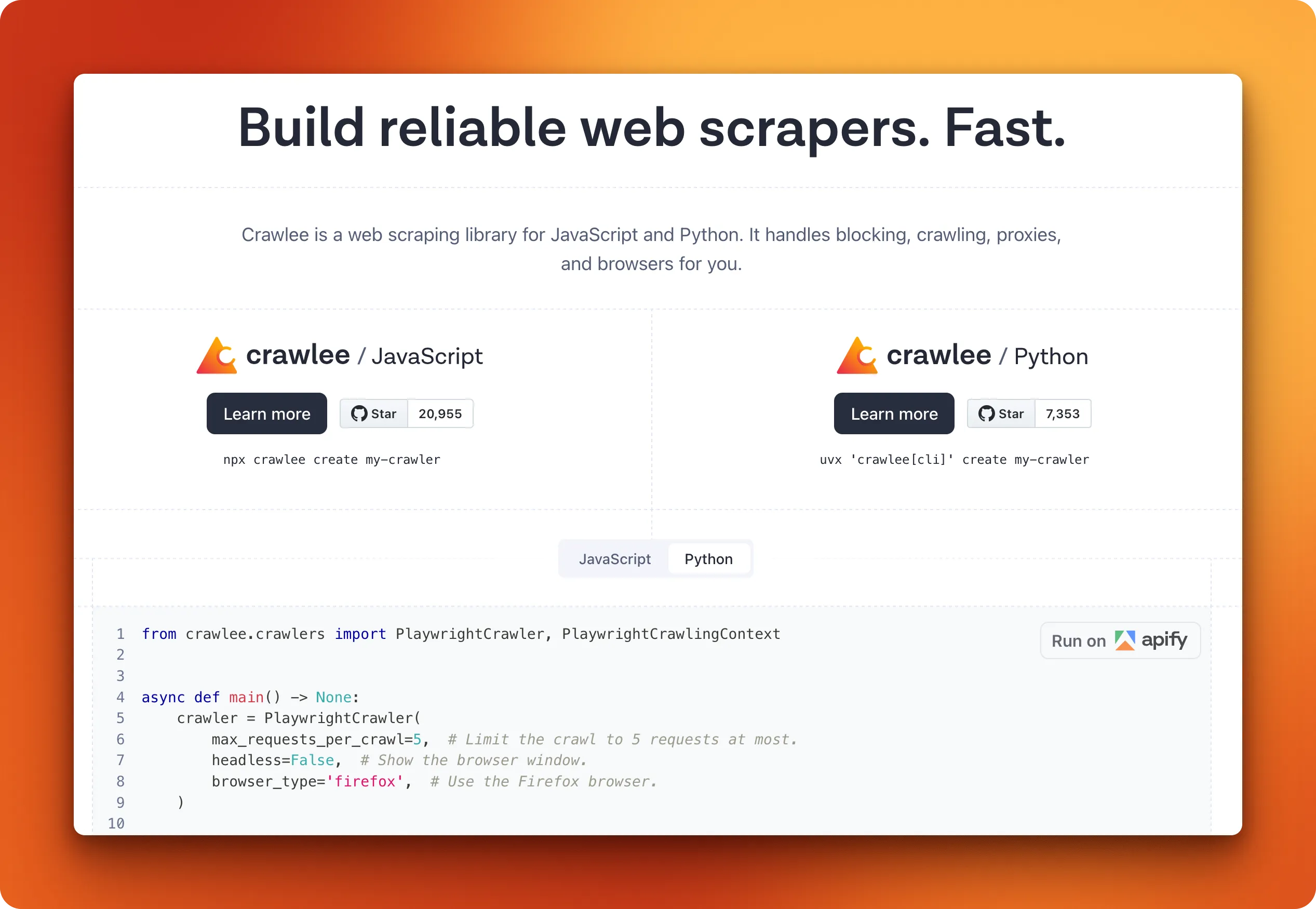
Crawlee gives you a unified interface that works the same whether you're making raw HTTP requests, controlling Puppeteer, or running Playwright. You write your crawler once, swap the underlying engine based on what the target site requires, and Crawlee handles the plumbing that makes production scraping painful. It grew out of Apify's internal SDK and launched as a standalone library in August 2022.
That plumbing is where Crawlee earns its reputation. Browser context management maintains consistent sessions across requests. Request queuing persists to disk, so crashed crawlers resume where they left off. Proxy rotation spreads requests across your pool automatically. Session management ties proxies to browser contexts for consistent request patterns. These features exist in other tools as plugins or manual implementations. Crawlee ships them as defaults.
The Python version hit beta in July 2024 and reached v1.0 in September 2025, accumulating over 9,000 GitHub stars. It mirrors the Node.js API closely enough that tutorials for one mostly apply to the other. The Node.js version integrates with Cheerio for parsing, while Python uses BeautifulSoup. Both can run headful or headless depending on whether you need to debug visually.
The Apify connection cuts both ways. The library works fine standalone, but some features push you toward their platform. Cloud deployment, managed proxies, and the Actor ecosystem all integrate smoothly if you're paying. Self-hosting everything means handling more infrastructure yourself. For teams that want managed infrastructure without the platform lock-in, the best Apify alternatives cover tools with more flexible pricing and AI-ready output.
Pros:
- Unified API across HTTP, Puppeteer, and Playwright backends
- Browser context and session management built in
- Persistent request queues survive crashes and restarts
- Available in both Node.js and Python with similar APIs
- AutoscaledPool adjusts concurrency based on CPU and memory usage
Cons:
- Apify platform integration can feel like vendor lock-in
- Heavier than simpler HTTP libraries for basic tasks
- Python version still newer with a smaller community than Node.js
Pricing: Free and open source under Apache License 2.0. Apify platform pricing starts at $39/month if you want managed infrastructure.
How to choose the right web crawling solution
The first question isn't about features or GitHub stars. It's about output format. If you're feeding pages into an LLM, you want markdown, not raw HTML. Firecrawl, Crawl4AI, and ScrapeGraphAI handle this conversion natively. The rest require you to process HTML yourself.
The second question is JavaScript rendering. Modern sites load content dynamically, and a crawler that only parses the initial HTML response will miss it:
- Browser-based (render JavaScript): Playwright, Puppeteer, Crawlee
- HTTP-only (faster, static HTML only): Scrapy, Colly, Katana, StormCrawler
- LLM-native (handle rendering internally): Firecrawl, Crawl4AI, ScrapeGraphAI
If you're going the LLM-native route, Firecrawl and Crawl4AI handle JavaScript internally, so you skip this question entirely.
Once you've narrowed by output format and rendering needs, language decides the rest. Go developers pick Colly or Katana. Python shops choose between Scrapy and the newer LLM-focused tools. Node.js teams lean toward Crawlee or Puppeteer. Java enterprise environments make StormCrawler viable where it wouldn't be otherwise.
Scale matters less than people think. Scrapy and StormCrawler handle millions of pages, but most projects never hit that volume. Browser-based tools work fine for thousands.
The honest take: there's no universally "best" crawler.
If you're unsure, Firecrawl covers the most ground: LLM-ready markdown, JavaScript rendering, structured extraction during crawl, and SDKs across four languages. Otherwise, pick what fits your stack. You can always switch later.
Conclusion
Most scraping projects fail because of dynamic rendering challenges or messy HTML, not because someone picked the wrong crawler. The tooling has gotten good enough that language preference and team familiarity matter more than feature checklists. Python teams will reach for Python tools. Go developers will pick Go. That's fine.
What's changed is how much the open-source ecosystem now handles for you. JavaScript rendering, proxy rotation, markdown conversion, LLM-friendly output. Problems that used to require custom infrastructure are now a flag or config option. The hard part isn't choosing anymore. It's defining what you actually need to extract.
If you want to go deeper, also read: List Crawling: Extract Structured Data From Websites at Scale and Crawlbench: LLM extraction benchmark.
Frequently asked questions
What's the difference between a web crawler and a web scraper?
A crawler discovers URLs by following links across a site. A scraper extracts data from specific pages. Most tools in this list do both, but the emphasis differs. Scrapy and Crawlee are crawl-first with extraction built in. Puppeteer and Playwright are page-focused tools you can wrap in crawling logic. The distinction matters less than it used to since modern frameworks bundle both capabilities.
Which open-source crawler is best for beginners?
Firecrawl is the most popular open-source web crawler today if you want reliable results fast without much setup.
Can I use these crawlers for commercial projects?
Yes. All ten tools use permissive licenses (Apache 2.0, MIT, BSD, or AGPL). Check the specific license for attribution requirements. Firecrawl's AGPL means you'd need to open-source modifications if you distribute the software, but using the API or running it internally doesn't trigger that clause.
Which crawler is the fastest?
For raw HTTP requests, Colly and Scrapy lead the pack. Both handle thousands of requests per second. Browser-based tools (Playwright, Puppeteer) are slower because they render full pages. Speed rarely matters as much as reliability. A crawler that finishes 10x faster but misses half the content isn't faster in any practical sense.