TL;DR: Best Cursor Plugins
- Firecrawl: Live web search, scraping, crawling, and browser interaction
- GitHub: Repos, issues, pull requests, and Actions from chat
- Superpowers: TDD, debugging, and planning skills with a session hook
- pstack: Rigorous multi-model workflows from a Cursor engineer
- Thermos: Parallel correctness and code quality branch review
- Chrome DevTools for Agents: Real browser debugging, performance, and a11y checks
- Sentry: Production errors and alerts inside the editor
- Supabase: Tables, queries, and Postgres best practices
- Vercel: Deploys, env vars, and 33 platform skills
- Linear: Issues and projects without switching tabs
- Figma: Design context to code, and UI back to Figma
- Supermemory: Persistent memory across Cursor sessions
Out of the box, Cursor's agent reads your repo and writes code. With the right plugins it also reads the live web, checks current library docs, opens the failing page in Chrome, pulls the Sentry trace, and reviews its own branch before you open a PR.
Cursor launched its plugin marketplace in February 2026, and the list has grown well past what anyone needs. Most entries are vendor MCP servers with a thin skill layer, and plenty overlap. Cursor also supports the open Agent Plugins standard, so plugins built to that spec load in other agents too.
I went through the marketplace listings, read each plugin's source, and kept twelve that cover the jobs I actually hand to Cursor: research, docs, code review, debugging, memory, and the services most web apps run on.
What are Cursor plugins?
A Cursor plugin is a package that bundles agent components into one install. According to Cursor's plugin docs, a plugin can contain any mix of:
- Rules: persistent guidance in
.mdcfiles - Skills: task instructions the agent loads when a request matches
- Subagents: custom agent configurations for delegated work
- Commands: slash commands you or the agent can run
- MCP servers: live tools that call outside services
- Hooks: scripts that run on events such as session start or after a tool call
Cursor supports two formats. Agent Plugins follow the open standard and package skills and MCP servers with a root plugin.json. Cursor Plugins use a .cursor-plugin/plugin.json manifest and can add rules, subagents, commands, and hooks. The install flow is the same for both.
A plugin adds an instruction layer on top of a plain MCP server. Its skills and rules tell Cursor when to reach for each tool, so the plugin version of a tool gets called at the right moment more often.
How to install Cursor plugins
You can install a plugin from chat or from the Customize panel.
From chat. Type /add-plugin and the plugin name in the agent panel:
/add-plugin firecrawlFrom Customize. Open Customize in the sidebar, search for the plugin, select Install, and pick project or user scope. Project scope keeps a database or deploy plugin out of repos where it doesn't belong.
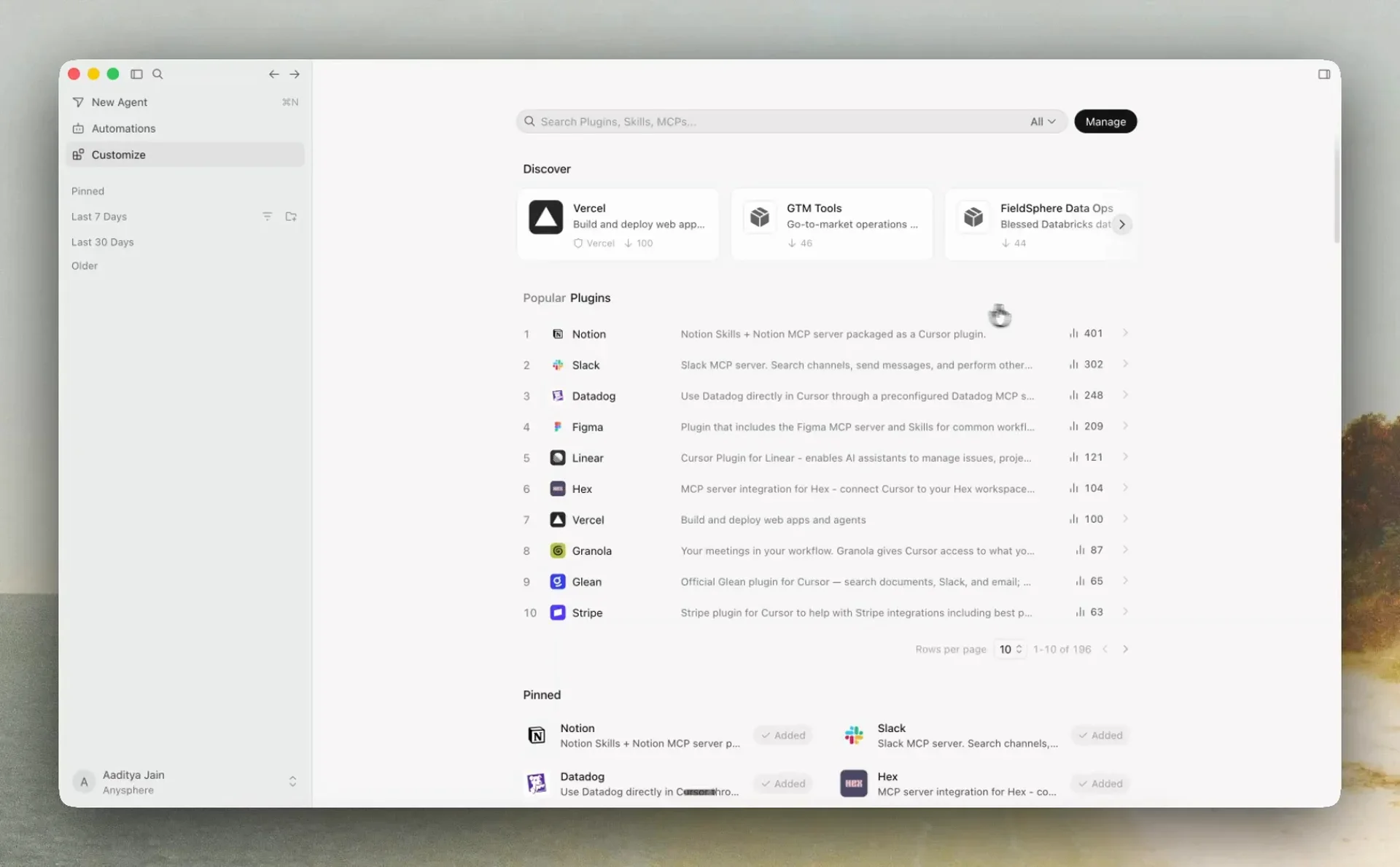 The Customize panel in Cursor: search plugins, skills, and MCPs, or browse Discover and Popular Plugins. Source: Cursor docs.
Plugins that talk to an outside service (Firecrawl, Sentry, Supabase, Linear, Figma) ask you to sign in or add a key on first use. Every marketplace plugin is manually reviewed and must be open source, and Cursor reviews each update before publishing it. On Teams and Enterprise plans, admins can also run a private team marketplace and mark plugins as Default On or Required.
For community plugins that aren't in the official marketplace, cursor.directory is the usual place to look.
The best Cursor plugins to try in 2026
1. Firecrawl
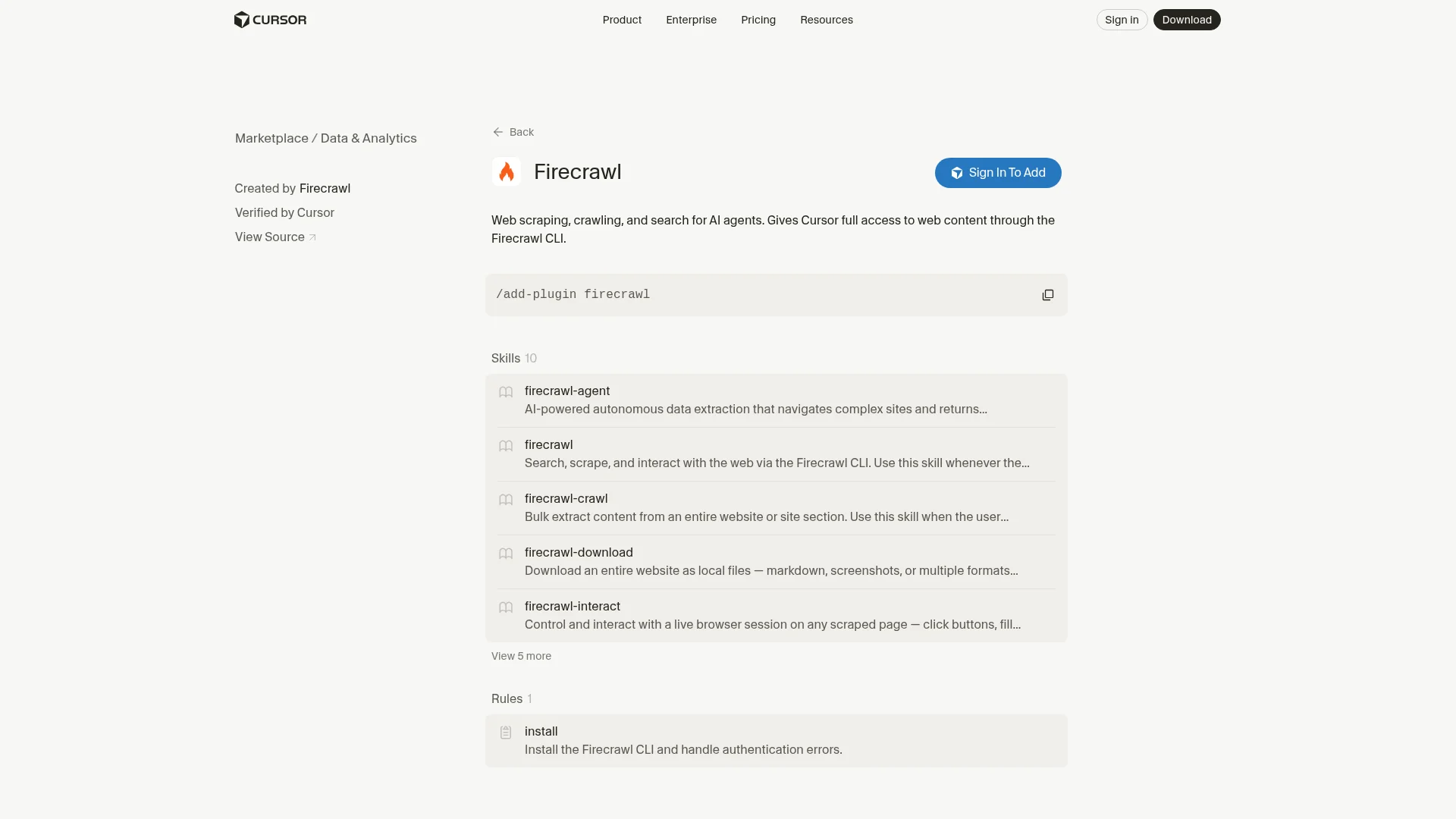
The Firecrawl plugin gives Cursor live, clean web data: search with full page content, scraping, crawling, browser interaction, monitoring, and document parsing.
Cursor's built-in web search returns snippets. That's fine for a quick fact and falls apart when you need the full migration guide, a JavaScript-rendered pricing table, a 40-page PDF, or every page under /docs. Firecrawl handles those cases and returns LLM-ready markdown, so the agent spends its context on the content instead of HTML boilerplate.
The plugin is built on the Firecrawl CLI and ships ten skills plus an install rule that sets up the CLI and handles sign-in. Large results are written to files rather than streamed into chat, which keeps long research sessions from filling the context window. Firecrawl is one of the top 50 most-starred repos on GitHub, with over 189,000 stars.
What Cursor gets access to:
firecrawl-search: Web search that returns the full content of matching pages alongside the linksfirecrawl-scrape: Clean markdown or JSON from any URL, including JavaScript-heavy sitesfirecrawl-crawlandfirecrawl-map: Discover every URL on a site and pull a whole docs section in one jobfirecrawl-interact: Click, fill forms, and paginate on a page after scraping itfirecrawl-monitor: Watch a changelog or pricing page and get told when it changesfirecrawl-parse: Turn local PDFs, DOCX, and XLSX files into clean markdownfirecrawl-agent: Describe the data you need and get structured JSON back across many pages
The Firecrawl Developer Index is the part most relevant to coding. It's a semantic index over 70M+ developer artifacts (READMEs, GitHub issues, pull requests, OpenAPI specs, and external docs), refreshed daily, and it ranks #1 overall on the open DevDex benchmark for developer retrieval. When the answer to "how does this library actually behave" sits in an issue thread or a merged fix, Cursor gets that passage instead of a general web result.
The Developer Index and the rest of Firecrawl Alexandria, Firecrawl's library of official data providers plus its Research index, are on their way into the Cursor plugin.
Install:
/add-plugin firecrawlApprove the Firecrawl sign-in in the browser when Cursor asks. New users can create a free account at that step. The Firecrawl for Cursor page and the Firecrawl MCP in Cursor guide cover manual setup if you prefer the MCP server on its own.
Example prompts:
"Scrape the Next.js 16 upgrade guide and list every breaking change that affects this repo"
"Crawl docs.stripe.com/webhooks and write a webhook handler that verifies signatures the way the docs say"
"Search for how other projects fixed this Prisma connection pool error and link the sources"
"Monitor https://platform.openai.com/docs/changelog and tell me when a new entry goes up"
"Parse ./specs/vendor-api.pdf and generate TypeScript types for every endpoint"
Honest take: This is the first plugin I install on any Cursor setup. Half of the bad code an agent writes comes from stale assumptions about an API, and reading the current docs page fixes most of that. Crawl is the feature I use most, because pointing Cursor at a whole docs section once beats pasting pages into chat one at a time.
Cons: Heavy crawls use credits, so big jobs move you onto a paid plan; the free tier is 1,000 credits a month with no card. The plugin depends on the Firecrawl CLI, so the first run takes an extra minute while the install rule sets it up.
Marketplace page: cursor.com/marketplace/firecrawl. Docs at docs.firecrawl.dev.
2. GitHub
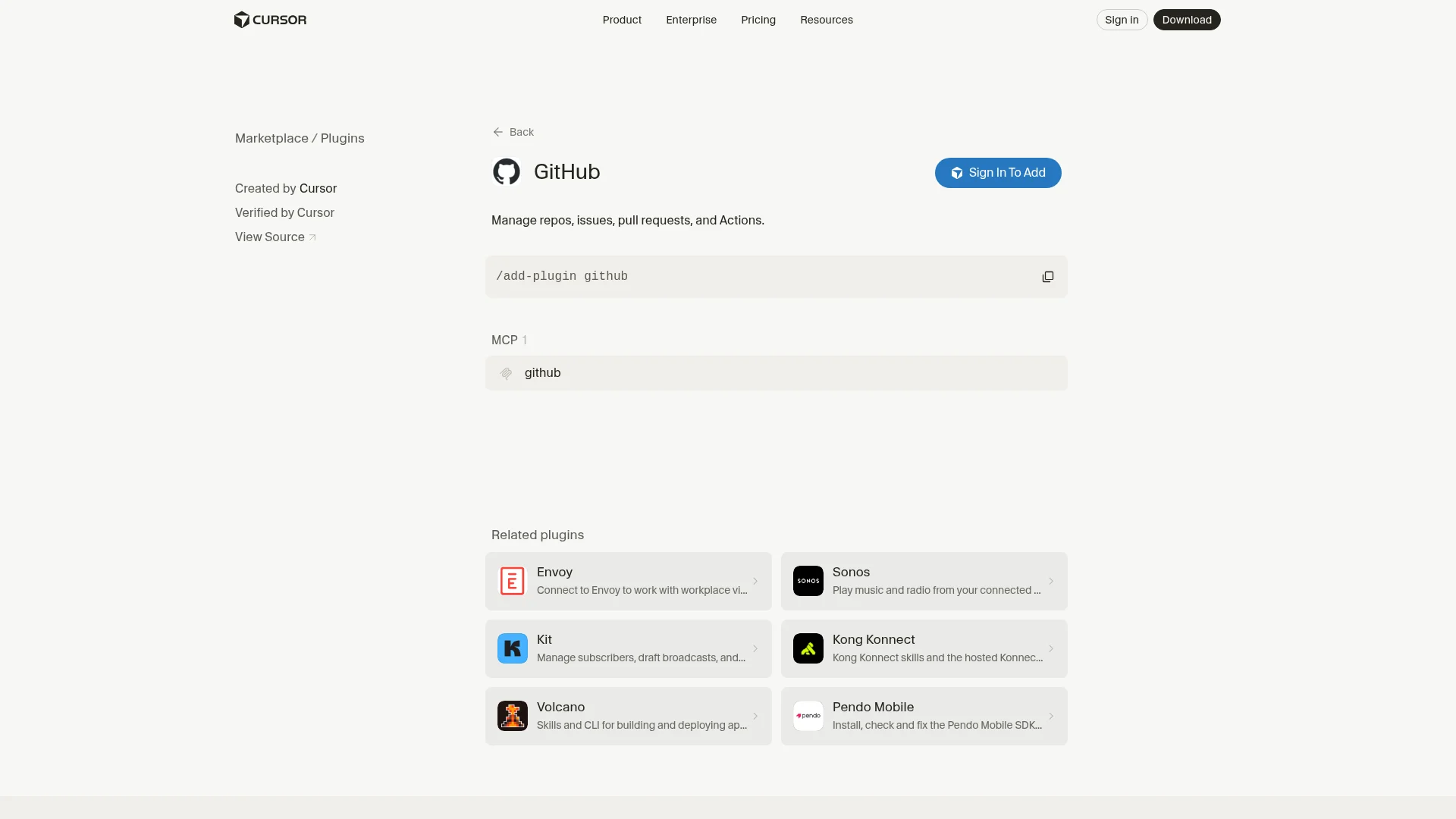
The official GitHub plugin connects Cursor to repositories, issues, pull requests, code search, and Actions through GitHub's remote MCP server.
Cursor already sees your local checkout. The GitHub plugin lets it reach the issue that explains why a function looks odd, the PR that changed it, the review comments on your open branch, and the CI run that just failed. It's a single MCP server with no extra skills, published by Cursor and built on GitHub's MCP server (about 33,500 stars).
- Issues and PRs: Read, create, and comment without leaving the editor
- Code search: Search across every repo you have access to
- Actions: Read workflow runs and logs when a check fails
- Reviews: Pull review comments into the agent so it can address them
Install:
/add-plugin githubExample:
"Read the review comments on my open PR and fix each one"
"Find the PR that introduced this retry logic and summarize why"
"The CI run on this branch failed; read the logs and fix the test"
Honest take: "Address the review comments on my PR" is the prompt I run most with this plugin, and it saves real time on small nit-heavy reviews. Reading failed Actions logs from chat is the other win.
Cons: It's a broad tool surface, so loose prompts can lead Cursor to search far more than it needs. Write actions (comments, PRs) act as you, so read what it proposes before approving.
Marketplace page: cursor.com/marketplace/cursor/github.
3. Superpowers
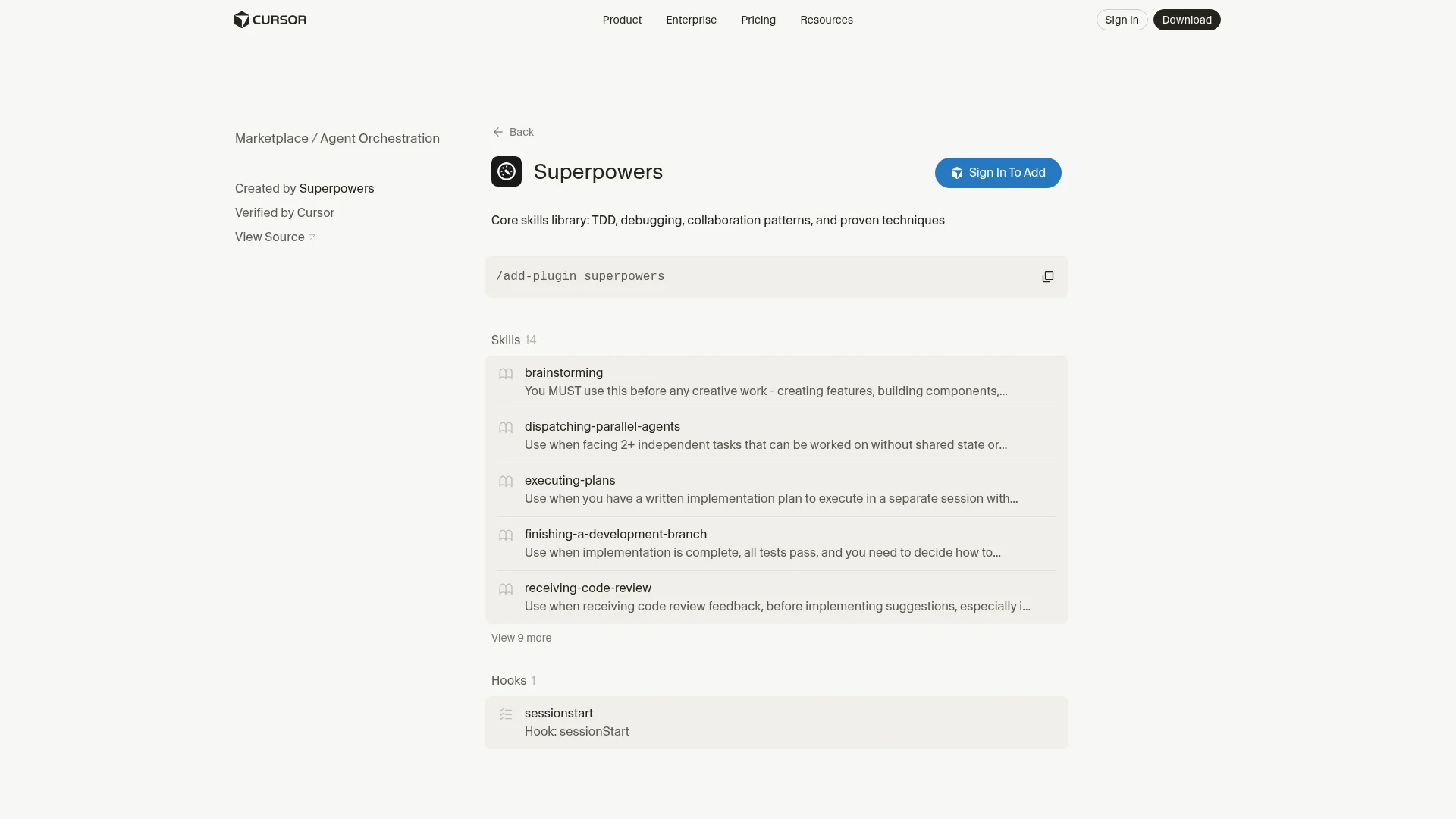
Superpowers is a skills library that gives Cursor a full development method: brainstorming, planning, test-driven development, systematic debugging, and parallel agents.
Jesse Vincent's Superpowers is the most-starred agent skills framework on GitHub, with roughly 296,700 stars, and it works across Claude Code, Codex, and Cursor. The Cursor plugin ships 14 skills and a sessionStart hook that loads the method at the start of every session, so the agent follows it without being reminded.
brainstorming: Explores intent and requirements before any feature work startstest-driven-development: Strict red, green, refactor loopsystematic-debugging: Forms and tests hypotheses before changing codedispatching-parallel-agents: Splits independent tasks across agentswriting-plansandexecuting-plans: Turns a design into ordered steps and works through themverification-before-completion: Makes the agent prove a task works before calling it done
Install:
/add-plugin superpowersExample:
"Let's brainstorm the rate limiter before writing anything"
"Use systematic debugging on this flaky test"
Honest take: The brainstorming step is the reason I keep it. Cursor asks the questions I would have skipped, and the plan that comes out of it is usually better than my first idea. The TDD skill is strict in a useful way.
Cons: It's opinionated and slow on purpose, which is overkill for a one-line fix. The session hook loads it everywhere, so install it at project scope if you only want it on bigger codebases.
Marketplace page: cursor.com/marketplace/superpowers. Repo: github.com/obra/superpowers.
4. pstack
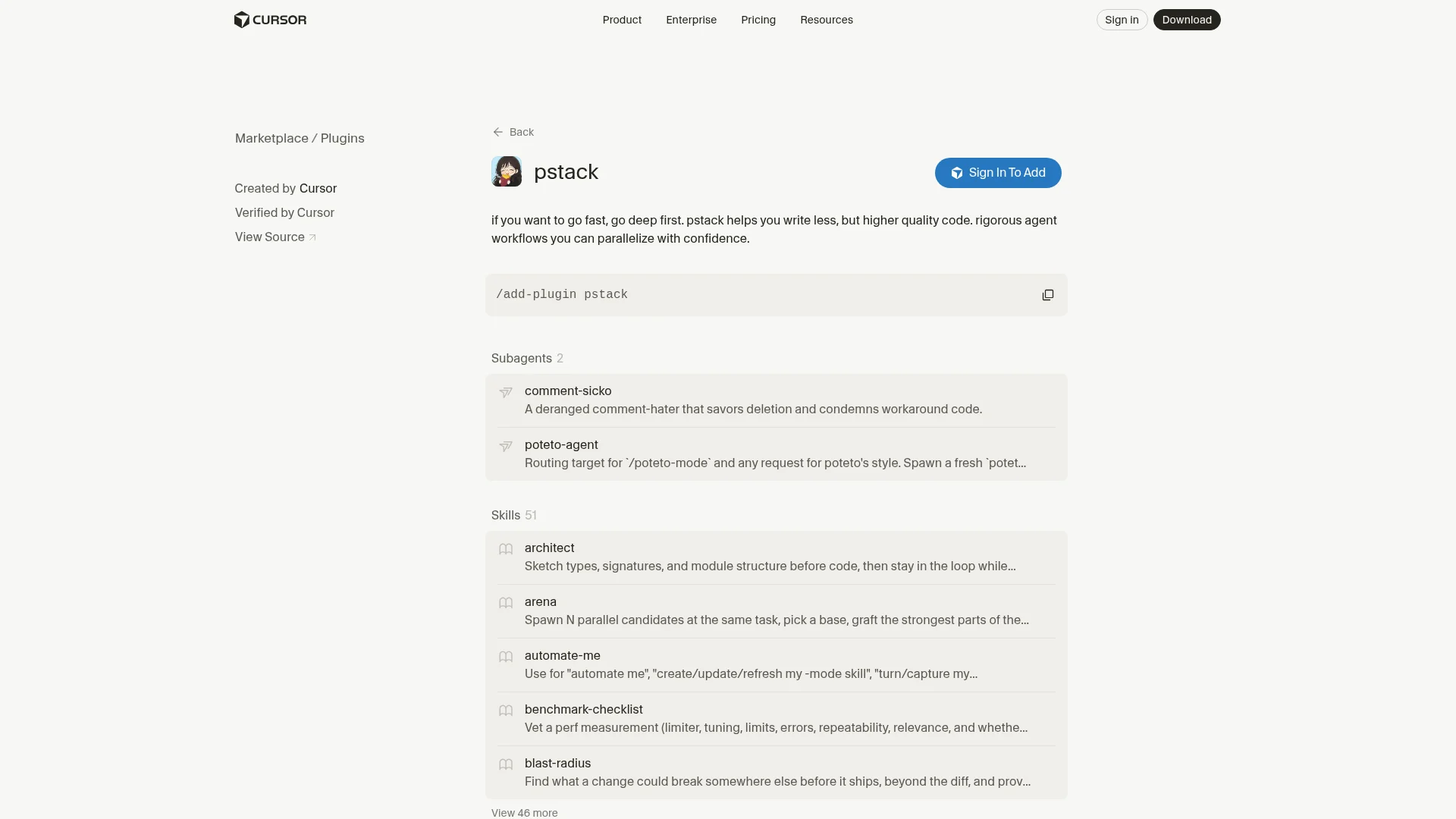
pstack is Lauren Tan's set of engineering workflows for Cursor, built to produce less code of higher quality and to run several agents in parallel safely.
Lauren Tan (poteto) works at Cursor and on the React core team, and pstack is the skill set used to ship code at Cursor every day. It lives in Cursor's official plugins repo and is the biggest plugin on this list, with 51 skills and two subagents. You don't need to learn most of them: /poteto-mode routes each task to the right workflow.
/setup-pstack: Pick a reasoning budget and which models handle code, judgment, and review/poteto-mode: Give it a goal and what proves it's done; it picks the workflowarchitect: Sketches types, signatures, and module structure before implementation- Multi-model by default: Code tasks and judgment calls go to different models
comment-sicko: A subagent that deletes unnecessary comments and workaround code
Install:
/add-plugin pstack
/setup-pstack
Example:
"/poteto-mode migrate the auth module to the new session API; done means all auth tests pass and no call sites use the old API"Honest take: Most of pstack's value is in how it makes you prompt. Writing down what "done" means before the agent starts is a good habit on its own, and pstack enforces it. It's the plugin on this list I'd pick for long refactors.
Cons: It assumes you have access to several frontier models and are fine spending on them. With 51 skills, it takes a few sessions to learn which ones it calls and why; /poteto-help is there for that.
Marketplace page: cursor.com/marketplace/cursor/pstack.
5. Thermos
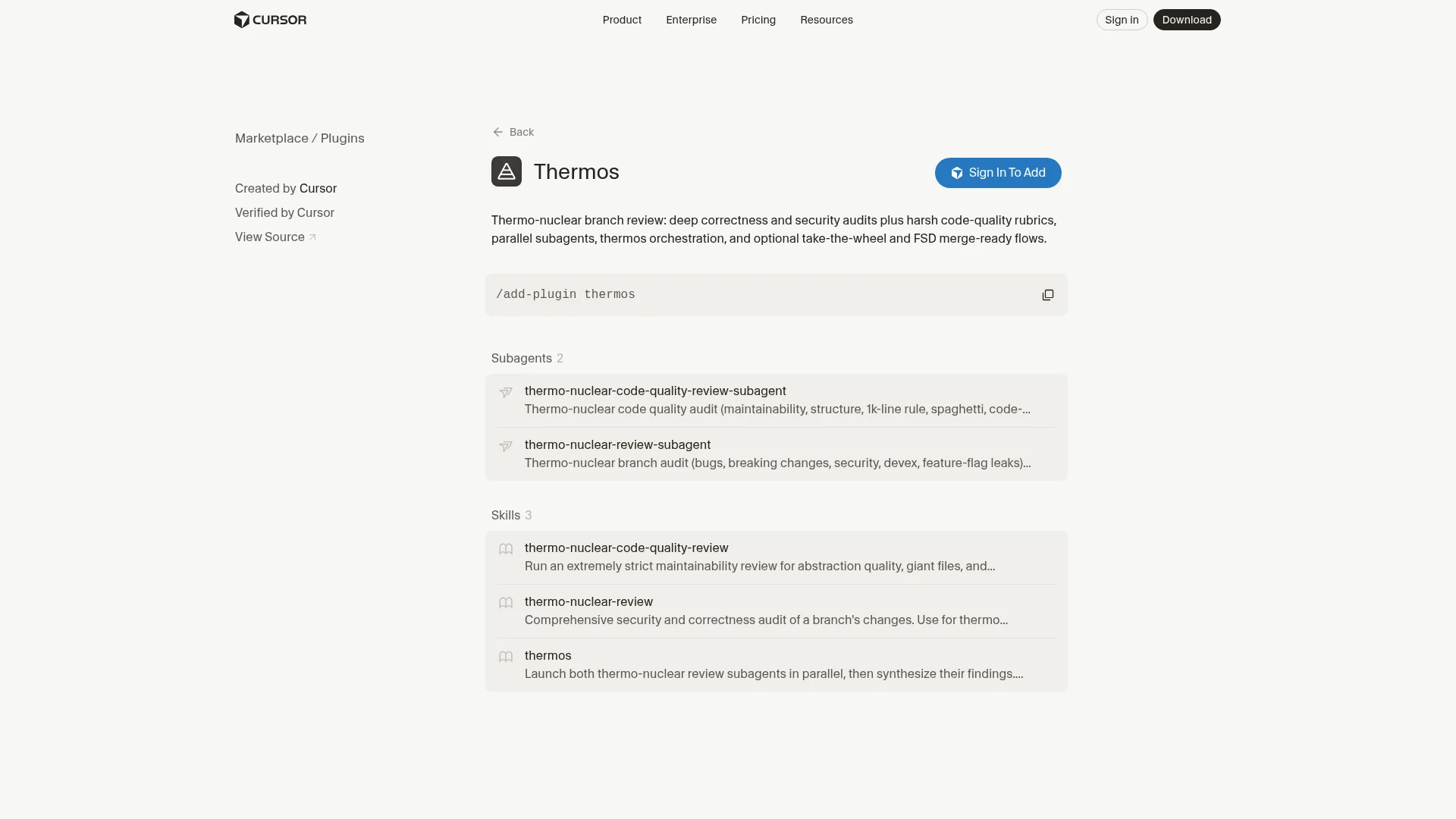
Thermos runs a deep review of your branch with two parallel subagents, one for correctness and security and one for code quality, then merges the findings.
Long agent sessions produce big diffs, and big diffs are where bugs hide. Thermos is an official Cursor plugin that splits review into two strict passes. The correctness pass looks for bugs, security issues, and breaking changes. The code quality pass applies a harsh maintainability rubric: giant files, spaghetti conditions, and abstractions that don't earn their keep.
/thermos: Orchestrates both reviews and combines the results- Correctness and security subagent: Bugs, regressions, and breaking changes
- Code quality subagent: Structure, complexity, and a 1,000-line file rule
- Optional fix flows: Let it apply its own findings and get the branch merge-ready
Install:
/add-plugin thermosThen run /thermos on a branch with changes.
Honest take: I run Thermos before opening any PR that came out of a long agent session. The code quality pass catches the sprawl agents add over a long session, which a correctness review usually lets through.
Cons: The rubric is deliberately harsh, and some findings are style calls you'll want to skip. It's two full review passes, so it's slower and costs more tokens than a quick check.
Marketplace page: cursor.com/marketplace/cursor/thermos.
6. Chrome DevTools for Agents
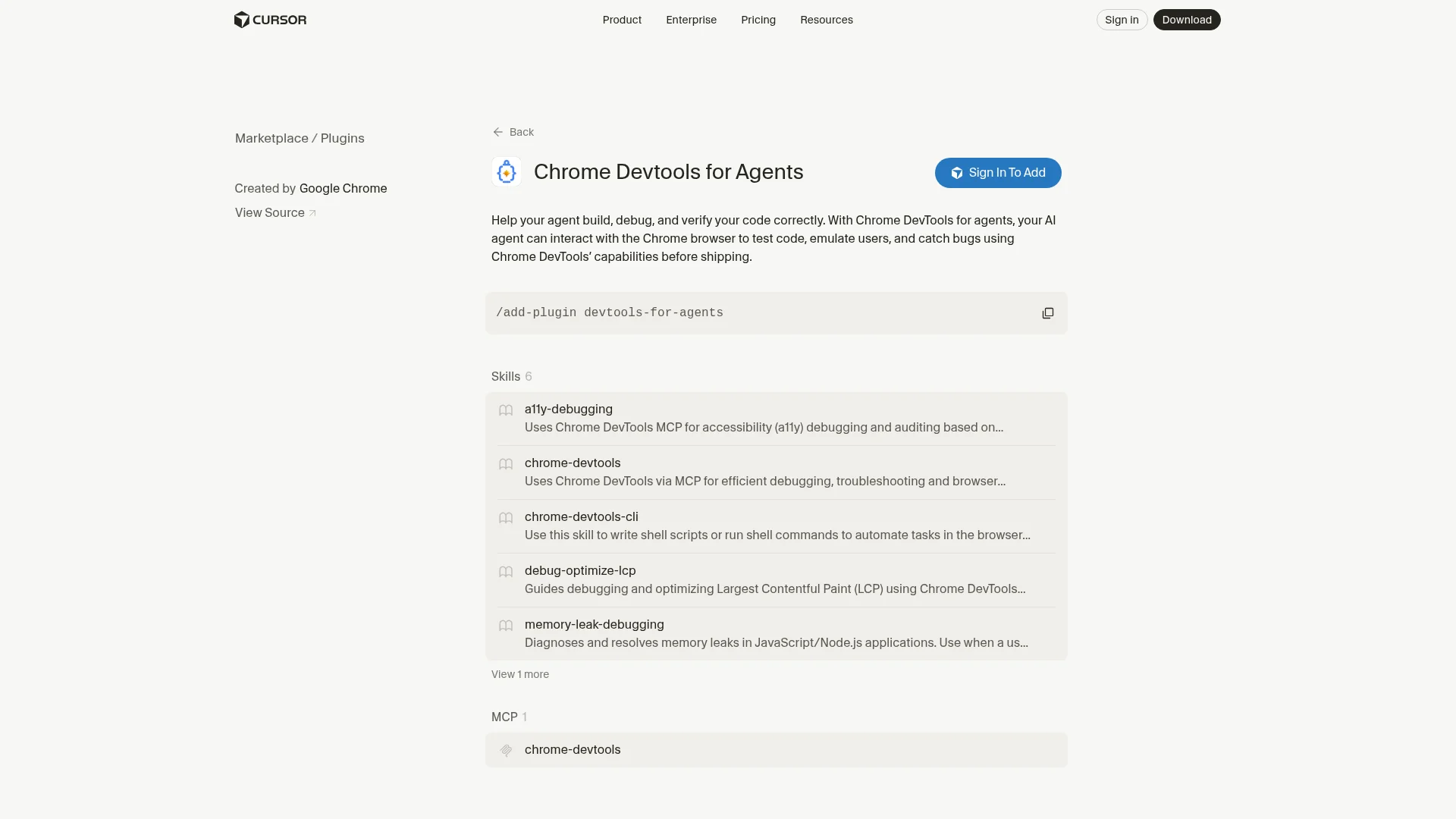
Chrome DevTools for Agents lets Cursor drive a real Chrome browser to test pages, read the console and network, record performance traces, and audit accessibility.
Code that looks right can still break in the browser. This plugin, published by the Google Chrome team, bundles the Chrome DevTools MCP server (about 53,200 stars) with six skills, so Cursor can open your app, click through a flow, and see the same errors you would.
- Console and network: Read errors and failed requests directly
debug-optimize-lcp: Record a trace and find what's slowing Largest Contentful Paintmemory-leak-debugging: Track down leaks with heap snapshotsa11y-debugging: Audit semantic HTML, ARIA labels, focus states, and contrast- Interaction: Click, type, and navigate to reproduce a bug
Install:
/add-plugin devtools-for-agentsExample:
"Open localhost:3000/checkout, submit the form with an empty email, and fix whatever error shows up in the console"
"Record a performance trace of the dashboard load and tell me what's blocking LCP"
Honest take: This ends the loop of copying console errors into chat. The accessibility skill is a nice bonus I didn't expect to use, and it catches contrast and focus issues before a design review does.
Cons: It needs a local Chrome and a running dev server, so it doesn't help in every environment. For reading external sites, Firecrawl is the lighter tool; DevTools is for debugging your own app.
Marketplace page: cursor.com/marketplace/google-chrome/devtools-for-agents.
7. Sentry
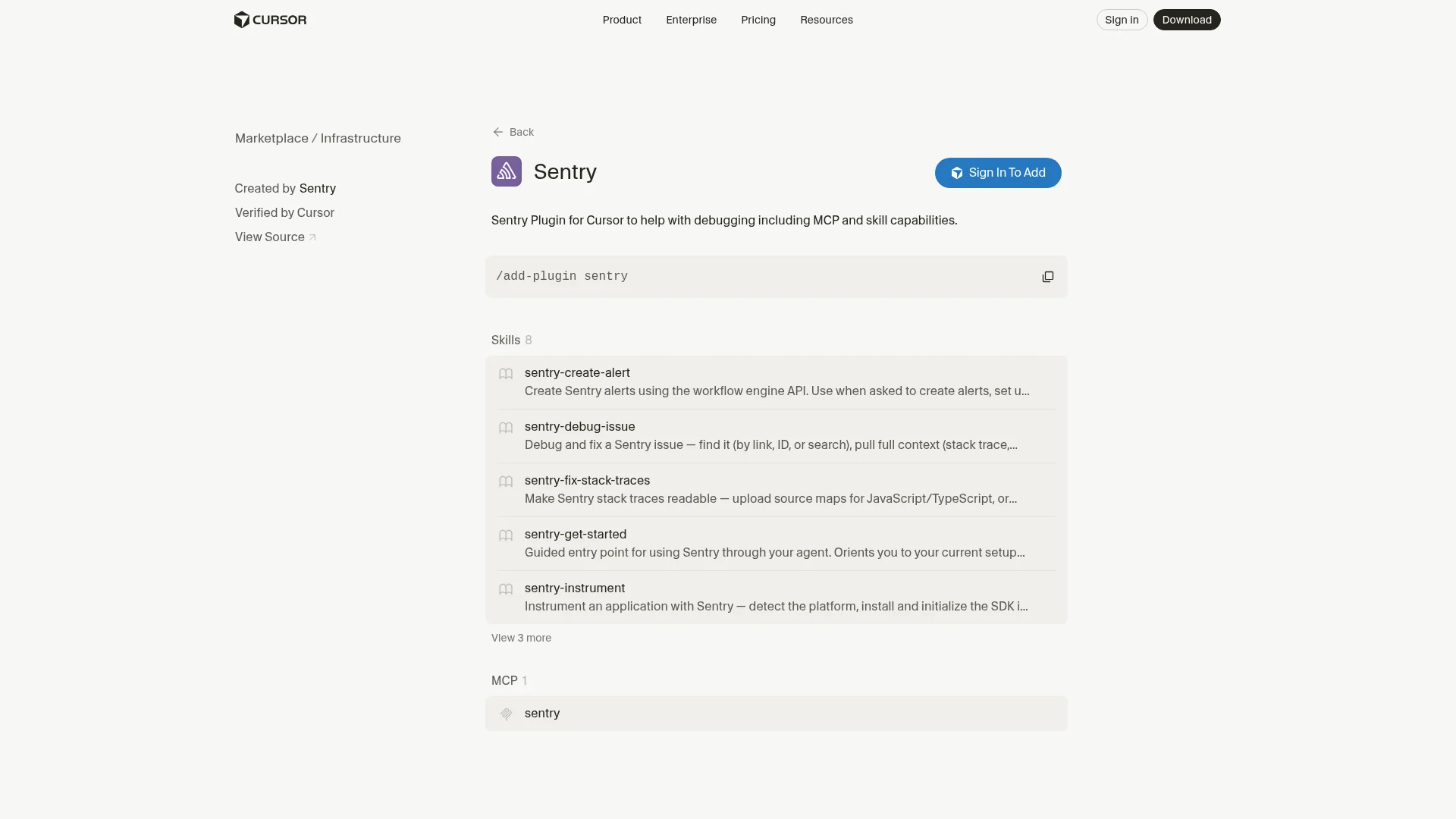
The Sentry plugin brings production errors, traces, and alerting into Cursor through Sentry's MCP server and eight skills.
When a bug comes from production, the stack trace and breadcrumbs live in Sentry. The plugin gives Cursor that context so it can find the issue, read the trace, and propose a fix against the recorded failure. The skills also cover setup work like creating alerts.
sentry-debug-issue: Find and read a Sentry issue, its events, and breadcrumbssentry-fix-stack-traces: Trace an error back to the code that caused it and fix itsentry-instrument: Add Sentry instrumentation to a projectsentry-create-alert: Create alerts that notify email, Slack, PagerDuty, or Discord- MCP server: Sentry's hosted MCP for querying your projects
Install:
/add-plugin sentryExample:
"Find the most frequent unresolved error in the api project this week and fix it"
"Set up an alert that pings #oncall when checkout errors spike"
Honest take: Pasting a Sentry issue URL and asking Cursor to fix it is the fastest bug loop I have. Its usefulness tracks how well your app reports errors, so it's best on projects with source maps and release tracking already set up.
Cons: You need a Sentry account with data in it, and poorly grouped issues give Cursor noisy context. Alert creation writes to your real Sentry org, so check the config before approving.
Marketplace page: cursor.com/marketplace/sentry.
8. Supabase
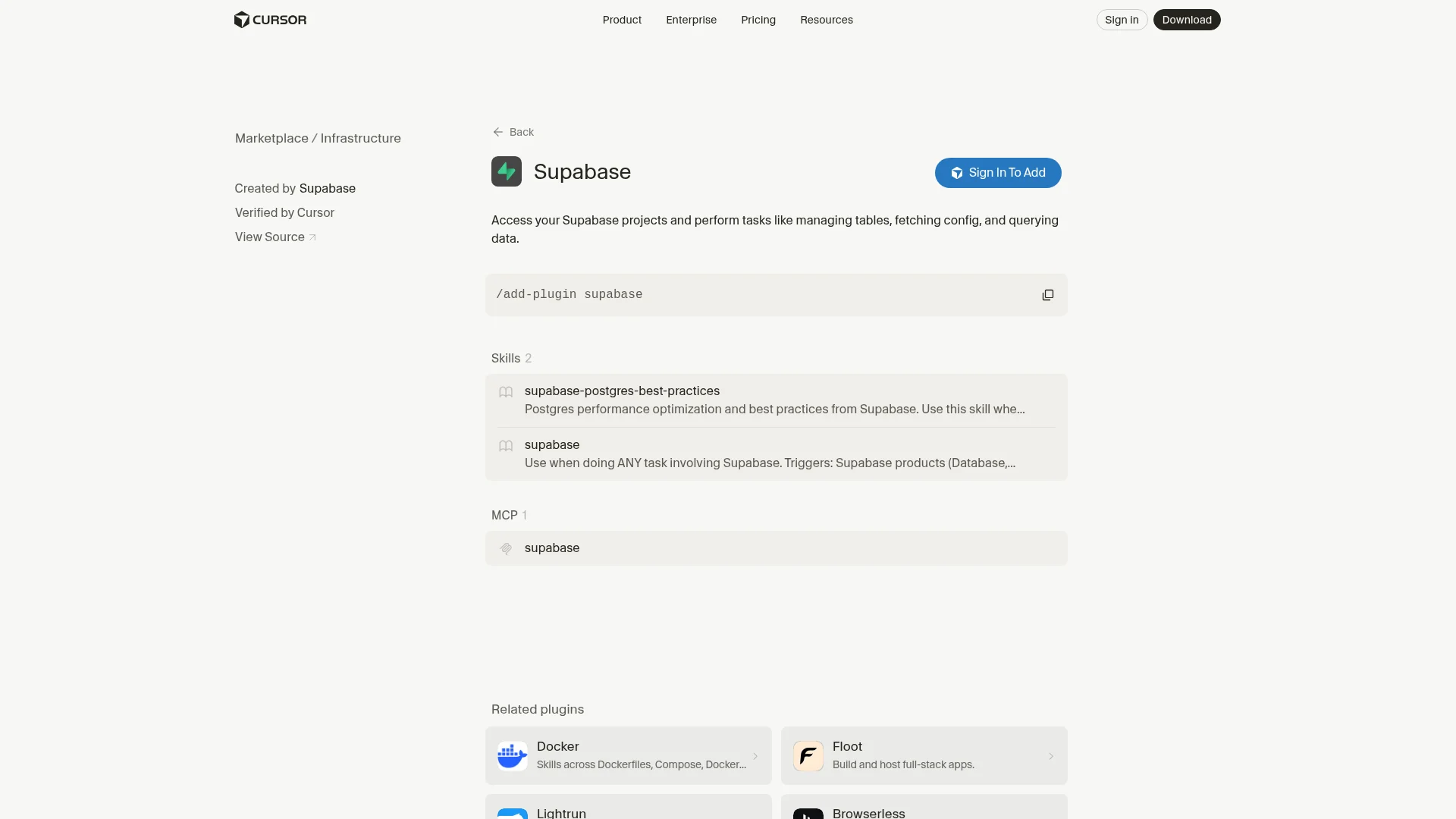
The Supabase plugin connects Cursor to your Supabase projects to manage tables, fetch config, and query data, plus a Postgres best practices skill.
If your app runs on Supabase, Cursor can read the real schema instead of guessing from migration files. The plugin combines Supabase's MCP server with two skills: one for any Supabase task and one with Supabase's guidance on Postgres performance, schema design, and query optimization.
- MCP server: List tables, inspect schema, run queries, and fetch project config
supabase: Skill that triggers on any Supabase-related tasksupabase-postgres-best-practices: Index, schema, and query advice from the Supabase team
Install:
/add-plugin supabaseExample:
"Check the orders table schema and write a query for revenue by week"
"Review this migration against Postgres best practices before I apply it"
Honest take: I use the best-practices skill more than the MCP tools. Asking Cursor to review a migration or a slow query with it has caught missing indexes for me more than once.
Cons: Point it at a development project. A database plugin with write access is the kind you install at project scope and keep a close eye on.
Marketplace page: cursor.com/marketplace/supabase.
9. Vercel
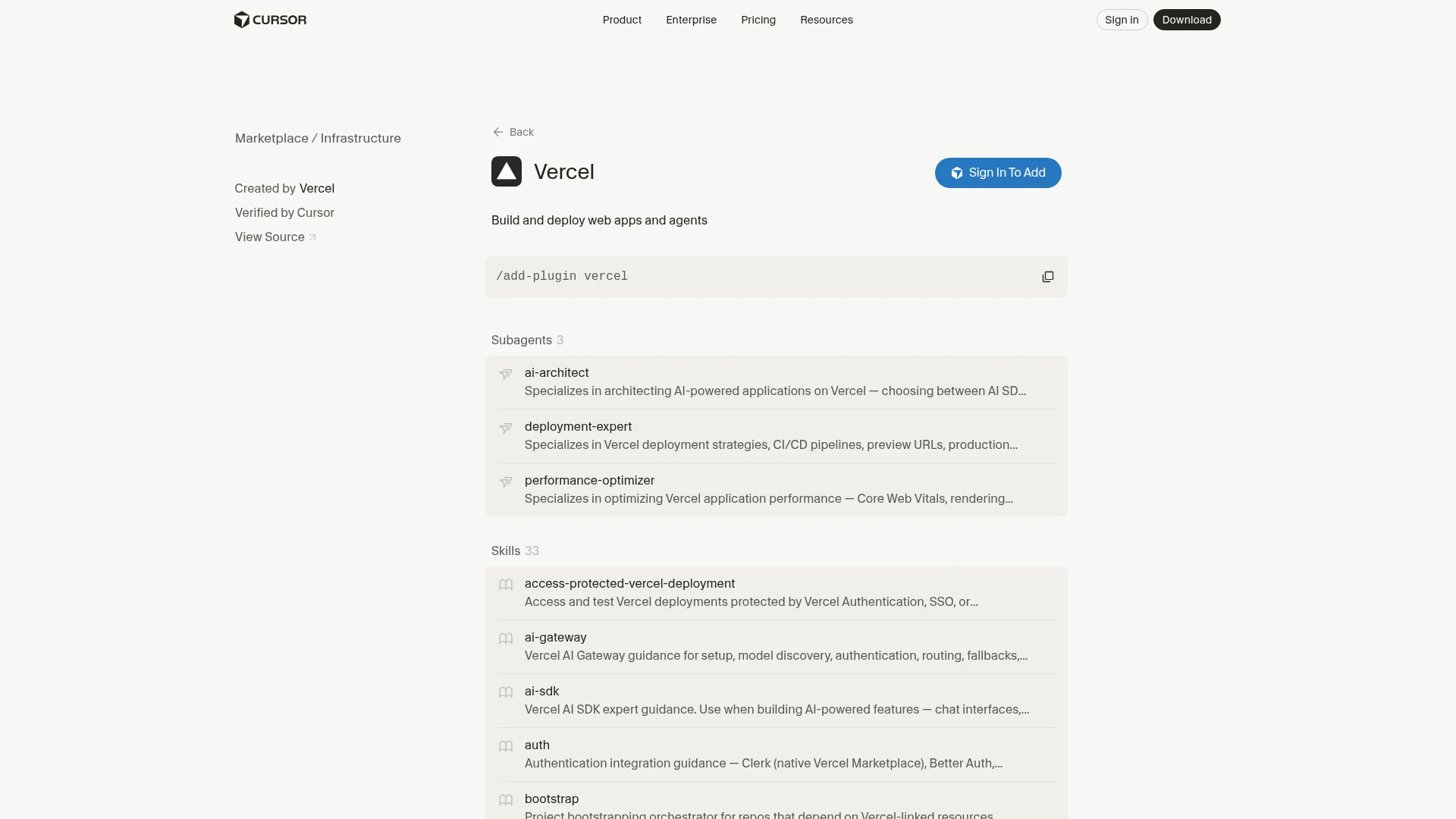
The Vercel plugin lets Cursor build and deploy web apps and agents on Vercel, with 33 skills, three subagents, five commands, and the Vercel MCP server.
It's the largest vendor plugin on this list. Beyond deploys, it ships skills for Next.js, the AI SDK, environment variables, caching, and protected preview deployments, plus hooks that load relevant guidance as you work. If you deploy to Vercel, it replaces a lot of docs tabs.
deploy: Deploy the current project, preview by default or production on requestbootstrap: Link a repo to Vercel resources, check env keys, and start devai-architectsubagent: Designs AI features with the AI SDK and gateway- Platform skills: Functions, caching, firewall, storage, and more
- MCP server: Read deployments, logs, and project settings
Install:
/add-plugin vercelExample:
"Deploy a preview and give me the URL"
"Why did the last production deploy fail? Read the build logs"
Honest take: Reading build and runtime logs from chat is the feature I'd keep it for. Firecrawl is also on the Vercel Marketplace if you want the two wired together.
Cons: 33 skills and three hooks is a lot of context to load in repos that don't deploy to Vercel, so install it at project scope. It's only useful if Vercel is your host.
Marketplace page: cursor.com/marketplace/vercel.
10. Linear
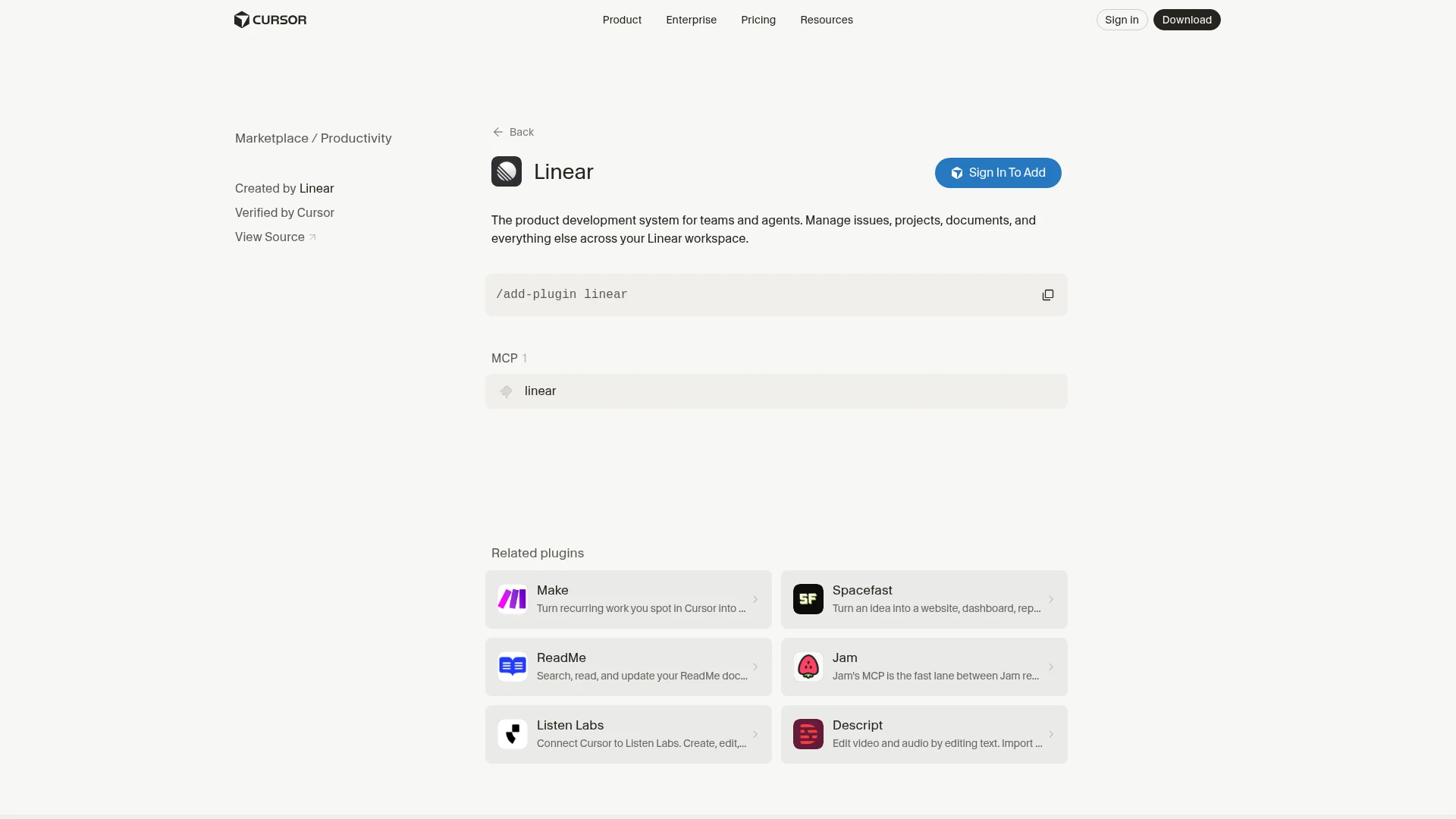
The Linear plugin lets Cursor read and update issues, projects, and documents across your Linear workspace.
Most of my coding tasks start as a ticket. With the Linear plugin, Cursor reads the ticket, does the work, and moves the issue along when the PR is up. It's a single MCP server published by Linear, and it pairs well with Cursor's own automations for issue triage.
- Read issues: Pull the description, comments, and linked context into the task
- Update state: Move issues, add comments, and assign
- Create issues: File bugs and subtasks from chat
- Projects and docs: Read project specs and Linear documents
Install:
/add-plugin linearExample:
"Pick up ENG-412, implement it, and comment on the issue with what changed"
"File a bug for the race condition we just found with repro steps"
Honest take: I mostly use it to file bugs. Cursor writes a proper report with reproduction steps, since it has the context from the session that found the bug.
Cons: Output quality follows ticket quality, and a vague issue gets a vague implementation. In big workspaces, name the team and project in your prompt so Cursor doesn't guess.
Marketplace page: cursor.com/marketplace/linear.
11. Figma
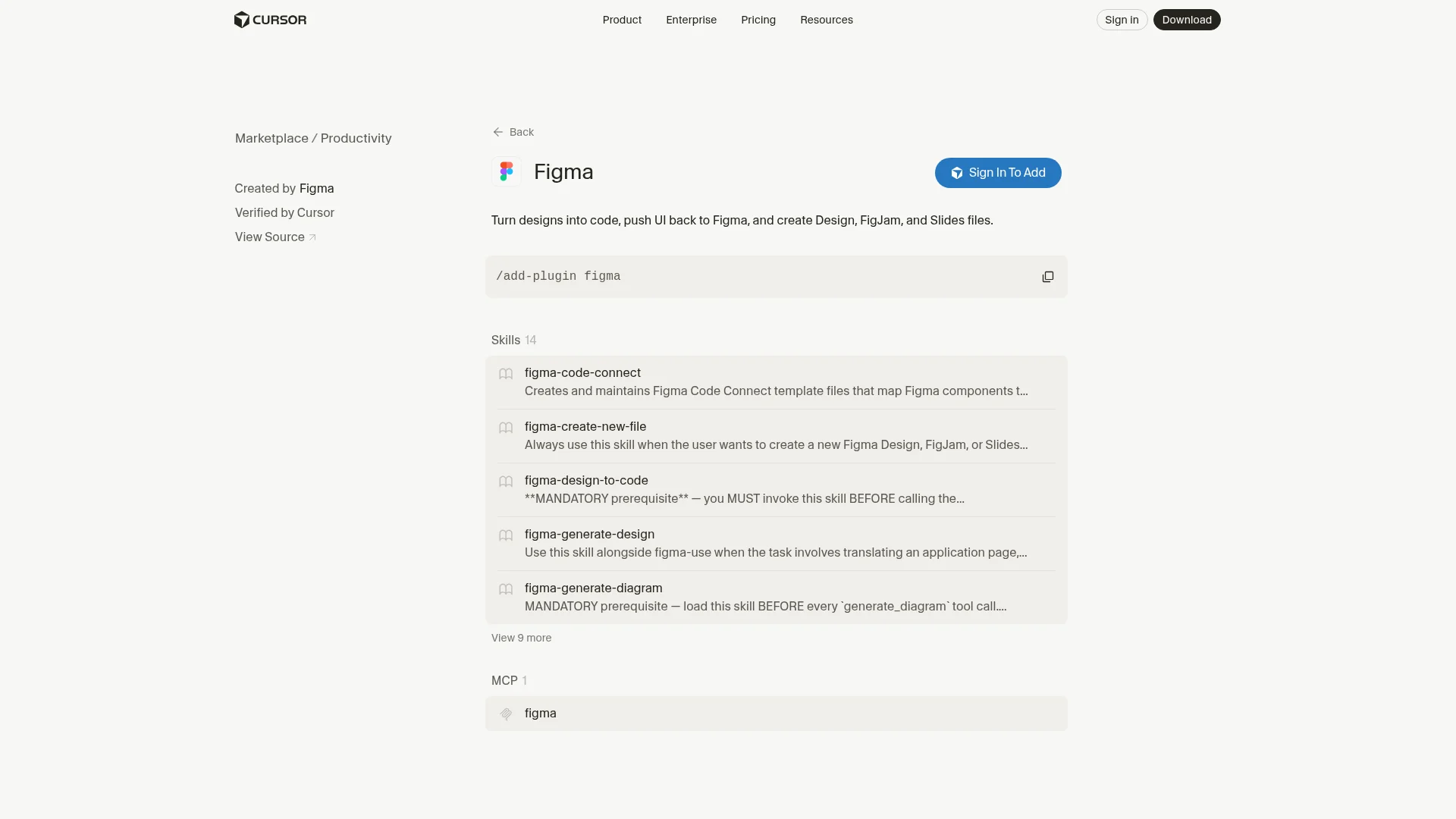
The Figma plugin turns Figma designs into code using real design data, pushes UI back to Figma, and creates Design, FigJam, and Slides files.
Building from a screenshot means Cursor guesses spacing, tokens, and component names. The Figma plugin reads frames, components, and variables directly from a Figma link through Figma's MCP server, and its 14 skills cover design-to-code, Code Connect mappings, and generating designs from your codebase.
- Design to code: Generate components from a Figma frame URL
figma-code-connect: Map Figma components to your code components- Code to design: Push a built page or component back into Figma
- FigJam and Slides: Create diagrams and decks from chat
Install:
/add-plugin figmaExample:
"Build this frame as a React component using our existing Button and Card: [Figma URL]"
"Draw the auth flow from this repo as a FigJam diagram"
Honest take: With Code Connect set up, the output uses your real components, so the code is usable without a rewrite.
Cons: Sloppy layer names produce sloppy code. Some features depend on your Figma plan and seat type, and multi-state components (hover, error, loading) still need explicit prompting.
Marketplace page: cursor.com/marketplace/figma.
12. Supermemory
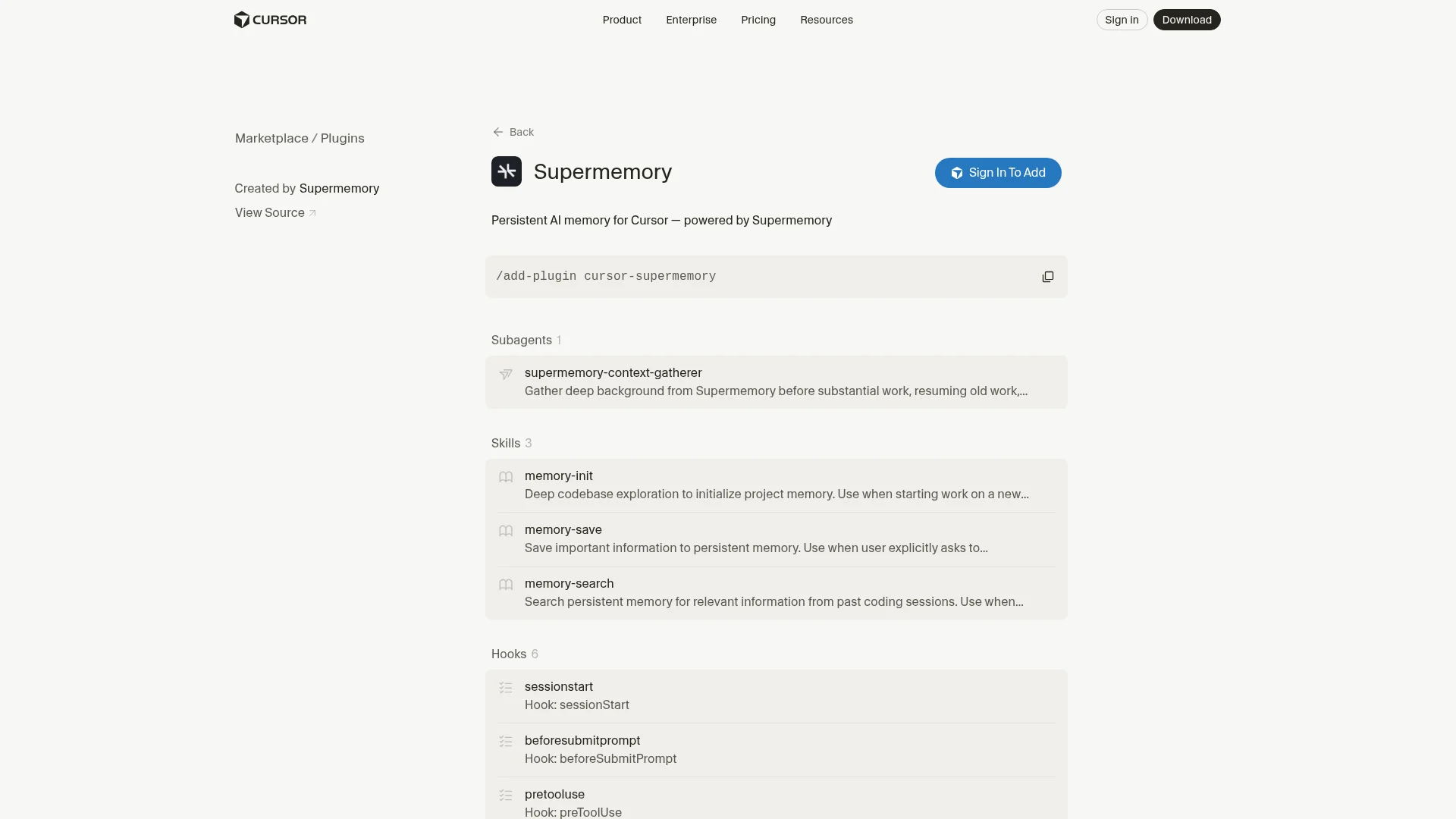
The Supermemory plugin gives Cursor persistent memory across sessions, so past decisions, bug fixes, and project context come back without you repeating them.
Every new Cursor chat starts from zero. Supermemory's plugin hooks into the session lifecycle. It loads your memory profile when a conversation starts, searches memory on substantive prompts and injects what it finds, and saves each completed turn as you go. It's the most hook-heavy plugin on this list, with six hooks, three skills, four commands, a subagent, and an always-on rule. The main Supermemory repo has about 31,200 stars.
- Automatic recall: Searches memory on each substantive prompt and injects relevant results
- Incremental capture: Saves each completed turn and retries anything unsaved at session end
memory-init: Explores the codebase once to seed project memorymemory-searchandmemory-save: Explicit recall and save when you want controlsupermemory-context-gatherer: Subagent that pulls background before substantial work or when resuming old work- MCP tools: The hosted Supermemory MCP server, shared with its Claude Code and Codex plugins
Install:
/add-plugin cursor-supermemoryReload the window, then run /supermemory-setup to connect your Supermemory account and /supermemory-status to check the connection. The plugin needs Node.js on your PATH.
Example:
"How did we fix the websocket reconnect bug last month?"
"Remember that this repo uses pnpm workspaces and never npm"
"/supermemory-index"
Honest take: Supermemory picks up where Continual Learning (below) stops. Continual Learning writes repo facts into AGENTS.md, while Supermemory remembers the sessions themselves, including bugs you fixed and why. Because the same memory is shared with its Claude Code and Codex plugins, it's most useful if you switch between agents.
Cons: Memories go to Supermemory's hosted service, so check that fits your team's data policy before using it on client code. Automatic capture saves a lot, and recall quality depends on keeping each project's container tag consistent. Unlike most picks here, the listing isn't marked "Verified by Cursor."
Marketplace page: cursor.com/marketplace/supermemory. Repo: github.com/supermemoryai/cursor-supermemory.
Honorable mention: Continual Learning
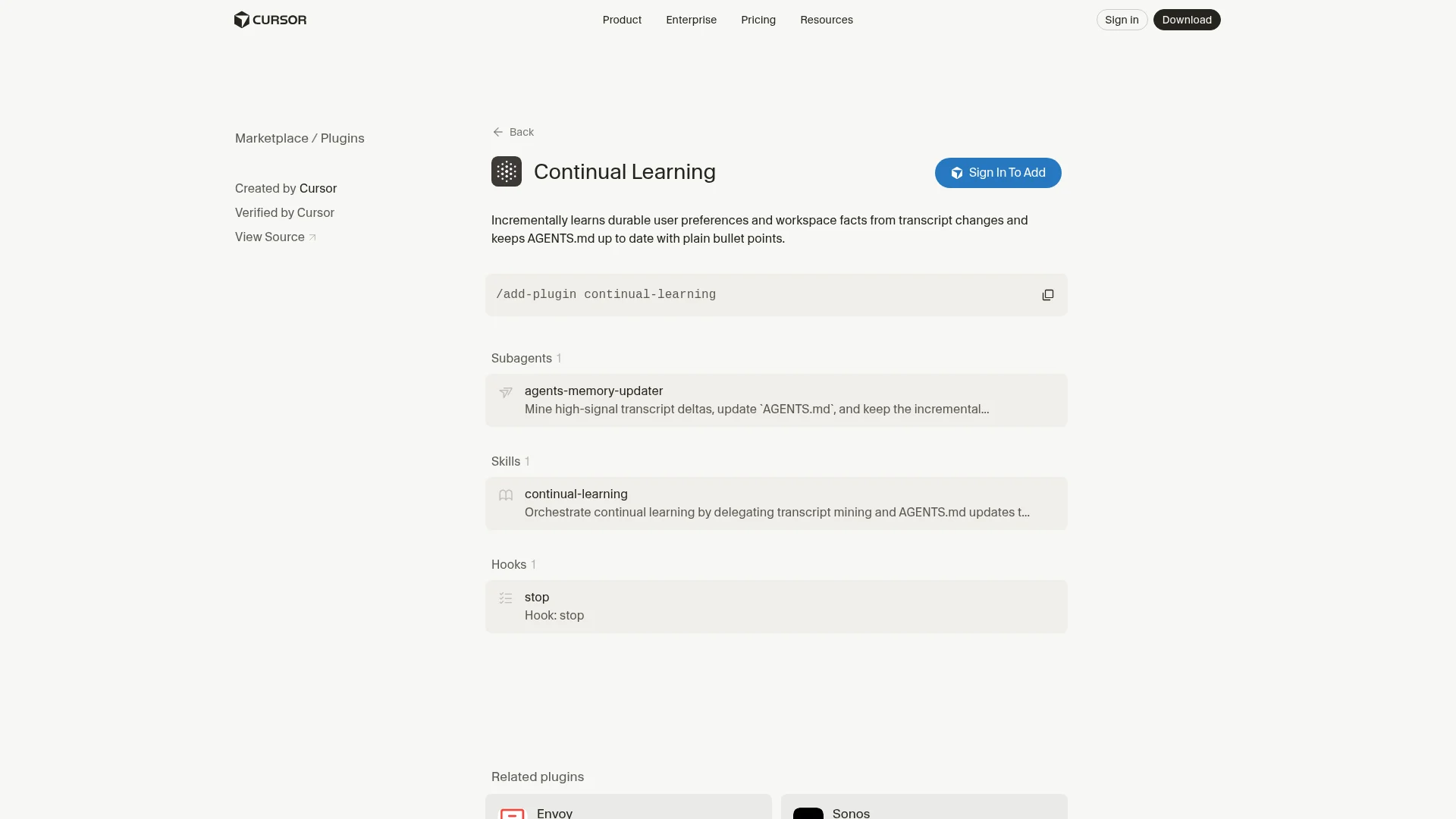
Continual Learning is a small official Cursor plugin that keeps AGENTS.md up to date for you. A stop hook runs at the end of each session, and an agents-memory-updater subagent mines the transcript for durable facts (commands, folder conventions, corrections you made) and writes them as plain bullets. Install it with /add-plugin continual-learning. It's useful if you keep correcting Cursor on the same project rules; review what it writes now and then so AGENTS.md doesn't fill with one-off details.
Building the top Cursor plugins into your workflow
Every enabled plugin adds skill descriptions and tool definitions that Cursor reads on each turn. Keep the always-on set small and install the rest at project scope.
My everyday set is Firecrawl for anything on the live web and current docs, GitHub for the PR loop, and Thermos before I open a PR. Superpowers or pstack comes on for bigger features (pick one; they overlap). Chrome DevTools, Sentry, Supabase, and Vercel live at project scope in the apps that use them.
These plugins chain well. A typical run looks like "Read ENG-412 in Linear, check the current Stripe webhook docs with Firecrawl, implement it, verify the flow in Chrome, then run Thermos on the branch." That used to be five tabs and a lot of copy-paste.
For discovery, the Cursor Marketplace is the official list of top Cursor plugins, and cursor.directory collects community plugins and MCP servers. If you use more than one agent, the best Codex plugins and best Claude connectors roundups cover the same ground there, and the best Claude Code skills list covers skills you can drop into Cursor's skills folder. For a wider comparison of the agents themselves, see the best AI coding agents.
If you install one plugin from this list, make it Firecrawl, because Cursor writes better code when it can read the current docs.
Frequently Asked Questions
What are Cursor plugins?
Cursor plugins are installable bundles that package rules, skills, subagents, commands, MCP servers, and hooks into one unit. Instead of configuring an MCP server, writing rules, and copying skill files separately, you run one command and Cursor registers every component. Official plugins are listed in the Cursor Marketplace at cursor.com/marketplace.
How do I install a Cursor plugin?
Type /add-plugin followed by the plugin name in Cursor's agent chat, for example /add-plugin firecrawl. You can also open Customize in the sidebar, search for the plugin, select Install, and choose project or user scope. Plugins that connect to an outside service ask you to sign in or add an API key the first time they run.
What is the difference between a Cursor plugin and an MCP server?
An MCP server only exposes tools. A plugin can include an MCP server plus the skills, rules, subagents, and hooks that teach Cursor when and how to use those tools. Most vendor plugins on the marketplace wrap the vendor's MCP server with a few skills on top.
Are Cursor plugins free?
The plugins themselves are free and open source; Cursor requires every marketplace plugin to be open source. Plugins that call a paid service, such as Firecrawl, Sentry, Supabase, or Figma, use that service's account and plan. Workflow plugins like Superpowers, pstack, Thermos, and Continual Learning have no separate service cost beyond the model usage in Cursor.
Are Cursor Marketplace plugins safe to install?
Cursor manually reviews every marketplace plugin before listing it and reviews each update before publishing. That lowers the risk but does not remove it, so read what a plugin's hooks and MCP servers can do before you install it, especially plugins with write access to production systems.
What is the best Cursor plugin for web research?
Firecrawl is the most complete option for web work in Cursor. It adds web search with full page content, scraping of JavaScript-heavy pages, site crawling and mapping, browser interaction, page monitoring, and document parsing, all returned as clean markdown that keeps the context window small.
Do Cursor plugins work in other coding agents?
Partly. Cursor supports the open Agent Plugins standard, so plugins built to that spec with skills and MCP servers are portable across agents that support it. Cursor-specific components such as rules, hooks, commands, and subagents only work in Cursor. Many vendors, including Firecrawl, publish separate plugins for Claude Code and Codex.
How many Cursor plugins should I keep enabled?
As few as your daily work needs. Every enabled plugin adds skill descriptions and tool definitions that Cursor reads, which costs tokens and can make the agent pick the wrong tool. Keep three or four always on and install the rest at project scope where they apply.