Best price scraping tools in 2026: we compared 13 tools on pricing and monitoring
 Yarianna Tineo
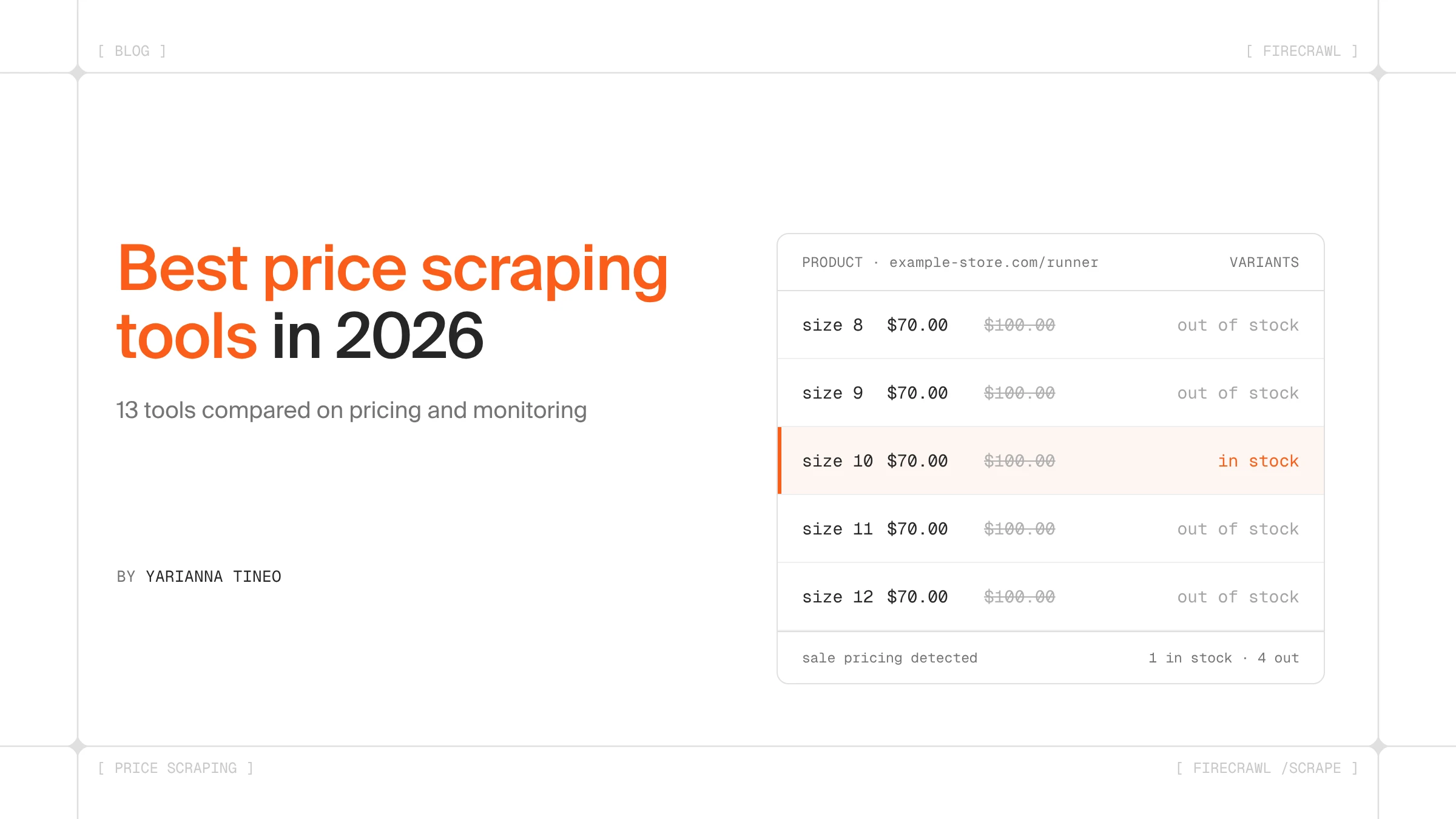
A competitor drops a price on Friday, and you find out on Monday when your sales do. Price scraping tools close that gap by pulling prices, sale prices and stock from store pages and checking them again on a schedule. This guide compares 13 of the best price scraping tools across four kinds, then shows how to get variant-level prices and price-drop alerts with Firecrawl.
TL;DR
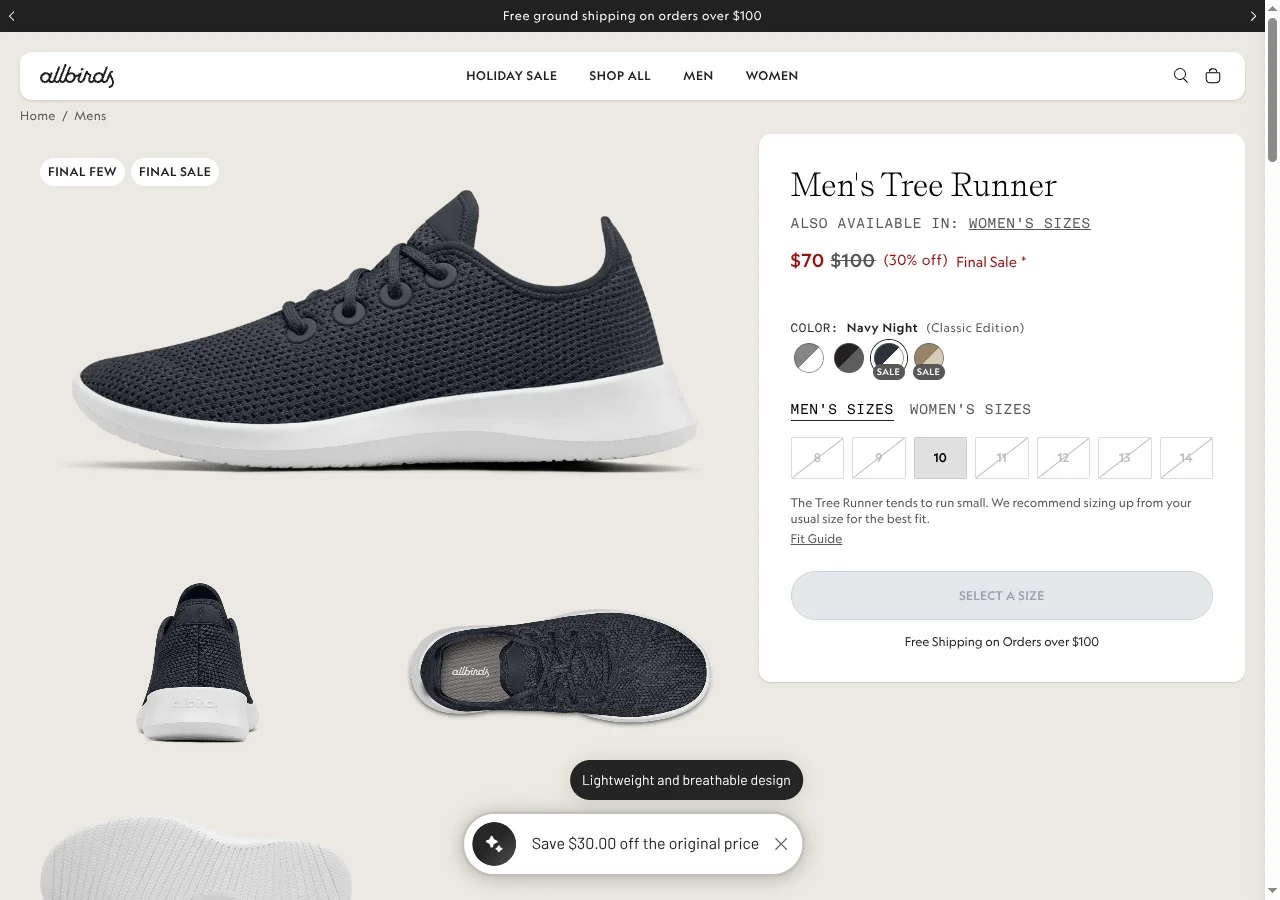
- Pick a tool that returns price, original price and stock for each size or color. On the Allbirds page we tested, a $70 sale price applied to seven sizes, but only size 10 was in stock.
- For supported retailers, skip scraping. Firecrawl Alexandria returns Best Buy, Walmart and Newegg prices from providers on one Firecrawl key.
- For every other store, Firecrawl reads the page without a schema. The product format returns prices and stock for each size or color as JSON.
- For bulk price data, skip the collection work. Firecrawl Alexandria Datasets builds a custom price dataset to your schema and delivers it to your bucket, refreshed weekly or monthly.
- A price check only pays off when it repeats. Firecrawl /monitor re-checks pages as often as every 5 minutes, and with a goal set, it alerts you only when a price drops.
- Other tools trade control for convenience. No-code scrapers and monitoring platforms are quicker to start, but schedules and alerts depend on the plan. Open source libraries are free, but you maintain the selectors.
What is price scraping?
Price scraping is the automated collection of product prices, usually with sale prices, stock and variants, so you can compare them and track them over time. Ecommerce teams, price comparison sites and builders of product data APIs for AI shopping agents all use it.
A price scraper visits product pages, reads the displayed or embedded product data, and turns it into fields you can store or compare. Teams use the results to follow competitors, check their own listings, and match offers across stores.
Price scraping vs. price monitoring
Price scraping captures prices at a point in time. Price monitoring repeats those checks, compares snapshots, keeps a history, and sends notifications when a relevant change appears. Firecrawl /scrape collects a snapshot, and Firecrawl /monitor schedules recurring checks, the same way you would monitor a website for changes.
Typical use cases include:
- Ecommerce price scraping to follow your own catalog across stores
- Competitor price scraping to find price or stock changes
- Price comparisons that match the same product and variant across retailers
Price scraping tools at a glance
Like most web scraping tools, these list their prices publicly. Prices below are advertised USD figures checked in November 2026; plan limits and billing intervals vary.
| Tool | Kind | Best for | Output | Scheduling and alerts built in | Free option or starting price |
|---|---|---|---|---|---|
| Firecrawl | Web data API, data API aggregator, data connector | Developers and AI agents | JSON product fields, markdown, or custom datasets as Parquet, JSONL or CSV | Yes: Firecrawl /monitor with webhook, email and Slack | Free plan: 1,000 Firecrawl credits a month, $0 |
| Bright Data | Web data API | Ready-made scrapers and datasets | JSON, NDJSON or CSV | Webhook or API delivery | Free tier: 5,000 records a month; pay as you go $1.50 per 1,000 records |
| Oxylabs | Web data API | Collection at scale | Parsed JSON or raw HTML | Free Scheduler feature | $5 welcome credit; Starter plan $15 a month |
| ScrapingBee | Web data API | Developers who call an API from code | JSON or Markdown | You schedule the calls | 1,000 free API credits; Hobby plan $19 a month |
| Apify | Web data API | Ready-made scrapers (Actors) | Exported data, API | Schedule and monitor runs | Free plan $0 with $5 to spend; Starter plan $19 a month plus pay as you go |
| Octoparse | No-code scraper | People who do not code | Structured data, export API | Task scheduling on Standard and up | Free plan; Basic plan $19 a month; Standard plan $83 a month, or $69 billed annually |
| Browse AI | No-code scraper | Scraping and monitoring | Rows of data, REST API | Monitoring included; minimum interval depends on the plan | Free plan, 50 credits a month; Personal plan $19 a month billed annually |
| Web Scraper | No-code scraper | Starting in the browser | CSV or XLSX | Cloud: scheduler, API and integrations | Free Chrome extension; Cloud Project $50/month billed annually, with a 7-day trial |
| Prisync | Price monitoring platform | Competitor price tracking | Dashboard, Excel reports | Updates 3 times a day; daily or instant email notifications, by plan | 14-day free trial; Professional plan $99 a month |
| Price2Spy | Price monitoring platform | Monitoring and repricing | Dashboard, reports | Daily or instant alerts | Free trial; plan prices not listed |
| Pricefy | Price monitoring platform | Monitoring and repricing | Excel and email reports | Daily updates (twice a day on paid plans); alerts from Starter | Free plan, $0; Starter plan $49 a month |
| Scrapy | Open source library | Python crawling projects | JSON, CSV or XML feeds | Not described in its docs overview | Free, BSD-3-Clause license |
| Playwright | Open source library | Browser automation from code | Whatever your code returns | Not described in its docs overview | Free, Apache-2.0 license |
The table shows advertised entry prices. Billing units differ by vendor, so convert them to one unit, such as cost per product checked, before you compare.
The 13 tools fall into four kinds. Web data APIs return price fields from a URL, no-code scrapers let you click and export, monitoring platforms add matching and alerts, and open source libraries leave everything to your code.
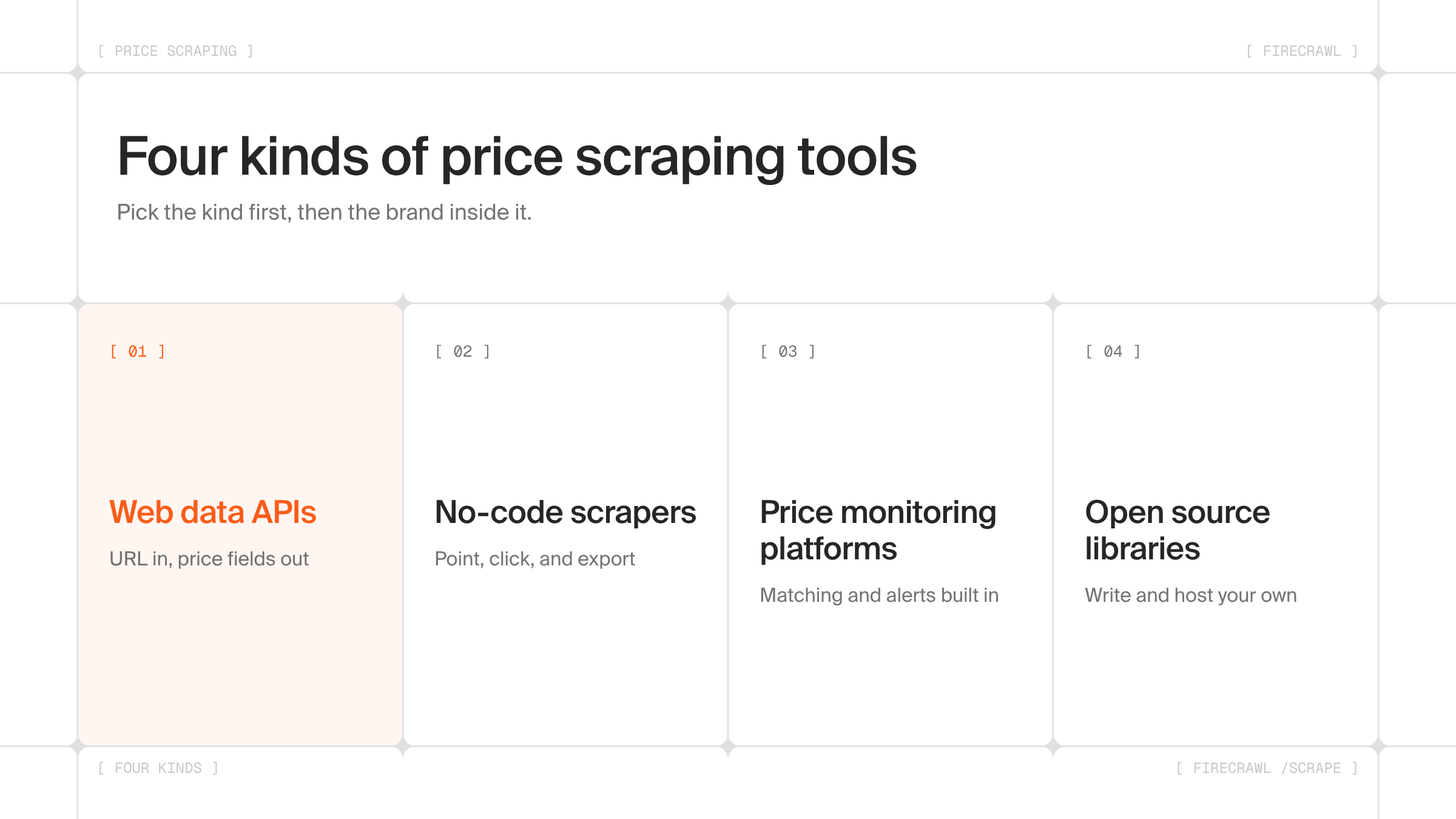
Web data APIs for price scraping
A web data API takes a URL and returns data, and you write the code that decides which pages to check, how often and where results go. That makes this group the best fit for developers and AI agents. Within the group, tools differ in whether they return parsed price fields or HTML you still have to parse.
Firecrawl
Firecrawl turns any product page into structured data. The Firecrawl /scrape product format reads variant prices, original prices and stock without a schema, and Firecrawl /monitor re-checks them on a schedule. 67% of Fortune 100 companies use Firecrawl.
On top of its web scraping and web search APIs, Firecrawl includes Firecrawl Alexandria, a data connector and API aggregator that reaches data providers, including official ones such as Shopify, through one Firecrawl key. Few other web data APIs offer anything like it. For supported retailers it skips the page entirely and returns Best Buy, Walmart and Newegg prices, Shopify catalog search and StockX resale listings.
If you want the prices delivered instead, Firecrawl Alexandria Datasets builds a custom dataset to your schema and drops it in your bucket.
The Free plan includes 1,000 Firecrawl credits a month, and Firecrawl pricing lists the paid plans.
See how to scrape prices with Firecrawl below for code and an agent prompt.
Bright Data
Bright Data sells ready-made scrapers and datasets, billed per record. Each retailer has its own scraper, so check that the one you pick returns variant and sale-price fields before you build on it.
Oxylabs
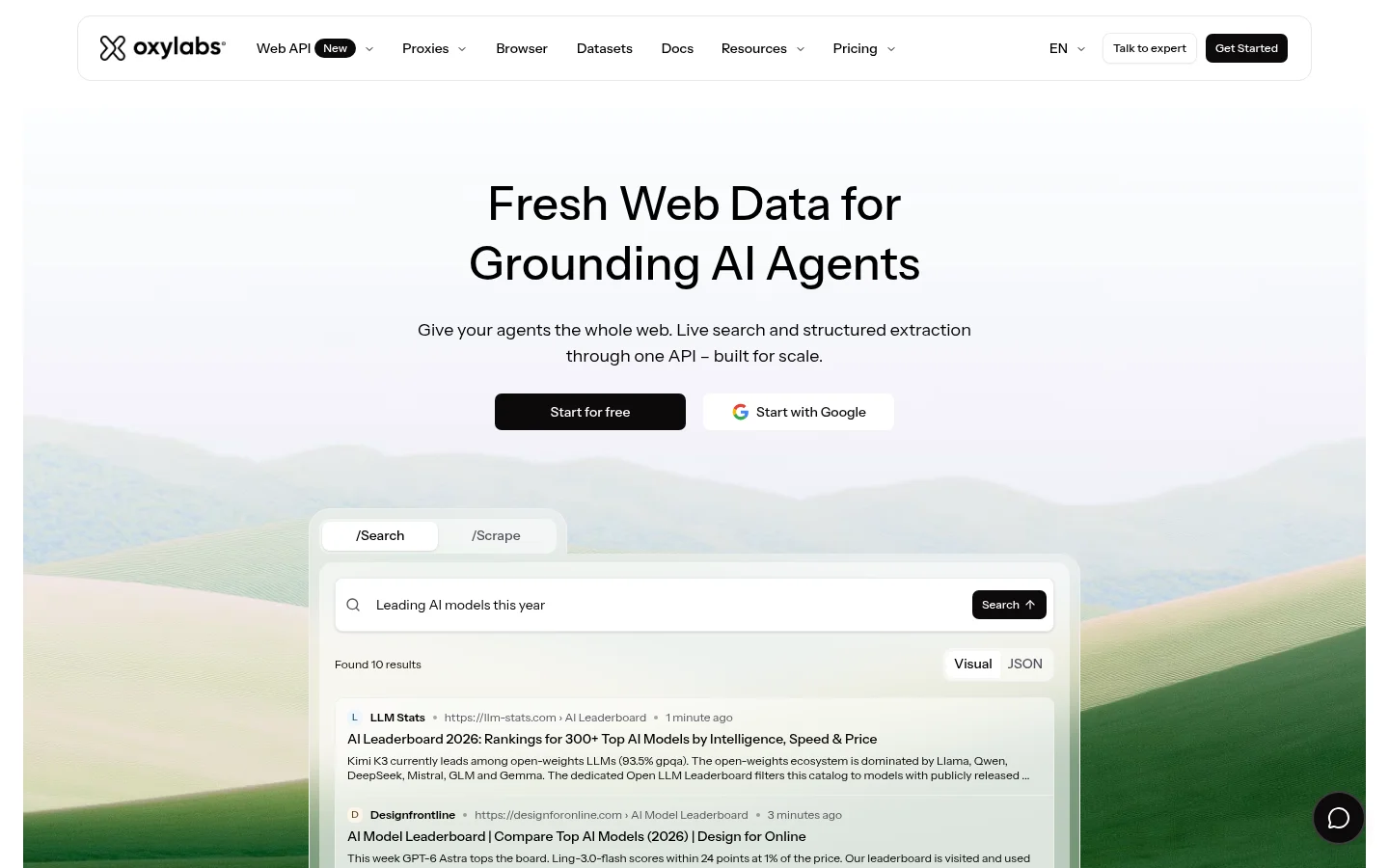
Oxylabs' Web API is built for collection at scale, with a scheduler for repeat jobs. Depending on the target, it returns parsed JSON or raw HTML, so for many stores you still write and maintain the parsing that turns a page into a price.
ScrapingBee
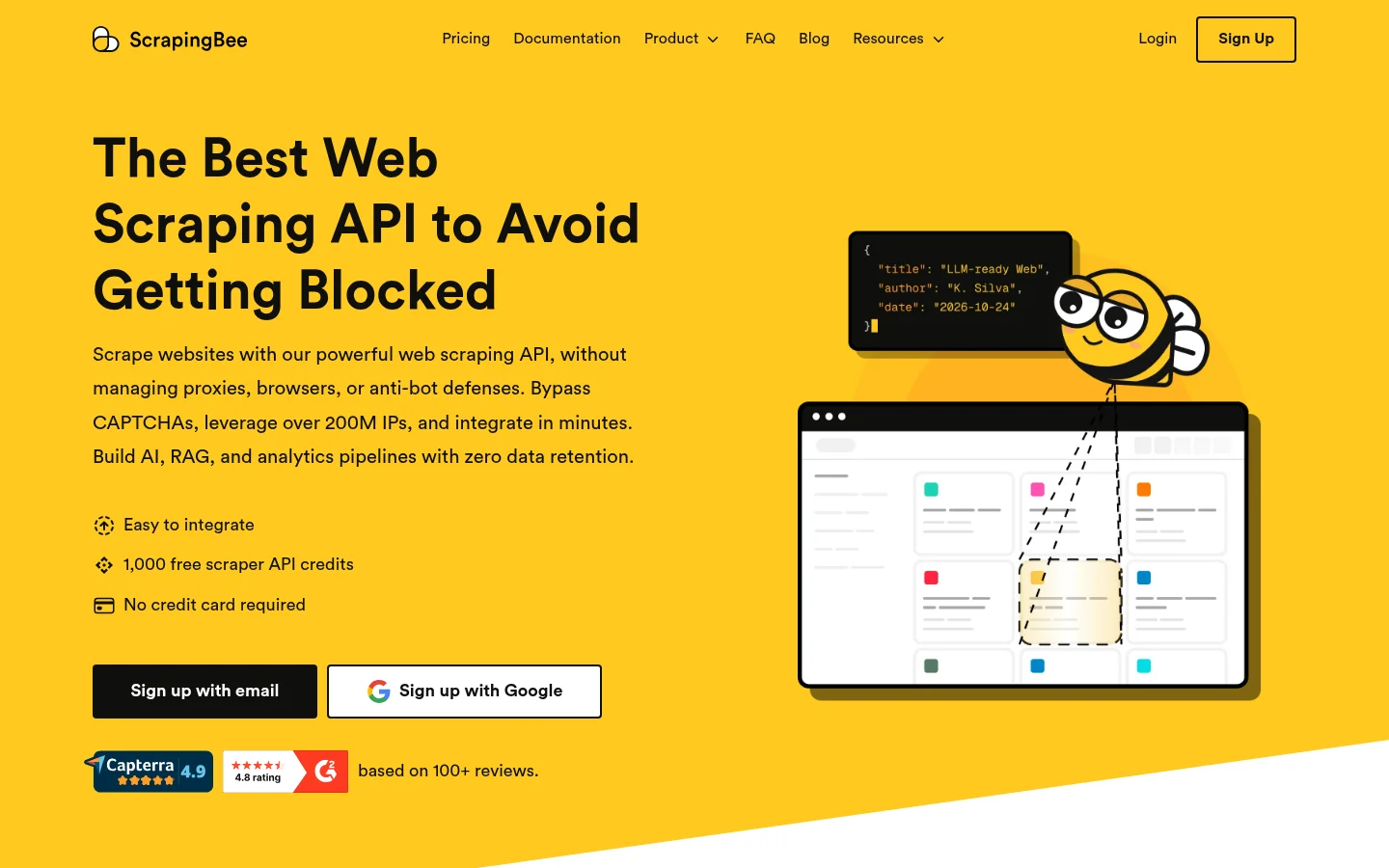
ScrapingBee renders pages and extracts fields with rules or AI queries from your code. It doesn't include scheduling or price alerts, so repeat checks and change detection need a separate workflow.
Apify
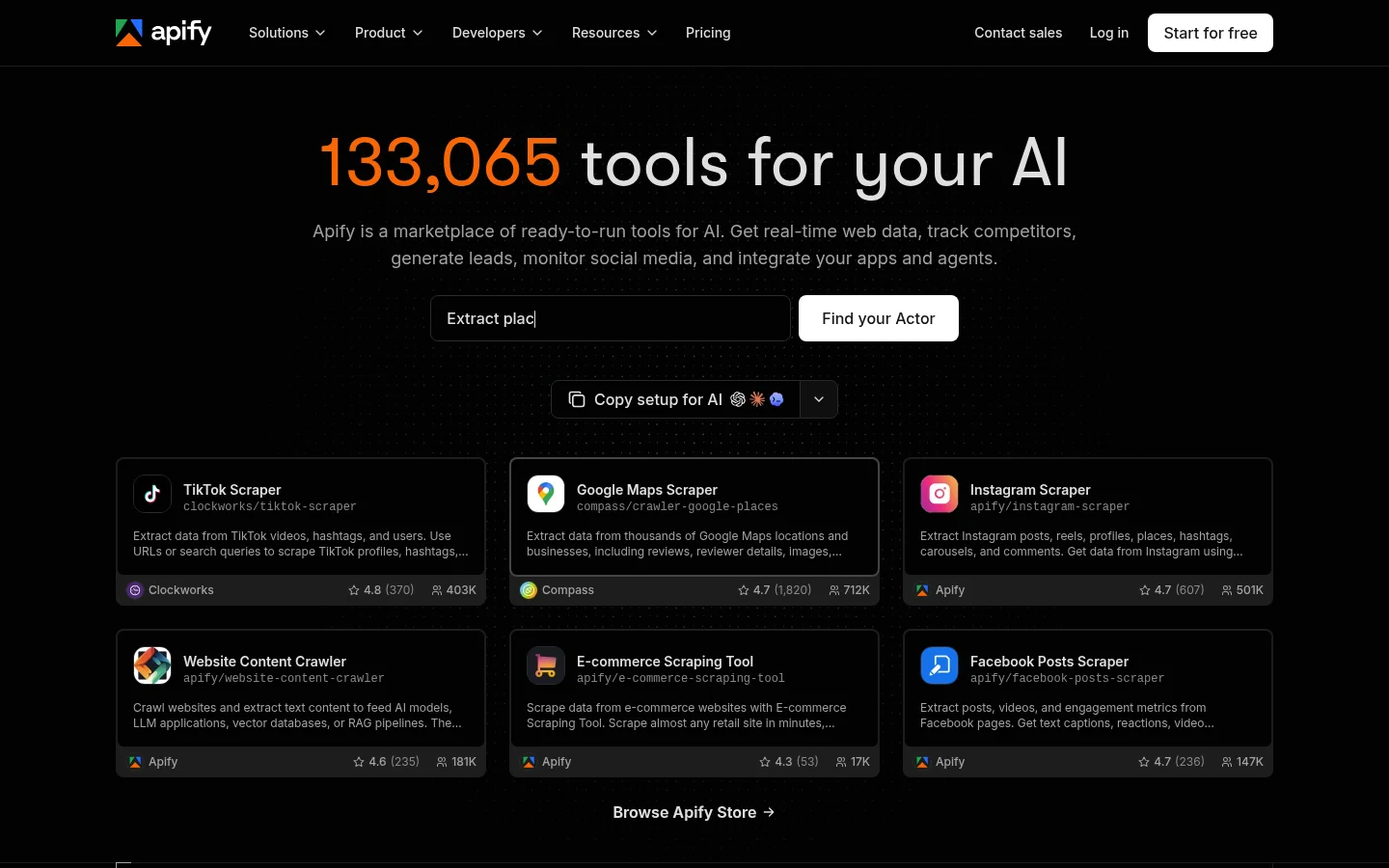
Apify offers ready-made scrapers, called Actors, for many retailers, plus scheduling. Each Actor is built and maintained on its own, so fields, upkeep and any Actor-specific charges vary from store to store.
No-code price scrapers
No-code scrapers trade flexibility for speed. You click the price on a page, and the tool learns where to find it. For price work, schedules, API access and alerts usually sit on paid plans, and a click-trained scraper can return empty values when a store redesigns its page.
Octoparse
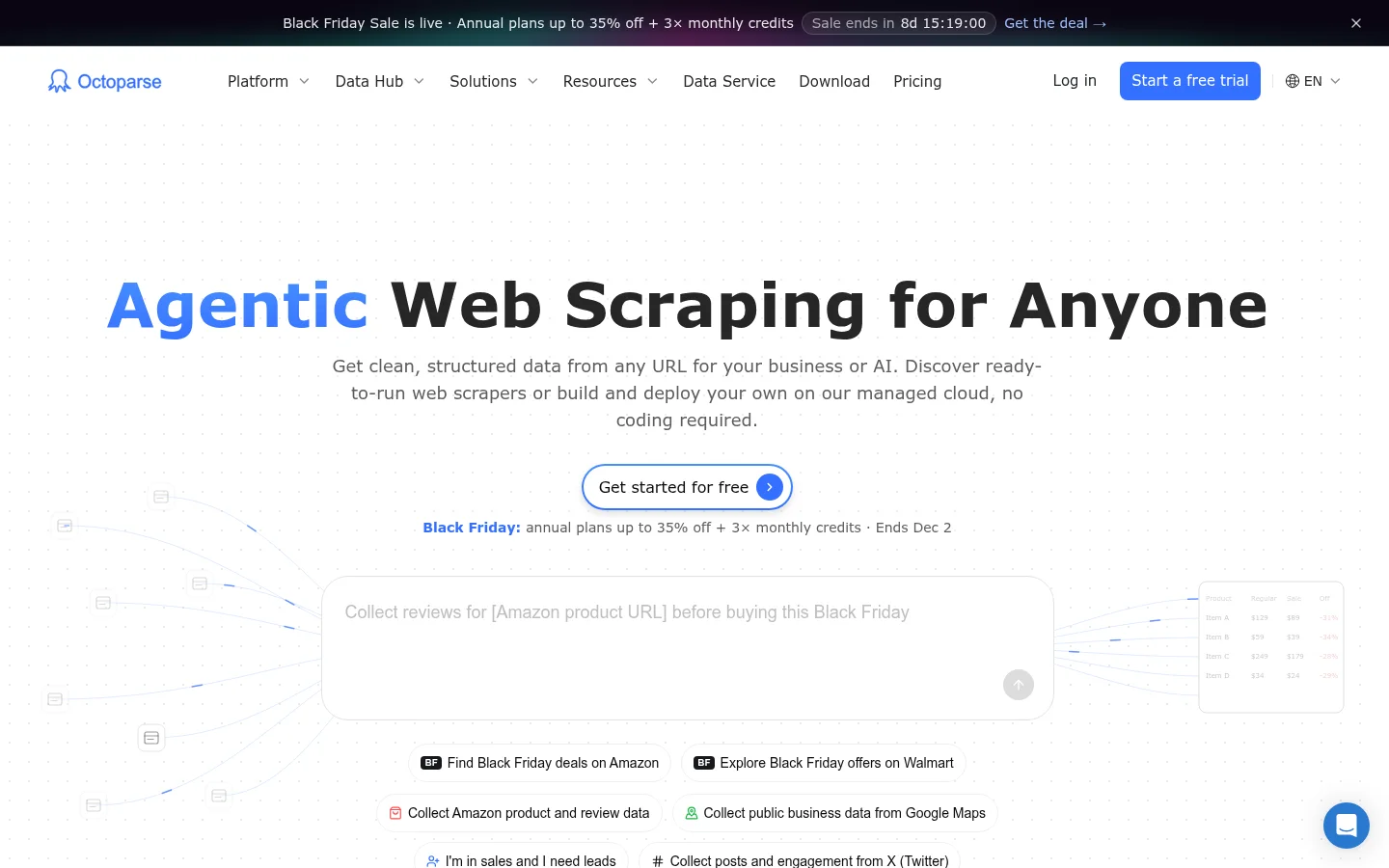
Octoparse has templates and a point-and-click builder for people who don't code. Scheduled cloud runs and API access start on the Standard plan, so the lower plans can't re-check prices unattended.
Browse AI
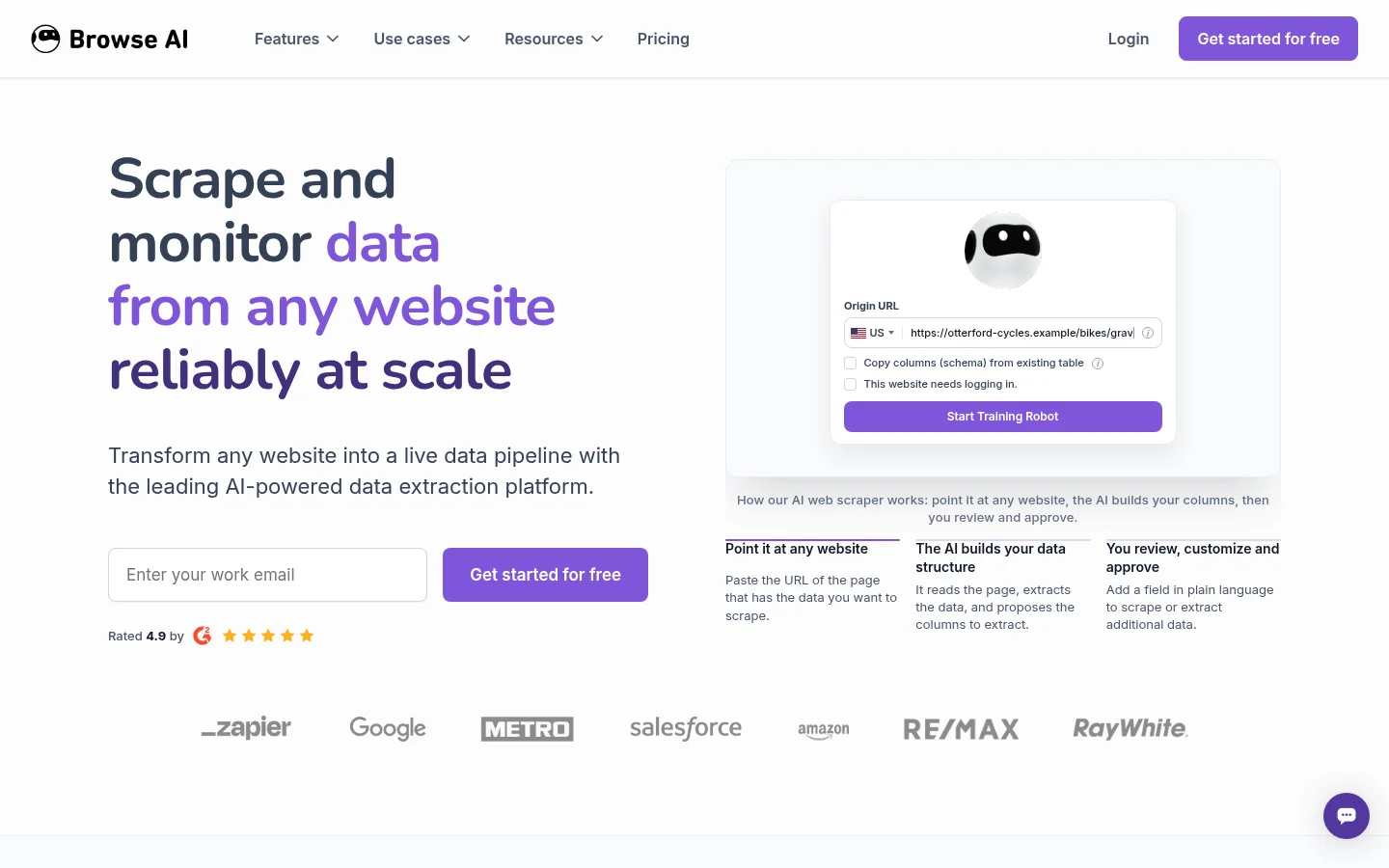
Browse AI trains a robot on the columns you click and can monitor pages for changes. How often it can check depends on your plan, so confirm that interval matches how fast prices move in your market.
Web Scraper
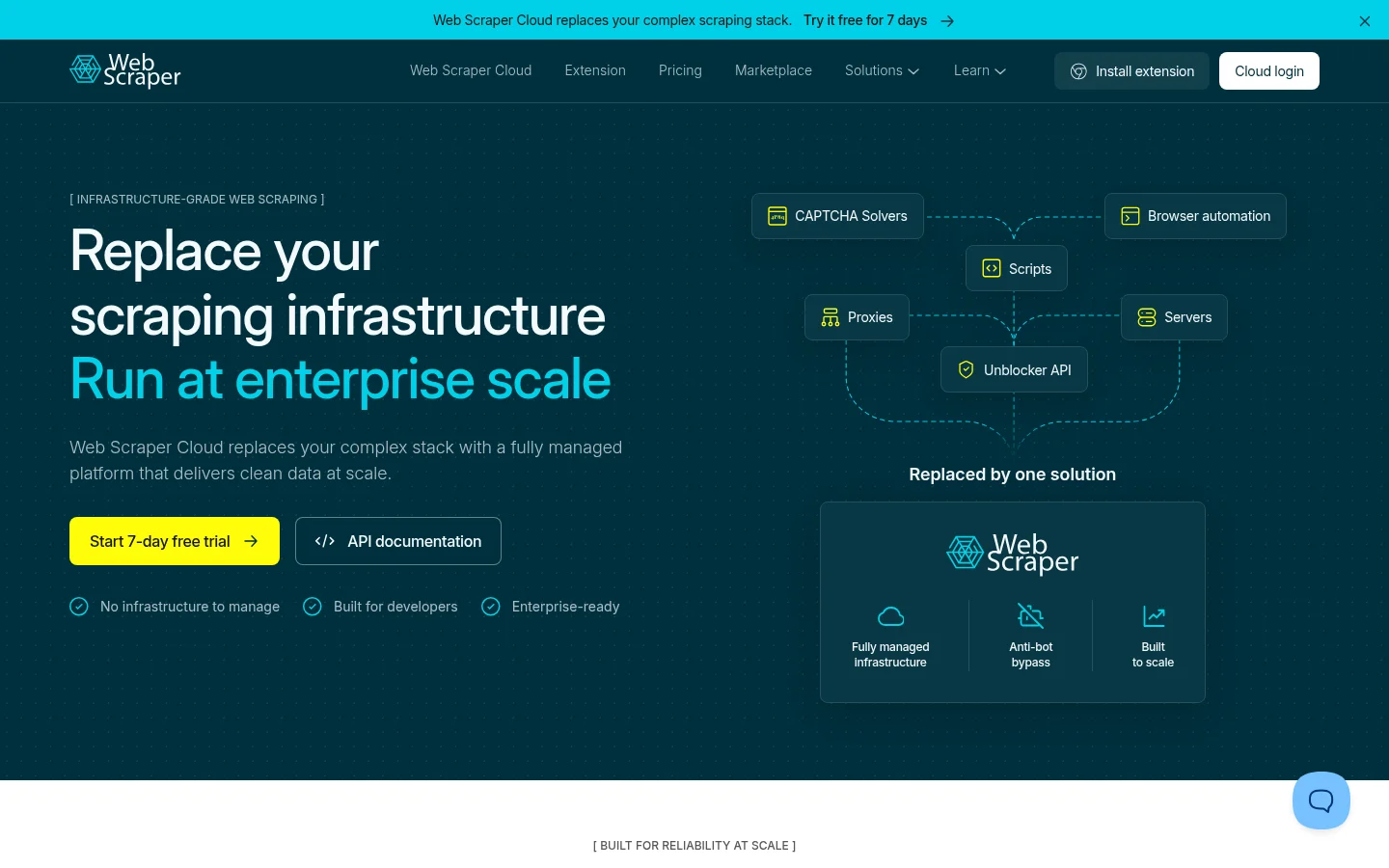
Web Scraper is a free Chrome extension that exports CSV or XLSX. Unattended, scheduled runs need a paid Cloud plan, and the extension alone has no alerts.
Price monitoring platforms
Price monitoring platforms are price scraping software built for pricing teams. They add product matching, price history and alerts on top of the scraping. You get answers in a dashboard rather than raw data, and plans are sized by how many products and competitors you track.
Prisync
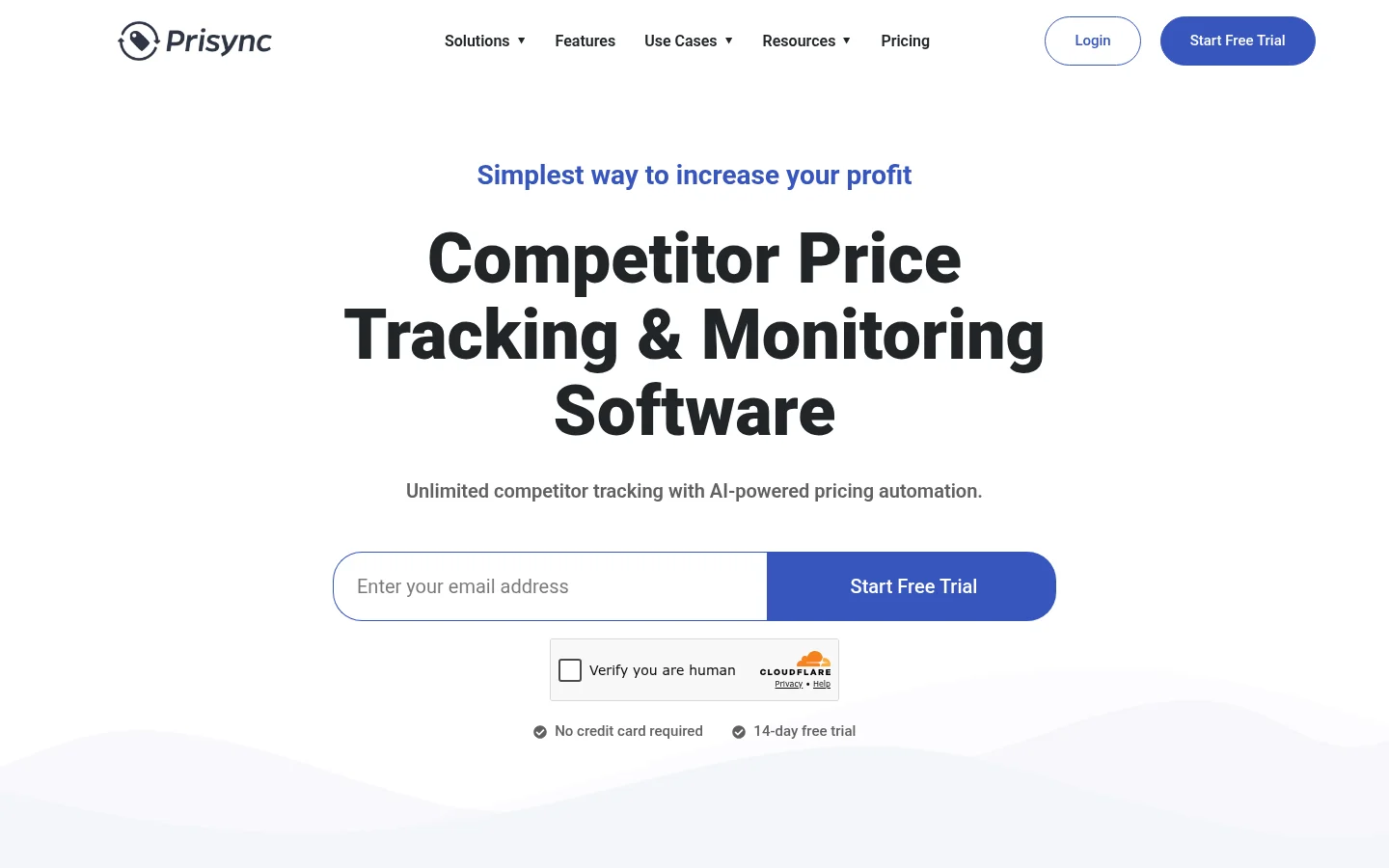
Prisync tracks known competitor product pages and reports price and stock changes three times a day. Plans cap the number of products, and results come as a dashboard and Excel reports rather than data that flows into your own systems.
Price2Spy
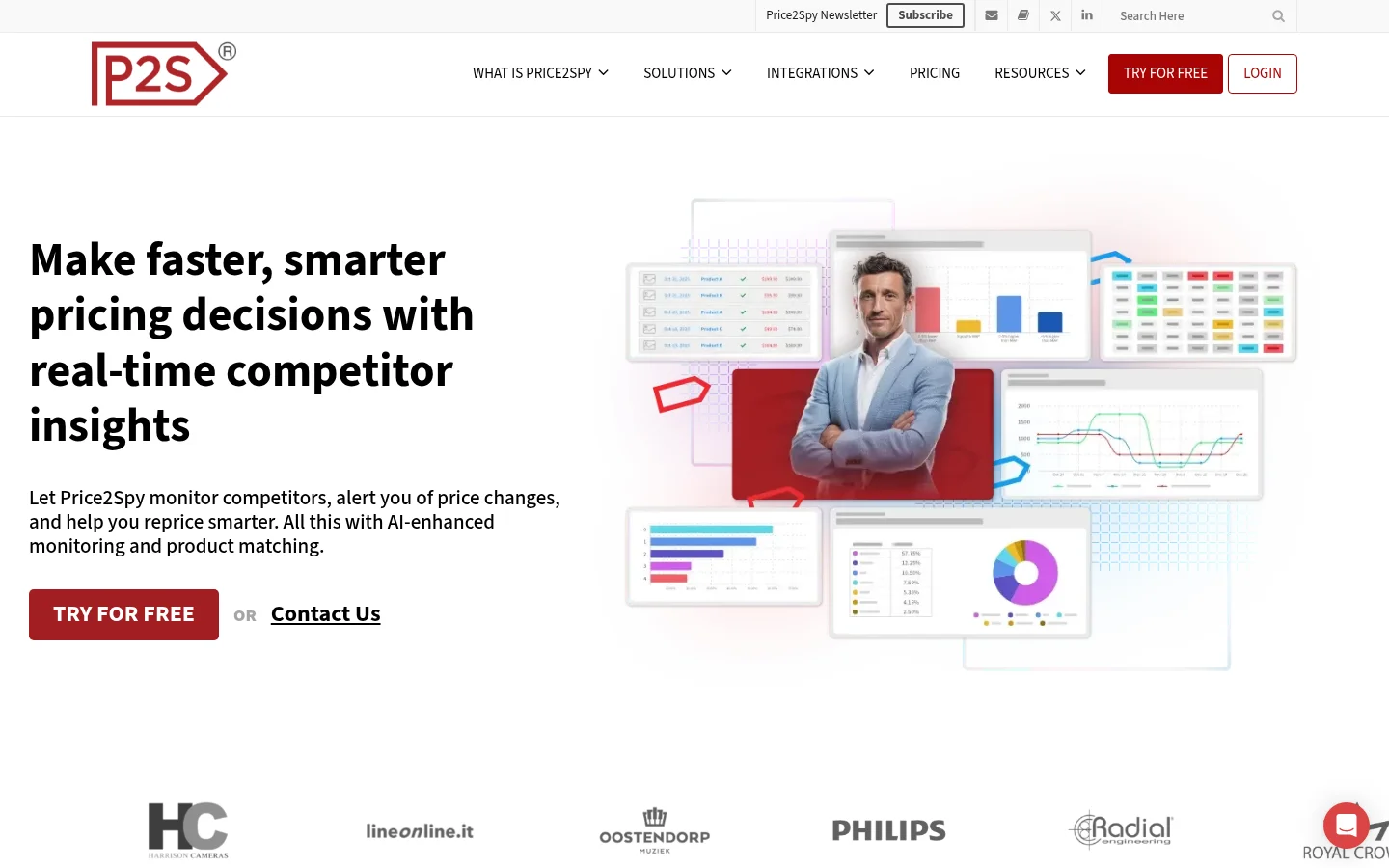
Price2Spy covers monitoring, comparisons and repricing. Its entry tier alerts daily, faster alerts cost more, and plan prices are quoted on request.
Pricefy
Pricefy adds AI product matching and repricing. The free plan covers 50 SKUs with daily updates, but alerts start on Starter and repricing on Pro.
Open source libraries for building your own price scraper
Open source libraries cost nothing, and you build every part of the job yourself, from the selectors for each store to the servers, schedule, storage and alerts.
Scrapy
Scrapy is a free Python framework for crawling and extraction. You own the selectors, scheduling and alerts, and prices that load with JavaScript need extra rendering.
Playwright
Playwright drives real browsers, so it reads prices that appear after JavaScript runs. It has no product schema, price history or alerts, so every store needs its own selectors.
How to choose a price scraping tool
Test the same three pages with every shortlisted tool: one simple product page, one with sizes and a sale price, and one where the price appears after JavaScript loads. Then compare each tool's extracted fields against the page.
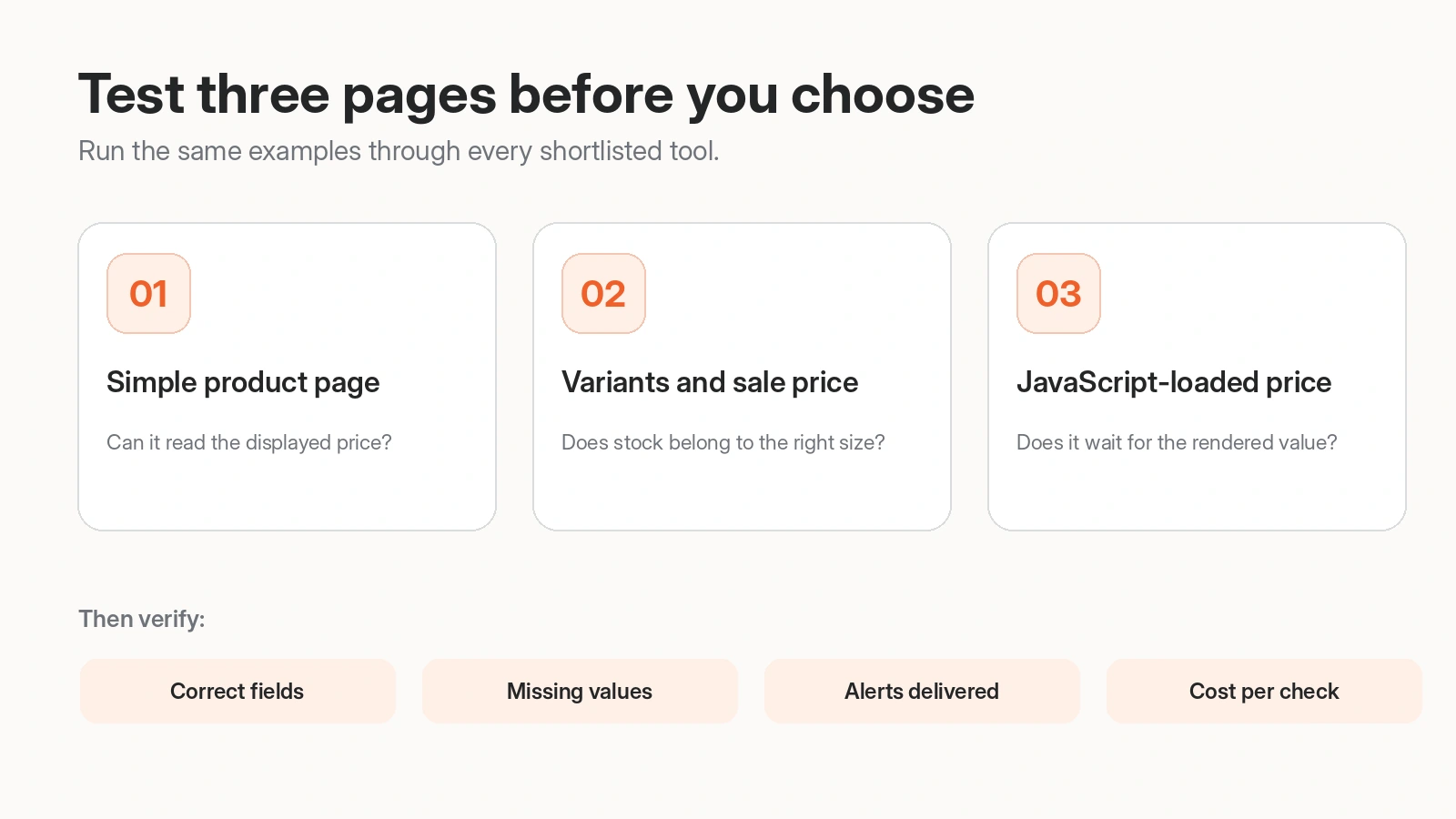
Does it read prices that load with JavaScript?
Try a page where the visible price appears after the initial HTML loads, the case tools for scraping pages that load with JavaScript are built for. Compare the extracted price to the rendered page. A successful HTTP response with an empty price is still a failed price check.
Does it return price fields or raw HTML?
Look for product identifiers, current price, original price, currency and variant-level availability. If the tool returns HTML, budget time to write and maintain the parsing logic. If it returns JSON, verify each field against the page.
What happens when a store changes its page layout?
Re-check after selecting a different size or color, or try a similar page with a different template. Record missing fields as errors rather than treating them as zero prices or out-of-stock products.
Can it re-check prices on a schedule and alert you?
Test a scheduled check and verify the notification arrives. Firecrawl supports recurring monitors with email and webhook delivery; Browse AI and pricing platforms also offer scheduled workflows. Distinguish an initial “new page” event from a later changed-price notification.
What will each price cost at your volume?
Vendors charge by credits, records, tasks, monitored products or checked URLs. Estimate checks per day, number of URLs and any extraction add-ons, then compare totals over the same time period. Firecrawl pricing lists Firecrawl's plans and the Firecrawl credits each one includes per month.
How to scrape prices with Firecrawl
Check Firecrawl Alexandria first. For Best Buy, Walmart, Newegg, Shopify stores and StockX, it returns prices from providers on one Firecrawl key, so nothing has to load a page and a layout change can't break it. For every other store, the steps after it work on any product page.
The Python examples and agent prompt below run on brand product pages. The values were captured on November 10, 2026, and live prices and availability change.
Check retailer prices with Firecrawl Alexandria
Finding a tool in Firecrawl Alexandria is free, and running one is charged at its listed price. These retail providers cover the price jobs in this post:
| Job | Provider and capability |
|---|---|
| Catalog search | Best Buy products/search |
| Catalog search | Walmart products/search |
| Catalog search | Newegg products/search |
| Product price | Best Buy products/pricing |
| Product price | Newegg products/product |
| Many-store search | Shopify catalog/search_catalog |
| Cross-retailer match | Affiliate.com identifiers/url-to-barcode |
| Find resale listings | StockX products/search_products |
For StockX, products/search_products finds product candidates; use a follow-up product lookup for more detailed market data. The Shopify catalog search is also for discovery, and its results don't show a store's full stock.
Use Firecrawl Alexandria when a provider supports the retailer and fields you need, and the Firecrawl /scrape product format below for any other store. To see both together, the Black Friday price tracker pulls Shopify, Walmart and Best Buy prices through Firecrawl Alexandria and watches sale pages with Firecrawl /monitor.
To try it, ask in plain English from ChatGPT or Claude:
Use Firecrawl Alexandria to find the current Walmart price
for the Sony WH-1000XM5 headphones.Read a product page with the Firecrawl /scrape product format
The Firecrawl /scrape product format reads merchant product data without a custom schema or LLM extraction step. You can also try the free product data extractor without writing code.
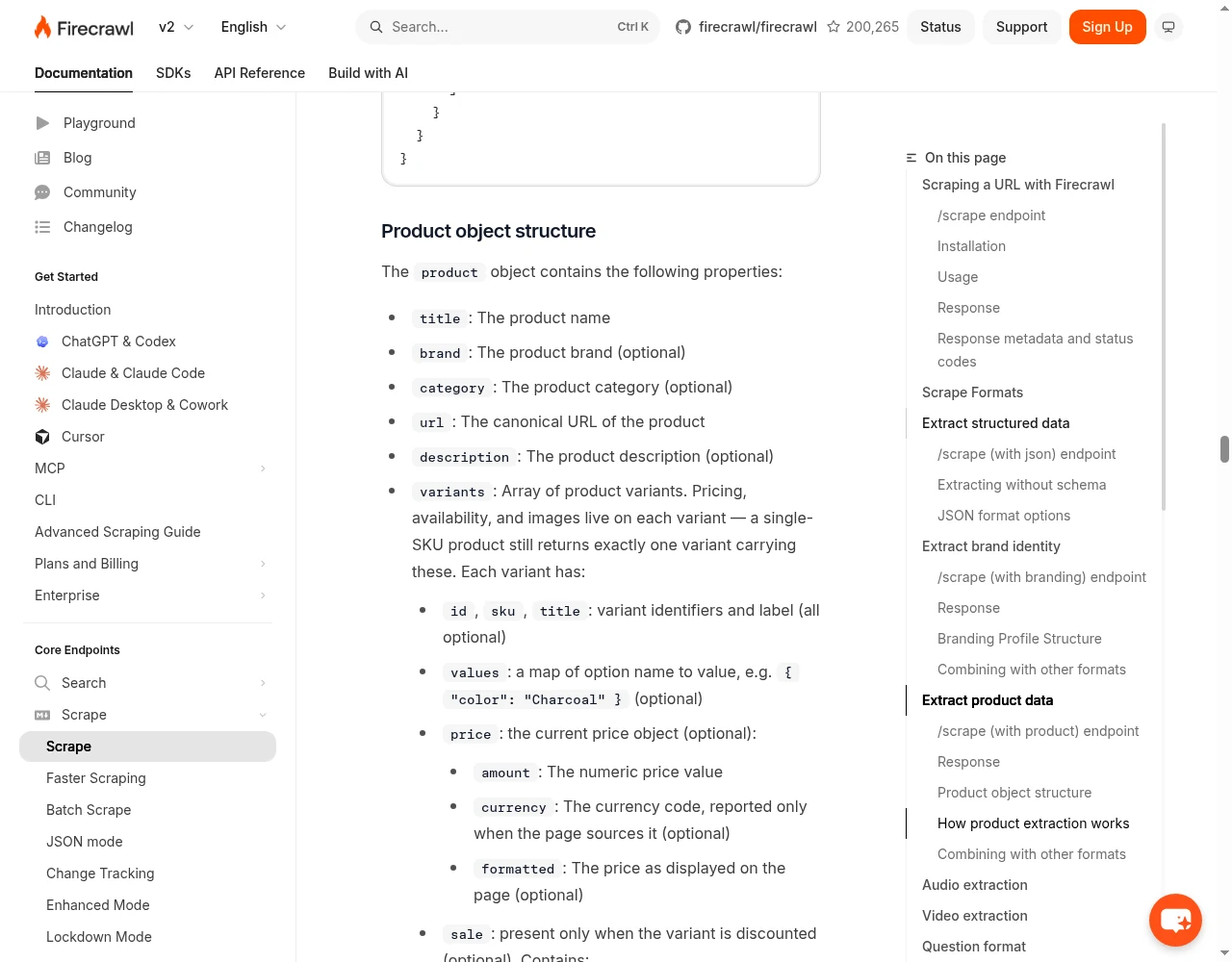
The product object has these parts:
- Title, brand, category, URL and description.
- Variants, each with an ID, SKU, title and option values.
- Per variant: price with currency, original price and availability.
Install the Python SDK with pip install firecrawl-py, then run:
from firecrawl import Firecrawl

firecrawl = Firecrawl(api_key="fc-YOUR-API-KEY")

result = firecrawl.scrape(
    "https://www.allbirds.com/products/mens-tree-runners-navy-night",
    formats=["product"],
)
print(result.product.model_dump_json(indent=2, by_alias=True, exclude_none=True))
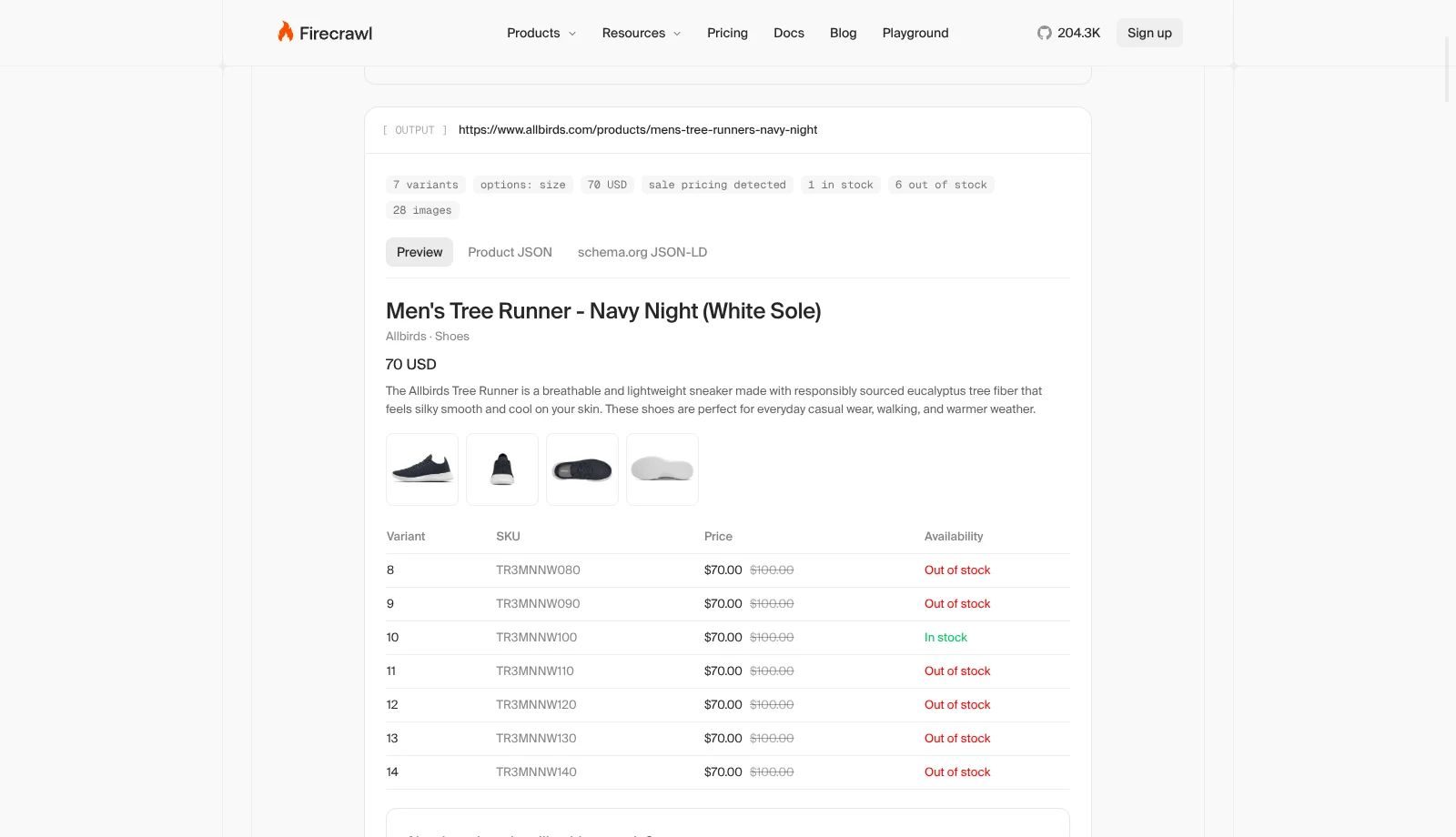
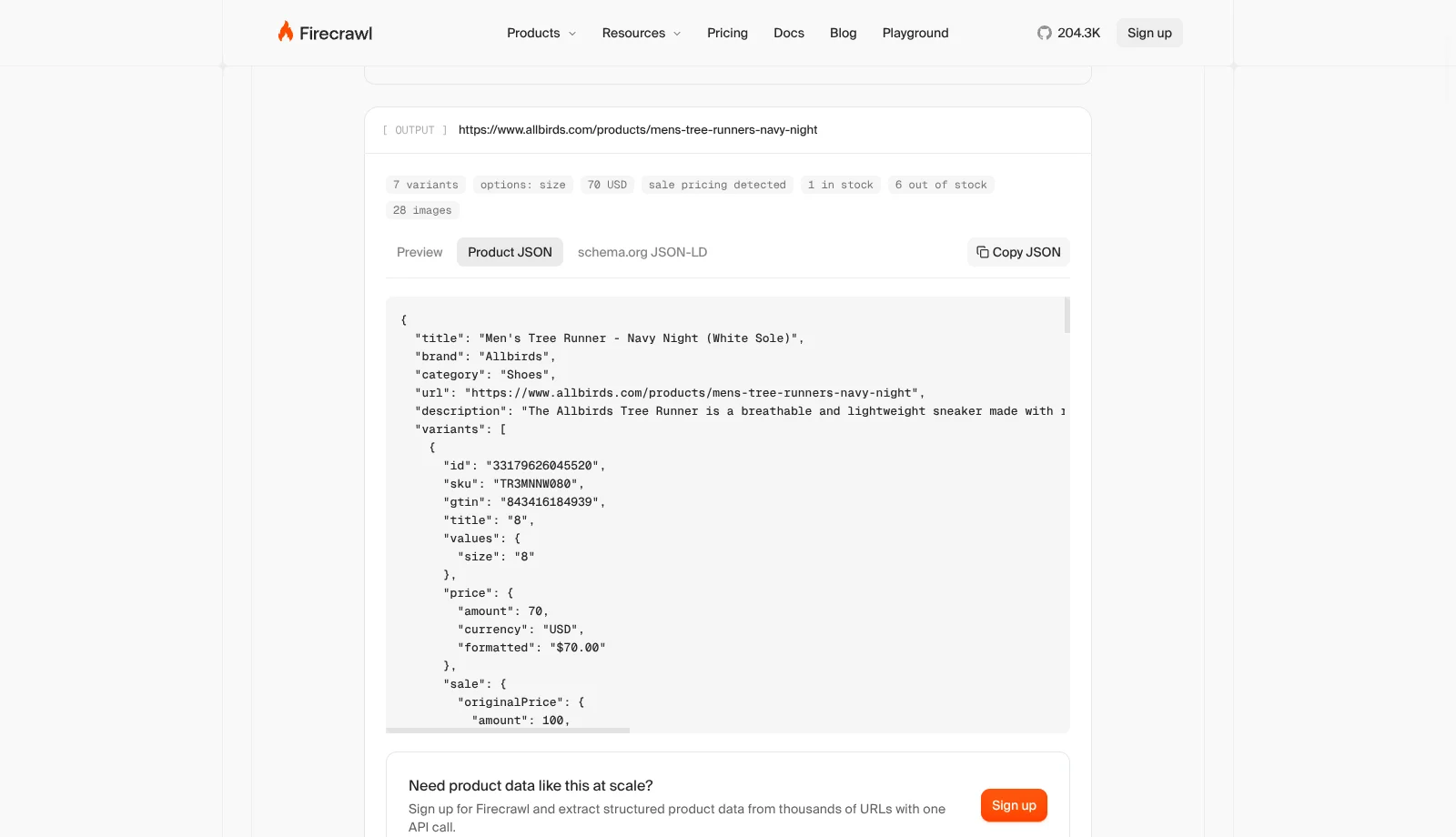
Replace fc-YOUR-API-KEY with your own key. As of November 2026, the page showed a price of 70 USD with an original price of 100 USD, and only size 10 was in stock. The response listed seven size variants. This trimmed output removes image lists and some fields, and changes no value:
{
  "title": "Men's Tree Runner - Navy Night (White Sole)",
  "brand": "Allbirds",
  "variants": [
    {
      "sku": "TR3MNNW100",
      "title": "10",
      "values": { "size": "10" },
      "price": { "amount": 70, "currency": "USD" },
      "sale": { "originalPrice": { "amount": 100, "currency": "USD" } },
      "availability": { "inStock": true }
    }
  ]
}
The six other sizes in the full response were marked out of stock, so a product-level price only means something next to each variant's availability.
The free extractor shows the same page's data. It reports 7 variants, 70 USD, sale pricing detected, 1 in stock and 6 out of stock, and its Preview and Product JSON tabs show the same product.
Pull other fields with JSON mode
JSON mode takes a schema inside the format object. We asked for three fields with the Firecrawl Python SDK:
from firecrawl import Firecrawl
from pydantic import BaseModel

class Offer(BaseModel):
    price: str
    shipping_offer: str
    promo_text: str

result = Firecrawl(api_key="fc-YOUR-API-KEY").scrape(
    "https://www.allbirds.com/products/mens-tree-runners-navy-night",
    formats=[{"type": "json", "schema": Offer.model_json_schema()}],
)
print(result.json)
A fresh JSON-mode check returned these fields:
{
  "price": "$70",
  "shipping_offer": "Free ground shipping on orders over $100",
  "promo_text": "Black Friday Early Access. Up to 70% off select styles."
}
The shipping text is a conditional offer with no numeric cost, so the schema asks for shipping_offer instead of shipping_cost.
Keep the schema narrow with only the fields you need, and spot-check results against the page before saving them. For variant prices and stock, the product format above is the better fit.
For a walkthrough of JSON mode on other pages, this video covers it end to end:
Get alerts when a price changes with Firecrawl /monitor
A Firecrawl monitor re-checks pages on a schedule, with a minimum interval of 5 minutes. JSON change tracking compares fields such as price and availability. This is the daily, three-page monitor we ran:
import os
from firecrawl import Firecrawl

urls = [
    "https://www.allbirds.com/products/mens-tree-runners-navy-night",
    "https://www.brooklinen.com/products/classic-core-sheet-set",
    "https://bombas.com/products/men-s-solid-ankle-sock-white-large-1",
]
price_schema = {
    "type": "object",
    "properties": {
        "price": {"type": "string"},
        "availability": {"type": "string"},
    },
}

monitor = Firecrawl(api_key=os.environ["FIRECRAWL_API_KEY"]).create_monitor(
    name="Price and stock monitor",
    schedule={"text": "daily", "timezone": "UTC"},
    targets=[{
        "type": "scrape", "urls": urls,
        "scrapeOptions": {"formats": [{
            "type": "changeTracking", "modes": ["json"], "schema": price_schema
        }]},
    }],
    notification={"email": {
        "enabled": True, "recipients": [os.environ["ALERT_EMAIL"]],
        "includeDiffs": True,
    }},
)
print(monitor.id)
Set FIRECRAWL_API_KEY and ALERT_EMAIL as environment variables before running it. The first check records each page as new, so the email below lists 3 new pages. Later checks report changed fields, and a goal such as "alert me when a price drops" limits alerts to the changes you care about. The competitor monitoring guide covers notifications in more depth.
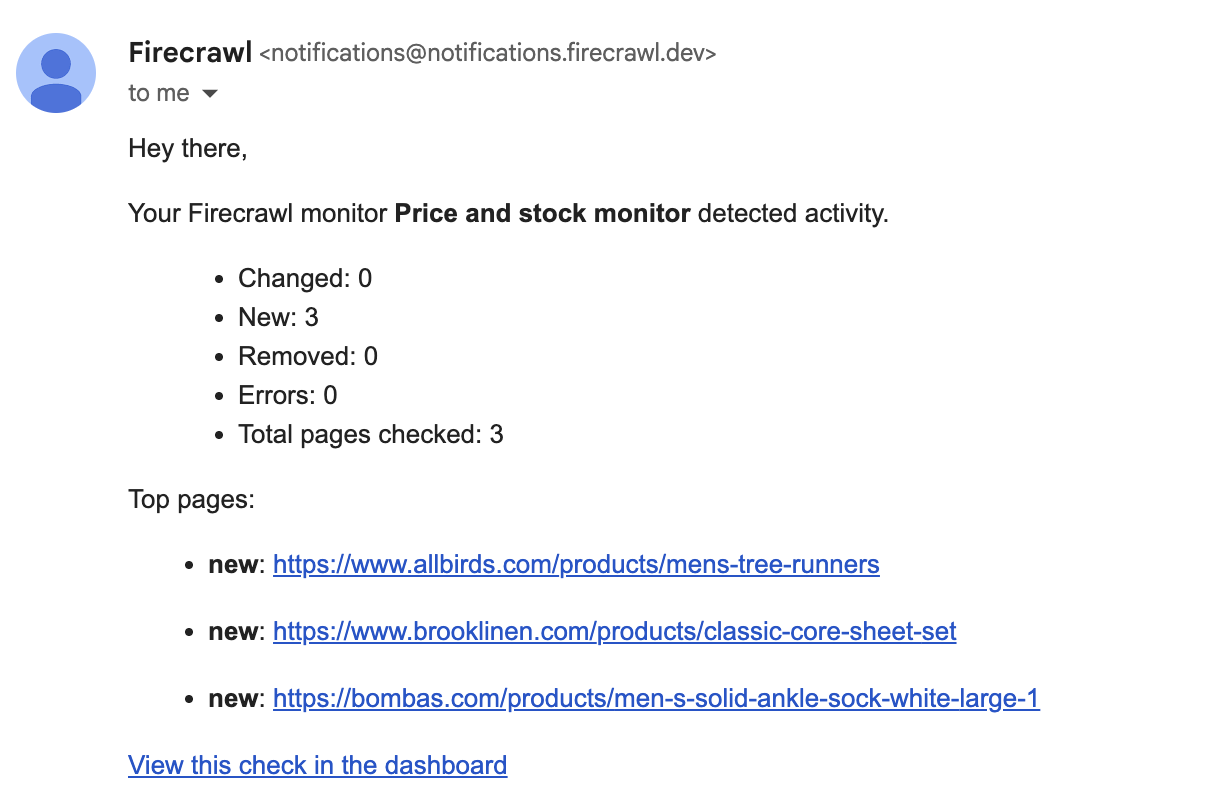
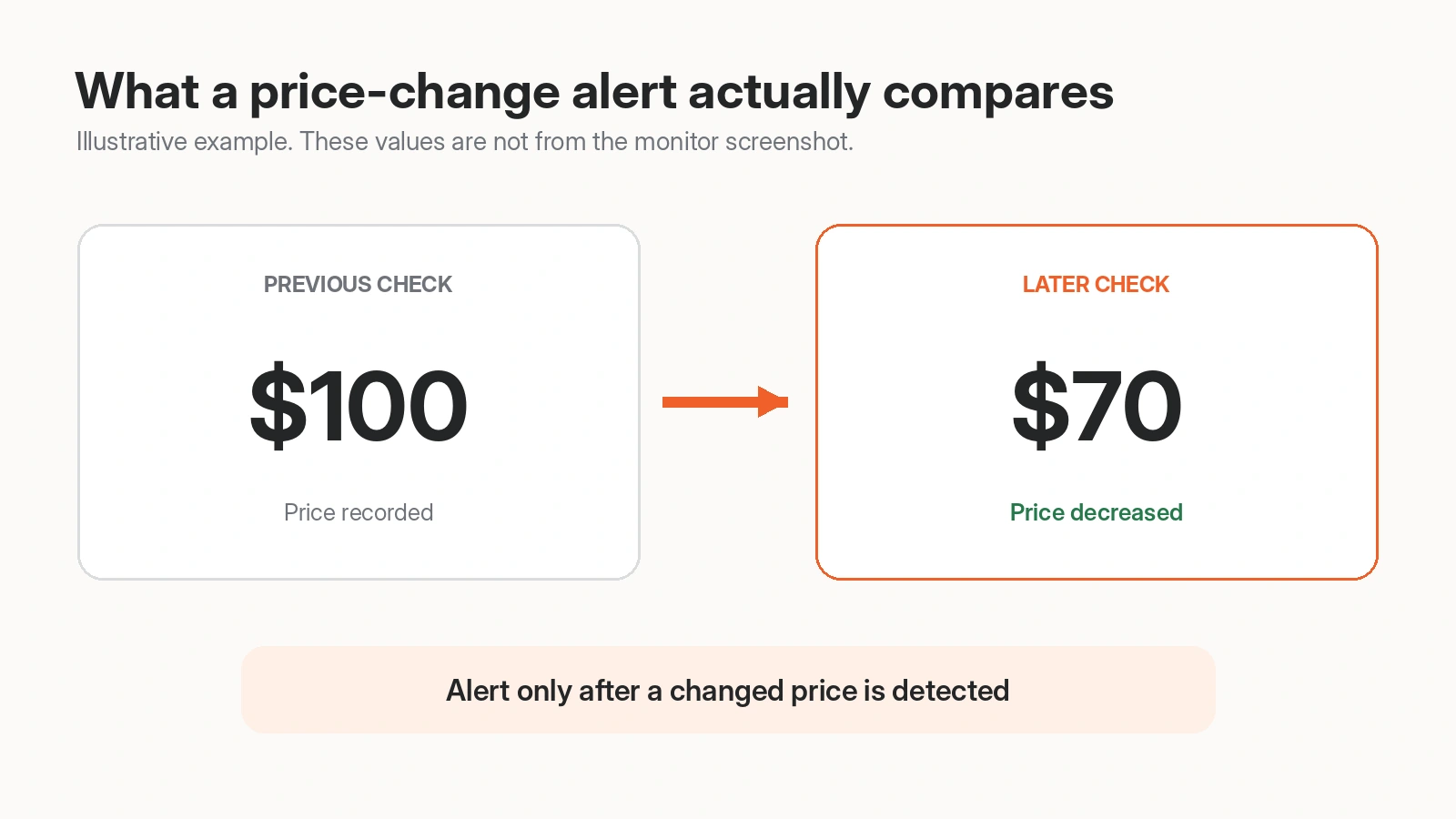
The diagram shows an illustrative later check.
Mohamed, a developer, posted this on X:
Run it from your AI agent
The Firecrawl MCP server connects an AI agent to Firecrawl. The sign-in docs list one command per client:
- Claude Code:
claude mcp add --transport http firecrawl https://mcp.firecrawl.dev/v2/mcp-oauth, then/mcpfor the browser sign-in - Codex CLI:
codex mcp add firecrawl --url https://mcp.firecrawl.dev/v2/mcp-oauth && codex mcp login firecrawl - Cursor: add
{"mcpServers": {"firecrawl": {"url": "https://mcp.firecrawl.dev/v2/mcp-oauth"}}}to mcp.json, or use the one-click link
Monitors and Firecrawl Alexandria need a signed-in connection or an API key. The keyless connection covers search, scrape and parse within daily limits. There is also a Firecrawl plugin for ChatGPT and a Firecrawl connector for Claude.
Then give your agent this prompt, replacing “these 3 product pages” with your URLs:
Use Firecrawl to set up a daily monitor on these 3 product pages
that emails me when any price drops.
The agent sets the price drop as the monitor's goal, so the email arrives only when a price goes down.
Get a price dataset delivered with Firecrawl Alexandria Datasets
If you would rather receive price data than run the checks yourself, Firecrawl Alexandria Datasets builds a custom dataset to your schema. Send a list of store domains or product URLs, the fields each record needs, such as price, original price and stock per variant, and how often it should refresh.
Our data team sends a sample of about 1,000 rows first. After you approve it, the full set arrives as Parquet, JSONL or CSV, by download link or in your S3, GCS or R2 bucket, with weekly or monthly refreshes. Every record keeps the URL it came from.
Common problems when scraping prices
Four issues often send price comparisons wrong: selecting the wrong variant, mixing currencies, matching different products, and missing page changes.
Variants and sale prices
A crossed-out original price is the old price, and only the displayed sale price is current. Store the displayed sale price, original price, stock status, and variant identifier separately. Firecrawl's product format exposes these as variant-level fields when the page supplies them. Verify a discounted offer against the specific size or color a shopper can buy.
Currency and regional prices
Store prices with the currency and region displayed on the page. A $70 result does not establish which country or shipping destination applies. Firecrawl's product format reports a currency only when it finds one in the source, including schema.org Product data. Avoid guessing a currency when the field is absent.
Matching the same product across stores
Matching the wrong size, pack quantity or bundle can make accurate prices look inconsistent. Start with a confirmed SKU or GTIN, then confirm the exact variant and unit quantity before comparing. Firecrawl Alexandria's Affiliate.com URL-to-barcode tool can help identify a product across retailers, but matching still needs validation.
When a store changes its layout
A layout change can leave a selector-based scraper returning an empty value. Treat missing prices as extraction errors, log the affected URLs, and inspect a sample after template changes. Firecrawl's product format does not require custom selectors. When it cannot identify a product confidently, its documented behavior is to omit the product object and return a warning rather than guess.
Storefront variety is the norm, as Minimal's Firecrawl customer story shows:
Storefronts come to us in every shape imaginable, and no matter the complexity, Firecrawl turns each one into clean, structured data our AI support agents can answer from.
— Niek Hogenboom, Co-Founder at Minimal
Why is a price data aggregator better than a single provider?
On top of its web scraping API, which reads any store's product page into price, original price and stock fields, Firecrawl offers Firecrawl Alexandria as a price data aggregator. A price data aggregator puts several retailer data sources behind one API, so one integration reaches catalogs and prices that no single store publishes for its rivals. Through Firecrawl Alexandria, Best Buy, Walmart, Newegg, Shopify, StockX and Affiliate.com sit on the same Firecrawl key as the scraping API, each returning JSON from the same call.
Firecrawl has more than 200,000 stars on GitHub. In the evaluation published with the Firecrawl Alexandria launch, AI agents using Firecrawl Alexandria scored 21% higher on answer quality than agents using built-in web tools, across 845 tasks with the same model and prompts and blind AI judging.
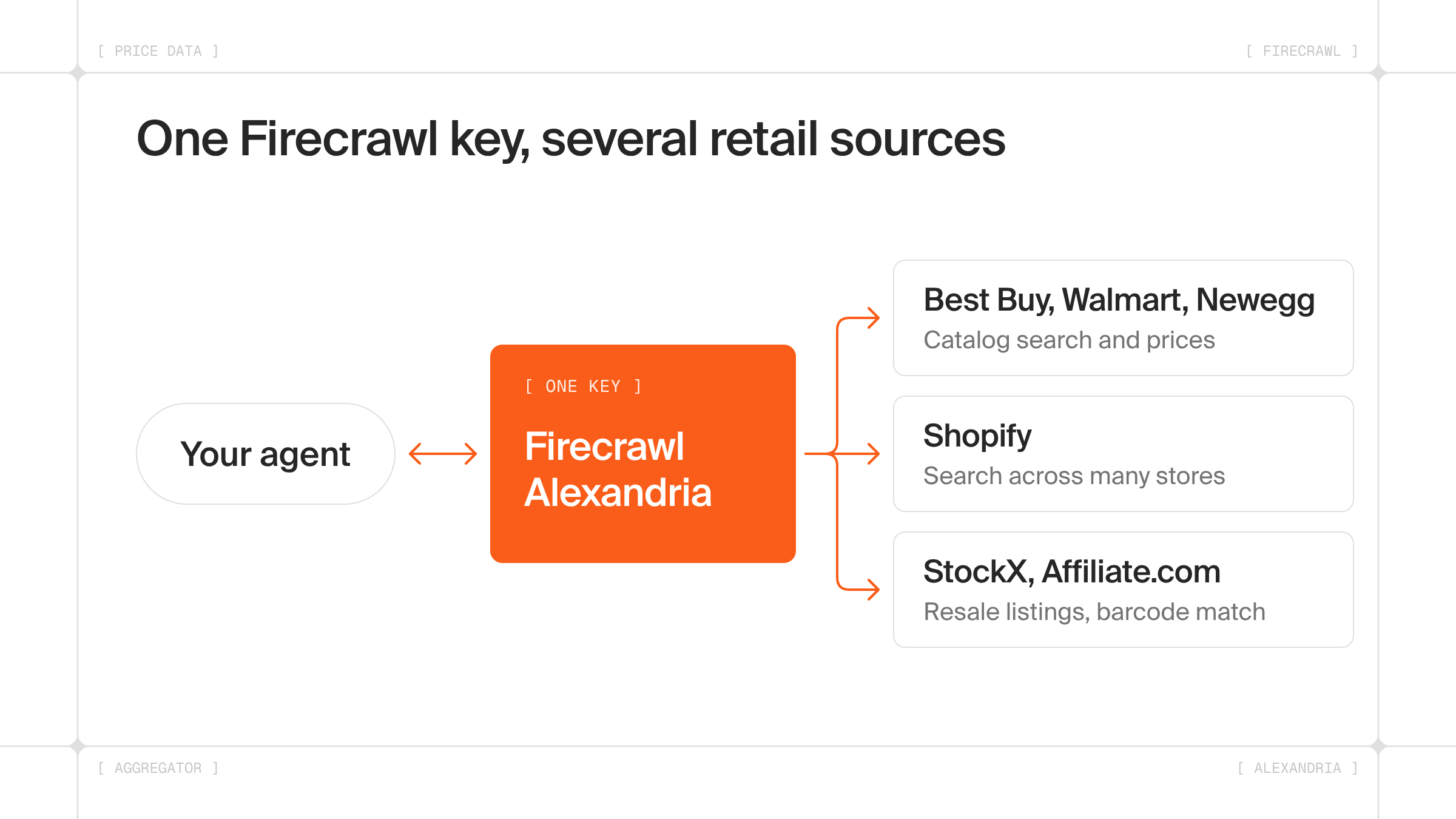
- More of the market covered. Best Buy and Newegg return product prices, Shopify searches across many stores, and StockX lists resale offers. A comparison that spans those retailers reaches each one through the same key.
- One integration to maintain. The tools above bill by records, API credits, tasks or monitored products, and each needs its own account. Through Firecrawl Alexandria you keep one client, one response format and one Firecrawl credit balance.
- A fallback when a provider can't answer. Best Buy, Walmart and Newegg all answer catalog searches, so a search can move to another retailer when one comes back empty, and the Firecrawl /scrape product format reads any store no provider covers.
- Pay per call, with no lock-in. Each run is charged at its listed price, so adding Affiliate.com barcode matching later means one more call on the same key, with no new vendor account.
Which price scraping tool should you pick?
Pick a price scraping tool by who runs it and what it has to return.
- Developers and AI agents should start with Firecrawl, because the product format returns variant prices and stock as fields and Firecrawl /monitor re-checks them on a schedule.
- Pricing teams get product matching and alerts built in with Prisync, Price2Spy or Pricefy.
- Teams that want bulk price data without running scrapers can request a custom dataset from Firecrawl Alexandria Datasets.
- People who don't code can ask Firecrawl Alexandria in ChatGPT or Claude for a Best Buy or Walmart price in plain English, with no scraper to set up. For other stores, Octoparse, Browse AI or Web Scraper let you click the price you want and export it.
- Engineers who want full control can build on Scrapy or Playwright.
| Use case | Pick | Recommendation |
|---|---|---|
| Developer or AI agent tracking variant prices and stock | Firecrawl | Can easily use with Firecrawl connected |
| Catalog prices from Best Buy, Walmart, Newegg or Shopify stores | Firecrawl Alexandria | Can easily use with Firecrawl connected, through Firecrawl Alexandria |
| Price dataset delivered to your bucket | Firecrawl Alexandria Datasets | Request a custom dataset and review a sample before the full delivery |
| Ready-made scrapers | Apify, Bright Data | Start on the free tier, then pay per run or per record |
| Collection at scale from your own code | Oxylabs, ScrapingBee | Start with the welcome credit or free API credits, then pick a monthly plan |
| Scraping without code | Octoparse, Browse AI, Web Scraper | Start free, then move to a paid plan for scheduled cloud runs |
| Pricing team tracking competitors | Prisync, Price2Spy, Pricefy | Start a free trial and check the product and alert limits of each plan |
| Full control over a crawler | Scrapy, Playwright | Free; plan for selectors, storage, scheduling and alerts yourself |
Whichever kind you choose, test it on your own pages first. If you want to go further with Firecrawl, you can build a price tracker in Python or set up a competitor price monitoring system.
Use Firecrawl in your agent
Add Firecrawl to ChatGPT, Claude, Cursor and more in one click.
Frequently Asked Questions
What is the best price scraping tool?
The best price scraping tool returns the price a shopper can pay: the sale price, original price and stock for each variant, checked again on a schedule. Firecrawl does that for developers and AI agents with its product format and Firecrawl /monitor, and Firecrawl Alexandria returns Best Buy, Walmart and Newegg prices without scraping. Pricing teams that want matching and reports in a dashboard often pick Prisync or Price2Spy.
Can I scrape competitor prices without coding?
Yes. You can use Firecrawl inside ChatGPT, Claude or any AI assistant that connects to MCP servers, and ask for a competitor's price in plain English. You can also paste a product URL into Firecrawl's free product data extractor to get structured product data back. No-code tools such as Octoparse, Browse AI and Web Scraper also work without code.
How often should I scrape competitor prices?
Firecrawl monitors can run as often as every 5 minutes. A daily check is a sensible start for most catalogs. Shorten the interval only for products whose price changes often.
What is the difference between price scraping and price monitoring?
Firecrawl /scrape collects prices once, and Firecrawl /monitor repeats the collection on a schedule. Scraping gives you a snapshot, while monitoring keeps history and acts on changes.
How do I get an alert when a competitor changes a price?
Create a Firecrawl monitor on the product URL and track the price field with JSON change tracking. Firecrawl can send alerts by webhook, email or Slack, and you can add a goal to alert only on changes that matter.
Why not use an official API instead of a price scraping tool?
Firecrawl Alexandria gives you several retail sources on one key, so you get Best Buy, Walmart and Newegg prices without signing up for each store's API. Use a store's own API when it covers the prices you need. For stores with no API, or one that leaves out sale price or stock, Firecrawl's product format reads the page itself.