TL;DR
- ChatGPT can't read a whole website from a link. It reads the linked page at most, and often misses text that loads with JavaScript.
- The Firecrawl plugin fixes that. It crawls the site from inside ChatGPT and returns every page with its URL, at 1 Firecrawl credit per page, summaries included.
- Save big sites as files in a Project. OpenAI allows 2 million tokens per text file, a few hundred typical pages, and a Project holds 5 to 40 files depending on the plan.
ChatGPT summarizes one page well and stops there. To summarize a whole website, give it every page's text with each page's URL attached.
Can ChatGPT summarize a whole website from a link?
ChatGPT reads only the page behind a link. Two published tests show the limits:
- Each page gets a small reading window. Peec AI's logs show ChatGPT Deep Research reads about 5,000 to 6,000 characters per page (Peec AI, June 2026).
- JavaScript content goes missing. In Glenn Gabe's October 2026 tests, ChatGPT and Claude got only the navigation and footer of JavaScript-rendered pages (GSQi).
In a July 2026 thread on the OpenAI developer forum, a user said ChatGPT couldn't browse the site they had built with Codex, so they pasted screen captures instead.
What are the ways to get a whole website into ChatGPT?
| Method | Pages it reaches | Effort | Keeps each page's URL | Best for |
|---|---|---|---|---|
| Paste a link | One page, if it loads without JavaScript | Low | Only that one | A single page |
| Copy and paste pages | As many as fit in the chat | High | Only if you type it | A few pages |
| Export from your CMS | Your own site only | Medium | Depends on the export | Sites you run |
| Firecrawl plugin in ChatGPT | Every page in the crawl | Low, one prompt | Yes | A docs section or small site |
| Firecrawl crawl saved to files in a Project | Every page, JavaScript rendered | Low, a few prompts | Yes | A large site you'll reuse |
If a site publishes an llms-full.txt file, like Firecrawl's docs, upload that, though most sites don't have one.
How do you get ChatGPT to crawl a website with the Firecrawl plugin?
Install the official Firecrawl plugin, sign in, and ask ChatGPT to crawl the site with a page limit.
- Select Add to ChatGPT on the Firecrawl plugin page, or search for Firecrawl under Plugins in ChatGPT.
- Sign in to Firecrawl. The free plan includes 1,000 Firecrawl credits a month.
- Ask for the crawl:
Use Firecrawl to crawl https://docs.python.org/3/tutorial/, up to 20 pages,
only URLs under /3/tutorial/. For every page, give me its URL and a
three-sentence summary. Then write a one-paragraph overview of the whole section.
The plugin runs Firecrawl /crawl, so each summary comes from the page's full text.
The plugin also reaches Firecrawl Alexandria for structured data from providers. It needs a signed-in account, and some providers need a team admin to accept their terms first. Claude users can do the same with the Firecrawl connector.
How do you save a whole website as files for ChatGPT?
A crawl in the chat suits a section or a small site. For a large site you'll come back to, save it as files and add them to a Project.
1. Check the size. Firecrawl /map lists a site's URLs for 1 Firecrawl credit:
Use Firecrawl to map https://docs.python.org/3/tutorial/ and tell me how many
URLs it found.
2. Crawl with a summary of each page. The summary format costs nothing extra:
Use Firecrawl to crawl https://docs.python.org/3/tutorial/, up to 20 pages,
only URLs under /3/tutorial/, main content only, with the markdown and summary
formats. Give me a table with each page's URL, title and summary.
3. Save it as a file.
Put the summaries into a downloadable summaries.txt file. Start each entry with
the page title as a heading, then its URL on its own line, then the summary.
4. For hundreds of pages, use Codex. The Firecrawl plugin works in Codex too, which writes the full text to files:
Use Firecrawl to crawl https://docs.python.org/3/tutorial/, up to 100 pages,
only URLs under /3/tutorial/, main content only. Save every page to site.txt,
each starting with "URL:" and "Title:" lines, then its Markdown. If the file
would pass 1.5 million tokens, start site-part-2.txt, and so on.
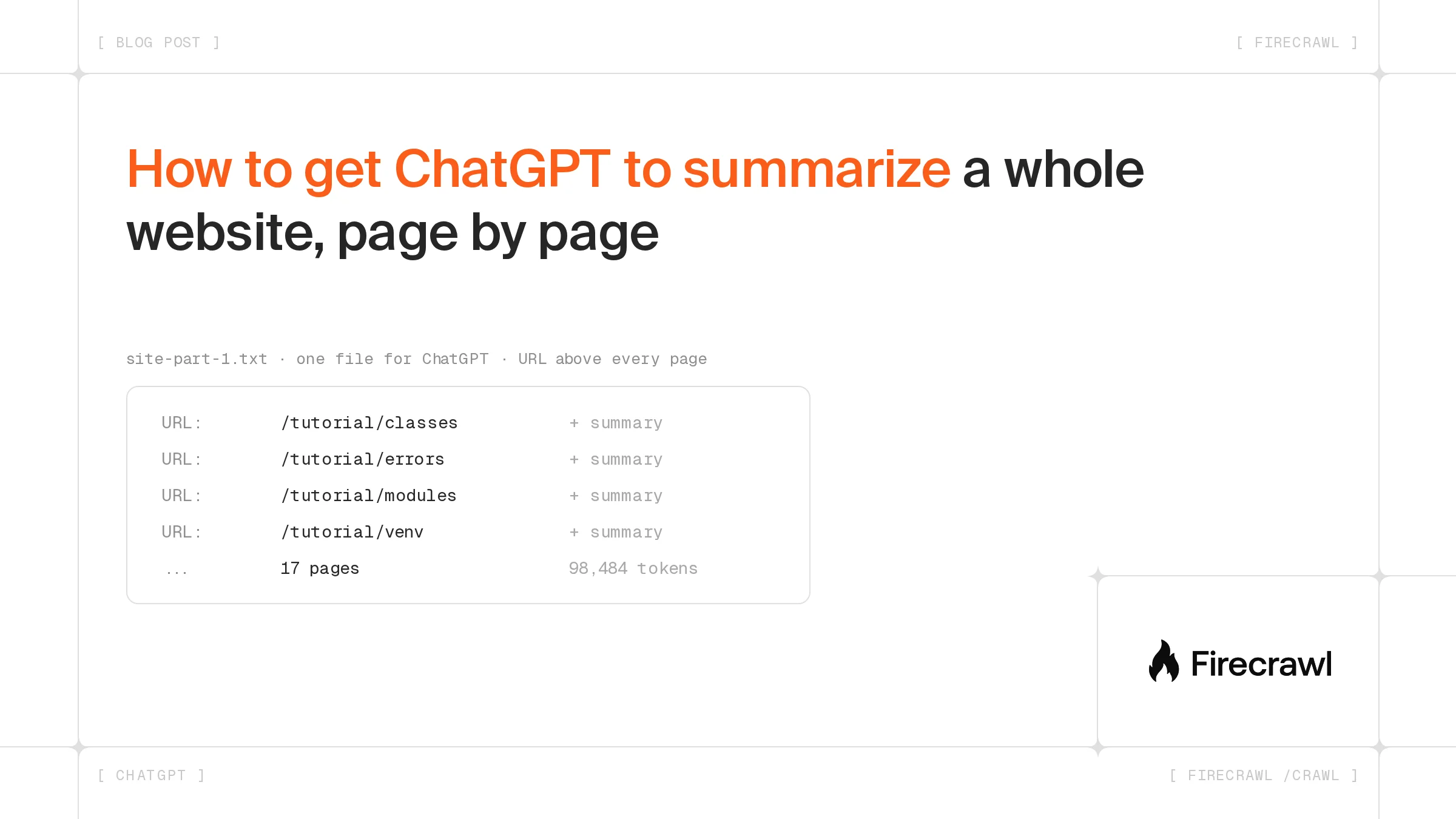
Our crawl of the Python tutorial returned 17 pages for 17 Firecrawl credits:
| File | What it holds | Size (OpenAI o200k tokenizer) |
|---|---|---|
site.txt | Full Markdown of all 17 pages, with URLs | 98,484 tokens |
summaries.txt | One summary per page, with its URL | 3,560 tokens |
The summaries are about 28 times smaller than the full text. Use them for the overview, and the full file when you need quotes or details. Developers can run the same crawl from the Firecrawl CLI, the SDKs or the API, as in the scrape a website to Markdown guide.
Botpress uses the same step to load website content into its chatbots: “Firecrawl is the easiest way to extract relevant content from a website.”
How much of a website fits in ChatGPT?
One text file holds up to 2 million tokens, a few hundred typical pages. Limits from OpenAI's file uploads help page, checked October 29, 2026:
| Limit | Value |
|---|---|
| Text and document files | 2 million tokens, 512 MB per file |
| Upload rate | 80 files every 3 hours; Free users get 3 uploads a day |
| Files per Project | Free 5; Go and Plus 25; Edu, Pro, Business and Enterprise 40 |
| Storage | 25 GB per user, 100 GB per organization |
Use .txt files. Some forum users reported in June 2026 that .mdx files attached but weren't read.
Where should the files go: a chat or a Project?
- A chat for a one-off question. Attach the file and ask.
- A Project for a site you'll ask about again. Add the files under Add files and set an instruction like "Answer only from the uploaded files and cite the URL above each fact." See OpenAI's Projects guide.
To keep it current, rerun the crawl and replace the file.
Which prompts get good page-by-page summaries?
Tell ChatGPT what the file holds: "This file holds 17 pages from docs.python.org, each starting with a URL line." Then ask:
- "Summarize each page in two sentences, in order, with its URL."
- "Group the pages into five topics and list the URLs under each."
- "Which pages explain error handling? Quote one line from each, with its URL."
- "Which three pages should a beginner read first, and why?"
- "List every URL in the file." If the list is shorter than the crawl, ChatGPT didn't read the whole file.
How do you start?
Add the Firecrawl plugin to ChatGPT and run the prompts above. A free account includes 1,000 Firecrawl credits a month, enough to crawl 1,000 pages. More plugin tasks are in the plugin launch post.
Frequently Asked Questions
Can ChatGPT read every page of a website if I give it the homepage?
No. A link in the chat gets ChatGPT the page behind that link at most, and content drawn by JavaScript may not come through at all. To work across a whole site, ChatGPT needs a tool that crawls it, such as the Firecrawl plugin, or the page text uploaded as a file.
How many web pages can I upload to ChatGPT at once?
OpenAI caps each text file at 2 million tokens. A 17-page documentation section we crawled came to about 98,000 tokens, so a single file holds a few hundred pages of similar length. Put several files in a Project if the site is larger: Free projects take 5 files, Go and Plus take 25, and Pro, Business, Enterprise and Edu take 40.
Does Firecrawl work inside ChatGPT?
Yes. Firecrawl has an official ChatGPT plugin that searches, scrapes, maps and crawls from inside a conversation. Crawling a site needs a signed-in Firecrawl account, and the free plan includes 1,000 Firecrawl credits a month.
Can I summarize a website with Claude instead of ChatGPT?
Yes. Claude's connector directory lists Firecrawl, and its listing covers search, page extraction and multi-page crawls. You can also upload the same crawled text file to a Claude chat or project.
What file format should I use when I upload a website to ChatGPT?
Plain text with Markdown inside, one page after another, each preceded by its URL and title. OpenAI lists TXT as a supported document type, and Markdown keeps headings, lists and links readable without HTML markup taking up tokens.
How much does it cost to crawl a website with Firecrawl?
A crawl costs 1 Firecrawl credit per page, and the summary format adds nothing on top. Discovering a site's URLs first with a map call costs 1 Firecrawl credit per call. A 100-page site therefore costs about 101 Firecrawl credits.