TL;DR
| Tool | Language | Output Structure | Best For |
|---|---|---|---|
| Docling | Python | Positional (bbox, page, charspan) | OCR quality analysis, comparing original vs. extracted text |
| PyMuPDF | Python | Positional (font, size, bbox, spans) | Layout/typography inspection, minimal setup |
| pdf2json | JavaScript | Positional, fragmented (per text-run) | Form field detection, low-level layout control |
| pdf-parse | JavaScript | Flat text blob + rich metadata | Document metadata inspection, simple text extraction |
| Firecrawl | Python/Node/API | Schema-guided, semantic (speaker/field-level) | AI workflows, structured data ready for immediate use |
Converting PDF files to JSON opens up all sorts of possibilities in software. Document extraction is one of the most sought after skills in the data industry. When we think of the internet, we usually picture dynamic pages, beautifully rendered HTML, single page applications (SPAs) meant to handle entire workflows end to end.
The internet is the world's largest repository of human knowledge. We don't normally think about how this knowledge is stored. In the first iteration of the internet, things weren't always served in an HTML page. Smaller pages used handwritten HTML. Larger documents got stored in other formats like PDF.
This post compares five libraries for converting PDFs to JSON: Docling, PyMuPDF, pdf2json, pdf-parse, and Firecrawl. Each is run against the same 1902 edition of Plato's Crito so the outputs are directly comparable.
What is PDF extraction? Why convert to JSON?
JSON is the de facto language of the modern internet. Data gets stored in key-value pairs. Each object has a schema. When it's strongly enforced, this schema makes data usable from nearly anywhere. JSON doesn't care if you're using Python, JavaScript, Rust, or any other programming language for that matter. This makes JSON ideal for RAG pipelines.
Most REST APIs return JSON. Model Context Protocol (MCP) servers don't just return JSON. They're controlled using JSON as well. JSON powers the vast majority of modern web applications. The beauty of JSON is its simplicity. A JSON object is just fields of text with a minor set of rules attached to it.
Think of the following object.
Person
- Name: Jacob
- Age: 35
- Job: Writer
To a human, this is understandable. To deterministic software, the list above is just some loose, possibly unrelated data that's been grouped closely together on a page. To render this person in JSON, we'd lay it out like this.
{
  "name": "Jacob",
  "age": 35,
  "job": "writer"
}
Then, we can retrieve information by calling the fields. If we call print(object["name"]), we should see Jacob appear in the terminal. To get the person's age, we could call print(object["age"]).
PDF files don't inherit this structure. PDF data has almost no predefined structure at all. It's meant for free text. On top of that, PDF data isn't stored as text. It's stored in a binary format.
Electric bills, tax forms, historical texts, academic papers: PDF is where a huge share of the world's important information lives, and none of it is friendly to modern software. Converting PDF data into JSON without losing its integrity is what makes an electric bill readable by a machine or a century-old text queryable by an LLM.
Why do most traditional document parsing techniques fail?
Most traditional parsing techniques fail during a process called Optical Character Recognition (OCR). OCR has been tricky ever since we started scanning physical documents for upload in the digital world. Today, it's much better than it was thirty years ago. In fact, most commercial OCR software does a decent enough job. When you scan a document that was printed yesterday, your machine will likely parse it with no issues. Things get more difficult when dealing with older texts and texts with mixed formatting.
Your electric bill might come with an itemized table and a few paragraphs summarizing recent changes to provider policy. If you're analyzing a century old text, it might fail because it was handwritten. It also might fail because the ink is worn. Even an obscure typewriter font or a poorly aligned page can cause the parser to fail once it's been scanned.
This isn't unique to deterministic parsers either. A 2025 study offered several key findings I'd like to mention here.
- Quality can vary even when using frontier LLMs.
- Inconsistency is a general concern even when using frontier LLMs. Specialized tools like LlamaParse tend to hit the "sweet spot."
- Legal contracts are the easiest to parse. Academic papers were the most difficult.
- Academic papers tend to break all parsers. This is due to document complexity and particularly, their mix of tables, layouts, figures and free text.
- Parsers can extract with high textual accuracy, but miss the structure of the document entirely.
- Open source parsers can often score similarly to frontier LLMs and sometimes even better than them in terms of robustness, but can score lower in terms of edit similarity.
Intelligent parsing isn't all bad. Carbonized scrolls from Mt. Vesuvius are much more difficult to extract than PDF data. However, with AI-powered software, even these are valid candidates for data extraction. Researchers have even been able to virtually unwrap a full Herculaneum scroll without ever unwrapping it.
Which Python libraries convert PDF to JSON?
Now, let's test out some actual libraries for converting PDF to JSON. We'll use a 1902 edition of Plato's Crito. It's available here on the Internet Archive. The file itself is only 14 pages of cleanly done OCR. This gives us a solid control variable to use while still pushing these software libraries to perform a difficult task without choking them out entirely.
Docling
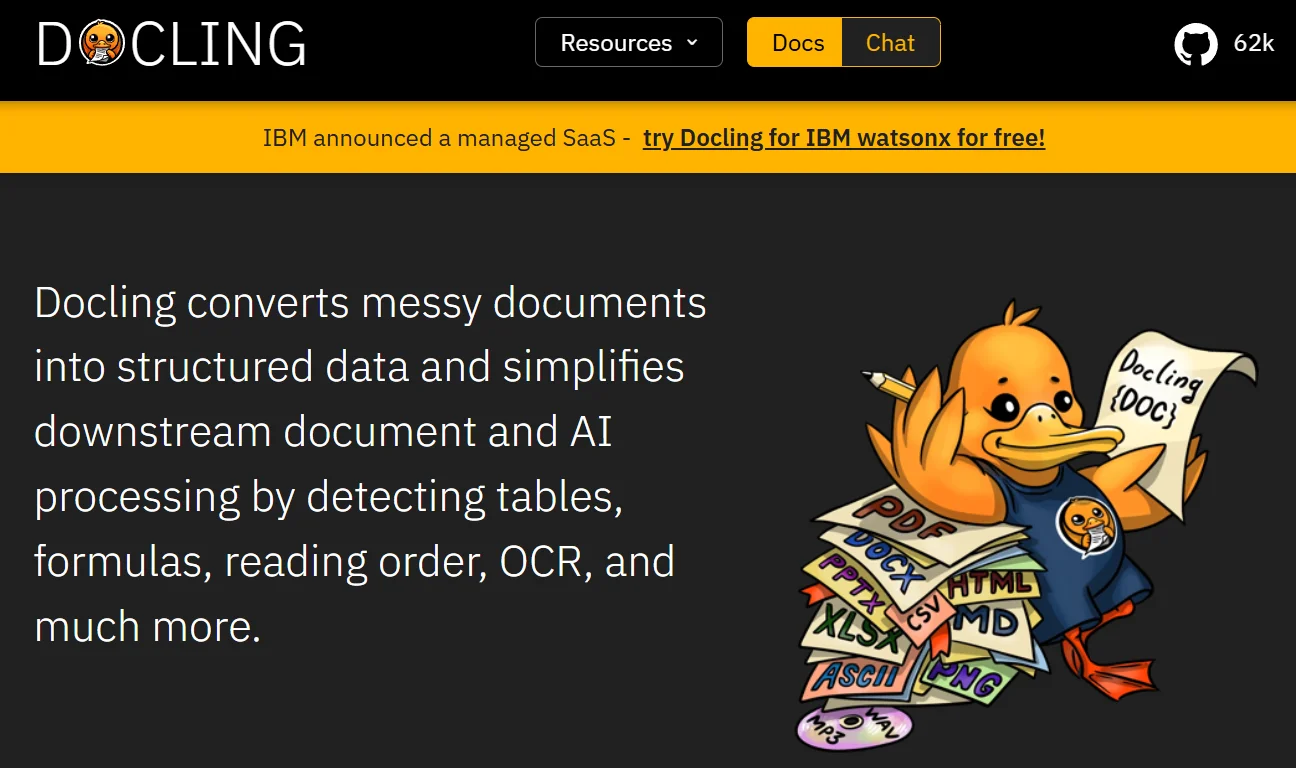
Docling is built to take in numerous data formats including text, tabular, and audio data. Then it can output these into your choice of JSON, Markdown, or HTML.
We can install Docling with pip.
pip install doclingConverting our data with Docling is very straightforward. We first create an instance of DocumentConverter. We input the data using converter.convert(source). Then, we use the export_to_dict() method, which converts all of our input data to JSON. After exporting the JSON, we write it to a file.
from docling.document_converter import DocumentConverter
import json

source = "plato_the_crito.pdf"

converter = DocumentConverter()
result = converter.convert(source)

output_json = result.document.export_to_dict()

with open("docling-crito.json", "w", encoding="utf-8") as file:
    json.dump(output_json, file, indent=4)
Here's just a small snippet of the output. We have all sorts of fields specifying the text's position on the page. We also get the original text (orig) as well as the extracted text (text). This is really useful when we need to analyze extraction, and particularly, OCR quality.
{
  "self_ref": "#/texts/134",
  "parent": {
    "$ref": "#/body"
  },
  "children": [],
  "content_layer": "body",
  "label": "text",
  "prov": [
    {
      "page_no": 14,
      "bbox": {
        "l": 89.3672550144,
        "t": 594.4359999999999,
        "r": 369.79000400000007,
        "b": 584.209568,
        "coord_origin": "BOTTOMLEFT"
      },
      "charspan": [0, 59]
    }
  ],
  "orig": "Soc. Then let me follow the intimations of the will of God.",
  "text": "Soc. Then let me follow the intimations of the will of God."
}
PyMuPDF
PyMuPDF is a Python binding for MuPDF. It's the engine that a lot of other LLM-oriented parsers (including pymupdf4llm) are built on. Install it with pip.
pip install pymupdfWe can pull structured, positional JSON straight out of PyMuPDF using page.get_text("json"). It returns a JSON string per page containing every text block, line, and span along with font, size, color, and bounding box. We iterate pages, parse each string, and write the whole list to a file.
import pymupdf
import json

doc = pymupdf.open("plato_the_crito.pdf")

pages = [json.loads(page.get_text("json")) for page in doc]

with open("pymupdf-crito.json", "w", encoding="utf-8") as file:
    json.dump(pages, file, indent=4)
Each span comes back with layout and typography metadata. Here's the last line of the Crito, extracted from page 14.
"spans": [
    {
        "size": 12.0,
        "flags": 4,
        "bidi": 0,
        "char_flags": 16,
        "font": "Baskerville Old Face",
        "color": 0,
        "alpha": 255,
        "ascender": 0.75,
        "descender": -0.17900000512599945,
        "text": "Soc. Then let me follow the intimations of the will of God. ",
        "origin": [
            90.02400207519531,
            205.82000732421875
        ],
        "bbox": [
            90.02400207519531,
            196.13217163085938,
            369.78997802734375,
            208.13217163085938
        ]
    }
]
Which JavaScript libraries convert PDF to JSON?
The two most common JavaScript options for PDF to JSON extraction are pdf2json and pdf-parse. We'll run the same Crito file through both.
pdf2json
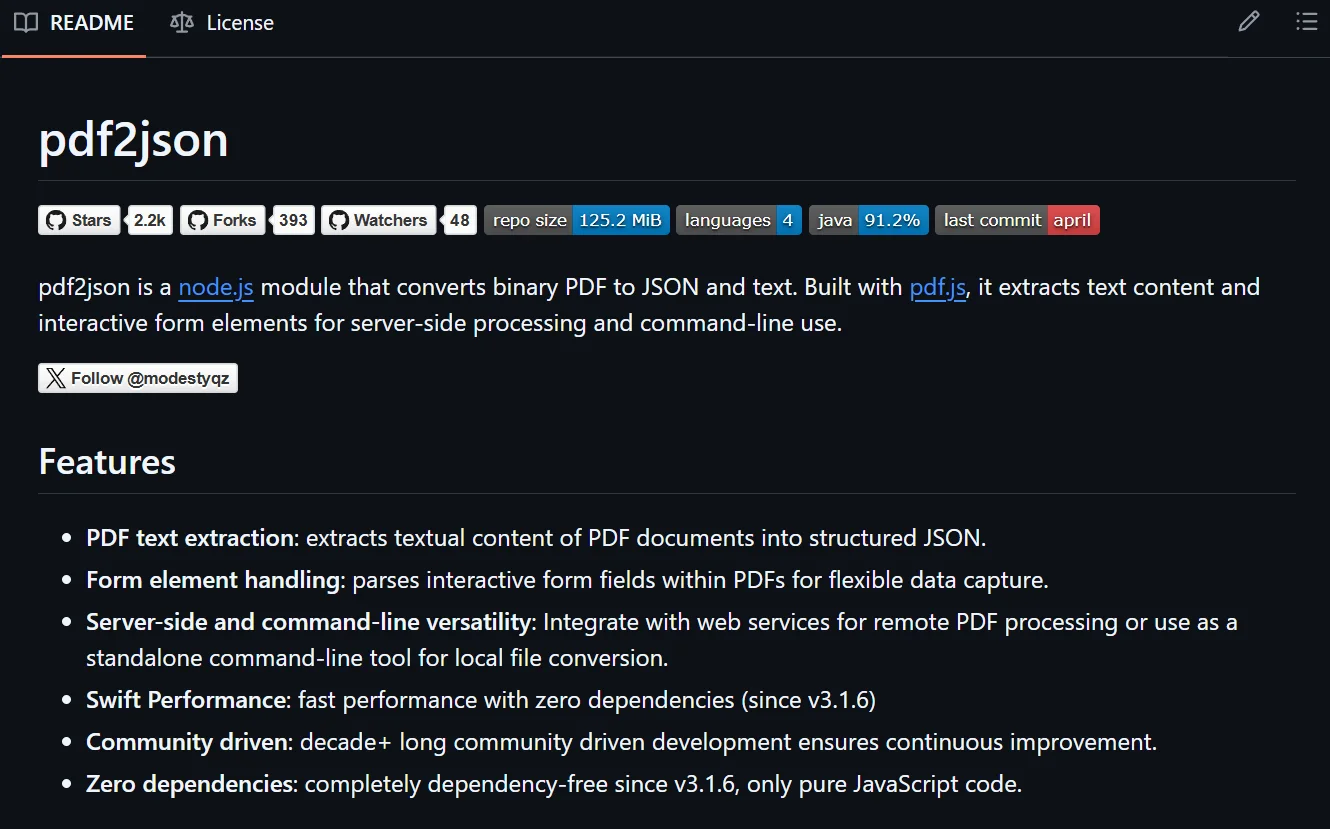
pdf2json is built specifically for this task. That's literally its name. You can install it using npm.
npm i pdf2jsonOur code here is relatively straightforward as well. We create an instance of PDFParser. Then, we use the on() method to handle errors. We configure it to write the data to a JSON file when no error occurs. Once our parser is configured, we run the Crito through it using loadPDF().
import fs from "fs";
import PDFParser from "pdf2json";

const pdfParser = new PDFParser();

pdfParser.on("pdfParser_dataError", (errData) => console.error(errData.parserError));

pdfParser.on("pdfParser_dataReady", (pdfData) => {
  fs.writeFile("pdf2json-crito.json", JSON.stringify(pdfData, null, 4), () => console.log("Done."));
});

pdfParser.loadPDF("./plato_the_crito.pdf");
Like our other examples, each bit of extracted text comes to us nested inside a massive JSON object built primarily from document metadata.
{
    "x": 6.839,
    "y": 12.114,
    "w": 256.512,
    "clr": 0,
    "sw": 0.32553125,
    "A": "left",
    "R": [
        {
            "T": "Then let me follow the intimations of the will of God. ",
            "S": -1,
            "TS": [
                0,
                15,
                0,
                0
            ]
        }
    ]
},
pdf-parse
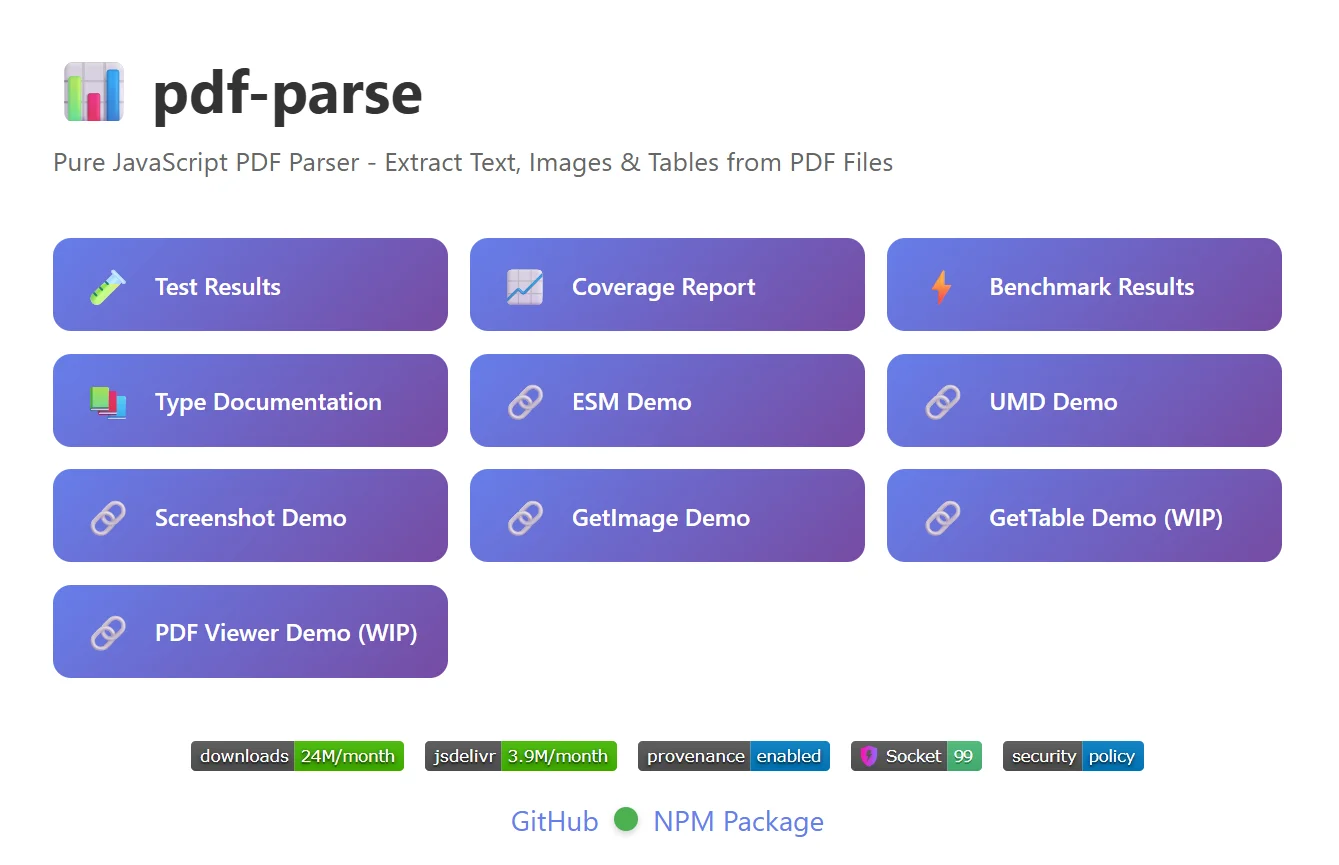
Now, we'll take a look at pdf-parse. This tool is not made specifically for JSON. It's a general purpose PDF parsing library.
Install it using npm.
npm i pdf-parseFirst, we create a PDFParse() object. Then we need to await the text and the metadata. After extraction, we manually remove the parser from memory using destroy(). I was very surprised to see a modern JavaScript library that requires manual memory management. After destroying the parser object, we write the text and metadata of the Crito to a JSON file.
import { PDFParse } from "pdf-parse";
import fs from "fs";

const parser = new PDFParse({ url: "./plato_the_crito.pdf" });

const text = await parser.getText();
const info = await parser.getInfo({ parsePageInfo: true });

await parser.destroy();

const output = {
  metadata: info,
  text: text.text,
};

fs.writeFileSync("pdf-parse-crito.json", JSON.stringify(output, null, 4));
This time, our output is different. pdf-parse takes a much more brute force approach. We don't get each line extracted as a neat object. We get the entire Crito in one line of text.
The metadata, though, is rich. pdf-parse even identified the origin software as Microsoft Office Word 2007. If you need to inspect document provenance, pdf-parse is the strongest of the libraries we tested. The extracted text is the ugliest.
For brevity, we shortened the extracted text below to show just the beginning and end of the document.
{
  "metadata": {
    "total": 14,
    "info": {
      "PDFFormatVersion": "1.5",
      "Language": "en-US",
      "EncryptFilterName": null,
      "IsLinearized": false,
      "IsAcroFormPresent": false,
      "IsXFAPresent": false,
      "IsCollectionPresent": false,
      "IsSignaturesPresent": false,
      "Author": "Plato",
      "CreationDate": "D:20140704085745-04'00'",
      "Creator": "Microsoft® Office Word 2007",
      "Keywords": "Socrates; Trial of Socrates; Justice; Death penalty",
      "ModDate": "D:20140704094222-04'00'",
      "Producer": "Microsoft® Office Word 2007",
      "Subject": "Socrates's insistence on submitting to the death penalty",
      "Title": "Crito"
    },
    "metadata": {},
    "fingerprints": ["0a01264c606e3f49a444ef99695f135b", "092165677d7c90498a026d210980024f"],
    "permission": null,
    "outline": null,
    "pages": [
      {
        "pageNumber": 1,
        "links": [
          {
            "url": "http://www.rosingsdigitalpublications.com/",
            "text": ""
          }
        ],
        "width": 612,
        "height": 792
      },
      {
        "pageNumber": 2,
        "links": [],
        "width": 612,
        "height": 792
      },
      {
        "pageNumber": 3,
        "links": [],
        "width": 612,
        "height": 792
      },
      {
        "pageNumber": 4,
        "links": [],
        "width": 612,
        "height": 792
      },
      {
        "pageNumber": 5,
        "links": [],
        "width": 612,
        "height": 792
      },
      {
        "pageNumber": 6,
        "links": [],
        "width": 612,
        "height": 792
      },
      {
        "pageNumber": 7,
        "links": [],
        "width": 612,
        "height": 792
      },
      {
        "pageNumber": 8,
        "links": [],
        "width": 612,
        "height": 792
      },
      {
        "pageNumber": 9,
        "links": [],
        "width": 612,
        "height": 792
      },
      {
        "pageNumber": 10,
        "links": [],
        "width": 612,
        "height": 792
      },
      {
        "pageNumber": 11,
        "links": [],
        "width": 612,
        "height": 792
      },
      {
        "pageNumber": 12,
        "links": [],
        "width": 612,
        "height": 792
      },
      {
        "pageNumber": 13,
        "links": [],
        "width": 612,
        "height": 792
      },
      {
        "pageNumber": 14,
        "links": [],
        "width": 612,
        "height": 792
      }
    ]
  },
  "text": "CRITO\nTranslated into English\nWITH ANALYSIS AND INTRODUCTION\nBY\nB. Jowett, M.A.\nMASTER OF BALLIOL COLLEGE, REGIUS PROFESSOR OF GREEK IN THE\nUNIVERSITY OF OXFORD...\nSoc. Then let me follow the intimations of the will of God.\nCRITO\n\n-- 14 of 14 --\n\n"
}
What are the challenges with traditional PDF to JSON methods?
Traditional PDF parsers extract the raw data, but the output isn't usable as is. To do anything with the extracted dialogue in software, we need a second parsing pass. Most of what comes back is leftover artifacts and document metadata.
This leaves us with two main problems.
- Document metadata: This sits inside the file, eating up space. It does nothing. If we feed it to an LLM, it's just going to eat extra tokens.
- Schema: In this dialogue, there are two main characters: Crito and Socrates. Even when the extractor maintains the character tagged to the line, it's one solid string:
"Soc. Then let me follow the intimations of the will of God."
Using our dialogue should be easy. We really just need to loop through a list of dialogue objects. Traditional parsers don't hand back data in that shape.
for dialogue_object in dialogue:
    character = dialogue_object["character"]
    line = dialogue_object["line"]
    print(f"{character}: '{line}'")
For a loop like this to work, we need intelligent parsing.
How does Firecrawl convert PDF to JSON?
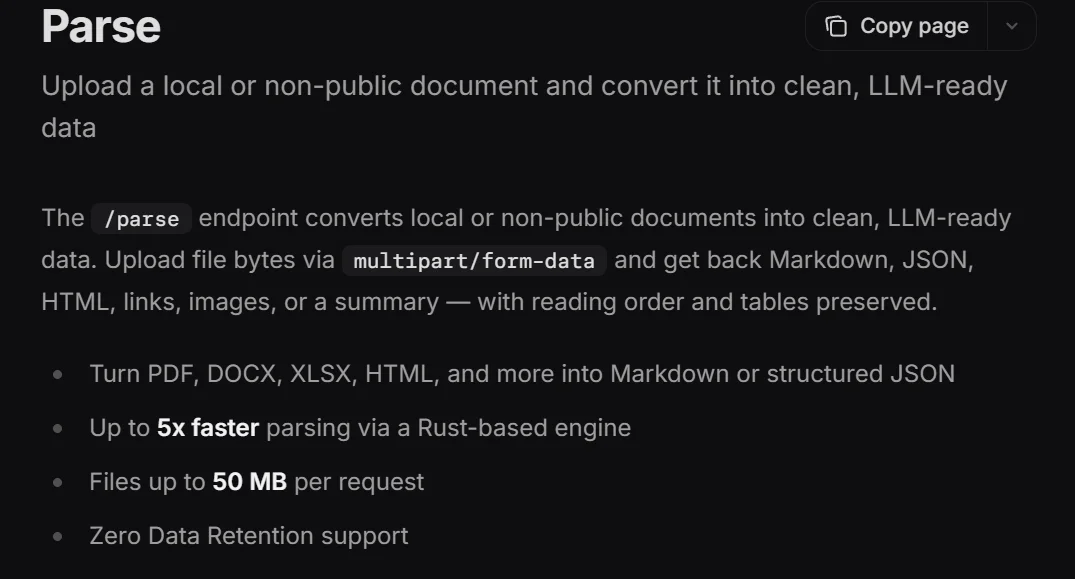
Firecrawl changes this task entirely. Recently, they launched a Rust-based parsing engine. Rather than extracting text for document analysis, we can use natural language and a schema to convert PDF to structured data in a single call. The code below uses the Firecrawl Python SDK to extract information from the PDF file.
pip install firecrawl-pyWe pass the document into Firecrawl's parse() method with three key inputs:
formats: includeJsonFormat()to route the extraction through an AI agent.prompt: a natural-language instruction telling the agent what to pull out.schema: the shape the data should come back in.
Once parsing finishes, we save the result to a JSON file.
from firecrawl import Firecrawl
from firecrawl.v2.types import ParseOptions, JsonFormat
import json

firecrawl = Firecrawl(api_key="<your-firecrawl-api-key>")

doc = firecrawl.parse(
    "./plato_the_crito.pdf",
    options=ParseOptions(formats=["markdown", JsonFormat(
    prompt=(
        "Extract the complete dialogue from this text as a sequence of speaker turns, "
        "from the very first line to the very last line of the document. "
        "The final line of the dialogue is Socrates saying he will follow the will of God. "
        "Continue extracting every exchange in order until you reach that final line. "
        "Do not summarize, condense, or skip any exchanges in the middle."
    ),
    schema={
        "type": "object",
        "properties": {
            "dialogue": {
                "type": "array",
                "items": {
                    "type": "object",
                    "properties": {
                        "character": {"type": "string"},
                        "line": {"type": "string"}
                    },
                    "required": ["character", "line"]
                }
            }
        },
        "required": ["dialogue"]
    }
)])
)

output_json = doc.json

with open("firecrawl-crito.json", "w", encoding="utf-8") as file:
    json.dump(output_json, file, indent=4)
The difference is immediate. We don't need an additional parser to use this data. We have individual dialogue objects. Each one is tied to a character from the document. This is ready for use by nearly any software. If you really wanted to, you could pair this with audio or video software and create your own mp3 or mp4 of the Crito.
doc.json mirrors the shape you defined in the schema, so the dialogue lives at doc.json["dialogue"]. Here are the last two turns.
[
    ...
    {
        "character": "Crito",
        "line": "I have nothing to say, Socrates."
    },
    {
        "character": "Socrates",
        "line": "Then let me follow the intimations of the will of God."
    }
]
This feature works for all sorts of offline documents. For more information, take a look at the full documentation on document parsing.
Conclusion
Every library in this article lives up to its promises. Most of these libraries give us enough metadata to rebuild an entire document from scratch. If you need to track text placement, fonts, or even the origin of the document, the local Python and JavaScript libraries we tested are nearly perfect.
If you need usable data right out of the box, Firecrawl's document parser gives you that. With intelligent parsing and custom schema, we can eliminate full portions of the traditional ETL pipeline. PDF extraction gets branded as a niche skill in this industry. With modern tooling, it's not some obscure discipline known only by sages and monks. PDF extraction, especially PDF to JSON conversion, is something the everyday developer can handle with minimal code.
If the goal is a readable overview rather than structured JSON, our roundup of the best AI PDF summarizer tools compares the tools worth reaching for and calls out which ones ship a real API, MCP, or CLI for agent workflows.
Frequently Asked Questions
What is PDF extraction and how does it work?
PDF extraction is the process of extracting real data from a PDF file. There are a variety of commercial tools and software libraries to use when extracting PDF data.
What are the primary benefits of converting PDF data to JSON?
Converting PDF content to JSON makes unstructured data machine-readable. It enables integration with databases, web applications, and AI models. Unlike raw text, JSON preserves relationships and structures. This is essential for automation and programmatic analysis.
What is Firecrawl and how does it help with PDF extraction?
Firecrawl is the web data API for extracting all kinds of data. It can be used for typical web extraction but also offers a tool for parsing local files as well. With Firecrawl, you can use natural language prompts and custom schema to transform PDF data into nearly any form you need.
What types of documents can I use with Firecrawl's parsing feature?
You can parse a variety of documents such as Word documents, Excel spreadsheets and traditional PDFs. Outputs can be generated in Markdown or JSON.
Why do traditional OCR tools often fail when extracting complex tables?
Traditional OCR reads text sequentially without understanding visual layout. Important data often gets flattened into mangled output. Modern solutions use vision models that process the page as an image. This helps maintain the spatial relationships of tabular data.
How can accuracy be ensured in PDF-to-JSON extraction workflows?
Accuracy is best ensured by using advanced AI models that combine visual and linguistic understanding. An intelligent model can view and interpret the page rather than parsing it deterministically.
How does AI-based extraction differ from standard OCR?
Standard OCR focuses on identifying individual characters and words. AI-based extraction identifies structural elements like headings, paragraphs, tables, and lists. The model understands the document's semantics.
Can PDF extraction tools handle handwritten text?
Yes, many modern AI-driven extraction services can detect and extract both printed text and handwriting. This is particularly useful for processing medical forms, legal documents, or historical records where handwritten notes or signatures are common.
What are some common use cases for automated PDF extraction?
Common use cases include importing patient forms into healthcare systems, creating smart search indexes for large archives, automating invoice processing in accounts payable, and extracting data from financial statements for risk analysis or compliance auditing.
How does PDF to JSON conversion support RAG pipelines?
PDF-to-JSON conversion serves as a preparation layer for RAG. By converting unstructured PDFs into structured chunks, developers can ensure that their data and relationships are preserved when the data is vectorized. This leads to better search results and more accurate AI-generated answers.