TL;DR: Best website screenshot APIs
| Tool | Best for | Free tier | Entry plan |
|---|---|---|---|
| Firecrawl | Screenshot plus markdown, HTML, or JSON in one call | 1,000 credits/mo, keyless | Hobby, $19/mo billed monthly, or $16/mo billed annually |
| CaptureKit | Fast response times with edge caching | 100 credits, one-time | Starter, $7/mo |
| Urlbox | Forensic-grade capture with change detection | None | Bootstrap, $19/mo |
| Playwright | Self-hosted, pixel-diff testing, CI suites | Free, MIT license | Self-hosted |
| ScreenshotOne | Ad and cookie-banner blocking built in | 100 shots/mo, refillable | Basic, $17/mo |
Screenshots seem simple. Point a browser at a URL, hit shutter, save a PNG. It should be even simpler inside an agentic workflow: the agent has the URL, it wants an image. Yet getting the right screenshot is something most of us still struggle with.
The one thing that decides it is how the tool handles JavaScript. Most basic services grab the raw HTML the second the page returns a 200, which is fine for a static blog and useless for anything running React, Vue, or a client-side chart library. You get back a skeleton loader or a blank div.
Pick a tool that lets you set an explicit wait before the capture fires: a pageload delay, a wait_for selector, or a scriptable action that pauses until the network settles. That single feature decides whether your screenshots look like the real page or half of one.
These are the best website screenshot APIs I would hand someone starting today, ranging from a keyless free tier to a self-hosted library.
What is a screenshot API?
A screenshot API is a hosted service that spins up a headless browser, loads a URL, and returns an image. You send a POST or GET request with the target URL and options for viewport size, wait time, and output format. The service handles browser instances and (for the good ones) ad blocking, cookie-banner dismissal, and login scripts.
There are two main types.
- Hosted APIs: Firecrawl, CaptureKit, Urlbox, ScreenshotOne. You pay per screenshot, they run the browsers.
- Self-hosted libraries: Playwright, Puppeteer. You run the browsers, you own the images. Cheaper per shot at high volume, more work up front. For the head-to-head, see Playwright vs Puppeteer.
The choice usually comes down to volume and control. Under 10,000 shots a month, a hosted API is almost always cheaper once you factor in the ops time. Over 1 million, the math flips.
5 best screenshot APIs in 2026: tried and tested
1. Firecrawl
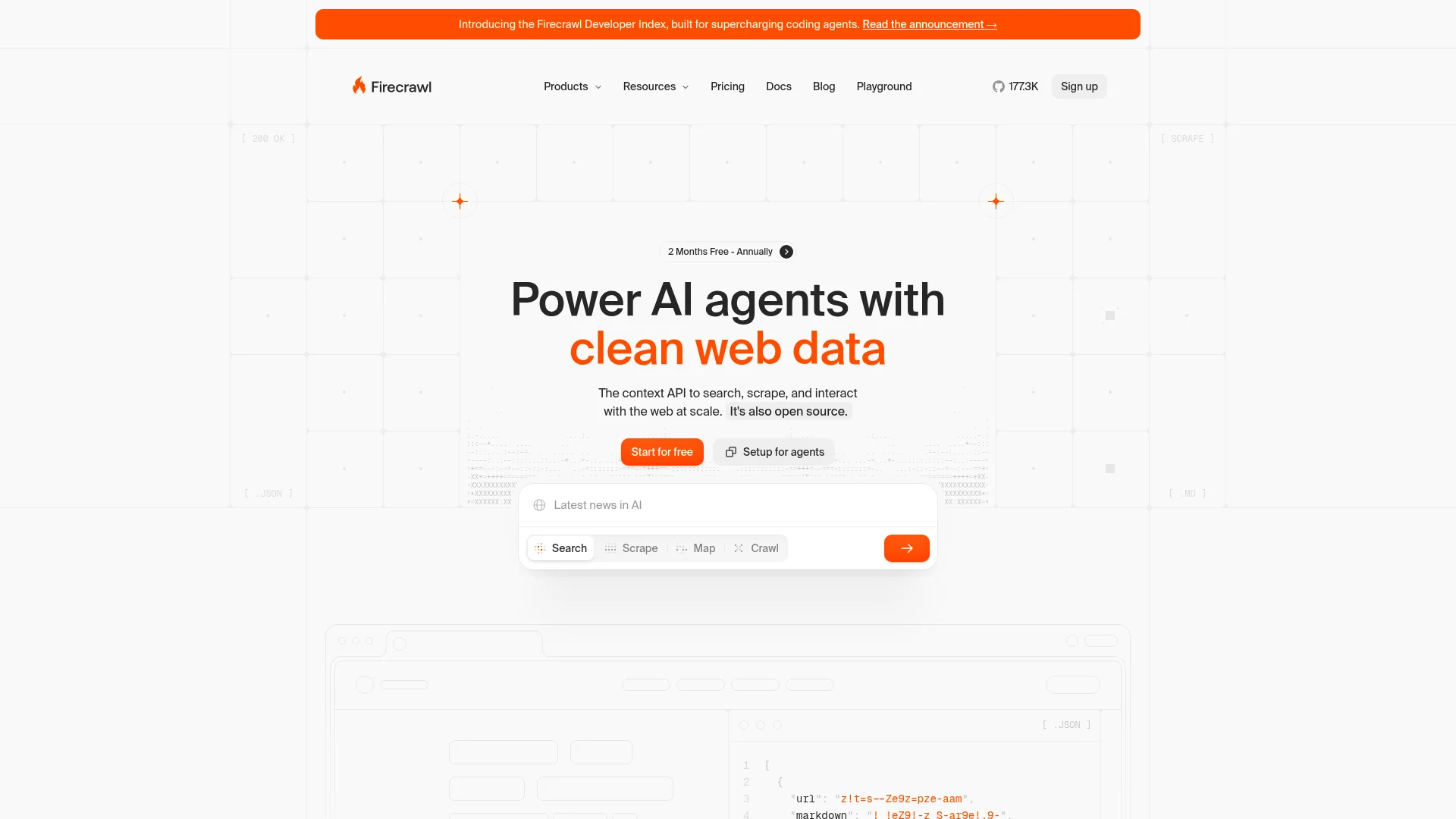
Firecrawl is a hosted scraping API that returns a screenshot plus markdown, HTML, or extracted JSON of the same page in one call.
Most screenshot APIs give you a picture and nothing else. Firecrawl's /scrape endpoint takes one URL and returns whatever formats you ask for: screenshot (viewport) or a screenshot format object with fullPage: true, alongside markdown, html, links, or a schema-extracted object. That means one credit and one round trip if you are, say, building a monitoring workflow that needs both an image for the alert and the page text for a diff. It is currently one of the top 50 most-starred repositories on GitHub, with 177k stars on firecrawl/firecrawl.
I actually used Firecrawl to take the screenshots for this article. I asked Claude Code to use Firecrawl and grab homepage screenshots of every tool in the list, and it took under 30 seconds end to end for both to hand back five PNGs.
You can do the same from ChatGPT or Claude with the official Firecrawl plugin for ChatGPT or connector for Claude: ask it to "screenshot the pricing pages of these five tools" and it runs the scrape for you. The plugin also includes Firecrawl Alexandria, so when you need the data behind a page (a company's funding history, the latest news on a ticker, recent research papers) your assistant pulls it from an official provider instead of reading it off a screenshot.
formats: ["screenshot"]: Viewport capture, returns a signed image URLformats: [{ type: "screenshot", fullPage: true }]: Full-page capture that scrolls and stitches; also takesqualityandviewportwaitFor: Milliseconds to wait after page load before capture, for client-side renderingactions: Scriptable pre-capture steps (click, scroll, wait, fill) for login flows or lazy-loaded contentmobile: true: Mobile viewport with touch events, one flag- Combines with other
/scrapeformats so one call returns the screenshot and the page markdown
Install:
# JavaScript
npm install firecrawl

# Python
pip install firecrawl-py
Example:
# No API key needed for keyless tier. Add -H "Authorization: Bearer $FIRECRAWL_API_KEY" for higher rate limits.
curl -X POST https://api.firecrawl.dev/v2/scrape \
  -H "Content-Type: application/json" \
  -d '{
    "url": "https://example.com",
    "formats": ["markdown", { "type": "screenshot", "fullPage": true }],
    "waitFor": 2000
  }'
Honest take: The free tier is genuinely free. 1,000 credits a month on the keyless launch: no card, no signup, no email verification. That covers 1,000 screenshots on the /scrape endpoint. If you also want the markdown or extracted JSON in the same call, that is still one credit. The one thing to watch: the returned screenshot URL expires after 24 hours, so if you need the image longer than that you have to save it yourself.
Cons: Screenshot URLs expire after 24 hours, so you need to download and store the image yourself for anything longer.
Repo: github.com/firecrawl/firecrawl. Docs: docs.firecrawl.dev.
2. CaptureKit
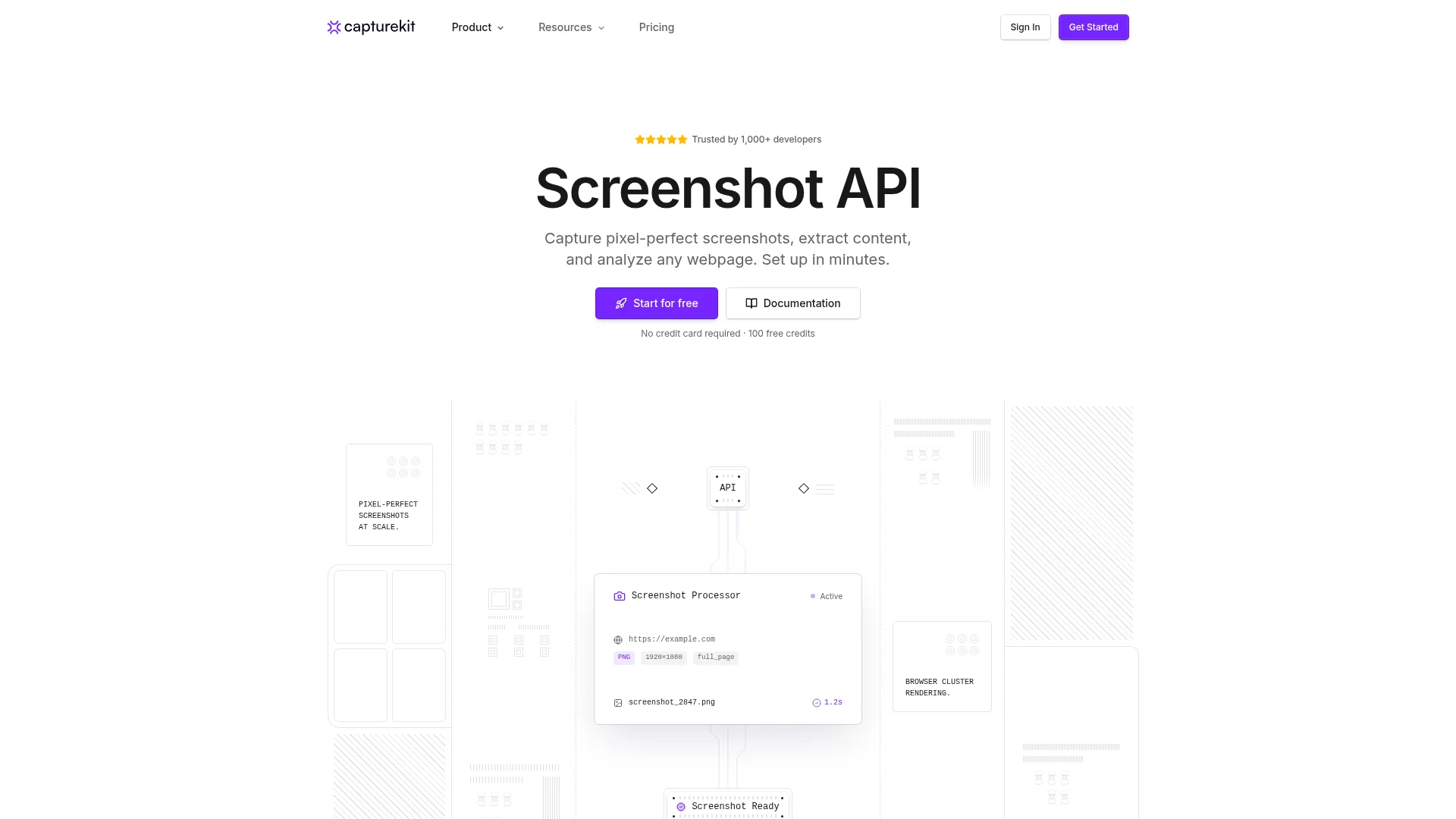
CaptureKit is a lightweight paid screenshot API with fast response times and edge caching.
CaptureKit is one of the newer entrants, and its pitch is speed and simplicity. Sub-2-second delivery, 30-day edge caching, and a small feature surface that is easy to reason about. There is no SDK, you POST a URL and options and get a signed image back. Alongside screenshots, it can return HTML, markdown, or an AI-generated summary of the same page from a single request.
- PNG, JPEG, WebP, and PDF output formats
- Full-page and CSS-selector element capture
- 17+ device emulation profiles
- Edge cache with configurable TTL up to 30 days
- Same-request HTML, markdown, and AI summary output
Install:
No SDK. Any HTTP client works. Snippets provided for JavaScript, Python, cURL, Ruby, Go, Java, and PHP.
Example:
curl -X POST https://api.capturekit.dev/v1/screenshot \
  -H "Authorization: Bearer $CAPTUREKIT_API_KEY" \
  -H "Content-Type: application/json" \
  -d '{"url": "https://example.com", "format": "webp", "device": "iphone-14"}'
Honest take: Fast enough that you can use it inline in a user-facing flow, which most screenshot APIs are not. 100 free credits on signup is enough to try it, though the free tier is a one-time allocation rather than a monthly refill. The public docs are thin on the more advanced wait and rendering options, so if you have a JavaScript-heavy target you may need to email support to confirm the right knobs.
Cons: Free credits are a one-time grant, not a monthly quota. Documentation on wait timing and JS rendering knobs is sparse compared to Urlbox or Playwright.
Reference: capturekit.dev. Docs: docs.capturekit.dev.
3. Urlbox
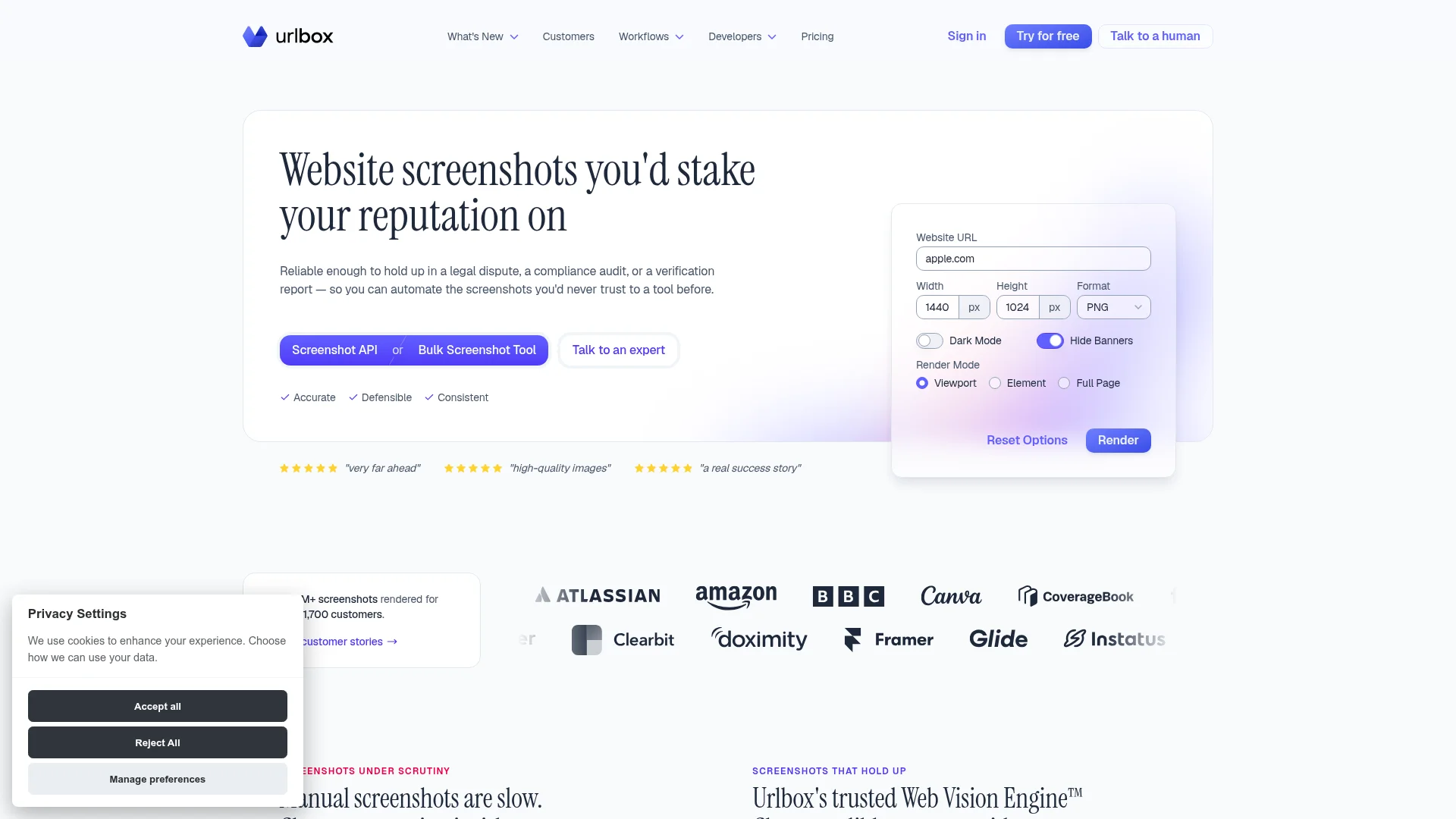
Urlbox is a premium screenshot and rendering API with 100+ render options, change detection, and forensic-grade output.
Urlbox is the tool I reach for when the job is not "grab a picture" but "grab a picture I can defend in a legal review." It signs captures with cryptographic timestamps, stores the underlying HTML alongside the image, and can egress from over 200 countries so the page loads from where your users actually are. That is overkill for a thumbnail and exactly right for compliance evidence, court exhibits, or ad verification.
- 100+ render options: delay, scroll, click, wait, clip, timezone, locale
- Output formats: PNG, JPEG, WEBP, AVIF, MP4, WEBM, PDF, SVG, MD, JSON, HTML
- Auto-hides modals, cookie banners, ads, and chat widgets
- Change detection across image, text, and metadata
- Cryptographic timestamps plus captured HTML for forensic use
- Geographic egress from 200+ countries
Install:
# JavaScript
npm install urlbox

# Python
pip install urlbox
SDKs also for PHP, Ruby, Java, C#, Elixir, Go, Rust, and a WordPress plugin.
Example:
import Urlbox from "urlbox";
const urlbox = Urlbox("YOUR_API_KEY", "YOUR_API_SECRET");
const url = urlbox.buildUrl({ url: "example.com", wait_for: ".loaded", full_page: true });
Honest take: The most complete option in the list, and the most expensive. If you are grabbing thumbnails for a link preview, this is overkill. If you are running change detection on a competitor's pricing page or archiving a page as evidence, nothing else in the list has the same audit trail.
Cons: No free tier. Paid plans start at $19/month for 2,000 renders, and 100k shots a month lands closer to $500 on the standard plans, well above CaptureKit or ScreenshotOne at the same volume.
Reference: urlbox.com. Docs: urlbox.com/docs.
4. Playwright
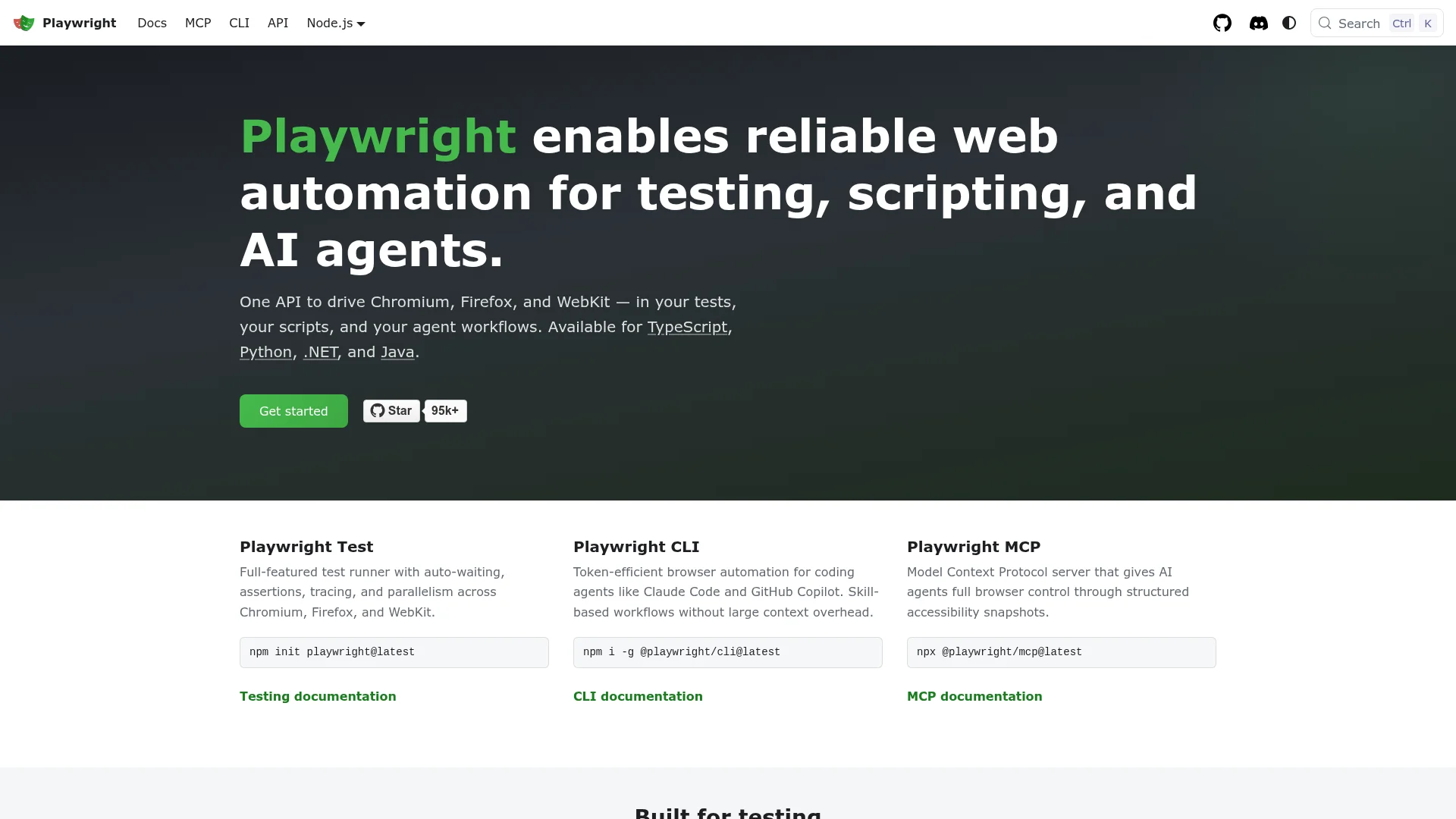
Playwright is Microsoft's open-source browser automation library, and the self-hosted answer for teams that already run headless browsers.
Playwright is not an API, it is a library. You import it, you drive a Chromium (or Firefox, or WebKit) instance, and you call page.screenshot(). The tradeoff is control for ops: no vendor lock-in and no per-shot cost, at the price of running the infrastructure yourself. It has 95.7k stars on microsoft/playwright and is the default choice for visual regression testing across a lot of front-end teams. We wrote a longer look at Playwright versus Firecrawl for the "hosted API or run it yourself" decision.
await page.screenshot({ path, fullPage: true })for viewport or full-page capture- Element screenshots via
page.locator('.header').screenshot() clip: { x, y, width, height }for arbitrary regionsmask: [locator]to redact elements before capture, useful for privacy- Buffer output for pixel-diff and visual regression
waitUntil: 'networkidle'andpage.waitForSelectorfor JS-heavy pages
Install:
npm i -D @playwright/test
npx playwright install
Also available for Python, Java, and .NET.
Example:
import { chromium } from "playwright";
const browser = await chromium.launch();
const page = await browser.newPage();
await page.goto("https://example.com", { waitUntil: "networkidle" });
await page.screenshot({ path: "example.png", fullPage: true });
await browser.close();
Honest take: Playwright wins on control and loses on convenience. You are responsible for keeping browser instances warm, patching Chromium security updates, handling concurrency, and managing your own proxy pool. Under a few thousand shots a month that overhead is not worth it. Over a million, self-hosting is usually the right call and Playwright is the best tool for it.
Cons: Not an API. You run the browsers, manage cold starts (3 to 5 seconds per new instance), manage your own proxy pool, and patch Chromium yourself.
Repo: github.com/microsoft/playwright. Docs: playwright.dev/docs/screenshots.
5. ScreenshotOne
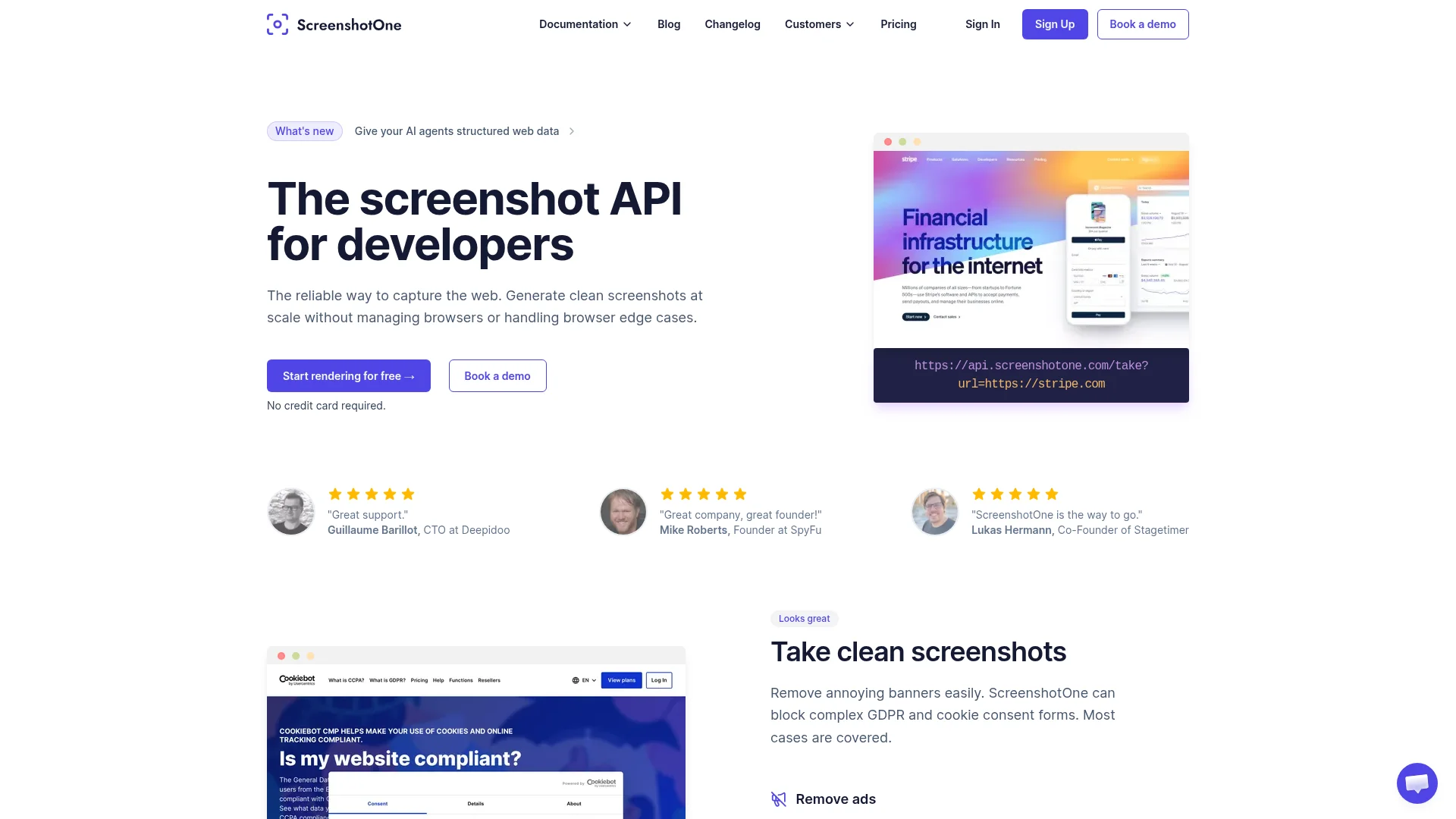
ScreenshotOne is a simple screenshot API with ad blocking, cookie-banner dismissal, and lazy-load handling built in.
ScreenshotOne is the middle-of-the-road choice in this list. Cheaper than Urlbox, more polished than CaptureKit, and specifically opinionated about the cleanup step: it blocks over 50,000 ad rules by default, hides cookie banners, and triggers lazy-loaded images so a full-page screenshot actually contains what a human would see after scrolling. Signed URLs mean you do not need a server call at all for many uses, you just hand the browser a signed image URL and let it fetch.
- Full-page capture with lazy-load trigger
- Ad blocking (50k+ rules) and cookie-banner dismissal on by default
- Dark-mode rendering and retina output
- Custom JS and CSS injection before capture
- Device presets and custom viewport
- Signed URL flow, no server call required
Install:
# JavaScript
npm install screenshotone-api-sdk

# Python
pip install screenshotone
SDKs also for PHP, Ruby, Java, Go, and C#.
Example:
import { Client, TakeOptions } from "screenshotone-api-sdk";
const client = new Client("ACCESS_KEY", "SECRET_KEY");
const options = TakeOptions.url("https://example.com").fullPage(true).delay(2);
const imageBlob = await client.take(options);
Honest take: The 100 free screenshots a month is refillable, which is friendlier than CaptureKit's one-time grant. The ad and banner blocking is a real time-saver if you are grabbing marketing pages, which are increasingly covered in overlays. The wait semantics are less exposed than Urlbox or Playwright, so for a truly awkward client-rendered page you may need to fall back to JS injection.
Cons: wait_for and wait_until behavior is less prominent than in Urlbox or Playwright, so complex client-side apps sometimes need custom JS injection to work reliably.
Reference: screenshotone.com. Docs: docs.screenshotone.com.
Building the top website screenshot APIs into your workflow
Pick based on volume and what else you need alongside the image. For a hobby project or a low-volume link-preview feature, Firecrawl's keyless tier or ScreenshotOne's free plan cover you without a card. For a compliance or evidence workflow, Urlbox is the only option in the list with a real audit trail. For a workflow that already needs the page's text or structured data, Firecrawl returns both in one call, which halves the credit cost against running a scrape and a screenshot request separately. For anything over a million shots a month or a visual regression suite that runs on every commit, host Playwright yourself.
The hosted-API-versus-self-hosted-library distinction matters here.
For discovery, the screenshot API tag on Product Hunt and the awesome-playwright list on GitHub track new entrants. If you are building an AI agent that needs to see the page as well as read it, our post on up-to-date documentation for coding agents and the Firecrawl developer index writeup cover the retrieval side of the same workflow.
Frequently Asked Questions
What should I look for in a screenshot API?
The single feature that decides whether your screenshots work is how the tool handles JavaScript. Look for an explicit wait control: a waitFor or delay in milliseconds, a wait_for CSS selector, or a scriptable action that pauses until the network is idle. After that, check full-page capture (does it scroll and stitch, or crop at the viewport), device emulation for mobile shots, and whether the API can return the page text alongside the image so you do not need a second call. Ad and cookie-banner blocking, and cold-start time on the vendor's browsers, matter for user-facing flows.
Is there a free online screenshot service with an API that works for a reasonable number of shots per month?
Yes. Firecrawl gives you 1,000 keyless credits per month with no card and no signup, which covers 1,000 screenshots on the /scrape endpoint. ScreenshotOne offers 100 free screenshots per month, and CaptureKit gives you 100 free credits on signup. For a hobby project or a low-volume dashboard thumbnail, any of these three works without a paid plan.
Can I take web screenshots from within ChatGPT or Claude?
Yes, if you connect a screenshot tool over MCP. Firecrawl is an official ChatGPT plugin and ships an MCP server that Claude Code can call, so you can ask 'screenshot this page' in the chat and the model runs a /scrape call in the background. Playwright also has an MCP server for the self-hosted route. Without MCP or a plugin, neither ChatGPT nor Claude can render a page and return a real image, they only describe URLs.
What is the difference between a screenshot API and Playwright?
A screenshot API is a hosted service: you send a URL, they return an image. Playwright is a browser automation library that you run yourself, which means you rent the servers, install Chromium, handle concurrency, patch security updates, and rotate proxies. APIs are cheaper for anything under a few thousand shots a day. Playwright wins when you need pixel-diff testing, per-frame control, or a workflow that already runs headless browsers.
How do you screenshot pages that rely on client-side rendering?
Set an explicit wait before the capture fires. Every good screenshot tool exposes some version of this: Firecrawl has waitFor and scriptable actions, Urlbox has wait_for and wait_until, ScreenshotOne has delay, Playwright has waitForSelector and waitUntil networkidle. Without a wait, the API takes a picture of the raw HTML shell before React or Vue has mounted, and you get a blank page.
Do these APIs handle authenticated or paywalled pages?
Some do. Urlbox and Firecrawl let you script actions (fill a form, click a button) before the capture, which covers login flows on pages you own credentials for. Playwright handles this natively through storageState and page.context. CaptureKit and ScreenshotOne support cookies and headers but are less flexible for multi-step login. Never screenshot content you are not authorized to access.
How much does a screenshot API cost at scale?
At 100,000 shots per month, Firecrawl's Standard plan is $99/month billed monthly, or $83/month billed annually, for 100k credits and ScreenshotOne and CaptureKit sit in a similar sub-$200 band. Urlbox trends notably higher, closer to $500 at that volume in exchange for its forensic and change-detection features. Self-hosting Playwright on a $50 VPS costs less per shot in raw compute but adds ops overhead, so the break-even is usually somewhere between 500k and 1M shots per month.