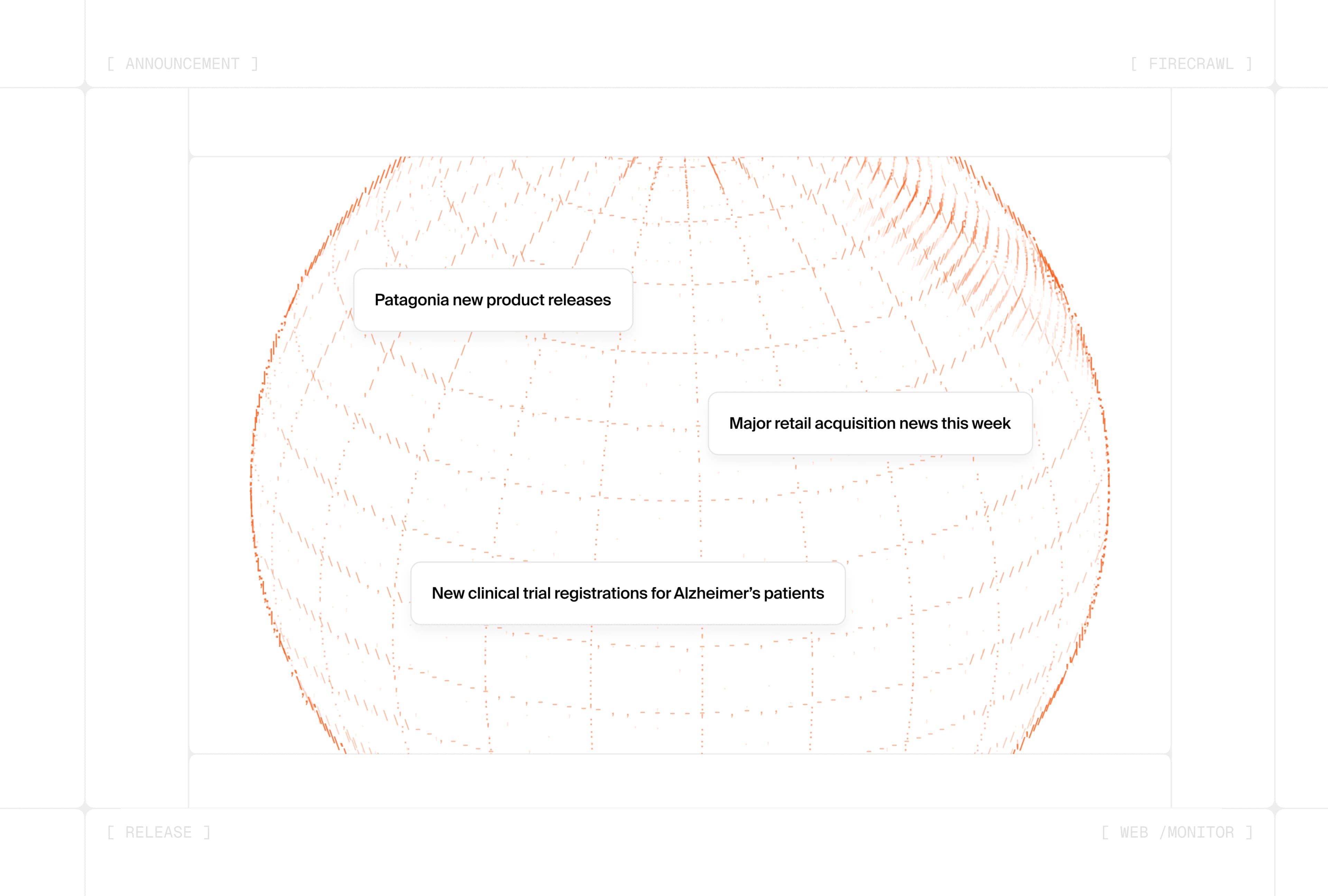
Today we're launching web-scale /monitor: an always-on search that watches the web and pings you or your agent the moment something comes online.
Before, /monitor only worked for single pages or websites. You named the URLs, Firecrawl diffed them on a schedule, and notified you when something changed. Now you can use that same power on the entire web.
Define a query and a goal, and Firecrawl runs the search on your schedule, dedupes results, and alerts only when new, relevant pages appear. Every run delivers what's new and meaningful to your AI agent or app, via webhook or email.
What is web-scale /monitor?
Web-scale /monitor finds new pages across the web as they appear. You define one or more search queries, a recency window, and a plain-language goal. On every check, Firecrawl:
- Runs the queries against the web
- Filters to results inside your
searchWindow - Dedupes by canonical URL against prior checks
- Judges new results against your goal (when judging is enabled)
- Pings you or your agent when something worth acting on comes online
Pages and sites vs. the entire web
| Page/Site Monitoring | Web Monitoring | |
|---|---|---|
| Scope | Single pages or websites you name | The entire web |
| You provide | URLs or a site to crawl | Search queries + a goal |
| Each check | Scrapes known pages and diffs them | Searches the web for new matches |
| Alerts on | Content changes on watched URLs | New results the judge finds relevant |
| Best for | Pricing pages, changelogs, docs you already track | Regulations, competitor moves, breaking stories |
Same scheduling, goals, judging, and notification channels underneath. If you've used /monitor for page watching, the API shape will feel familiar: web monitors use a search target instead of URLs.
Create your first web monitor
A web monitor is a standard create_monitor call with a type: "search" target:
from firecrawl import Firecrawl

firecrawl = Firecrawl(api_key="fc-YOUR-API-KEY")

monitor = firecrawl.create_monitor(
    name="AI coding assistant launches",
    schedule={"text": "every 30 minutes", "timezone": "UTC"},
    goal="Alert when a new open-source AI coding assistant is announced. Ignore funding rounds and unrelated AI news.",
    targets=[
        {
            "type": "search",
            "queries": ["open source AI coding assistant launch"],
            "searchWindow": "24h",
            "maxResults": 10,
        }
    ],
    notification={
        "email": {
            "enabled": True,
            "recipients": ["alerts@example.com"],
            "includeDiffs": True,
        }
    },
)

print(monitor.id)
The same call in Node:
import Firecrawl from "@mendable/firecrawl-js";

const firecrawl = new Firecrawl({ apiKey: "fc-YOUR-API-KEY" });

const monitor = await firecrawl.createMonitor({
  name: "AI coding assistant launches",
  schedule: { text: "every 30 minutes", timezone: "UTC" },
  goal: "Alert when a new open-source AI coding assistant is announced. Ignore funding rounds and unrelated AI news.",
  targets: [
    {
      type: "search",
      queries: ["open source AI coding assistant launch"],
      searchWindow: "24h",
      maxResults: 10,
    },
  ],
  notification: {
    email: {
      enabled: true,
      recipients: ["alerts@example.com"],
      includeDiffs: true,
    },
  },
});

console.log(monitor.id);
Tune recall and precision
Two levers do different jobs:
queriescontrol recall: what each search pulls in. Cast a wide enough net with relevant terms and variations, then let your goal decide what actually alerts.goalcontrols precision: which retrieved results actually alert.
Good queries read like search terms, not sentences. Use includeDomains and excludeDomains for domain scoping instead of site: operators in the query string:
{
  "type": "search",
  "queries": ["FDA drug approval", "clinical trial results"],
  "searchWindow": "24h",
  "maxResults": 10,
  "includeDomains": ["fda.gov", "clinicaltrials.gov"]
}
Get pinged by webhook or email
Point a webhook at your agent and subscribe to monitor.page and monitor.check.completed, the same events page monitors use. When a new matching result comes online, the payload arrives with status: "new" and a judgment explaining why it matters:
{
  "success": true,
  "type": "monitor.page",
  "data": [
    {
      "monitorId": "019df960-06e7-7383-9d89-82c0113dc31a",
      "checkId": "019df960-5f2a-75fb-a98b-bd2d32ca67d4",
      "url": "https://news.ycombinator.com/item?id=40000000",
      "status": "new",
      "isMeaningful": true,
      "judgment": {
        "meaningful": true,
        "confidence": "high",
        "reason": "A new open-source AI coding assistant was announced, which matches the monitor goal."
      }
    }
  ]
}
Email summaries work the same way: sent only when a check surfaces new or errored results.
What you can build with web-scale /monitor
| Use case | Example queries | Goal |
|---|---|---|
| Track regulatory and legal changes | FDA approval, clinical trial posting, SEC filing | Alert when a new approval, trial, or filing is published |
| Monitor competitor developments | "Acme Corp" funding OR acquisition, competitor careers site | Alert on funding rounds, new roles, or product launches |
| Track breaking news and events | Phase 3 trial results biotech, M&A filing | Alert when trial results or deal filings appear |
Replace the DIY stack
Before web-scale /monitor, staying current on the open web meant wiring together a scheduler, a search API, deduplication logic, a relevance filter, and a notification layer, then maintaining all of it as queries and sources shift.
One endpoint replaces that stack. You define the query once; Firecrawl handles the always-on search, dedupe, classification, and delivery.
Pricing: web monitors cost 2 credits per 10 results per check, plus 1 credit per result the judge evaluates when judging is enabled. There is no separate per-monitor fee.
Try it today
Web-scale /monitor is live for all Firecrawl users.
- Create a monitor in the dashboard
- Read the Web Monitoring docs
- Wire the
monitor.pagewebhook into your agent or pipeline
If you're already watching known URLs with /monitor, add a search target alongside them: page monitors for what you know, web monitors for what hasn't been published yet.