Ask an agent to scrape a paginated website and you'll usually get page one, thirty results, and a confident "done." The site might have forty pages behind it. The agent has no reliable way to know that.
Firecrawl solves this differently: it hands back structured JSON instead of raw HTML, so you don't need site-specific parsing logic at all. And because every page comes back in the same predictable shape, there's a universal stop condition: the last page is just the one that returns zero results. Let's go through how to implement this.
Getting an API key
Scraping with Firecrawl works keyless: the scrape endpoint can be called without an API key from any official client (SDK, CLI, or MCP server), rate-limited per IP. Sign up on the Firecrawl dashboard to get a key if you want a higher rate limit and to unlock the other endpoints (crawl, extract, map), which do require one.
First scrape
This walkthrough uses the Node SDK, but the same pagination pattern applies with the Python SDK, the CLI, or through the MCP server if you're driving it from an agent interactively.
Install it, then set up a client:
// npm install firecrawl

import { Firecrawl } from "firecrawl";

const firecrawl = new Firecrawl({
  apiKey: process.env.FIRECRAWL_API_KEY, // optional
});
The first call just proves the connection works, scraping Hacker News as plain markdown:
const result = await firecrawl.scrape("https://news.ycombinator.com/news", {
  formats: ["markdown"],
});

console.log(result.markdown);
formats: ["markdown"] is spelled out here, but markdown is actually the default output if you omit formats entirely. Run this and you get every story on the page back as one wall of text, titles, points, and comments all mixed into the markdown. Useful for a quick check, not for anything you'd want to parse programmatically.
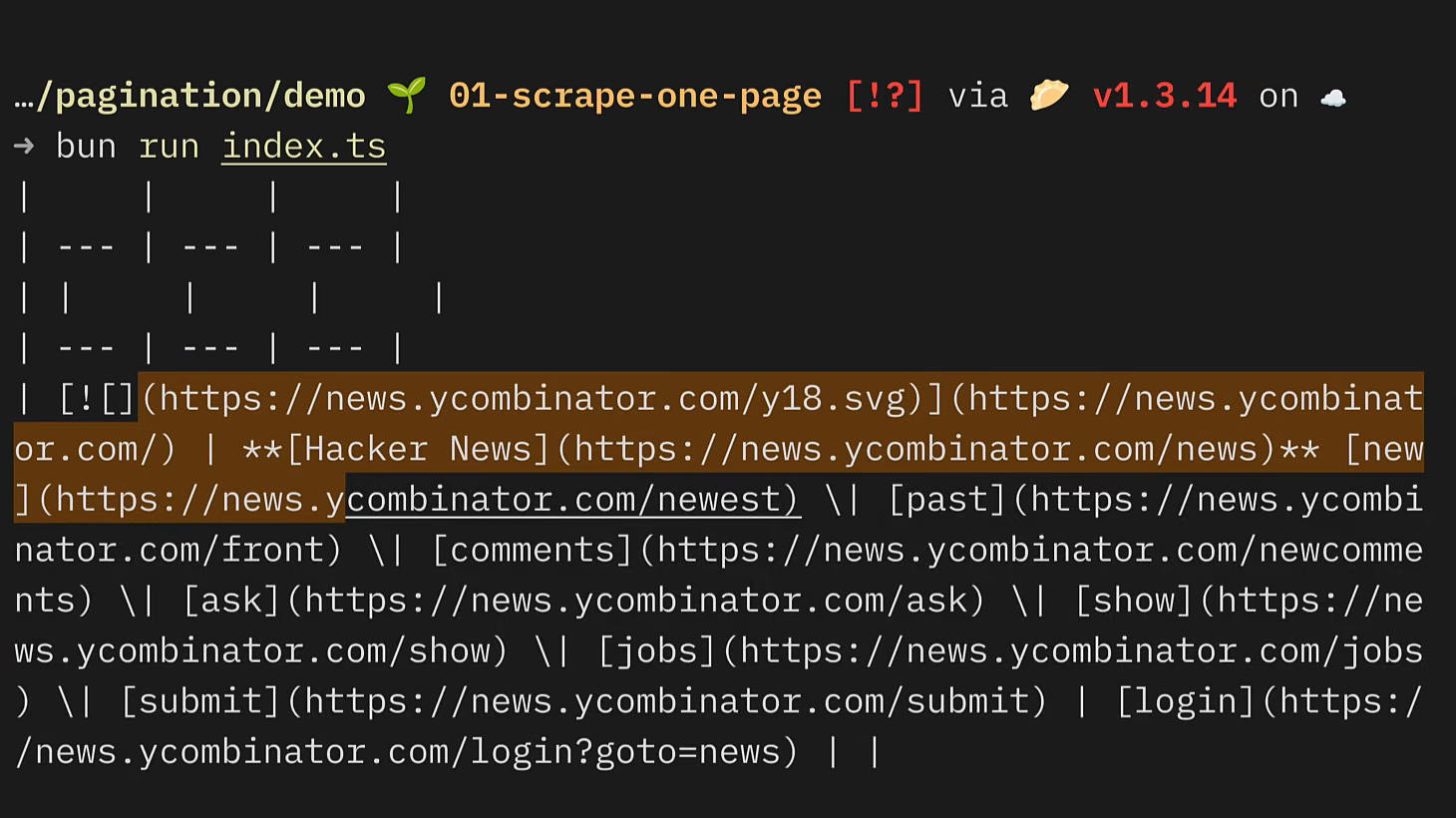
Structured data instead of a wall of markdown
To get the individual fields out, swap the format to json and describe what you want, either with a prompt alone or backed by a schema for a guaranteed shape:
import { z } from "zod";

const schema = z.object({
  stories: z.array(
    z.object({
      title: z.string(),
      url: z.string(),
      points: z.number(),
      comments: z.number(),
    })
  ),
});

const result = await firecrawl.scrape("https://news.ycombinator.com/news", {
  formats: [
    { type: "json", prompt: "Extract every story on the page.", schema: z.toJSONSchema(schema) },
  ],
});

const stories = (result.json as z.infer<typeof schema>).stories;
console.log(stories);
The Zod schema here is a Node SDK convenience, converted to JSON Schema before it's sent, since that's what the API actually accepts on the wire. Run this and result.json comes back matching the schema exactly: an array of stories, each with a title, url, points, and comments. No regex, no digging through markdown for the right substring.
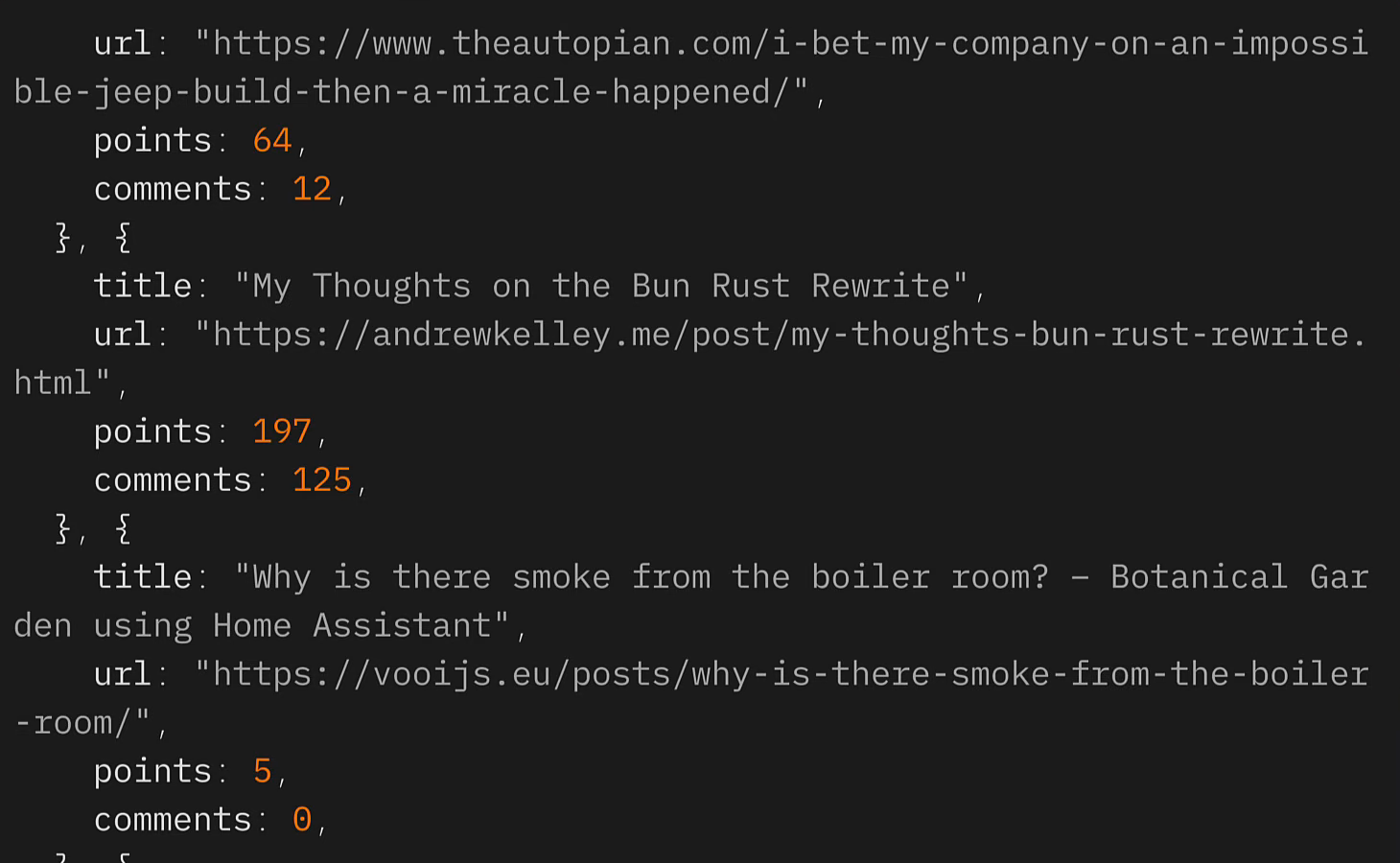
This still only covers page one, though. Hacker News caps each page at thirty stories, so this call always returns the same thirty no matter how many times you run it.
Walking every page until it stops
The trick is that Hacker News pages are just a URL with an incrementing ?p= parameter, and once you have JSON back on every page, "is there more" becomes a one-line check: did stories come back empty?
type ScrapeResult = z.infer<typeof schema>;
type Story = ScrapeResult["stories"][number] & { page: number };

const stories: Story[] = [];
let page = 1;

while (true) {
  const result = await firecrawl.scrape(
    `https://news.ycombinator.com/news?p=${page}`,
    {
      formats: [
        { type: "json", prompt: "Extract every story on the page.", schema: z.toJSONSchema(schema) },
      ],
    }
  );

  const rows = (result.json as ScrapeResult).stories;
  if (rows.length === 0) {
    break;
  }

  stories.push(...rows.map((row) => ({ ...row, page })));
  page++;
}

await Bun.write("stories.json", JSON.stringify(stories, null, 2));
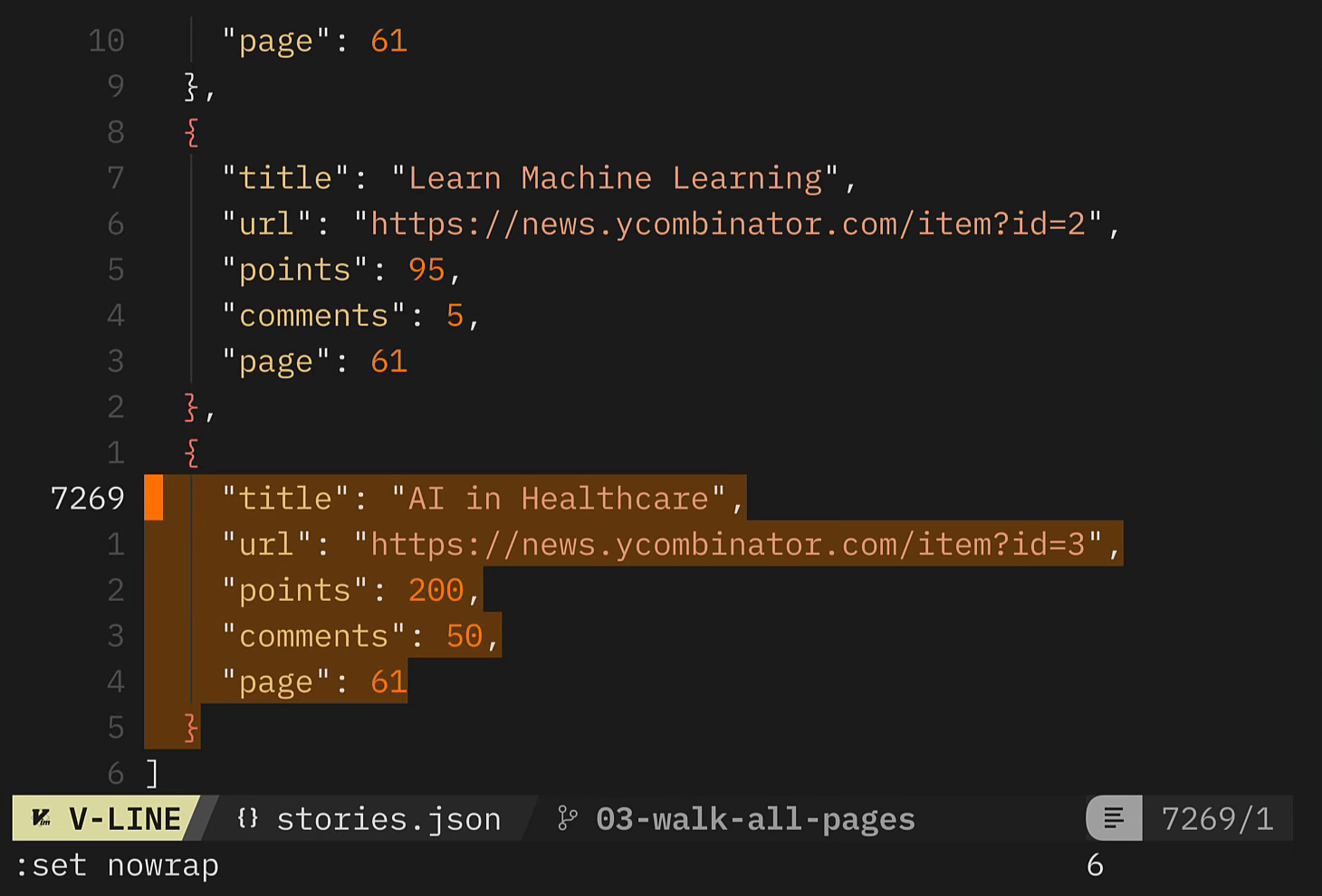
Each row gets stamped with the page it came from before being pushed into the stories array, which is handy later if you ever need to trace a story back to where it was scraped. The loop keeps incrementing page and re-scraping until a page's stories array comes back empty, at which point it breaks and writes everything collected to stories.json.
Running this against Hacker News walks all 61 pages and lands just under 1,040 stories in one file, no page-count guessing, no HTML markup to keep in sync with the site.
Not every paginated site uses a ?p= style URL. Plenty of older forums and directories use offset pagination instead, a start parameter that increases by the page size (?start=0, ?start=25, ?start=50, ...). The loop is identical, just swap the increment: instead of page++, you'd do start += PAGE_SIZE, and the same "empty results means stop" check still applies.
Try it on your own site
Swap the Hacker News URL for whatever paginated site you need, adjust the schema to match its fields, and the same loop handles the rest.
Try Firecrawl free at firecrawl.dev. For more, see the Node SDK and MCP server docs. To scrape an entire site from a root URL rather than walk a known paginated sequence, the /crawl endpoint handles link discovery and traversal automatically. For infinite scroll or click-driven pagination where no URL changes, the interact endpoint runs a real browser session you control.
Frequently Asked Questions
How do you scrape a paginated website with Firecrawl?
Scrape each page in a loop, incrementing the page number in the URL (or an offset parameter), and use Firecrawl's JSON format with a schema so every page returns the same structured shape. Stop the loop the moment a page's results array comes back empty, that's your signal you've hit the last page.
How do I know when to stop scraping a paginated site?
Once Firecrawl returns structured JSON instead of raw HTML, the last page is simply the first one where the extracted array (stories, topics, products, whatever the schema defines) comes back empty. You don't need to guess a page count or parse a site's HTML for a 'next' link.
Does Firecrawl support offset-based pagination?
Yes. Sites that page with a start or offset query parameter (?start=0, ?start=25, ?start=50) work with the same loop, just increment start by the page size instead of incrementing a page number, and stop on the first empty result set.
Do I need Zod to get structured JSON from Firecrawl?
No. Zod is a convenience in the Node SDK, it gets converted to JSON Schema before the request is sent, since JSON Schema is what the Firecrawl API actually accepts on the wire. You can hand-write a JSON Schema directly if you'd rather not use Zod.
Can Firecrawl scrape JavaScript-powered infinite scroll pages?
Not with a plain URL-incrementing loop, since there's no page URL to walk. For infinite scroll or click-driven pagination, use Firecrawl's interact endpoint instead, it controls a real browser session so it can scroll, click, and fill in forms to reach content that only appears after user interaction.
Why write pagination-walking code instead of letting an agent drive it through MCP or the CLI?
The MCP server and CLI can walk pagination interactively, an agent making one call per page inside a chat session, which works for a one-off 'get me this data now' request. Code is the better choice for anything that needs to run unattended (a cron job, a CI pipeline, a backend service): no LLM call per page, cheaper and more repeatable runs, and output that lands in a data store instead of a chat window.