A quick history lesson before we get to the launch.
Black Friday is the older of the two, and it was always about stores: crowds, early openings, doorbusters. Cyber Monday came later. The National Retail Federation's Shop.org coined the name in 2005, after retailers noticed a spike in online sales on the Monday after Thanksgiving. The reason was simple. A lot of people didn't have fast internet at home yet, so they came back to work on Monday and did their holiday shopping from the office.
No judgement. Some of us were probably among them.
Twenty years later, almost everyone has fast internet everywhere, and the shopping has spread across the whole week. What hasn't changed is the work involved. Every checkout page still has the same little box: "Have a promo code?" And every year, a lot of us stop what we're doing, open a new tab and go looking for one. Usually we find a page of expired codes and a pop-up asking for our email.
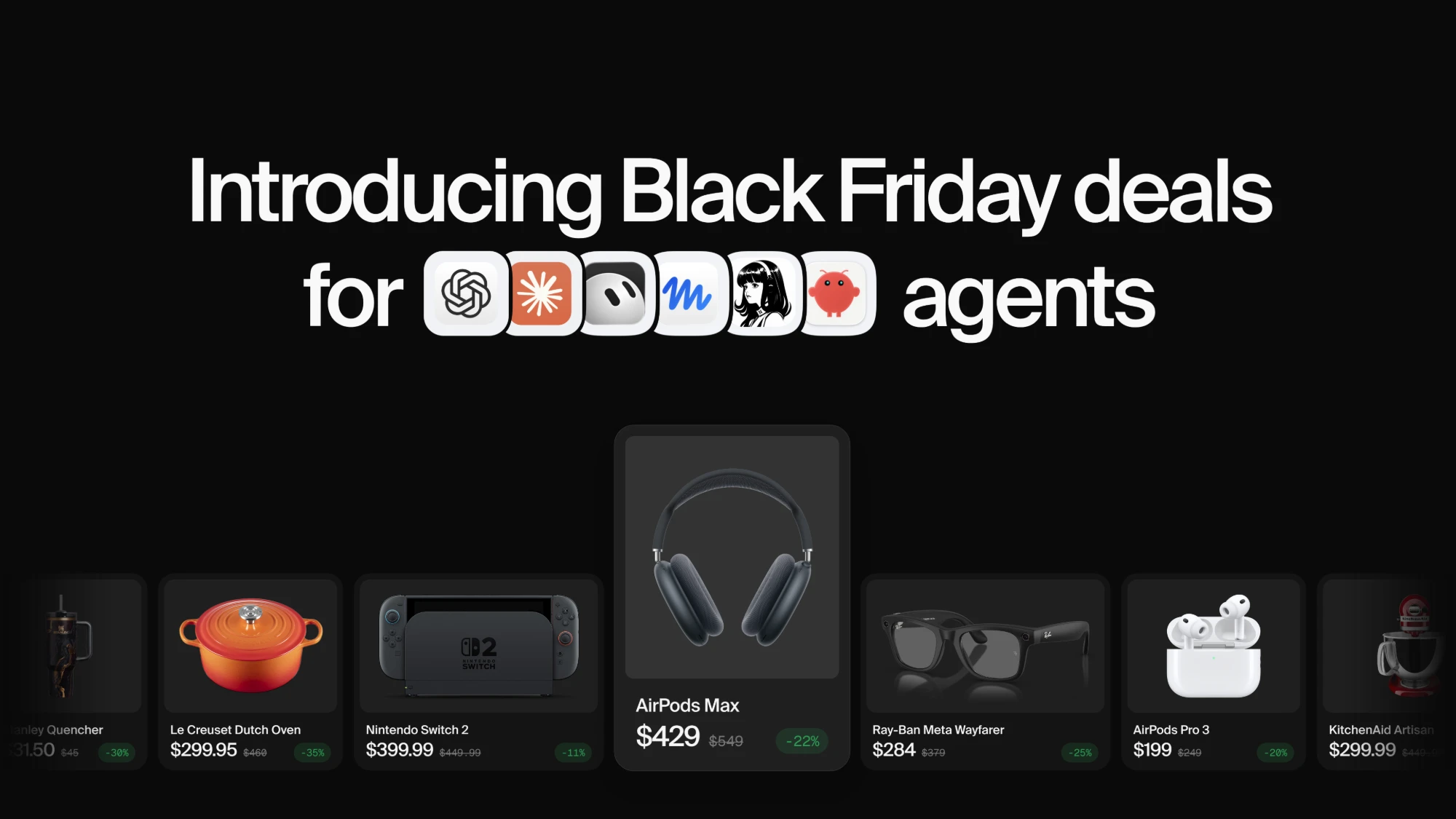
So starting today, your AI agent can do that part for you.
With the Firecrawl plugin, ChatGPT, Claude or your own agent can now:
- Search 3M+ coupon codes, with 40,000+ live right now.
- Find codes for 30,000+ stores in one call.
- Browse Black Friday ads and deals from 9 deal sites.
You can try it now. The rest of this post covers how it works and what it doesn't do.
The problem isn't finding deals
Deals aren't hidden. If anything, there are too many places to look. Coupon codes are spread across one set of sites, Black Friday ads across another, and every store runs its own promotions on its own schedule. None of it is hard. It's just tedious, and tedious is how most of us end up giving up and paying full price.
Tedious is also what agents are good at. An agent will happily check every source, compare the results and come back with the codes for the store you're shopping at, plus what the deal sites are showing for the thing you want. It doesn't get distracted by a lightning deal on an air fryer. (We can't say the same.)
What to ask
You talk to it the way you'd talk to anyone you'd trust with your shopping list:
"I'm buying running shoes from Nike this week. Find me coupon codes before I check out."
"What are the best Black Friday deals on noise-cancelling headphones so far?"
"Here's my gift list. Check for codes at each of these stores."
You get back a short list. If you're building your own shopping agent, it can use the same search.
How it works
The obvious way to build this is to have your agent visit a dozen coupon sites and scrape each one. That works until a site changes its layout, which tends to happen at the worst possible time.
So we did it the other way. Your agent makes one call to Alexandria and gets back codes for the store you asked about. There's no list of coupon sites to keep up to date.
Getting started
- Install the Firecrawl plugin in ChatGPT, Claude or your own agent.
- Tell it what you're buying, or which store you're checking out at.
That's it. Everything's at alexandria.firecrawl.dev/go/deals.
What it doesn't do
We'd rather tell you now than have you find out at checkout:
- It can't make a code work. Some codes will have expired by the time you use them, and stores can decide a code doesn't apply to your order. We find the codes. The store decides whether to accept them.
- It can't promise savings. Sometimes the price you already found is the best one. That's still worth knowing.
- It doesn't cover every store yet. If a store or deal site you want is missing, tell us. A lot of what's in Alexandria is there because someone asked.
In 2005, Cyber Monday meant shopping from your desk at work. This year, your agent can do the searching from wherever you are. Happy Thanksgiving from all of us at Firecrawl.
Use Firecrawl in your agent
Add Firecrawl to ChatGPT, Claude, Cursor and more in one click.