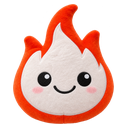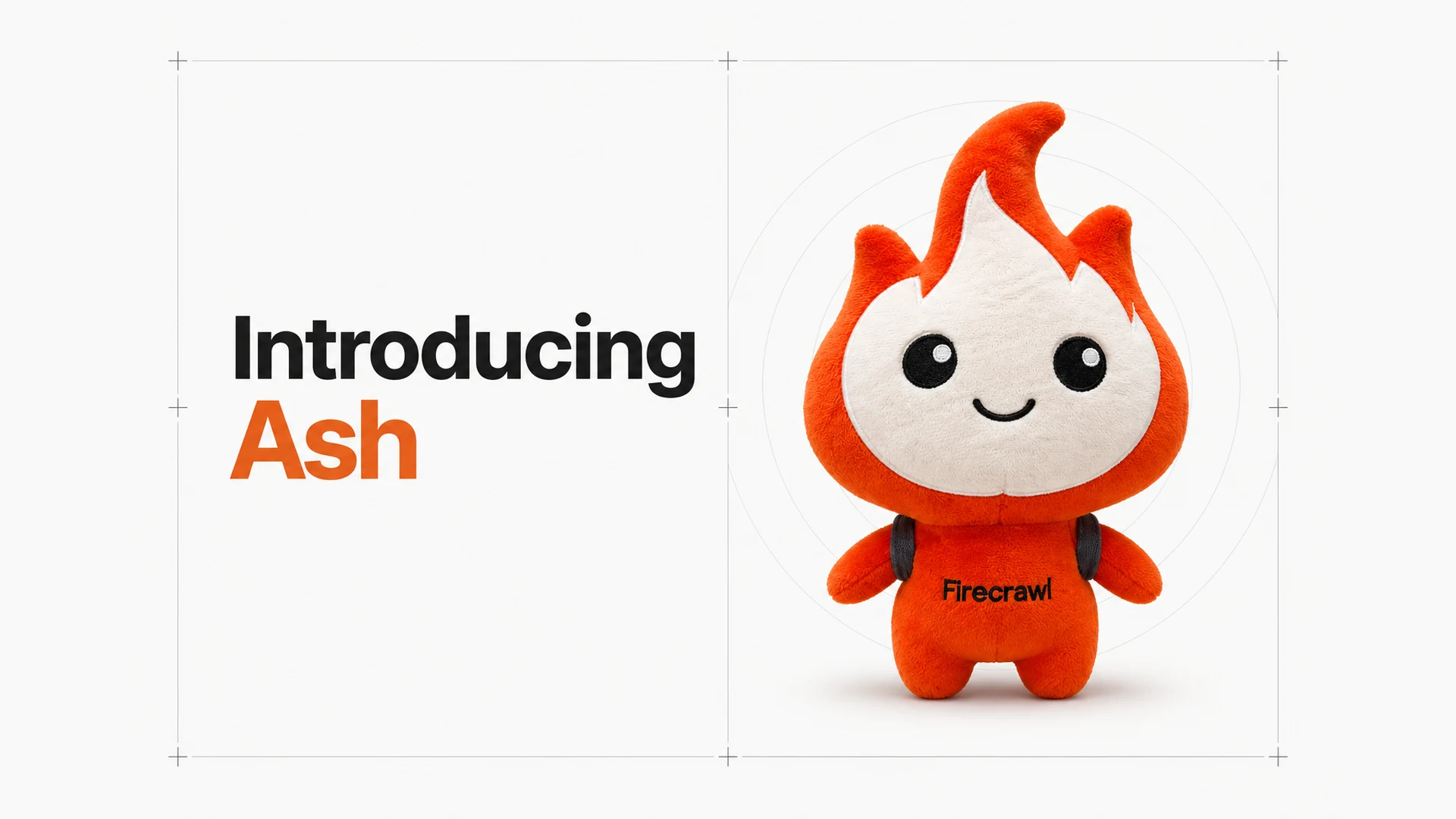
If you've visited one of our offices or stopped by our booth at an event, you've probably met Ash already. Ash is the small plush flame on our desks, in our team photos, and on the table at every event we go to. Ash has been part of Firecrawl for a while. We just never made a proper introduction.
So, everyone, meet Ash.
Where Ash came from
People hear "fire" in our name and picture something burning down. We picture the opposite. Fire is how people cooked, forged tools and gathered to swap ideas. It's the oldest way we have of turning raw material into something useful, which is roughly our job description too.
Ash is what fire leaves behind once the work is done. For us, that's the good part. It's proof something happened, and the start of whatever gets built next. So that's what we named our flame.
Where you'll find Ash
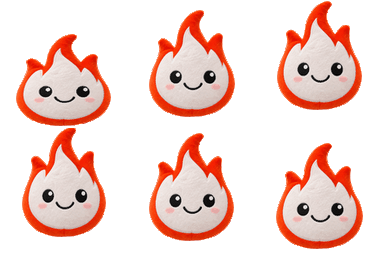
Ash lives all over our offices and travels to our events, usually several at a time. Ash doesn't talk, doesn't have a hot take on your crawl settings, and doesn't need to. Mostly, Ash makes a room feel a little warmer.
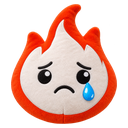
Ash also became how we talk to each other in Slack. A deploy lands and Ash is laughing. A test fails at 6pm and Ash is sad. Someone asks a hard question in a thread and Ash is thinking about it. Which brings us to the celebration.
The Ash emoji pack
To mark the introduction, we're releasing Ash as a free emoji pack for your team.
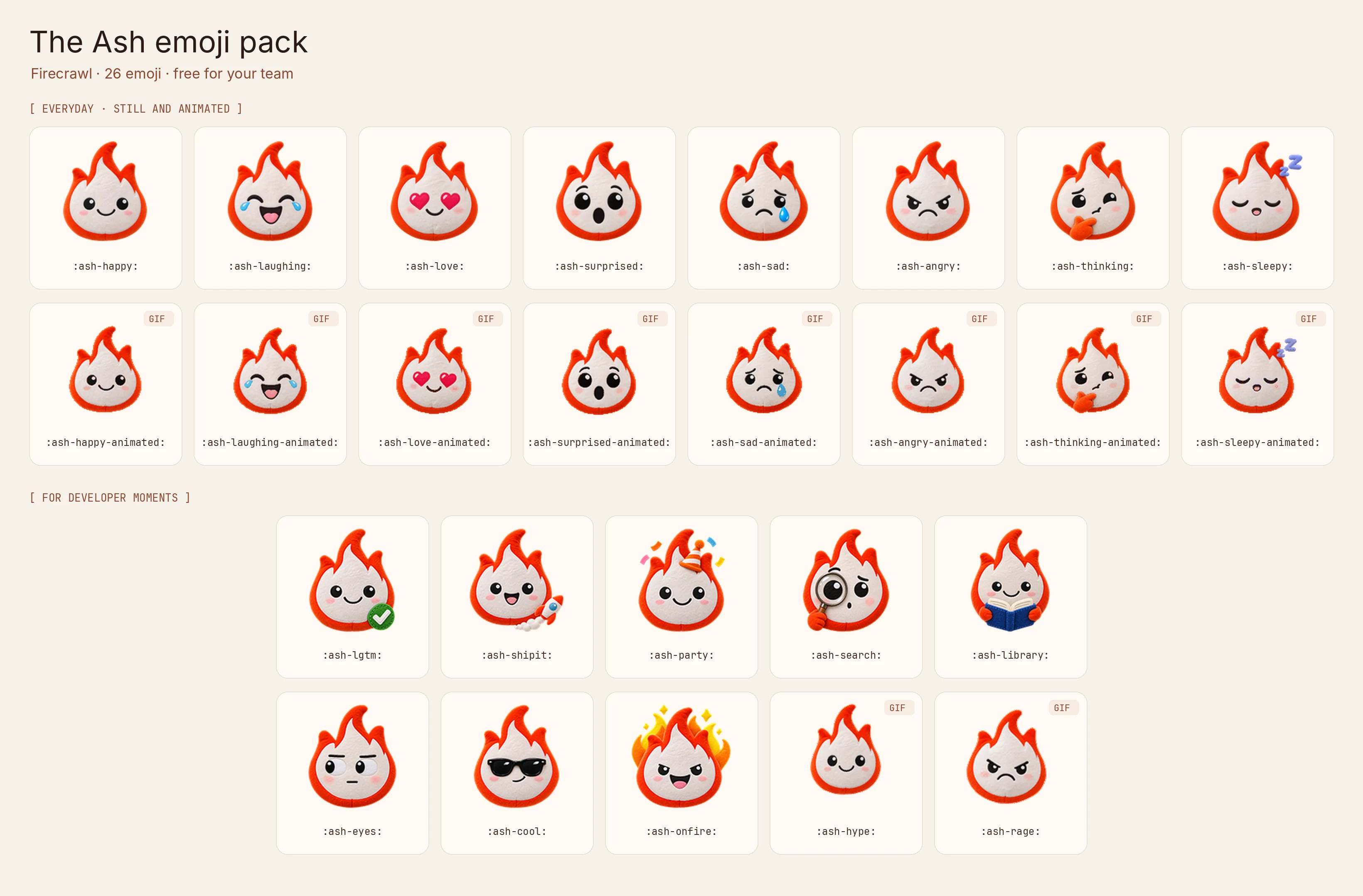
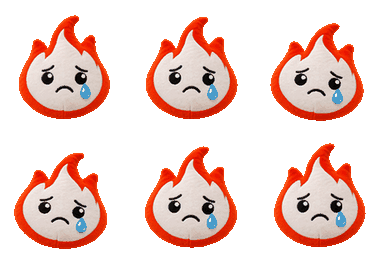
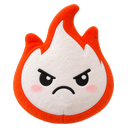
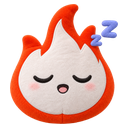
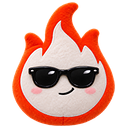
There are 26 emoji. Eight cover most of a workday, with Ash happy, laughing, in love, surprised, sad, angry, thinking or sleepy, and each comes in a still and an animated version. The other ten are for the moments developers react to most. ash-lgtm for a clean review, ash-shipit for a release, ash-party when it lands, ash-search for a closer look, ash-library for a good find, ash-eyes for a thread you're watching, and ash-cool, ash-onfire, ash-hype and ash-rage for everything else.
Every file is a square, transparent PNG or GIF under 128KB, so Ash looks right in light and dark mode and fits Slack's limits. They work in Discord and most other team chat apps too.
Let your agent add Ash
Nobody wants to upload 26 emoji one at a time. Give the job to your agent.
Paste this into any agent that can use a browser, and sign in to Slack when it asks.
Add the Ash emoji pack to my Slack workspace.

1. Download
   https://www.firecrawl.dev/brand/ash/ash-emoji-pack.zip
   and unzip it.
2. Open my workspace's emoji page at
   https://<my-workspace>.slack.com/customize/emoji
   and ask me for the workspace name if you don't know it.
3. For each image, click Add Custom Emoji, upload the file,
   and name it exactly the file name without the extension
   (ash-happy.png becomes ash-happy).
4. Skip any name that already exists in my workspace.
5. When you're done, list what you added and what you
   skipped.
A few minutes later, Ash is in your emoji picker. Keeping the ash- prefix groups the whole set together.
Prefer to do it yourself?
- Download the pack and unzip it.
- In Slack, click the smiley face in any message box, then Add Emoji, then Upload Image.
- Choose a file, give it the same name as the file (ash-happy, for example), and save. Repeat for the rest.
If you don't see Add Emoji, your workspace owner may have limited who can add custom emoji, so send them this post.
Using Ash
Ash is free to use in your Slack, Discord or team workspace, and in posts about Firecrawl. Please don't sell the pack, turn Ash into a new character, or use Ash in a way that suggests Firecrawl endorses you. Ash, the Firecrawl name and logo, and the Ash plush design remain Firecrawl's.
Get the pack
Or pick them one at a time.
| Emoji | Download |
|---|---|
:ash-happy: and :ash-happy-animated: | PNG · GIF |
:ash-laughing: and :ash-laughing-animated: | PNG · GIF |
:ash-love: and :ash-love-animated: | PNG · GIF |
:ash-surprised: and :ash-surprised-animated: | PNG · GIF |
:ash-sad: and :ash-sad-animated: | PNG · GIF |
:ash-angry: and :ash-angry-animated: | PNG · GIF |
:ash-thinking: and :ash-thinking-animated: | PNG · GIF |
:ash-sleepy: and :ash-sleepy-animated: | PNG · GIF |
:ash-lgtm: | PNG |
:ash-shipit: | PNG |
:ash-party: | PNG |
:ash-search: | PNG |
:ash-library: | PNG |
:ash-eyes: | PNG |
:ash-cool: | PNG |
:ash-onfire: | PNG |
:ash-hype: | GIF |
:ash-rage: | GIF |
Then show us where Ash ends up. Post a screenshot and tag @firecrawl, and tell us which reaction Ash should learn next.
And if you'd like to meet Ash in person, come find us at our next event. Ash will be there.
Use Firecrawl in your agent
Add Firecrawl to ChatGPT, Claude, Cursor and more in one click.